The Day 2 keynote at Google I/O was no match for yesterday’s Android keynote (though it did have people skydiving again), but Google delivered when it came to Google Docs: At long last, Google Docs has offline editing. The update has been added to Google Docs as of today, but you’ll need to take a few steps to enable it.

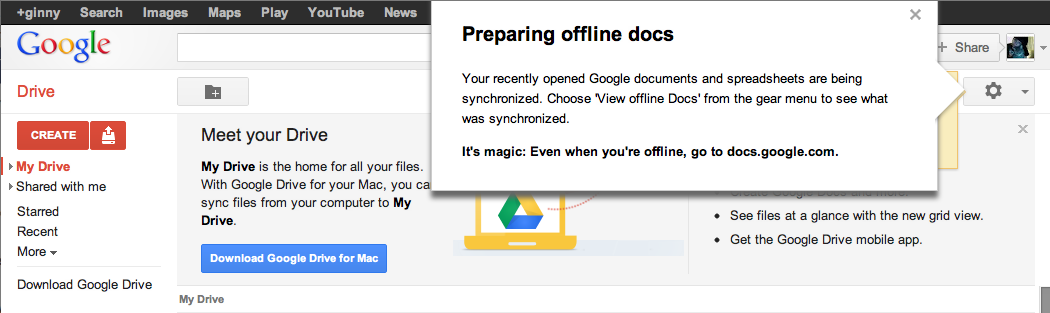
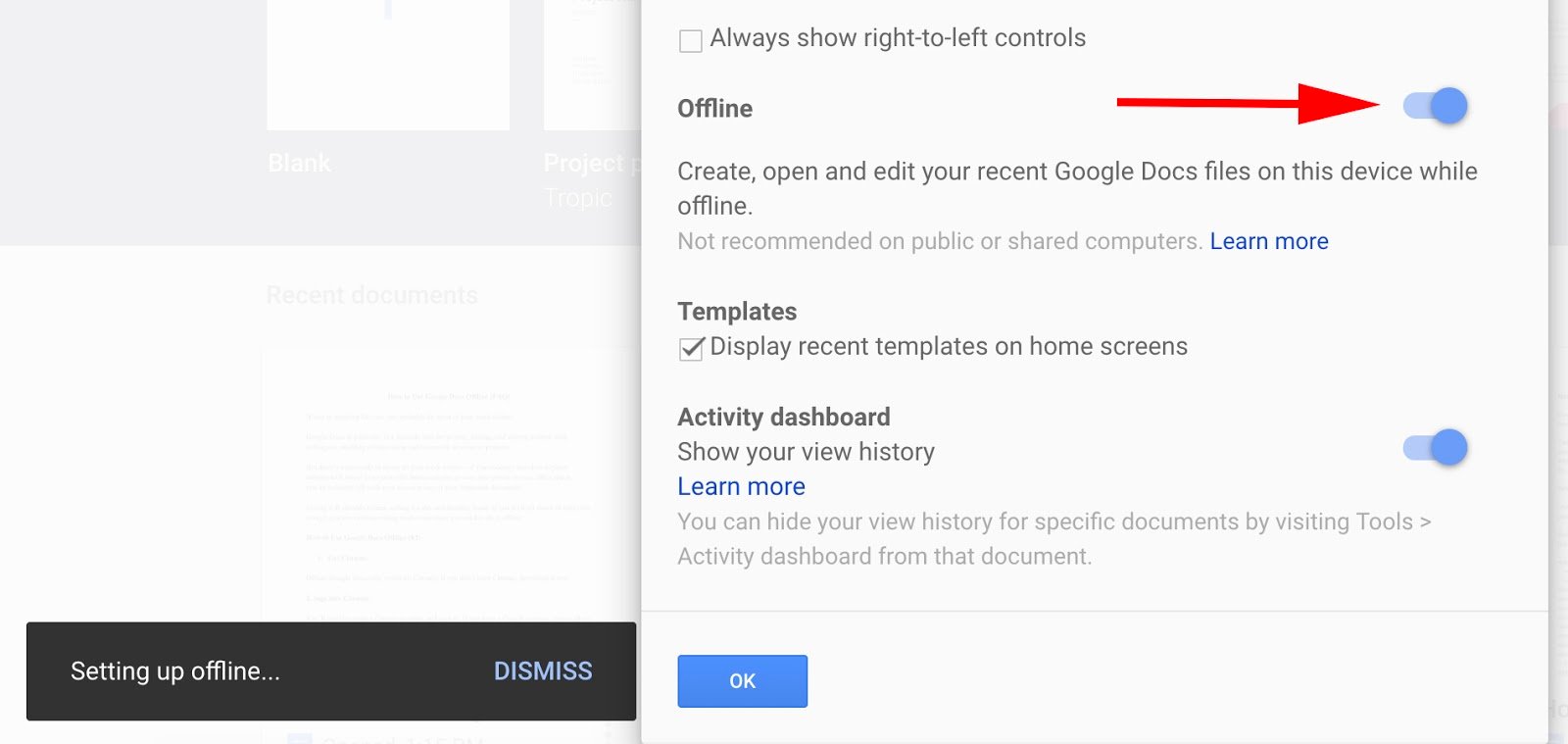
Offline mode in Google Docs is especially useful while traveling on an airplane or if you’re in a cafe with no Internet connectivity. When you get back online, your changes will be synced to the cloud. One drawback, however, is that offline support isn’t available to the full Google Docs suite. You’ll be able to edit only documents offline. You can view spreadsheets, but you can’t edit them. Presentations, drawings and other items from your Documents List won’t be available while you’re offline. If you use Firefox or Internet Explorer, this next bit of news might be disappointing: Offline mode works only in the Chrome browser. It’s a smart tactic by Google to get people to use Chrome, but it is a bit annoying if you don’t regularly use the browser. You’ll need to enable offline mode before you can use it.After setting up Chrome, you will need to allow offline access on your computer. If you’re using the classic look, click the gear icon in the upper right-hand of your window. If you are using the new look, click the grey gear just above your document list. You’ll see a new option in the drop-down menu that reads “Set up Docs offline (beta).” After clicking on that option, you’ll be taken to a separate window with an “Enable offline Docs” button. When you complete that step, you’ll be asked to install the Google Drive Chrome web app (if you haven’t already). You’re taken directly to the Chrome Store where you can quickly download the Drive app. The app will show up alongside your other Chrome apps; click on it and you’re back to your Documents List. Calling offline “magic” is bit over the top, don’t you think?In the upper right corner, you’ll see a notification informing you that your recently open documents and spreadsheets are being synchronized. Click “View offline Docs” from the gear menu, and you can see which documents are available to you offline. And that’s it–you’re ready to start working on Google Docs offline. The whole process takes about five minutes to set up if you already have Chrome installed on your PC. Google Documents in offline mode worked well and felt stable once I had it set up. I was disappointed that Well, it is still in beta.you can’t actuallycreate documents offline; you can only edit them. Bizarrely, there’s a button at the top of your offline documents window labeled “New Document,” but clicking on it brings you to a page informing you “this document is not available offline.” It seems like an oversight to include this non-functioning function, but this is a Google beta project after all. I hope that Google expands offline editing mode to spreadsheets and presentations in future updates as well.

 In Chrome, Google Drive operates as the local file system, said Clay Bavor, director of product management for Google Drive. He showed how a user can search through a folder of scanned receipts and find a particular receipt using a keyword search. The receipts are stored as image files, but the Drive application uses optical character recognition to index the text in the receipts.
 Google also showed how Google Docs and Google Drive can work together to allow “real-time collaboration.” It showed how three users can edit a text document simultaneously from three different devices, and have the changes all appear on each of the three screens.