
Like 2016, 2015 started with a lot of promises and big time resolution for technology companies, but unfortunately, not all those technologies made it through the year.
A large number of services/technologies either died, discontinued or gradually faded away in 2015. For every success recorded in 2015, there was a complementing failure. There is no shame in it, after all, the market is a battlefield. Some technology will fall to a better competition, others will simply fail to replicate the first spark there product generated or just not good enough in the modern trend. However, before we welcome what 2016 have in stock for us, let’s pause to remember five notable products and services whose death in 2015 will forever remain in our memory.
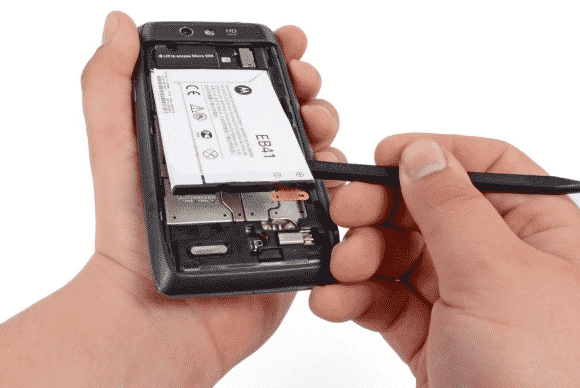
Replaceable batteries (c. 1954-2015)
The 61 long years of replaceable batteries finally came to an unexpected end in 2015 – well, in a way. If you used Samsung smartphone in 2013 then you are no stranger to short battery life, but then, you can at least carry 3 backup batteries in your pack… Not anymore!
The movement was first started when Apple decided that it could reduce the weight of devices by sealing non-removable batteries in their systems. Introducing the non-removable battery technology with the original iPhone and the first MacBook Air, and it has since stuck with this plan.
Today, no Apple products feature replaceable batteries, and neither does much of anything else. This year even the Samsung Galaxy Note line, long known for replaceable batteries, ditched them too. Today, the LG G4 is the only mainstream smartphone left that has one. We’re calling it dead except in niche or corporate products as of this year.
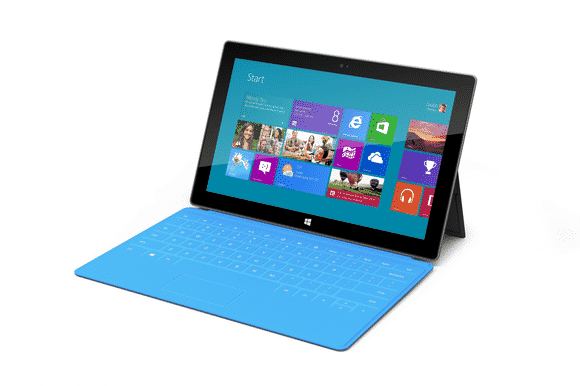
Windows RT (2012-2015)
Microsoft had only 3 years to surrender their failed attempt to create a cheap lite version of disastrous Windows 8. This “lite” version of Windows 8 was created for lower-power, cheaper tablets that couldn’t run the full-fledged OS.
RT-powered Windows tablets met with immediate disdain due to performance problems, a lack of software, and compatibility issues. Development on the OS ended in 2013, and when the Surface 2 was discontinued in February, Windows RT breathed its last. All Windows RT support formally ends in January 2018.
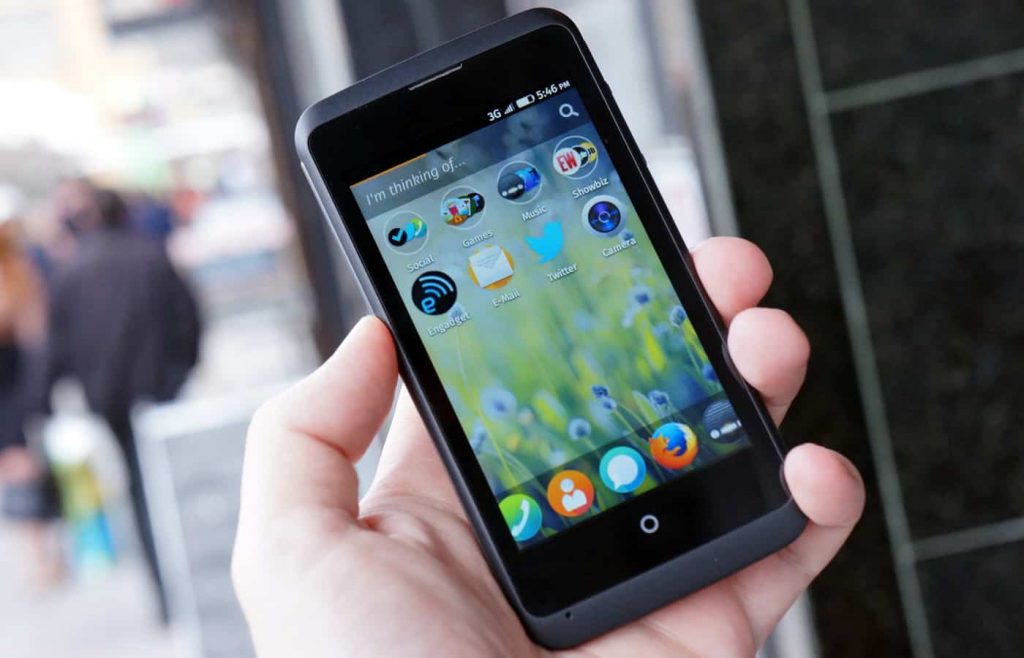
Mozilla Firefox OS for Smartphone (2013 – 2015)
In February 2013, Mozilla founded an initiative that let you have an open, web-based framework that anyone could work with, instead of closed platforms and apps – Firefox OS.
Firefox OS proved the flexibility of the Web, scaling from low-end smartphones all the way up to HD TVs. However, the OS couldn’t stand the competition from other tech giants or “weren’t able to offer the best user experience possible” as the owners claimed and hence the death of this initiative.
Even if Mozilla has maintained that they are still willing to “experiment” with the software on smart devices — they just won’t be the kind of devices that make phone calls.
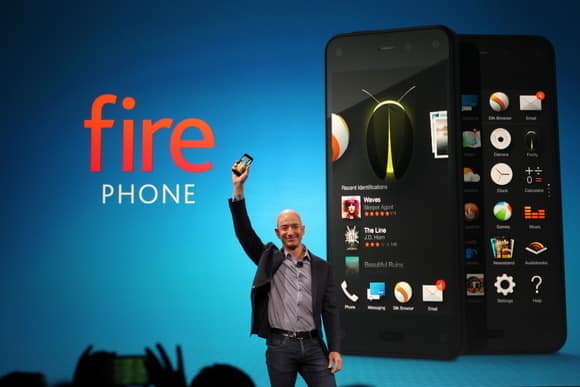
Amazon Fire Phone (2014-2015)
After upending publishing, retail, and cloud services, Amazon took on the cell phone industry in 2014 with its first-ever smartphone.
It will probably be its last.
The idea wasn’t particularly bad in concept: The Fire Phone was ambitious, designed to integrate with the retailer’s various offerings and make it easier to take advantage of the many services available to Amazon Prime members, along with more standard Android features. But for a phone focused on media consumption, the Fire Phone was undercooked and complicated, and its unique features just didn’t work well enough. Massive discounts began within months, and Amazon pulled the plug barely a year after launch.
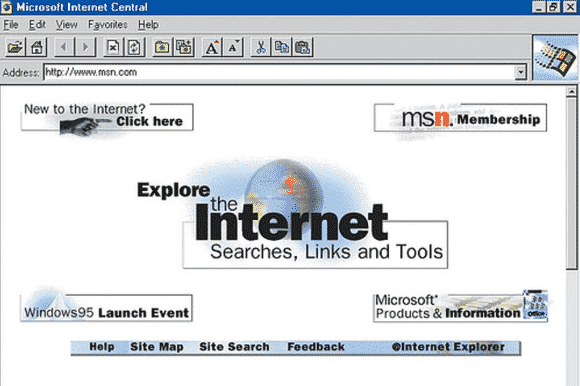
Internet Explorer (1995-2015)
The death of Microsoft Internet Explorer will probably be celebrated as the death of a tyrant by some PC users. Can it be that we’ve suffered for a full 20 years with good ol’ “Internet Exploder?” Designed as a competitor to Netscape—Netscape!—back in 1995, IE once boasted market share of over 90 percent, and as recently as 2009 still had a share of over 60 percent.
The dramatic rise of Chrome and, to a lesser extent, Safari killed IE, but the death blow has been delivered by Microsoft itself. While some of its code is still buried inside the guts of Windows 10, IE is effectively no more, replaced by Microsoft Edge—which was developed entirely separately from IE—as the default Windows browser. Microsoft has already announced restricted support plans for IE and will sunset it along with older versions of Windows.
Next on life support: Firefox.
 As interesting as the reliability figures was the level of improvement shown by these recent versions, some only months or even weeks old.

You must be logged in to post a comment.