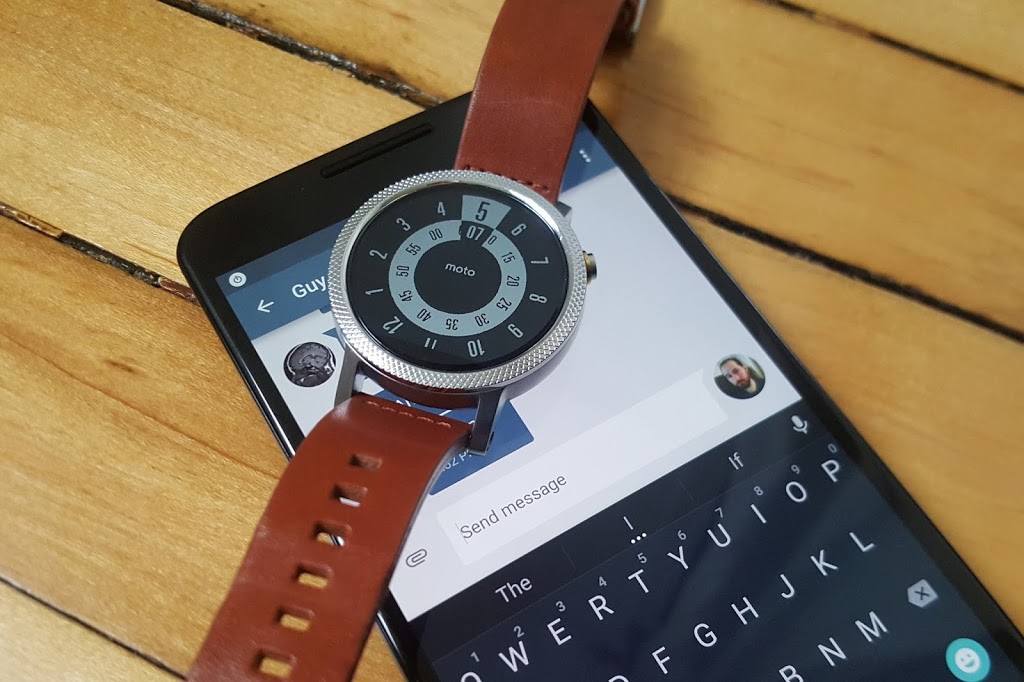
Google has certainly beefed up the feature set of Hangouts on Android Wear since launch, but just because Hangouts is the default messaging client on most Android phones doesn’t mean it’s your only option for messaging from your wrist.
There are plenty of great messaging apps with their own Android Wear modules. Let’s check out the best ones.
Coffee
Coffee is an interesting app because it’s an SMS client designed exclusively for Wear. The phone side is only used for configuring settings, adding quick responses, and organizing your contacts. Messages that come in on your phone are displayed on the watch with cool quick-reply features. The watch app includes dozens of pre-configured quick-reply snippets, but you don’t have to scroll through them all. They’re split up into categories, and similar statements are grouped together so you can build a reply in a few taps. There’s also voice input, of course. All the same messaging options are available if you want to send a new message from the watch—just open Coffee and select a contact.
Coffee (free)
Skype
You won’t (thankfully) be doing video calls on your watch any time soon, but the Skype app has support for messaging on Android Wear. You’ll need to be logged into the Skype app on your phone and have it running in the background, but you can reply to all your messages from the watch. Replies are handled by voice, canned responses, or by drawing an emoji.
Skype (free)
WhatsApp Messenger
WhatsApp is one of the most popular messaging services in the world, as evidenced by the more than 1 billion installs it has on the Play Store. WhatsApp was fast to add Wear support after Google’s wearable platform launched last year. Messages show up in full on the watch, and you can reply by voice. There’s no dedicated wearable app to select contacts or conversations, so all your messages have to be initiated by voice.
WhatsApp Messenger (free)
WearResponses
Unlike most other messaging apps for your wrist, WearResponses doesn’t try to take over for your main messaging app. Instead, it grafts new capabilities onto the existing SMS reply functionality. Android Wear still doesn’t have customized canned replies for SMS, and that’s what WearResponses provides. You simply add your desired text to the app, and when messages arrive on the watch via WearResponses, they’ll have your custom text as quick reply options. It’s best to turn off Wear notifications for your default SMS app so you don’t get duplicates. The free version limits you to three custom responses, but the $2.99 paid version is unlimited.
WearResponses (free / $2.99)
Wear Messenger
The tiny screen on your watch is not very conducive to typing, but Wear Messenger makes the experience not terrible, which is probably the best you can hope for. This app has a full wearable app that can be launched at any time to see all the active conversations and type out new replies with one of several keyboard options. You have to enable the keyboard in the phone settings app—the best one is FlickKey You tap or swipe each block of letters to get the ones you want. It’s not fast, but it’s feasible to shoot off short messages entirely from the watch. Wear Messenger also has full notification text and voice replies. It will cost you a little under $2.
Wear Messenger ($1.62)
Facebook Messenger
Despite the sorry state of the main Facebook app, the Messenger client is actually quite well-supported. Facebook Messenger notifications on your Android Wear watch have full text previews, as well as the ability to respond by voice or by drawing an emoji. Want something more immediate? Next to the reply button is one that just sends a thumbs up emoji.
Facebook Messenger (free)
Telegram
Telegram is a lot like WhatsApp in that it serves as a data-based replacement for SMS, but it’s free, open source, and end-to-end encrypted. It was also quick to add support for Android Wear, which entails expanded notification text and the option to reply via voice or by drawing an emoji. There’s no standalone Telegram app in the Wear launcher, though.
Telegram (free)
Messages for Android Wear
You want a full QWERTY keyboard on your watch? That’s what you get with Messages for Android Wear. It’s not as insane as it sounds, and this app has a ton of functionality for sending and reading your SMS. When messages arrive, you can view not only the current one, but the entire conversation via the wearable app. If you reply, there’s a voice option or a scrolling keyboard with text prediction. It’s possible to tap out a few words when speaking to the watch or using your phone isn’t an option. A $1.49 upgrade adds canned responses, a custom signature, and more.
Messages for Android Wear (free)
Evolve SMS
EvolveSMS is a full-featured SMS app for your phone, but it also has a great Android Wear client. It’s available in the app list and shows you all active conversations. Replies are handled only by voice—no fancy (or awkward) keyboards here. EvolveSMS also supports expanded message text on the watch when new messages arrive, and instant voice replies. The app is free, but if you want features like backup and themes, it’s $3 via in-app purchases.
Evolve SMS (free)
Google Messenger
Hangouts has SMS support, but Google also (for some reason) has a dedicated SMS app. I’m willing to forgive the overlap, though, because Google Messenger is fantastic. It doesn’t have a full Wear app in the launcher, but notifications on the watch have an expanded conversation view and the ability to reply by voice or with a quick response. It even has MMS image preview. Like all other Google apps, Messenger is free.
Google Messenger (free)