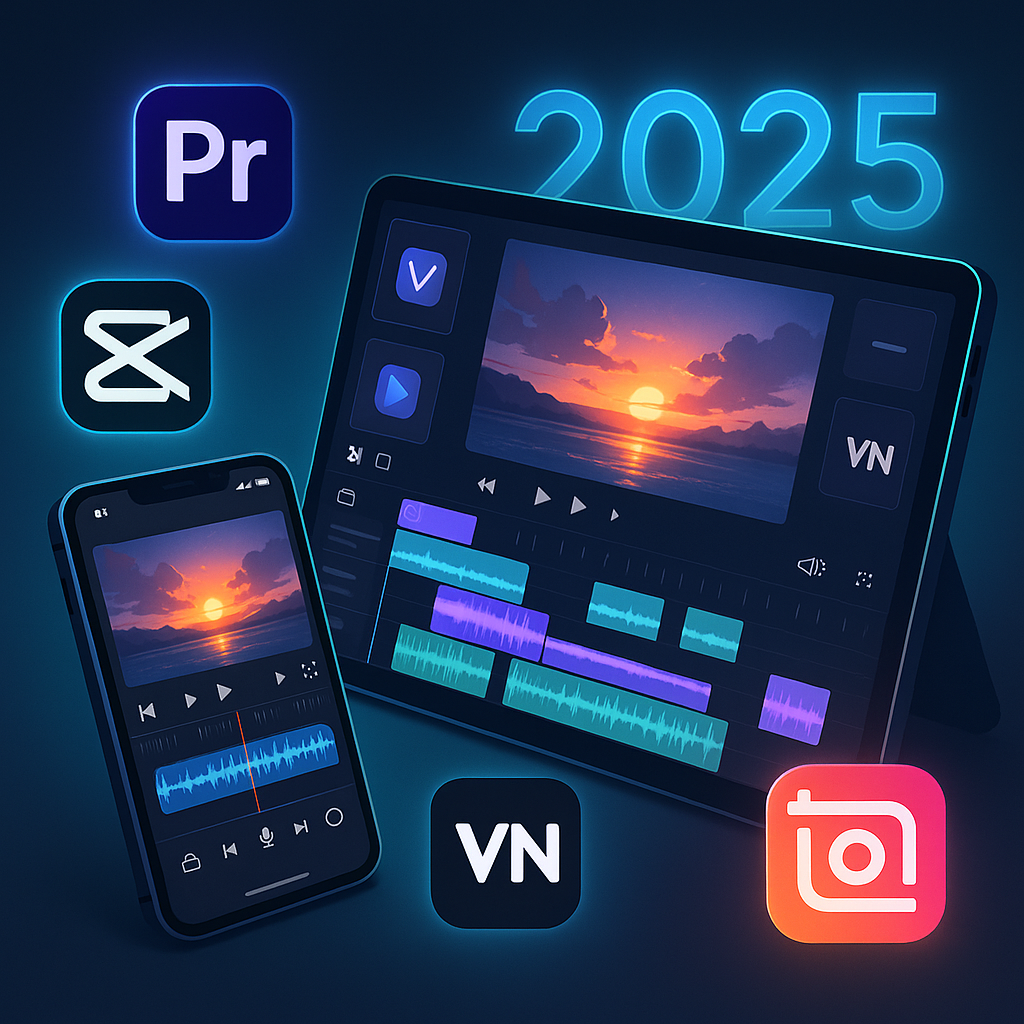
Quick Picks by Category (2025 Edition)
| Use Case | Best App | Why It Wins |
|---|---|---|
| Best Free (No Watermark) | VN Video Editor | Powerful tools, no watermark, pro-level timeline |
| Best for TikTok & Reels | CapCut | AI magic, auto-captions, effects that trend fast |
| Best for Cinematic Edits | LumaFusion | Multi-track timeline, color grading, pro exports |
| Best for Beginners | InShot | Simple interface, fun effects, quick sharing |
| Best AI-Powered Editor | Videoleap | New AI Cut Pro in 2025 is mind-blowing for auto-edits |
| Best Cross-Platform Sync | Adobe Premiere Rush | Cloud sync between devices, great for vlogs |
| Best for Tablet Editing | DaVinci Resolve (iPad) | Full desktop-grade editing on iPad — now with 2025 Magic Mask update |
Want to Improve Your Content Creation Skills?
While you’re here, check out these highly recommended tools to boost your productivity and enhance your content creation journey:
- Best Ad Blocker for YouTube on iPhone & Android – Block unwanted ads and improve your YouTube experience on mobile.
- Best Free Text-to-Speech Platforms in 2025 – Discover the best tools to convert text into high-quality speech, perfect for podcasts or videos.
- Top AI Image Generators for Text-to-Image Creation – Create stunning visuals from text prompts using AI-powered platforms.
The Top 7 Video Editing Apps of 2025
Each of these apps was tested for 4K export, ease of use, effects library, AI features, and social sharing capability. Here’s how they stack up:
1. VN Video Editor
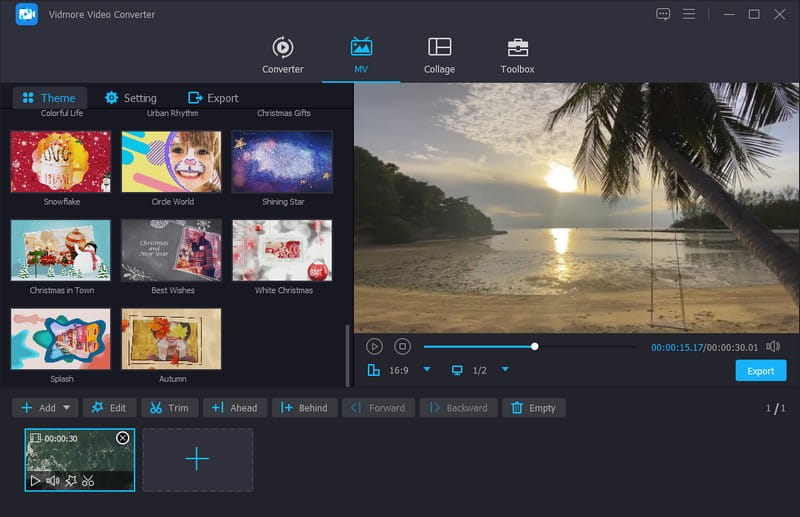
Best Free App Without Watermark
- Platforms: iOS, Android, iPad
- Watermark: None
- Price: Free (optional upgrade for cloud)
- New in 2025: Faster export engine, AI beat-sync
Why It’s Great:
VN gives you desktop-style editing with full timeline control, multiple layers, and even LUT support — all for free, and without slapping a watermark on your hard work.
Ideal for: Creators on a budget who still want professional cuts.
Pros:
- No ads, no watermark
- Precision trimming and keyframes
- Works great for IG Reels and YouTube Shorts
Cons:
- Audio library is limited
- Interface can feel a bit technical at first
2. CapCut
Best for Social Creators & Viral Shorts
- Platforms: iOS, Android, Desktop
- Watermark: Optional (can be removed)
- Price: Free with Pro upgrade
- New in 2025: Auto-scene generator for TikTok clips
Why It’s Great:
CapCut is owned by ByteDance (TikTok’s parent company), which means you’re editing with an unfair advantage. Expect filters, trending sounds, and automatic subtitle generation that matches TikTok and IG vibe perfectly.
Ideal for: Social media creators looking for fast, trendy, polished results.
Pros:
- AI-powered tools: remove background, auto captions
- Trend integration for music, stickers, and styles
- Cloud syncing and template library
Cons:
- Slight branding push toward TikTok
- Some features require login
3. LumaFusion
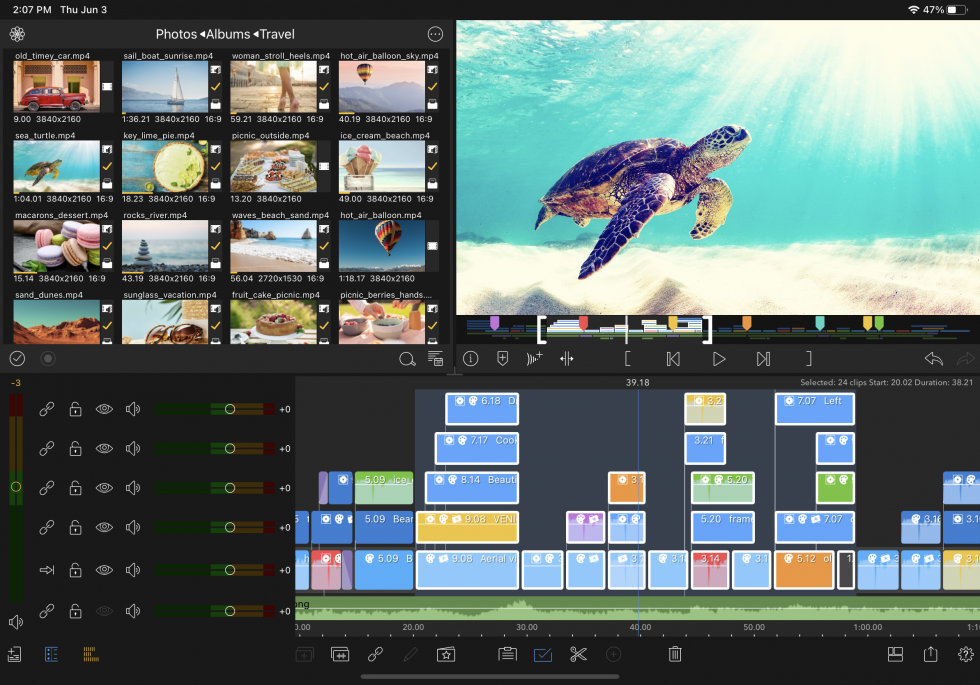
Best for Cinematic Projects and Semi-Pro Editors
- Platforms: iOS, iPadOS
- Watermark: None
- Price: One-time fee (~$29.99)
- New in 2025: Native support for Apple M3 chip, stabilized exports
Why It’s Great:
LumaFusion turns your iPhone or iPad into a full-blown editing suite. Perfect for indie filmmakers, vloggers, or YouTubers who need color grading, motion effects, and full control.
Ideal for: Editors coming from Final Cut or Premiere looking to edit on-the-go.
Pros:
- Multi-track editing
- Pro transitions and titles
- Advanced color correction tools
Cons:
- Not available on Android
- Learning curve is steeper than VN or InShot
4. InShot
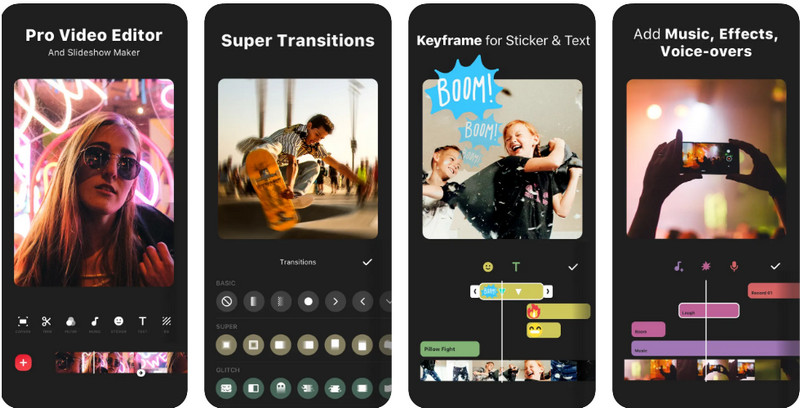
Best for Beginners and Casual Editors
- Platforms: iOS, Android
- Watermark: Yes (can be removed with Pro)
- Price: Free with Pro tier (~$3.99/month)
- New in 2025: Auto music sync, better portrait export presets
Why It’s Great:
InShot is perfect for creators who want quick, fun edits without the learning curve. Drag-and-drop effects, animated text, and filters are its strong points — and it’s optimized for vertical videos.
Ideal for: Instagram users, vloggers, small business promos
Pros:
- Super easy to use
- Great for fast-paced vertical content
- Nice built-in music and filters
Cons:
- Watermark on free plan
- Limited advanced control (no keyframes)
5. Videoleap
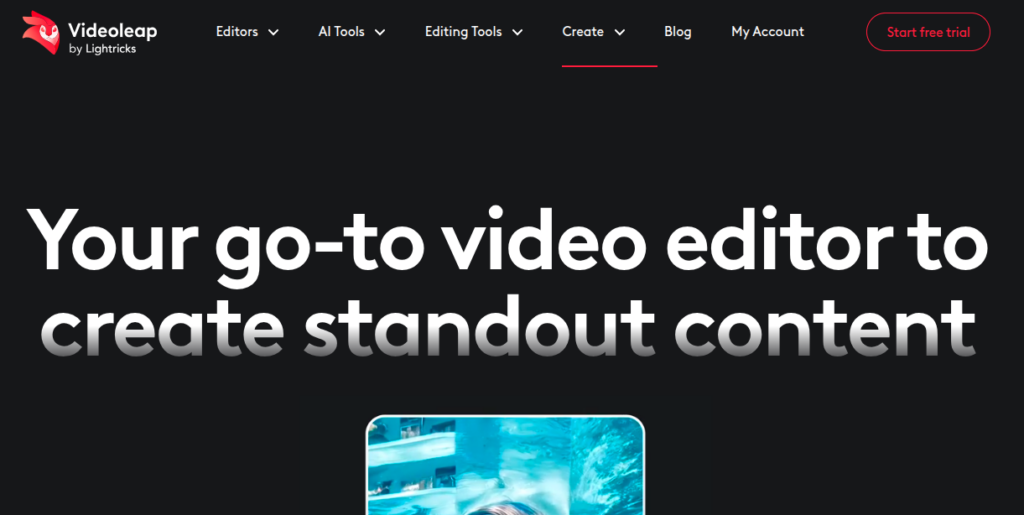
Best AI-Powered Editing App in 2025
- Platforms: iOS, Android
- Watermark: Yes (Pro removes it)
- Price: Freemium, Pro starts ~$7.99/month
- New in 2025: AI Cut Pro for auto-editing full reels from raw clips
Why It’s Great:
Videoleap has leaned hard into AI in 2025. Upload a bunch of footage, and the app generates a polished, trendy edit in seconds — complete with transitions, music, and effects. You can then tweak the result with its advanced editor.
Ideal for: Creators who want fast results with minimal effort.
Pros:
- Stunning auto-edits
- Lots of trendy effects and overlays
- Powerful manual editing for when needed
Cons:
- Free version has limits and watermark
- Pro plan is a bit pricey compared to peers
6. Adobe Premiere Rush
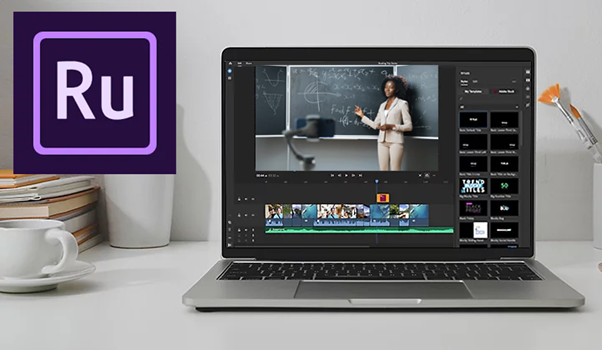
Best for Cross-Platform Editing & Sync
- Platforms: iOS, Android, Desktop
- Watermark: None (with Adobe account)
- Price: Included with Adobe Creative Cloud or $9.99/mo
- New in 2025: AI Voiceover Narrator + Desktop-to-Mobile Sync 2.0
Why It’s Great:
If you edit across devices — say, film on your phone and finish on your laptop — Rush is unbeatable. It integrates with Adobe Creative Cloud, so files sync automatically and you get access to Adobe’s fonts, stock, and templates.
Ideal for: Vloggers and semi-pros who want seamless workflow between devices.
Pros:
- Clean timeline, easy interface
- Adobe cloud sync
- Direct export to YouTube, TikTok, Instagram
Cons:
- Not as trendy as CapCut or VN
- Paid plan needed for most cloud features
7. DaVinci Resolve for iPad
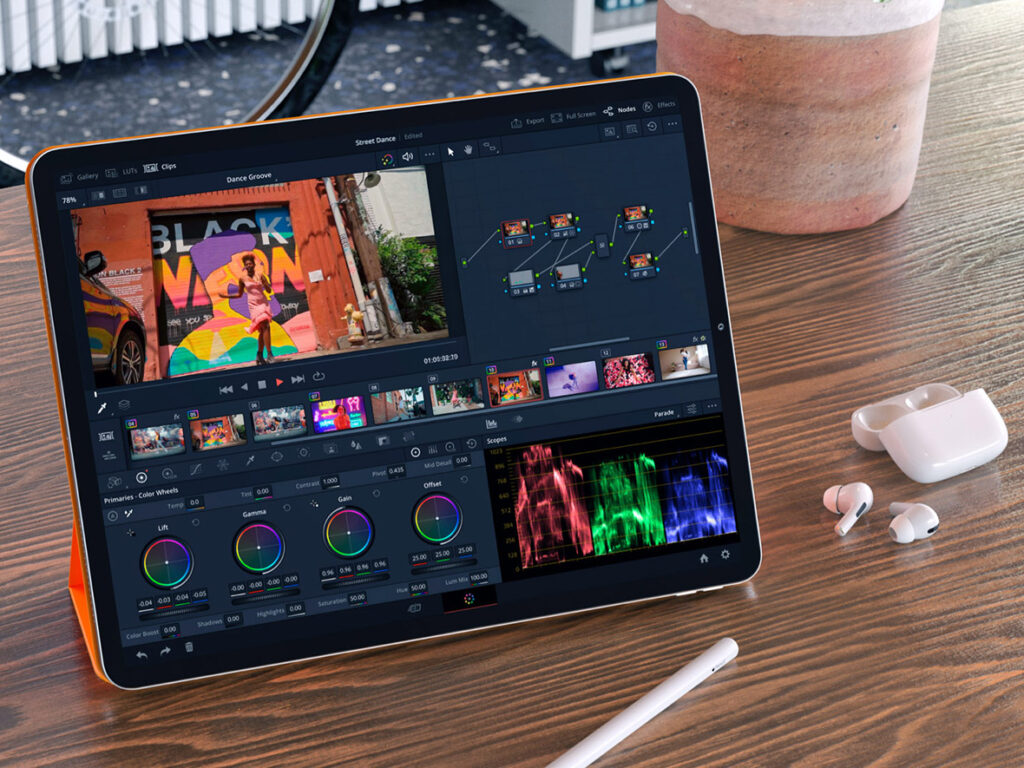
Best for Pro Editing on Tablet (2025 Beast Mode)
- Platforms: iPadOS (M1/M2/M3 only)
- Watermark: None
- Price: Free core version; $95 for Studio
- New in 2025: Magic Mask AI now optimized for touch, HDR-ready exports
Why It’s Great:
DaVinci is a serious editor — the same one used for Netflix-level productions. In 2025, the iPad version is faster, smarter, and fully touch-optimized. It’s the closest you’ll get to a desktop NLE on mobile.
Ideal for: Professionals editing documentaries, ads, or YouTube series on iPad.
Pros:
- Full-blown editing suite
- AI features like object tracking, voice isolation
- No watermarks, even on free version
Cons:
- Only works on newer iPads
- Learning curve for casual users
How We Ranked These Video Editing Apps for 2025
To find the best video editing apps for iOS and Android this year, we tested 25+ apps based on the features that matter most in 2025. We didn’t just go by app store ratings — we used them, abused them, and exported dozens of test videos on both iPhone 15 and flagship Androids (Samsung S24, Pixel 8 Pro). Here’s how we picked the top 7:
| Factor | Why It Matters |
|---|---|
| Ease of Use | Can you create a good video fast, even as a beginner? |
| Editing Power | Does it offer multi-layer editing, keyframes, masks, and transitions? |
| AI Features | Is there automatic scene cutting, voice cleanup, or smart templates? |
| Export Quality | Can you export 4K without watermarks? How fast is rendering? |
| Platform Support | Does it work on both iOS and Android? Any sync with desktop? |
| Value for Money | Free features vs paid plan — is the upgrade worth it? |
| Community & Support | Is there a helpful creator community or regular updates? |
We didn’t just list apps, we edited real content with them, including:
- Instagram reels
- TikTok short skits
- YouTube vlog intros
- Promo videos with voiceovers and captions
- AI-generated reels vs manual edits
Each app was scored from 1–10 per category. The apps that made our Top 7 had to hit at least 8/10 on three or more factors, no exceptions.
Which Video Editing Apps Should You Use in 2025?
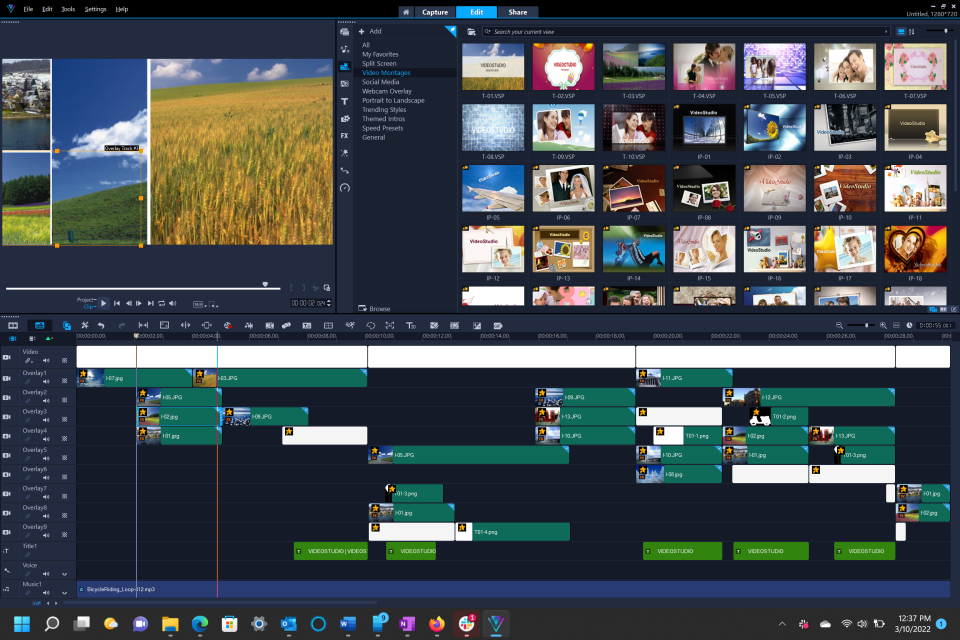
Not all apps are made for the same creator. Here’s a quick guide to help you choose based on your goals:
1. CapCut
If you’re just starting and want to post clean, polished videos fast — CapCut is unbeatable.
- Why it works: Intuitive UI, drag-and-drop effects, auto-captions, and templates.
- Perfect for: Reels, TikToks, and simple YouTube Shorts.
2. VN Video Editor
For long-form content with multiple layers and audio syncing, VN gives you near-premium tools for free.
- Why it works: Advanced timeline, no watermark, multi-track support.
- Perfect for: Vlogs, tutorials, and cinematic B-roll.
3. Videoleap
Want to create scroll-stopping content in minutes? Videoleap’s AI can auto-cut, auto-caption, and even suggest templates.
- Why it works: Smart trimming, AI script-to-video, and social optimization.
- Perfect for: Instagram Reels, product promos, and content batching.
4. LumaFusion (iOS Only)
Editing on iPad or iPhone and want Final Cut-level control? LumaFusion is the go-to.
- Why it works: Color correction, keyframes, LUTs, and pro audio tools.
- Perfect for: Filmmakers, YouTube creators, and mobile-first professionals.
5. Adobe Premiere Rush
If you want to start on your phone and finish on your desktop — or vice versa — Rush is seamless.
- Why it works: Syncs with Adobe Cloud, auto reformatting, clean UI.
- Perfect for: Creators in the Adobe ecosystem and hybrid mobile-desktop workflows.
6. InShot
Want to stylize your videos with trendy transitions, music, and filters? InShot does it all — no fuss.
- Why it works: Powerful presets, viral music library, glitch/strobe/speed effects.
- Perfect for: Trend-based content, edits on the go, and daily creators.
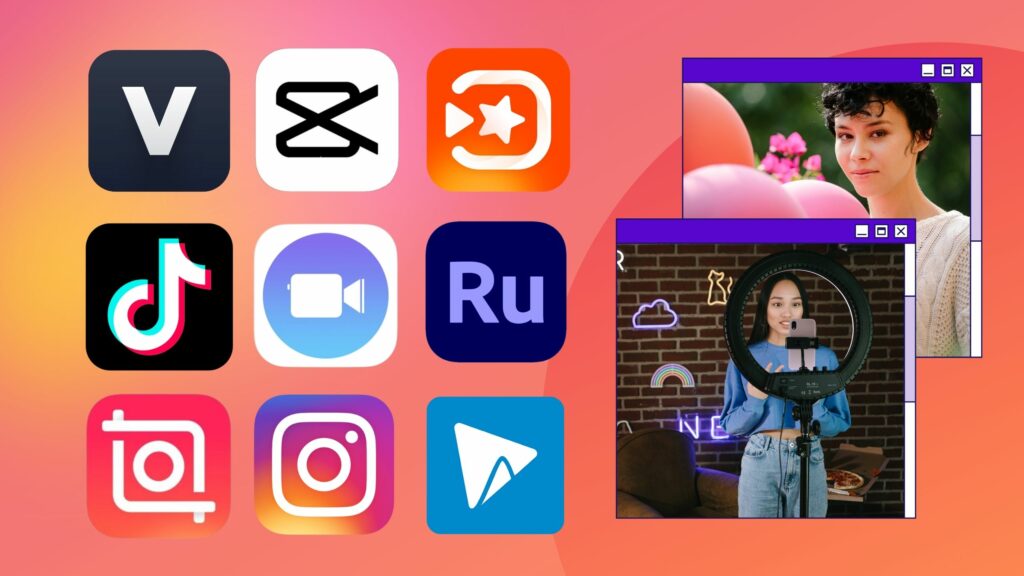
Top 5 AI-Powered Video Editing Apps in 2025
If you’re editing videos on the go, it’s important to pick a phone that handles AI-powered apps smoothly. We’ve tested these video editing apps on some of the best budget Android phones, and the results might surprise you.”. These five apps are leading the way in 2025 with smart features that make editing faster, easier, and more professional.
1. Videoleap (iOS & Android)
Best for: Fast, stylish edits powered by AI
- Script-to-video with voiceovers
- AI scene detection and smart trimming
- Template suggestions based on your footage
- Background removal and auto-captions
Why it’s trending: Creators love how fast they can go from raw clips to polished social videos — without touching a timeline.
2. CapCut (iOS, Android, Desktop)
Best for: Social-first creators who want automation with control
- Auto-captions, auto-beat sync, and motion tracking
- AI-based “CapCut Assist” edits based on your niche
- Trending templates + background generation with AI
Why it stands out: TikTok integration and community-driven effects make it a viral video machine.
3. Runway ML (Web + iOS companion)
Best for: High-end AI effects and green screen magic
- Text-to-video tools
- AI video background replacement
- Motion tracking and object removal
- Script-based scene editing
Why pros use it: Runway is like having a VFX studio in your pocket. It’s ideal for creators who want to look high-budget without actually spending big.
4. Pika Labs (Web-based)
Best for: Creating stunning animations and 3D AI video from text
- Text-to-video animation
- Style selection (anime, cinematic, abstract)
- Fast rendering and customizable prompts
Why it’s hot in 2025: Used by both marketers and TikTokers for eye-catching intros and effects no one else is using — yet.
5. Descript (Desktop + App companion)
Best for: Editing by editing text, not timelines
- Turn transcripts into cuts
- Remove filler words with one click
- Auto-podcast + social clip generation
- Green screen + voice cloning features
Why it’s revolutionary: Great for creators who talk to the camera or need fast turnaround on educational or talking-head content.
Which AI Video Editing Apps Should You Choose?
There’s no one-size-fits-all, but here’s the cheat code:
- Want the fastest edits for TikTok or Reels? Go with CapCut or Videoleap
- Want cinematic quality with AI magic? Try Runway ML or Pika Labs
- Want zero timeline headaches and clean talking-head content? Descript is your best friend
Once you’ve used one of these AI video editing apps to polish your content, tools like the SnapTik app make it easy to download and share your TikToks without watermark. Many of these tools have free plans — so test 2 or 3 before committing. The best app is the one that fits your content style and workflow.
Don’t Miss These Handy Tools for Your Creative Journey!
While you’re working on your video projects, be sure to check out these other great resources:
- Best Calendar App for iPhone/Android – Stay organized with the best calendar apps for planning your content.
- Best Drones for Photography/Videography in 2024 – Capture stunning aerial footage with these top-rated drones.
You must be logged in to post a comment.