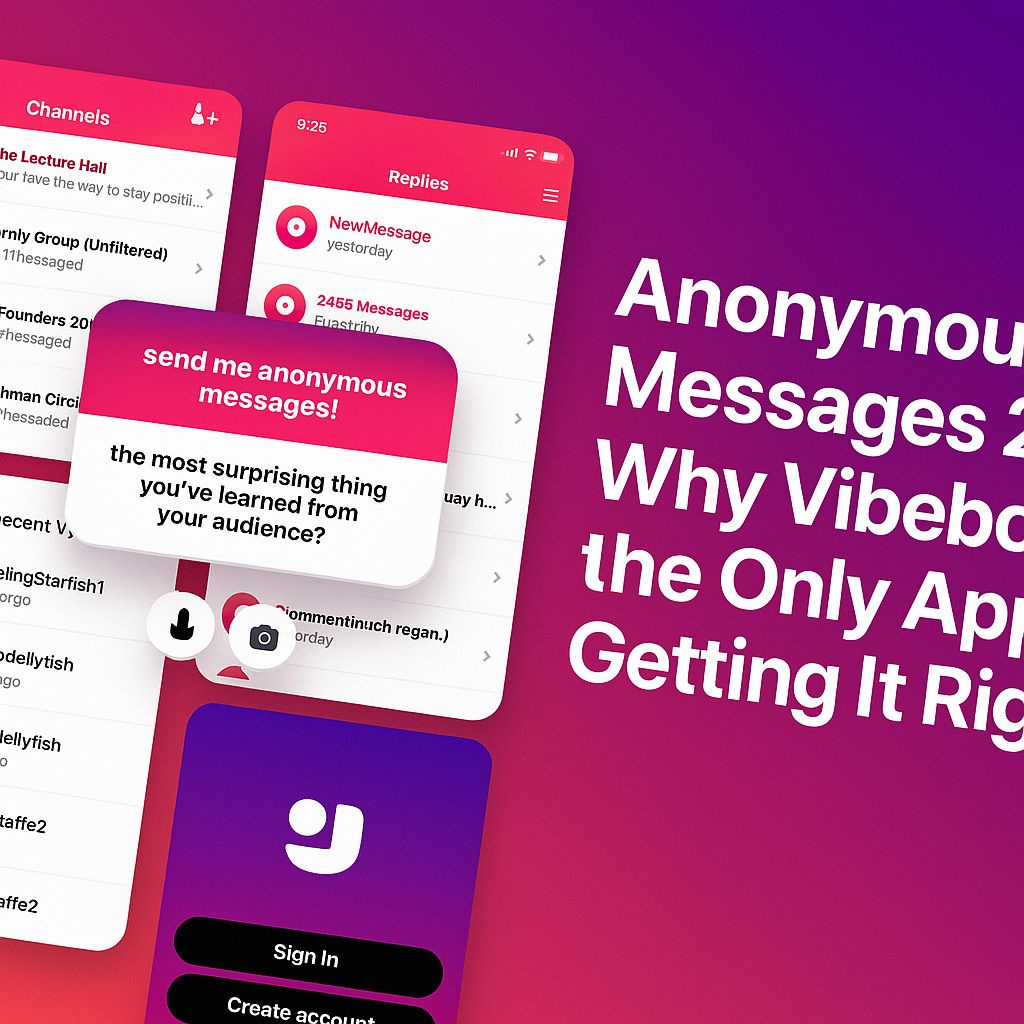
It’s 2025. An era of overwhelming DMs, “seen” zones, and social media pressure. And then there’s Vibebo — the one app that actually understands anonymous messaging, not just as a feature, but as a feeling.
After using it across both Android and iOS, here’s the honest truth: Vibebo just gets it.
It’s Not Just Anonymous — It’s Designed to Feel Safe
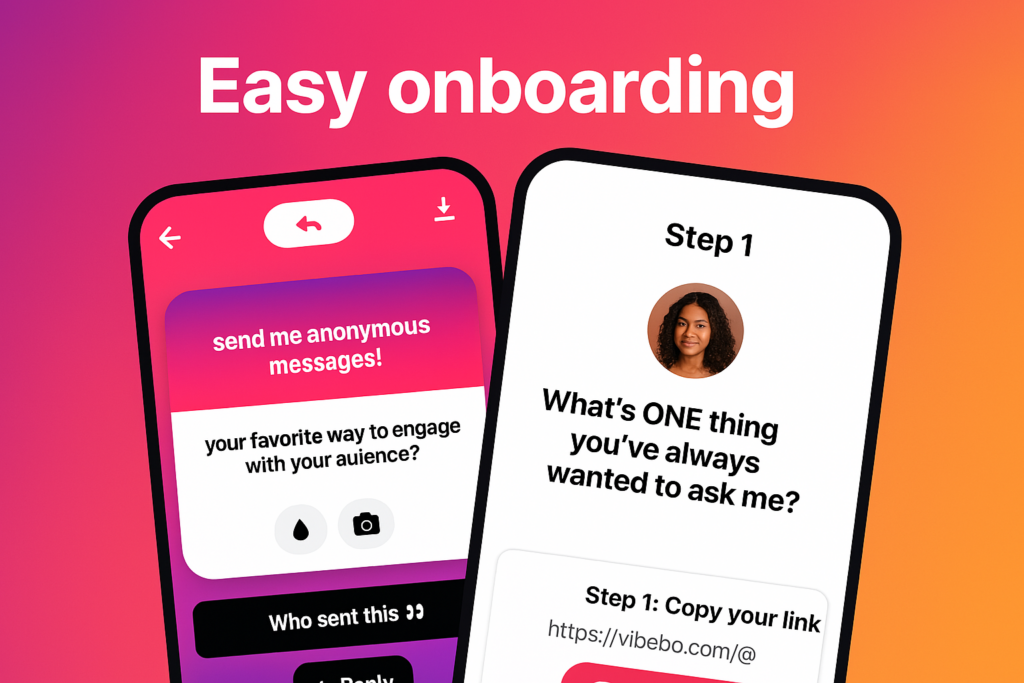
From the moment you log in, Vibebo looks and feels intentional. The onboarding is smooth. No fluff. The interface feels like it was built to reduce social pressure, not add to it.
The “Playground” tab becomes your hub — where you receive anonymous messages and get to reply, publicly or privately. But what really stands out is the level of control it gives you. You can:
Hide specific words
Block specific users (yes, even anonymous ones)
Pause your profile link anytime
And toggle Advanced Message Filtering if you’re not in the mood for chaos.
It’s like having a personal bouncer for your inbox.
Channels Are the Game-Changer
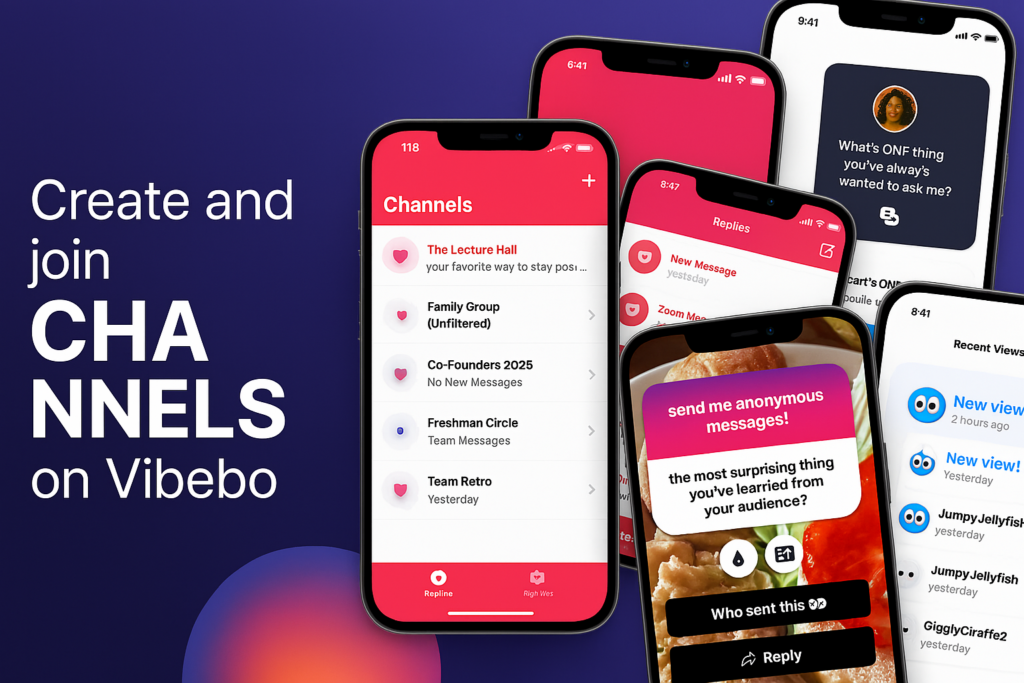
While most anonymous messaging apps are focused on individual clout, Vibebo introduces a completely new social layer: Channels.
Whether you are:
Class Reps collecting feedback
Clubs or Orgs handling suggestions
Work Teams encouraging honest input
Influencers or Creators managing fan messages
Channels let groups receive anonymous messages. That’s big. It opens the door for big or small teams to collect messages and feedback anonymously — all in one place.
As a channel owner, you get full control over message moderation. Others in your team can view the responses, but no one can delete what they didn’t start. Pure transparency. Pure vibes.
Smart, But Still Fun
Vibebo is anonymous, but it doesn’t feel cold or impersonal. There’s a touch of play in everything:
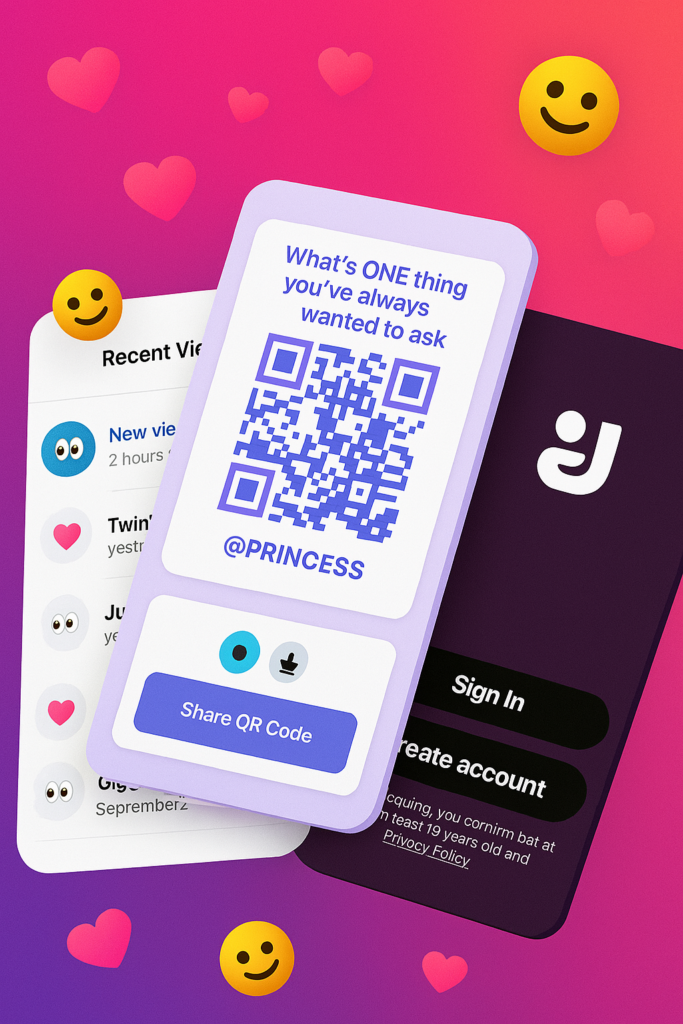
The colourful QR posters with lines like “What’s ONE thing you’ve always wanted to ask me?”
The ability to reply with a tap
The quirky usernames in “Recent Views” like JumpyJellyfish or TwinklingStarfish
It’s a mix of deep honesty and Gen Z energy. You feel seen — even when you’re unseen.
Sharing Is Effortless
Sharing your Vibebo is smoother than ever. Just tap “Share Profile,” copy the link or grab the QR code. It’s designed for real-world use — from classrooms to campus events, team-building sessions, or friend circles.
One post. One link. Endless messages.
Vibebo Feels Like the First App That Cares
Let’s be honest. Most anonymous apps end up becoming chaos. But Vibebo’s layered design — with advanced safety controls, invite-only channels, real-time views, and an actual message review experience — makes you feel safe and curious at the same time.
Tired of using your stock text messaging app? Do you desire a better text messaging app that offers a ton of exciting features? In this article, we explore a list of top text messaging apps for Android. Text messaging apps featured in this article have been designed to be better alternatives to stock messaging apps. These text messaging apps are listed as follows:
1. Textra SMS
Looking for a third party text messaging app to replace your default messaging app, The extra SMS app may be all you need. The Textra SMS app lets you send SMS and MMS to contacts on your smartphone. It also enables you to schedule the time text messages will be sent. The Textra SMS app features GIFs, 21 text sizes, message blocker/blacklisting, pin-to-top, over 3000 Android, Twitter, Emoji One & iOS style emojis automatic video & picture compression and lots more.
The Textra SMS app has a very appealing user interface. It lets users tweak the appearance of the app to their taste. The Textra SMS app features more than 180 material design themes, bubble & app icon colors. The Textra SMS app can be set to automatically switch between dark and light modes, depending on your schedule.
2. Chomp SMS
Having over 10 million downloads, Chomp SMS is an Android app designed exclusively for sending text messages. It was intended to act as an alternative for your stock Android messaging app. It lets users send text messages as well as MMS seamlessly, in a very intuitive interface. The Chomp SMS app, allows users send scheduled text messages, messages that will be delivered on schedule. You can schedule birthday messages and lots more. Still, on the features of the Chomp text messaging app, this app features a privacy lock, privacy options, ability to stop messages while sending, SMS backup, blacklisting, text snippets, over 3000 Android, Twitter, Emoji One & iOS style emojis and lots more.
3. Evolve SMS
Evolve is yet another power text messaging app designed for Android. It provides an interface that is entirely different from stock messaging apps. It features a highly customizable interface that lets users customize the app to suit their taste. The evolve SMS app features a navigation system, that makes accessing contacts very easy.
The Evolve SMS app features a wide range of themes to choose from, a theme store, gifs, lot of emojis. Similar to the already mentioned apps, the Evolve SMS app is available for download on the Google PlayStore.
4. Handcent Next SMS
Are you tired of using your default text messaging app? The Handcent, Next SMS app, may be the app you need. The Handcent Next SMS app was designed to be a replacement default messaging apps on Android. It features a very appealing interface that meets the needs of its users.
The Handcent Next SMS app lets users send text messages, as well as MMS to contacts on their Android smartphone. This app features quick reply pop-ups, Vacards, themes, backup, restore the system and lots more. The Handcent Next SMS is available on the Google PlayStore for downloads.
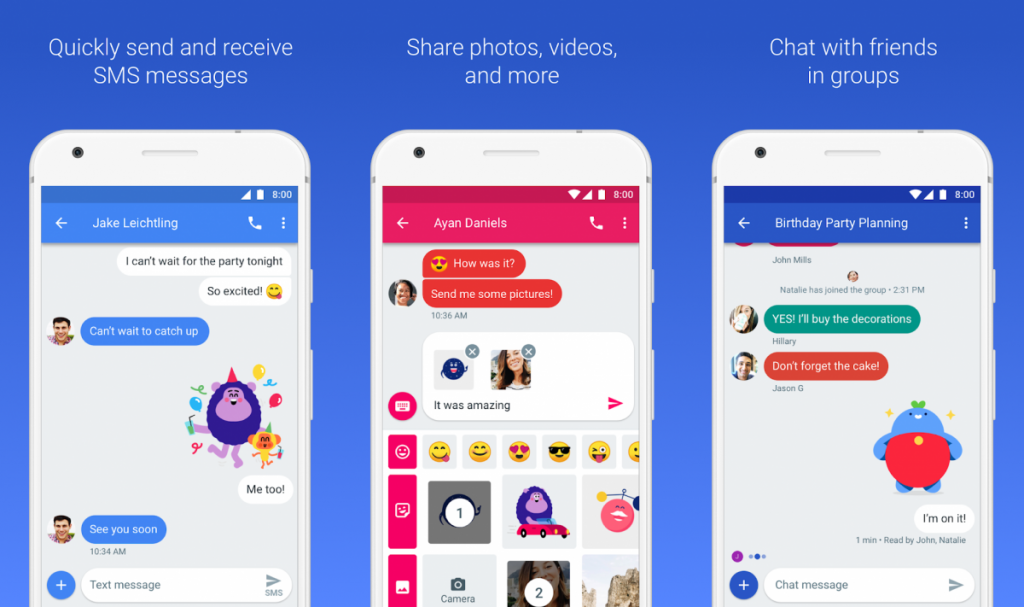
5. Google Messages
Despite the fact that this article is all about alternatives to stock messaging apps, the fact that Google has one of the best messaging apps we have today is unarguable.
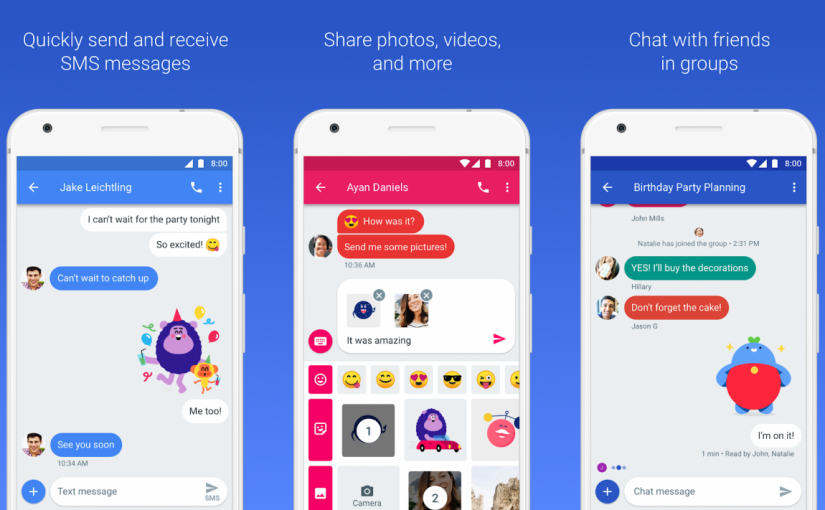
The Google Messages app is Google’s official messaging app. It comes pre-installed on most Android smartphones. It lets users send SMS, MMS and RCS chats, allowing you to send and receive messages over wifi or cellular data. It lets you stay in touch with your friends and family, allowing you to send text messages seamlessly without stress. The interface of the Google Messages app may not be customizable, but it features clean and intuitive designs. If your Android smartphone doesn’t come with the Google Messages app pre-installed, you download it from the Google Play Store.
6. Go SMS Pro
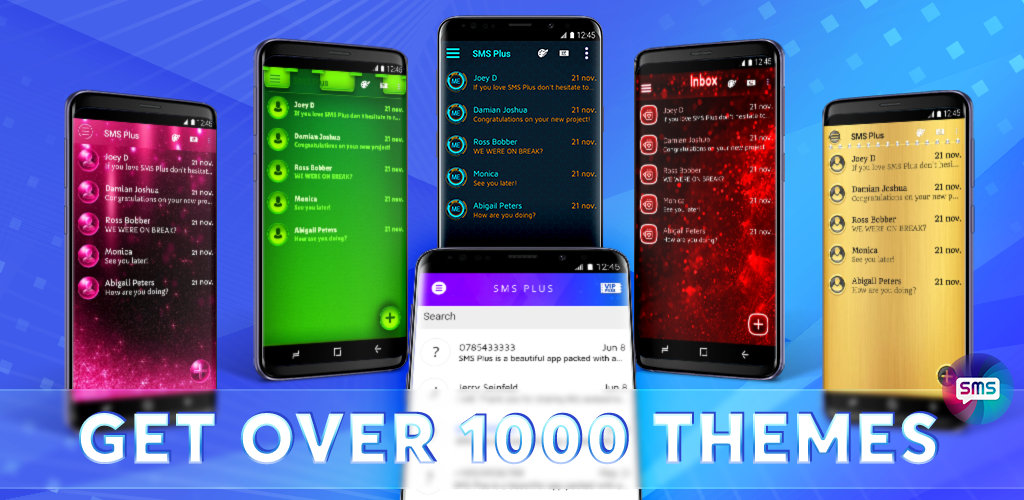
Still on the topic of best text messaging apps for Android, the Go SMS Pro app, is yet another awesome third-party app, designed to replace stock Android messaging apps. It hs all the essential features needed in text messaging apps. Similar to some of the already mentioned apps, the Go SMS Pro app lets you customize the interface; it also comes with themes that help users design the interface to their taste.
The Go SMS pro app features an Auto-reply feature, Spam blocking feature, scheduled message feature and lots more. This app can be downloaded from the Google PlayStore.
7. Pulse SMS
The Plusle SMS app was designed to be a very good alternative of stock messaging apps. It houses most of the features you wished you stock text messaging app featured. All these features are housed in a highly customizable interface.
The Pulse SMS app features an Unparalleled design and fluid animations, password protection for private conversations, lets you share GIfs, features a powerful searching through messages and communications, automatic message backup and restore, enables you to preview web links, backlists pesky spammers and lots more. The Pulse SMS app can be downloaded from the Google PlayStore.
8. QkSMS
The QkSMS app is an app that offers one of the most beautiful interfaces for text messaging. It was designed to be a better alternative to stock text messaging apps. It makes sending text messages more fun.
Qksms lets users send SMS and MMS via a highly customizable interface, with a wide range of in-built themes. QKSMS has dual sim support, allowing you send messages using any of the sims on your smartphone. It features a pre-contact notification, that allows you to prioritize and distinguish your messages. It also lets you backup and restores messages easily. This app can be downloaded from the Google PlayStore.
9. YAATA SMS
YAATA SMS is a third party app that continues the stock design of stock text messaging apps on Android. Using the YAATA app, you are offered a very familiar interface, with a lot of new features. The YAATA SMS app can be best described as an upgrade of your stock text messaging app.
The YAATA SMS app lets users send SMS/MMS. It has multimedia messaging support that allows users to send media files ranging from videos, Audio, Vcards, and GIFs. It also houses a group chat feature, scheduled messages, allows users to convert SMS to MMS, blacklisting and lots more. This app can be downloaded from the Google PlayStore.
10. Mood Messenger
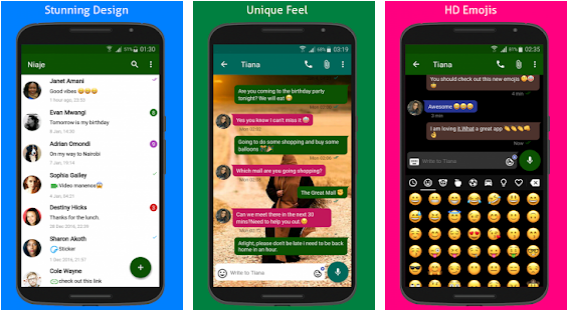
Still, on the topic of best text messaging apps for Android, the Mood Messanger is yet another awesome text messaging app, designed to replace your stock messaging app. It is an ad-free app that offers a ton of exciting features.
The Mood messenger app lets users send and receive SMS and MMS, in a highly customizable interface. It even features a typing indicator. Mood messenger features over 100 themes, allows users to change text and font size, Animated Emojis – iOS, Android or Emoji One style emojis, animated GIf library, chat encryption and lots more. This app can an excellent from the Google PlayStore.
11. Yippeee Messenger
Yipeee lets you send and receive text messages and MMS. Similar to all the already mentioned apps, the Yipeee app was designed to replace the stock messaging app on your Android smartphone. The Yipeee features a super light and intuitive interface. Yipeee lets you customize the interface to suit your taste.
The Yipeee text messaging app lets you share pictures and audio. it features a spam box that enables you to filter spam messages from essential messages. It has a search feature that allows you easily navigate through contacts and conversations.
12. Dual SMS Messenger
Dual SMS Messanger is a super-fast and highly customizable alternative to stock text messaging app. It offers an exciting and intuitive interface to send text messages and MMS. In addition, Dual SMS Messanger lets users customize its interface, to suit their needs.
Dual SMS Messanger Lets users block unwanted messages; it houses a spam filter feature that lets users filter important messages from spam messages. This app is available on the Google Play Store for downloads
13. New Switch
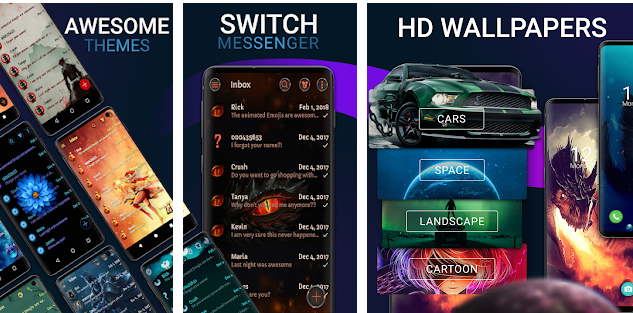
Are you thinking of replacing your stock text messaging app? The New Switch app is yet another awesome app, that can replace the stock messaging app on your Android device. It features a minimal and intuitive interface that makes sending text messages fast and seamless. The New Switch app provides users with the power to customize their interface, allowing them to design the interface to their taste. It features a vast collection of themes that make customization faster. The new switch app has support RCS messaging, allowing users to send messages over wifi.
14. Messaging SMS
The Messaging SMS app is yet another app that offers an interface very similar to what we have on stock text messaging app. Using this app, you are provided a familiar interface with a lot of new and exciting features.
This app lets users send SMS and MMS seamlessly in real time. It also houses security features that let users encrypt their messages. This app is available on the Google Play Store for downloads.
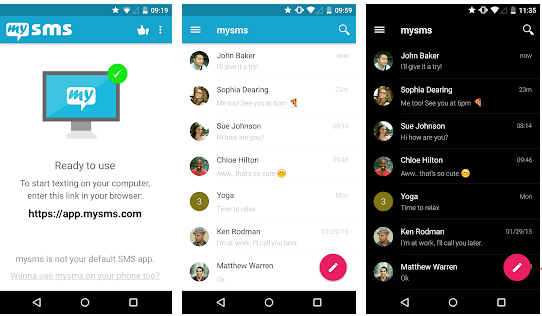
15. MySMS SMS Text Messaging
Last but not least, the My SMS app, is yet another app that provides users with an exciting and intuitive interface to send text messages. It is a very good alternative to stock text messaging apps.
The My SMS app can be synced to your computer, allowing you to view text typed on any of the devices. It supports remote typing, lets users create MMS group chat, lets users send multimedia messages and lots more. This app is available on the Google Play store for download.
There you have it – The best text messaging apps for Android. If you have other recommendations, please let us know in the comment section below.


You must be logged in to post a comment.