Tag: utility software

  • The Top 5 Online Free File Converters for Everyday Users

    The Top 5 Online Free File Converters for Everyday Users

    With the advancement of the digital world, our data has been digitized too. Now, we have our important data in our phones, laptops, and tablets, etc. Sometimes, we need to convert one format to another and this task can be challenging, time-consuming, and troublesome in the absence of file converters.

    If you think that you have to buy numerous file converters for different formats then trust me it’s not like that.

    The Top 5 Online Free Converters

    There are countless online free file converters are available for every format which you can use without spending money. By being free if you feel, these online converters are not reliable then you are not right. These are not only trust-worthy but also don’t compromise on quality.

    Prism Video Converter

    It is one of the top online converters which convert video into other formats in an easy way. It is straightforward to use because it has a simple interface. It can convert the videos into many formats within no time.

    This online converter converts many files at a time. In the conversion of video files through prism video converter, you can adjust settings such as; compression, resolution, and encoder rates, etc.

    It allows the user to change the size of your video and add watermark as well. Text overlay and rotation of the videos are also possible.

    OnlineConvertFree.com
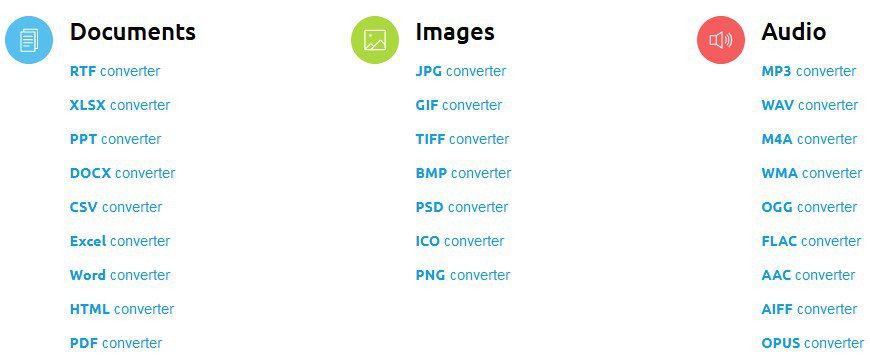
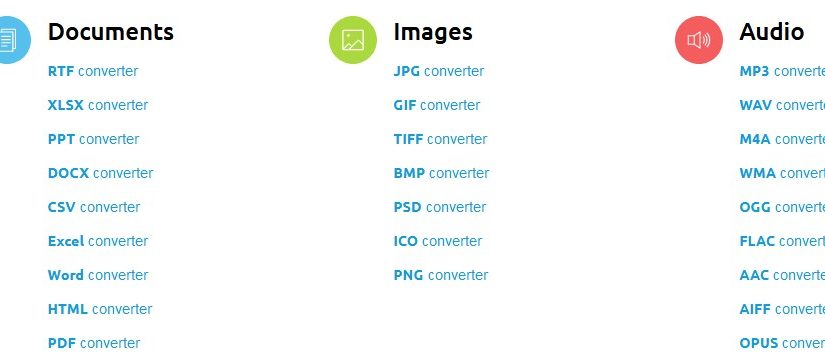
    Online file converter

    This is an easy-to-use online converter which is the right choice for any type of file format. It enables you to convert various formats like

    • Video
    • Audio
    • Images
    • Documents
    • PDF
    • Archive
    • eBooks, etc.

    It is suitable to use in home as well as in office. If you have a lot of data to be converted then you have to purchase its monthly or yearly packages.

    Freemake Video Converter

    Freemake video converter is also included in the list of the best video converters. It supports many languages to provide convenience to users. It is compatible with Windows operating system.

    You can download the videos for conversion for different websites like Facebook, YouTube as well as from your computer. Its process of conversion is not complicated so anyone can use it.

    It also offers you some features like editing, resizing, compressing the video, etc. Unprotected DVDs are also ripped by using this free converter.

    7-PDF Maker
    7-PDF Maker

    It is an online converter through which you can convert many formats into PDF like;

    • Documents
    • Images
    • Math
    • AutoCAD

    This file converter is straightforward to use so you can transform your files into PDF without any difficulty. It doesn’t provide you many features but it is an ideal free converter for a compact PDF conversion.

    Go4Convert

    It is the online converter through which you can convert various formats into EPUB. For example;

    • Word to EPUB
    • PDF to EPUB
    • HTML to EPUB
    • MOBI to EPUB
    • Text to EPUB

    It gives you the convenience to convert more than one file simultaneously without compromising the quality. In the conversion procedure, all the data, images, graphics, tables, columns, and hyperlinks, etc. are saved.
  • Recover Lost Partition with EaseUS Data Recovery Tool

    Recover Lost Partition with EaseUS Data Recovery Tool

    “Recover lost partition” isn’t exactly the latest catchphrase these days. We’re living in times where data loss and system disasters are about as rare as a unicorn sighting.

    This positive trend (or not so positive for companies in the business of data recovery) can be attributed to the widespread availability of multiple cloud storage solutions for both PC and mobile users.

    Although creating backups remains the most reliable method to prevent data loss, the use of data recovery software becomes invaluable for retrieving files that were not backed up to the cloud.

    Moreover, for more severe situations such as damaged systems or HDD partitions, tools like EaseUS Data Recovery Wizard offer effective recovery solutions.

      EaseUS Data Recovery Tool Capabilities

    Lost Partition Recovery

    Now a days, the problems that we have while saving our data in our devices is that it might get a virus and all of our data is lost. So, many of the software kings worked on creating a better and easy recovery software. In the software world, data recovery is a system or software by which you can easily get you deleted, or you can also filter your corrupted data.

    The data is mostly retained by recovering the devices that have info or your precious data in it. The devices are hard drives, SD cards, Magnetic tapes, CDs, DVDs, and many others. It was introduced because most of the time the operating system failed which causes lots of problem to the user. Also, malfunction of a storage device also leads to some other work in this field.

    By going through all the problems that humans face to recover their deleted data, we have thought it wise to introduced EaseUS: an App that’s used to get your deleted files again from your SD card, Hard disk, and other devices.

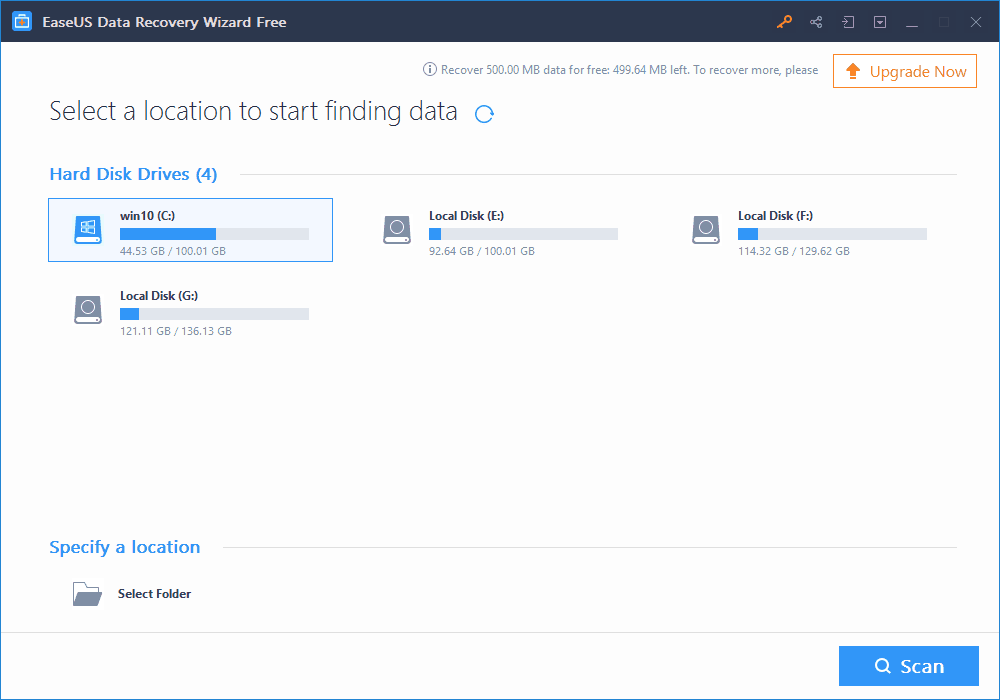
    EaseUS Data Recovery Wizard is a free data recovery software that helps you get your accidentally deleted files from Windows PC, Mac OS X machines and Mobile devices. It can recover lost partitions in just a few clicks.

    Most commonly used feature of this software is the one used in androids and IOS. With the advancement of technology, we prefer to use mobile phones much more than other devices. That’s why the software is installed on mobile phones frequently.

    Why is EaseUS Data Recovery Software unique?

    Because it has an SD card recovery function which makes the life of its user very simple and easy. Another important feature of EaseUS is that it can be used for all kind of platforms. Also, it supports major file formats. You can use this software free or also by paying for it. In other words, it works on a Freemium model.

    Steps to Recover Lost Partition with EaseUS Data Recovery Tool

    1. First of all, you’d need to buy or download the software from their official URL. Without it, you cannot get your information back. If you have any doubt about it, you can go for a free trial and check it right there.
    2. This software takes care of your security. People are usually very sensitive about their data or information saved in the various devices. So next step is to use the license code that’s sent to your email.
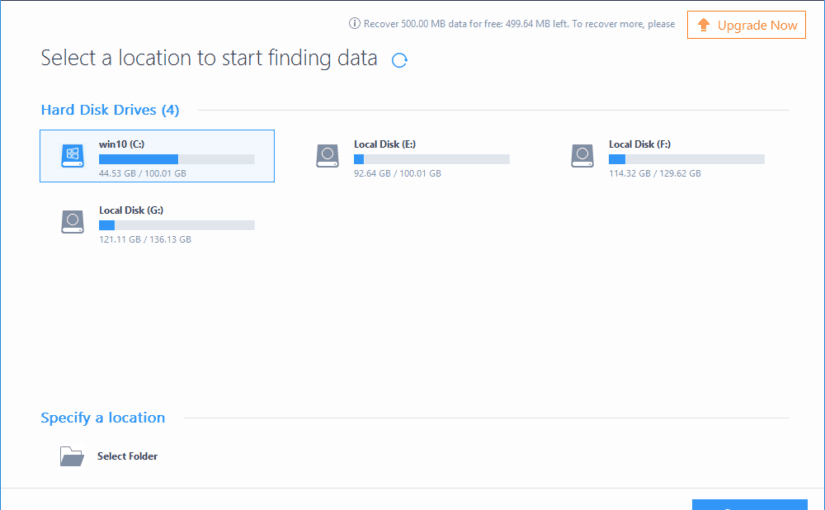
    3. The important part is to know how this software will work. For getting your results, you need to connect the device you are thinking of recovering to your PC.
    4. Check the files which you want to recover and then click on the recover button. This is the unique part because you need to choose carefully which files you want to recover because there are some cases where people recover viruses by mistake too. Make a new folder for the recovered files.
    5. For partition recovery, you’d need use the advanced option and allow the software to run comprehensively. Once completed, you can go from the preview, and then choose the files you’d like to recover. That’s all.

    Wrap Up:

    That’s all that’s needed to recover your lost files, damaged partition and/or accidentally deleted files with EaseUS Data Recovery suite.  Still need a help with getting back your deleted files? Please do let us know about it in comments.