If your iPhone is stuck on the Apple logo, it’s frustrating but you’re not alone. This issue is common among iPhone users, and fortunately, it can usually be resolved easily. Here’s a comprehensive, step-by-step guide to fix your iPhone and get it working again.
Why Is My iPhone Stuck on the Apple Logo?
Before we go into solutions, it’s helpful to understand why your iPhone gets stuck on the Apple logo:
Software glitches: Often occur during updates or restoration.
Faulty iOS updates: Interrupted installations can freeze your device.
Hardware issues: Damaged hardware can also trigger boot loop issues.
Quick Fixes for iPhone Stuck on Apple Logo
Follow these easy methods to fix the problem:
1. Force Restart Your iPhone
A force restart can fix minor software glitches:
iPhone X or later (including iPhone 8): Quickly press and release the Volume Up button, then quickly press and release the Volume Down button. Finally, hold the Side button until the Apple logo reappears.
iPhone 7 or 7 Plus: Press and hold both Volume Down and Sleep/Wake buttons simultaneously until the Apple logo appears.
iPhone 6s or earlier: Hold both the Home and Sleep/Wake buttons simultaneously until the Apple logo appears.
2. Update or Restore iPhone Using Recovery Mode
If force restarting doesn’t work, use recovery mode to reinstall iOS:
Connect your iPhone to your computer and open Finder (Mac) or iTunes (Windows).
Perform a force restart, but continue holding buttons until recovery mode appears.
When prompted, select “Update” to reinstall iOS without losing data. If updating doesn’t work, select “Restore” (this erases your data).
3. Use DFU (Device Firmware Update) Mode
If recovery mode doesn’t fix the issue, try DFU mode:
Connect your iPhone to your computer and launch iTunes or Finder.
Follow specific instructions depending on your iPhone model to enter DFU mode.
iTunes/Finder will detect your device in DFU mode and prompt you to restore it.
Note: DFU restoration erases all data. Ensure you have backups.
4. Use Third-Party Software (Optional)
If standard Apple solutions don’t help, reputable software like Dr.Fone or Tenorshare ReiBoot can resolve stubborn software issues without data loss.
When to Seek Professional Help
If you’ve tried all software solutions and your iPhone remains stuck, consider hardware issues:
Visit the Apple Store or an Apple-certified repair center.
Hardware damage like battery failure or internal component faults requires professional service.
Preventing Future Issues
Avoid future occurrences with these proactive tips:
Avoid interrupting updates or restoration processes.
Backup your data frequently using iCloud or your computer.
Getting stuck on the Apple logo is common, but fixable with the right steps. Start with simpler methods and progressively move toward advanced solutions if needed. When in doubt, seek professional assistance.
Due to a patent dispute with Masimo, Apple plans to omit the Apple watch blood oxygen monitoring feature from its latest smartwatch models, the Series 9 and Ultra 2. This is in response to a potential ban on the devices in the United States, pending the outcome of an appeal.
The disclosure came on Monday from Masimo Corp., a company entangled in a patent dispute with Apple concerning the technology behind Apple watch blood oxygen measurement. Masimo revealed that the U.S. Customs and Border Protection approved this plan on January 12, asserting that Apple’s redesign falls outside the scope of the import ban imposed by the U.S. International Trade Commission. This decision suggests that Apple’s adjustment will enable it to maintain the availability of its watches in the market.
The dispute originated from an ITC ruling in October, declaring that Apple’s devices violated Masimo’s patents related to AppleWatch blood oxygen measurement. Consequently, Apple halted the sales of its smartwatches just before Christmas, but an interim stay allowed the company to resume sales late last month.
To address the issue, Apple developed a software workaround to resolve the dispute and presented the solution to the customs agency last week. The watches, according to Apple, unequivocally do not contain the disputed technology known as pulse oximetry, as confirmed by Masimo.
This is contingent on the outcome of Apple’s appeal to a federal court for a longer stay. The company anticipates a ruling from the U.S. Court of Appeals for the Federal Circuit as early as Tuesday, with the possibility of the appeal period lasting a year or more.
During this interim period, the Apple Watch blood oxygen feature remains available on newly sold Apple Watch units. However, if the appeal fails, the removal of this feature would be a consequential move to avert the reimposition of the ban, which could have taken effect as soon as this month.
Masimo commended Apple’s claim that the redesigned watch does not contain pulse oximetry, emphasizing the importance of large companies respecting intellectual property rights. Removing the technology from the Apple Watch could impact customer demand, but it seems Apple is prepared for this scenario, having shipped modified Series 9 and Ultra 2 watches to U.S. retail locations, pending corporate approval.
Simultaneously, a federal appeals court is expected to address Apple’s motion for a continued stay on the ban. The ITC has urged the court to reject arguments opposing the enforcement of the ban, characterizing them as “weak and unconvincing.”
Apple has scheduled the launch of its Vision Pro mixed reality headset. The official release in the US is set for February 2 and preorders for the device will commence on January 19, kicking off at 8 a.m. ET. This latest Apple product is powered by what Apple describes as the world’s first spatial operating system. Users can navigate a 3D interface using their voice and eye/hand movements without needing an external controller. By seamlessly blending the user’s physical surroundings with the digital experience, Apple seeks to offer a more enjoyable entertainment experience for gamers, along with the potential for improved collaboration in workspaces.
Priced at $3,500, the Vision Pro headset is equipped with 256GB of storage and responds to voice commands, as well as eye and hand gestures. Apple also announced that the Vision Pro headset will be available online and in Apple Stores across the US.
During last year’s Worldwide Developers Conference(WWDC), Apple announced the price of the headset which elicited audible reactions from the guests. With two high-end displays with resolutions surpassing that of a 4K display, Apple’s giving all the other mixed reality headsets a run for their money. The device has garnered positive early reviews, despite its steep cost. Apple has initiated shipments to US warehouses at Apple retail locations.
Back in June 2023, rumors suggested that the new headset, possibly named either Reality One or Reality Pro, will feature an iOS-like interface. Along with an immersive video display, and advanced sensors and cameras. That enables users to control the device through hand gestures, eye movements, and voice commands using Siri. One of the most exciting features is the outward-facing display that can capture eye movements and facial expressions. A revolutionary inclusion that allows observers to interact with the wearer more naturally.
In terms of functionality, the mixed-reality headset is expected to offer a wide range of applications, including gaming, fitness, and meditation. Users will also have access to popular iOS apps like Messages, FaceTime, and Safari.
Why do people download Chrome on Mac? Why do people prefer Google Chrome over Safari?. And why do people download Chrome, to begin with? The answer is simple; Chrome is faster than Safari—Apple’s web browser.
Today, web browsing has become indispensable, whether for shopping, streaming, or reading. However, choosing the right browser for your Mac might not be as simple as you imagined. In terms of user interface, Chrome offers a clean design, fast data syncing, and a vast library of extensions.
While Safari, Apple’s native browser, offers an excellent browsing experience, it may not always meet the diverse needs of users, particularly when it comes to extensions and cross-platform functionality. As a result, many users opt to download Chrome on Mac rather than use Apple’s Safari browser.
Steps to Download Chrome on Mac
Since Chrome doesn’t come pre-installed on a Mac, a manual installation is in order.
Launch Safari by clicking on its icon in the Dock (a blue compass with a red needle).
Visit the Google Chrome page in your browser and initiate the download by clicking “Download Chrome.”
If the download doesn’t commence, locate and click “Download Chrome” in the upper-right corner.
Once the download completes, you’ll find the file in your Mac’s download folder. Click on the Downloads icon, then double-click on googlechrome.dmg. A Downloads icon will also appear at the top-right corner of the Safari window, click on it to access the downloaded file. This action opens up a disk image.
Drag and drop the Google Chrome icon into your Applications folder.
To open Google Chrome, either select the icon from Launchpad or type “Chrome” into Spotlight (Command + Space).
When launching Chrome for the first time, a security prompt will appear, indicating that it was downloaded from the internet. Click “Open” to proceed to sign in to your Google account. Opt to make Chrome your default browser and you’re good to go.
Unlocking your iPhone is usually a breeze with a passcode, Face ID, or Touch ID. Yet, there are situations where you might find yourself locked out. Either because of a forgotten passcode, a disabled iPhone, or a second-hand-bought phone with a lock. Getting locked out of your phone can be incredibly frustrating. There are easy ways to regain access and we’ll show you how to unlock iPhone without passcode or computer.
There are various misconceptions about unlocking an iPhone without a passcode, but using a Calculator or Camera isn’t one of them.
How to Unlock iPhone Without Passcode Using a Computer
One of the ways to unlock iPhone without passcode is by using a computer and entering Recovery Mode. This way, you can restore your iPhone and set up a new passcode, Touch ID, and even Face ID. But first, you must have a compatible Mac or Windows computer(Windows 10 or a later version) and ensure iTunes is installed. You’ll equally need the original cable that came with your iPhone or a compatible alternative to connect it to the computer.
If your iPhone is currently connected to the computer, unplug it. Next, power down your iPhone. Depending on the model, press and hold both the side button and the volume down button until the power off slider appears. Connect your iPhone to your Mac or Windows PC while simultaneously holding the button. Continue holding the button until the recovery mode screen appears on your iPhone, then release.
Locate your iPhone either in the Finder or iTunes on the connected computer. A prompt will appear with the option to Restore or Update, choose Restore. Immediately you do this, the computer will download the necessary software for your iPhone and initiate the recovery process. The download will take up to 15 minutes and after the process is complete, your device will restart and display a setup screen. Then disconnect the iPhone from the computer and set it up.
Unlock iPhone Using iCloud
If you find yourself in a situation where you need to access your iPhone without its passcode, consider using iCloud as an alternative solution to unlock it. It’s important to note that this method will completely wipe everything off your iPhone. Navigate to iCloud.com, sign in using your Apple ID credentials, and locate the “Find iPhone” option. Always ensure that the “Find My” feature is activated before following the next step.
Within the list of devices linked to your iCloud account, select the corresponding model of your iPhone. Then initiate the process by clicking on the “Erase iPhone” option.
How to Unlock iPhone without Password or Computer
Unlocking an iPhone without a passcode becomes necessary when using a computer isn’t feasible. One option is to utilize the Erase iPhone feature, available for iPhones running version 15.2 or later. Just like we mentioned above for iCloud, this feature wipes the data from your iPhone to grant you access.
Enter the passcodes you remember until you’re locked out of the iPhone. If the Erase iPhone button hasn’t yet appeared, persist with entering more passcodes. Once it appears, input your Apple ID password to confirm the erasure. Alternatively, Siri can be used to unlock your iPhone without the need for a computer or password. However, this method mostly works for older iOS versions like 8 to 10.
Start by asking Siri about the current time. Following this, add a new clock and long-press the clock text. Opt to share the text to messages. Then use this action to navigate to the new contact screen and add a new photo to the contact before making your way to the photo library. You can now return to the home screen.
For those who have pre-set Voice Control, it can serve as a way to unlock your iPhone without a passcode. Start by navigating to Settings, then Accessibility, and Voice Control. Enable Voice Control and select Customize Commands to establish a personalized command. This custom command should mirror your lock screen passcode.
iOS 17 Passcode Reset
Should you find yourself unable to input your new passcode for any reason, iOS 17 introduces a handy feature known as Passcode Reset that allows users to use their previous passcode for a period of 72 hours.
If you’ve installed the iOS 17 Beta on your iPhone after five unsuccessful attempts at entering the correct passcode simply tap on “Forgot Passcode.” Then select “Enter Previous Passcode” to input your old passcode, and proceed to set up a new one. With these steps completed, you have successfully reset your iPhone passcode and regained access to your device.
Apple’s latest product release at the Apple Event 2023 officially launched the all-new iPhone 15, and the iPhone 15 Plus which comes with expansive displays that mirror the dimensions of the iPhone 14 series. The iPhone 15 Pro and iPhone 15 Pro Max models, valued at $999 and $1,199, respectively, introduce an innovative action button instead of the conventional Apple mute switch.
This multifaceted button is a significant departure and replacement and can be used for several functions. Unlike its physical counterpart, this button relies on haptic feedback, enabling a range of device functions. By default, the action button toggles between ring and silent modes, emulating the function of the mute switch. Despite the absence of a tactile toggle, distinct haptic feedback cues users into the active setting. This innovation empowers users to customize the action button, granting quick access to various functions.
iPhone 15 and iPhone 15 Plus Credit: Apple
Aside from silencing or unmuting, the button can also activate iOS 17 shortcuts, launch the flashlight, open the camera, record voice memos, provide translations, and activate accessibility features like Magnifier. Apple also assures that the Dynamic Island will offer visual cues, complementing the haptic feedback for seamless operation. The lingering question is whether the action button can be configured for multiple actions through different tap combinations, such as a single tap for the flashlight and a double tap for the camera.
Apple also emphasizes sustainability with the revelation that the batteries of the iPhone 15 and iPhone 15 Plus, are constructed entirely from recycled cobalt. While Apple has not officially disclosed the highly anticipated iPhone 15 release date, there are speculations that availability will be starting September 15, followed by the official retail launch on September 22.
Design, USB-C, and Other Features
iPhone 15 and iPhone 15 Plus Credit: Apple
The iPhone 15 Pro maintains last year’s screen sizes; a 6.1-inch display for the standard model and a 6.7-inch display for the Pro Max. However, Apple has achieved a sleeker look by slimming down the borders, resulting in a slightly smaller form compared to the iPhone 14 counterparts. The obvious upgrade is Apple’s transition from stainless steel to Grade 5 titanium. This switch improves strength and durability while reducing weightiness. Grade 5 titanium has superior resistance to corrosion and greater tensile strength compared to pure titanium. Apple equally opted for titanium over stainless steel for the sidebars in these shiny new premium models.
All models now sport an impressive 48-megapixel primary camera. The flagship Pro Max is made with a remarkable 5X optical zoom and 3X telephoto capability. With the Pro series, users gain the ability to capture “spatial” or three-dimensional videos which is very much ideal for compatibility with Apple’s forthcoming Vision Pro headset. In terms of improving safety features, the latest iPhones with Emergency SOS Satellite connectivity can now summon roadside assistance, a service initially launched in partnership with the American Automobile Association in the United States.
In compliance with European legislation, Apple shifted gears by adopting the USB-C charging standard, replacing the longstanding Lightning port for the new iPhones and AirPods Pro. Also, this alteration is claimed to simplify the process for professionals who want to transfer video content directly from their iPhones to their hard drives. Under the hood, the 15 and 15 Plus, priced from $799 and $899, are driven by the A16 Bionic chip, while the Pro iterations are built with the powerhouse A17 Pro Chip.
iPhone 15 Specifications
Prices – The 128GB is sold for $799, 256GB is priced at $899, and 512GB goes for $1,099.
Display size – 6.1 inches
Refresh rate – 60Hz
CPU – A16 Bionic
Storage – 128GB
Rear cameras – 48MP main, 12MP ultrawide
Front camera – 12MP
Charging port – USB-C
Battery life – 24 hours
Colors – Pink, yellow, blue, black, green
The iPhone 15 Plus Specifications
Prices – The 128GB is sold for $899, 256GB is priced at $999, and 512GB goes for $1,199.
Display size – 6.7 inches
Refresh rate – 60Hz
CPU – A16 Bionic Chip
Storage – 128GB
Rear cameras – 48MP main, 12MP ultrawide
Front camera – 12MP
Charging port – USB-C
Battery life – 24 hours
Colors – Pink, yellow, blue, black, green
All-new iPhone 15 Pro
iPhone 15 Pro and iPhone 15 Pro Max Credit: Apple
Prices – The 128GB is sold for $999, 256GB is priced at $1,099, and 1TB goes for $1,499.
As we near September 12, Apple lovers worldwide eagerly anticipate the unveiling of the next iPhone 15 and Apple Watch. What is Apple’s release in September 2023? The online rumor mills have been speculating about the launch at the Apple event in 2023. Some suggest a typical round of annual upgrades, while others hint at a potentially upgraded, extremely large model, the Ultra. We’ll delve into all we can expect from this year’s upcoming Apple event. But first, what was released at the Apple event in 2022?
At the Apple Event 2022, the new iPhone 14 and iPhone 14 Plus devices were unveiled. Along with rebuilt AirPods Pro, three all-new lineups of Apple Watches, and cool updates to the Apple Fitness+, there was the WWDC event in June of the same year where Apple introduced iOS 1 as well as the new MacBook Air, 13-inch MacBook Pro, iPadOS 16, macOS Ventura, and watchOS 9. Then the March event heralded the unveiling of Mac Studio and Studio Display, the new iPad Air, the new iPhone SE, and iPhone 13 and iPhone 13 Pro.
At WWDC 2023, Apple unveiled; the Apple Vision Pro, the 15-inch MacBook Air, Mac Studio and Mac Pro, the M2 Ultra chip, and new updates to iOS 17, iPadOS 17, macOS Sonoma, watchOS 10, tvOS 17, and AirPods.
Apple Event 2023 – iPhone 15 Lineup
Apple Event 2023: iPhone 15, New Apple Products to Expect
The focal point of this year’s unveiling will undoubtedly be the iPhone 15 series. Much like its predecessor, the iPhone 14 series, the iPhone 15 series is predicted to comprise four models—iPhone 15, 15 Plus, 15 Pro, and 15 Pro Max. The iPhone 15 (6.1-inch), iPhone 15 Plus (6.7-inch), iPhone 15 Pro (6.1-inch), and iPhone 15 Pro Max (6.7-inch), respectively. We don’t have all the details of the iPhone 15 features, but we do know that the iPhone 15 design will be the coolest thing ever.
According to some rumors from the tech community and various sources privy to Apple’s product launches, we anticipate all four phones to feature the Dynamic Island, an enhanced 5G modem, and a USB-C port.
The Dynamic Island, currently integrated into the iPhone 14 Pro and Pro Max, is an interactive notification system. For the entire iPhone 15 series, this hardware will transition from display notches to the Dynamic Island cutout introduced with the 14 Pro series. Apple ingeniously incorporated display pixels and software harmonization to develop Dynamic Island.
On iPhone 14 Pro models, Dynamic Island offers a gamut of functions, from low battery notifications to validating Apple Pay transactions. From unlocking the Apple Watch to displaying connected AirPods and their battery status,. And even providing privacy alerts when the camera or microphone is in operation.
Revamped 5G Modem/Universal USB-C Standard
While Apple is diligently working on its proprietary 5G chip, it seems the development is still in the pipeline. The iPhone 15 models are slated to come with the Qualcomm Snapdragon X70 chip. Which promises augmented speeds, extended coverage, superior signal quality, and heightened energy efficiency. This is an amazing upgrade from the preceding X65 chip present in iPhone 14 models.
Qualcomm’s announcement of the X75 chip earlier this year, though promising, will take effect before the year ends. Which is slightly lagging behind the iPhone 15’s development timeline. Hence, the speculation that Apple will still use the earlier X70 chips.
The most substantial transformation across all four models will be the departure from the Lightning connector. Likely influenced by EU regulations favoring USB-C, the iPhone 15 series is set to feature a USB-C port. This transition could impact the global market, heralding a new era of USB-C-compatible accessories.
The iPhone 15 Pro and 15 Pro Max are poised for a significant overhaul. They will bid farewell to stainless steel, adopting titanium frames for a lighter feel. These models are slated to house the groundbreaking A17 chip, boasting a minuscule 3-nanometer processor. We’re also to expect thinner display bezels. Solid-state volume and power buttons may redefine the Pro models’ tactile experience, distinguishing them from the standard 15 and 15 Plus.
While there’s been talk of an iPhone 15 Pro Max rebranding to Ultra, it’s wise to take this with a pinch of skepticism. Rumors suggest the potential addition of an action button, similar to the Apple Watch Ultra. Only time will reveal the truth.
New Chips and OS for the Apple Watch
The September event will introduce the Apple Watch Series 9, accompanied by an innovative Ultra variant. Foremost among the new updates is the incorporation of faster chips, which Apple claims will upgrade the performance of their new watches. Additionally, we’re to expect a palette of new color options for the watch casing.
Apple is equally set to publicly unveil watchOS 10, the latest addition to the Apple Watch operating system. Notable features include a widget interface that dynamically displays the most frequently accessed information based on the time of day. Also, the updated OS incorporates novel functionalities for health and fitness tracking.
Wanderlust: What time is the Apple event in 2023?
The Wonderlust Apple event’s timing varies depending on location. For those in California, all the action begins at 10 a.m. Those in India will have a late night, with a 10:30 p.m. start. London will witness the event at 6 p.m., while New Yorkers can catch it at 1 p.m. Across many parts of Europe, the event commences at 7 p.m. South Korean and Japanese viewers can join by 2 a.m. In Melbourne, Australia, the event kicks off at 3 a.m., and for those in South Africa, 7 p.m. The venue of the Apple event is Apple’s headquarters, Apple Park, in Cupertino, California.
Apple’s highly anticipated Worldwide Developers Conference (WWDC 2023) kicks off today, June 5, 2023. This year’s event promises to be a significant one, where Apple will unveil its list of expected new features for iOS, iPadOS, macOS, watchOS, and tvOS. In addition to software updates, there are strong speculations that Apple will introduce its first augmented reality(AR)/virtual reality(/VR) headset called RealityPro.
What To Expect At WWDC 2023
WWDC 2023
While the Worldwide Developers Conference is primarily focused on software, Apple is likely to discuss updates and enhancements to its mobile operating systems, iOS 17 and iPadOS 17. Health tracking features are expected to receive a significant boost, with the ability to monitor various aspects such as mood and vision changes over time. Apple might also introduce a journaling app that allows users to log their thoughts and activity levels for further analysis. The lock screen is rumored to receive a refresh, featuring widgets tied to the calendar, weather, and other apps when in horizontal mode.
Furthermore, Apple may use this event to demonstrate its progress in the field of artificial intelligence (AI). Reports suggest that the company will introduce an AI-powered digital coaching service aimed at motivating people to improve their exercise, sleep, and eating habits. Additionally, Apple might showcase its accessibility tools for the iPhone and iPad, including a feature that can replicate a user’s voice for phone calls after just 15 minutes of training. Here are some of the iOS updates from Apple at the WWDC 2023.
Apple iOS 17 Features
With the introduction of widgets in iOS 16, Apple allowed users to add useful information to their home screens. Building upon this feature, iOS 17 may bring a new smart-home display mode that activates when the iPhone is locked and placed horizontally. This mode would show notifications, weather conditions, calendar appointments, and more. The display will use colorful text against a dark background for easy readability.
Additionally, Apple has announced upcoming accessibility features for cognitive, vision, and speech accessibility, set to launch later this year. These features aim to improve interaction with physical objects for people with vision disabilities and enhance communication during phone and FaceTime calls.
Other rumored updates for iOS 17 include a journaling app. The ability to sideload apps to comply with European Union regulations, a mood-tracking feature in the Health app, and improvements to location services. There are also speculations about enhancements to Dynamic Island, the pill-shaped cutout on the iPhone 14 Pro and iPhone 14 Pro Max, which may integrate Siri and be less intrusive on the main display.
Apple RealityPro Headsets
Rumors suggest that the new headset, possibly named either Reality One or Reality Pro, will feature an iOS-like interface. Along with an immersive video display, and advanced sensors and cameras. That enables users to control the device through hand gestures, eye movements, and voice commands using Siri. One of the most exciting features is the outward-facing display that can capture eye movements and facial expressions. A revolutionary inclusion that allows observers to interact with the wearer more naturally.
In terms of functionality, the mixed-reality headset is expected to offer a wide range of applications, including gaming, fitness, and meditation. Users will also have access to popular iOS apps like Messages, FaceTime, and Safari.
iPadOS 17
Similar to iOS 17, iPadOS 17 is expected to share many features with its iPhone counterpart. This includes the smart-home display mode, journaling app, and sideloading capabilities. There are also rumors about the Health app and its mood-tracking feature finally making their way to iPad.
The major update for iPadOS 17 seems to revolve around the existing Stage Manager feature, introduced in iPadOS 16. This multitasking feature mimics a desktop computer experience, allowing users to organize, group, resize, and overlap app windows. To improve the experience, Apple may introduce additional capabilities such as webcam support for external monitors. And sleep mode for the iPad display while the external display remains active.
watchOS Upgrade at WWDC 2023
As for watchOS, it is expected to receive a more significant update compared to other upcoming operating systems. It is believed that there will be a renewed focus on widgets and fundamental changes in how the device functions. The updated interface will likely combine iOS 14-style widgets with the old watchOS Glances system. Where users can scroll through various widgets, such as weather, activity tracking, and calendar appointments, without needing to open each app individually.
There is a possibility of widget stacks being introduced in watchOS. To enable users to gather multiple widgets and scroll through them. Alongside all the interface overhauls, Apple might also alter and repurpose the functions of some controls on the Apple Watch.
MacOS 14 and Hardware
In addition to the mixed reality headset, there are expectations of other hardware announcements at the event. One possibility is the launch of a new 15-inch MacBook Air powered by Apple’s M2 processor. With two core options, similar to the previous 13-inch MacBook Air’s 8-core or 10-core CPU. This is geared at providing users with a larger-sized Apple laptop option without having to opt for the higher-end MacBook Pro. Also, there are speculations about the next-generation Mac Studio featuring the M2 Max and a new M2 Ultra chip.
Watch WWDC 2023 keynote
The Worldwide Developers Conference will be live-streamed on Apple’s website and official YouTube channel. Starting at 10:00 a.m. PT/1:00 p.m. ET with a keynote address from Apple’s CEO Tim Cook. Watch out for the latest products, operating systems updates, and many more.
In today’s wearable scape dominated by smartwatches like the Apple Watch, and Samsung Galaxy Watch, fitness trackers remain a reliable option. Particularly for those seeking a trusted device to accurately track fitness metrics without the distractions of constant notifications. Or fitness trackers with more configurable features. We extensively reviewed some of the best fitness trackers and handpicked the ideal options for most people.
While smartwatches have their advantages, fitness bands are better alternatives in a number of ways. Smartwatches may offer exceptional performances, including on-watch apps, alerts, and advanced fitness features. But fitness trackers excel in their primary purpose of tracking physical activity during workouts or exercises. With their compact size, longer battery life, and affordability, fitness trackers remain a good choice for those who prioritize accurate fitness monitoring without the distractions of a smartwatch.
Best Fitness Trackers to Buy in 2023
Fitness trackers have greatly advanced in functionalities over the last few decades. Gaining momentum from mere predictions of inventors like Leonardo da Vinci about devices capable of step tracking to advanced health monitoring in present times. Today, wearable technology has gone over and beyond with the invention of sleek smartwatches for not only tracking steps, but skin temperature, heart rate, calories, and sleep patterns, the options are vast. In 2023, the market is teeming with the best fitness trackers with even cooler tweaks and we’re about to share them all.
Apple Watch Series 8
The Apple Watch Series 8 is the latest offering from Apple, boasting impressive features like watchOS 9 and unique additions such as Crash Detection and temperature sensors for menstrual cycle tracking. It comes with a design that closely resembles its predecessor, the Apple Watch 7, with its curvier chassis and thinner display bezels. The larger screen offers enhanced features like Always-On Display, new watchOS 9 faces, and a QWERTY keyboard for messaging. While these features may not be new to Apple Watch Series 7 users, those upgrading from older models will appreciate the redesigned look and increased usable screen space.
Apple has introduced a skin temperature sensor in the Series 8, which is beneficial for sleep tracking and cycle tracking. The sensor helps monitor deviations in overnight temperature for sleep analysis and can predict ovulation windows based on wrist temperature for users trying to conceive. Additionally, it can provide validation for those with conditions affecting their menstrual cycles. The data is secure and can be shared selectively, such as with a doctor assisting with fertility treatment.
Crash detection is a notable safety feature in the Apple Watch Series 8, made possible by upgraded motion sensors. The watch can detect crashes with improved accuracy and automatically call emergency services and notify emergency contacts.
Another significant upgrade is the low power mode, borrowed from the iPhone, which allows users to disable power-draining features while keeping the watch functional. With low power mode enabled, the battery life of the Apple Watch Series 8 can extend up to 36 hours.
Samsung Galaxy Watch 5
Designed for Samsung phone users, the Samsung Galaxy Watch 5 is a feature-packed smartwatch for fitness tracking. Compared to its predecessor the Galaxy Watch 4, Samsung Galaxy Watch 5 offers a refined design. It offers improved wearable health features, including advanced sleep tracking and body composition analysis. Notable new features include a temperature analysis sensor and comprehensive fitness tracking capabilities. The watch runs on Wear OS powered by Samsung, offering seamless integration with other Samsung devices.
Unlike the Galaxy Watch 4 lineup, the Galaxy Watch 5 does not feature a rotating bezel, which may disappoint some fans. However, the reshaped curvature on the bottom of the watch enhances watch-to-skin contact for improved accuracy on data collected from the biometric sensor. The watch remains water-resistant and boasts a display made of sapphire crystal glass, for increased scratch resistance. The Galaxy Watch 5 comes in four colors and offers interchangeable bands for personalization.
Although battery life could be better, it is an improvement over its predecessor.
Google Pixel Watch
The Google Pixel Watch boasts a simple and minimalistic design, available in a single size of 41mm. While some may desire a larger alternative, the watch fits well. Its face features a rounded design with a 3D glass dome, which somewhat distracts from the thick bezel but leaves a significant portion of the display unused.
The watch predominantly uses a dark mode interface and watch faces with black backgrounds to conceal the bezel. The Pixel Watch comes in matte black, silver, and gold, with interchangeable straps that require a learning curve to replace. The Watch marks Google’s debut in the smartwatch market and is one of the best fitness trackers with a native Fitbit integration. Aside from its stunning domed display and native Fitbit integration, it delivers excellent health-tracking capabilities. Offering users over 40 workout styles, heart rate monitoring, ECGs, and GPS tracking. Fitbit Premium unlocks advanced features such as a Daily Readiness Score and detailed sleep tracking analysis. The Pixel Watch integrates with Google services through Wear OS, providing access to various daily programs and services.
Fitbit Charge 5
The Fitbit Charge 5 emerges as the top choice among fitness trackers, offering a comprehensive set of features. With its built-in GPS that delivers fast and accurate tracking, the Charge 5 excels as a versatile fitness tracker and stands out from smartwatches. Its full-color AMOLED display and slim design make it more stylish than its predecessor, the Charge 4. The device boasts stress-tracking capabilities and future updates will introduce ECG measurements and Daily Readiness Scores. Fitbit Pay support and all-day and all-night battery life further enhance its appeal.
Amazfit GTR 4
The Amazfit GTR 4 is a great alternative to popular smartwatch brands like Apple and Samsung. Despite some limitations in in-app support and notification interaction, it offers a fantastic design, long battery life, and reliable activity tracking.
The GTR 4 features a premium look and feel with a beautiful AMOLED display and always-on functionality. Its hardware is impressive, with a lightweight body and durable build. However, the included rubber band may cause discomfort and requires frequent cleaning.
Running on Zepp OS, the GTR 4 has a simple and functional interface. While lacking extensive app support, it offers useful features and connects seamlessly with both Android and iOS devices. Notably, it supports Alexa and Bluetooth calling.
The watch is excellent for tracking activities and health metrics such as heart rate, sleep, stress levels, and blood oxygen levels. It comes with a 475mAh battery, delivering approximately ten days of usage on a single charge. The absence of daily charging makes it convenient and comparable to higher-end models.
Considering its affordability, attractive design, and essential smartwatch functionalities, the Amazfit GTR 4 is among the best fitness trackers for budget-conscious buyers.
Garmin vívosmart 5
A sleek and modest alternative to dozens of other smartwatches, the Garmin vívosmart 5 showcases Garmin’s expertise in fitness tracking. Garmin has made significant but subtle design improvements to the Vivosmart 5, focusing on usability. The addition of a physical button enhances navigation and activity control, addressing the previous touchscreen issues. The monochrome OLED display is 66% larger than its predecessor, making it easier to read messages and allowing scrolling text to avoid message truncation. The screen shows at least three stats simultaneously.
However, the Vivosmart 5’s display remains somewhat challenging to view, especially while in motion. Compared to other fitness trackers like the Fitbit Charge 5 and Amazfit GTR 4, its black-and-white screen feels outdated. It may not be as beginner-friendly as top Fitbits, requiring some time to understand its functions, but familiarity improves with usage.
The Vivosmart 5 comes in two sizes and offers interchangeable bands, a convenient option using Garmin’s official bands for now. Third-party alternatives may become available. Battery life is around seven days without all-day blood oxygen monitoring, reducing to approximately three days when enabled. However, given that blood oxygen monitoring is most useful for sleep tracking, it can be selectively activated during sleep only.
Fitbit Inspire 3
The Fitbit Inspire 3 closely resembles its predecessor in terms of design, featuring a compact size and rounded edges. It is lightweight and comfortable to wear, almost unnoticeable throughout the day. Notably, the Inspire 3 stands out with its bright and clear AMOLED display, giving it a premium feel without a higher price tag.
The tracker incorporates two haptic buttons for easy navigation, although the small screen may not be ideal for extensive message viewing. It is more suited for those seeking overall health insights without the complexities of a full-fledged smartwatch.
Fitness tracking capabilities include heart rate, steps, calories, Active Zone Minutes, stress, SpO2, and sleep monitoring, all at an affordable price. While the small screen makes it challenging to view live feedback during activities, attaching the tracker to clothing can be a practical workaround. The heart rate accuracy is comparable to more expensive alternatives.
Additional features include reminders, weekly exercise goals, water intake tracking, weight changes, and menstrual cycle tracking. Fitbit excels in sleep tracking, accurately monitoring sleep duration and quality. However, advanced sleep insights and scores are locked behind a premium subscription. The Fitbit Inspire 3 boasts up to 10 days of battery life, providing ample usage without frequent recharging.
Amazfit Band 7
The Amazfit Band 7 has undergone a significant upgrade with improved features such as a more vibrant OLED display, longer battery life of up to 28 days, etc.
The case, constructed from polycarbonate is lightweight and available in black or beige. And it is customizable with wristbands in green, blue, pink, or orange colors. Health and fitness tracking capabilities include step counting, heart rate monitoring, stress level assessment, blood oxygen saturation measurement, and sleep tracking.
The watch can be set up and customized using the Zepp app, which allows users to personalize vibrations, watch faces, and configure notifications. It also supports third-party app integration and features Amazon Alexa as a voice assistant. In addition to providing lightweight comfort, the Amazfit Band 7 is also dust and water-resistant. One of the best fitness trackers in 2023.
Oura Ring Gen 3
Meanwhile, those seeking a discreet and minimalist option will find the Oura Ring Gen 3 an appealing preference as a fitness tracker. The Oura Ring Generation 3 is a discreet piece of jewelry that seamlessly blends with other silver rings, concealing its advanced features until closer inspection. With its titanium loop, one can easily reveal the underside sensors, which include heart rate, respiratory rate, and body temperature sensors housed within three inner ridges. The ring is designed to be worn on the index finger with the slightly-flattened edge facing up for accurate readings.
In terms of activity tracking, the Oura Ring Generation 3 is not intended to display metrics during workouts. Instead, it can track calorie burn, steps, walking equivalency, and hourly movement through the Oura app. It assesses workout intensity based on heart rate and elevated activity minutes, incorporating data from Apple Health or Google Fit. The app also allows retroactive exercise logging and can estimate completed workouts.
For sleep monitoring, the Oura Ring provides valuable insights such as total time spent lying down, hours of sleep, resting heart rate, sleep efficiency, and a daily sleep score.
The Oura Ring offers an advanced and accurate sleep-tracking experience compared to devices like the Apple Watch. It even provides a Rest Mode feature that can automatically activate if irregular body temperature is detected. The battery life of the Oura Ring Generation 3 is estimated to last up to a week.
Withings Move
For those in need of a fitness tracker with a more standard yet fashionable design, the Withings Move is an ideal choice. The analog watch incorporates style with basic fitness tracking features such as step, calorie, distance, and sleep monitoring. It also includes other features such as connected GPS, auto-recognition for over 30 workouts, and water resistance. The Withings Move boasts an impressive battery life of up to 18 months, thanks to its button-cell battery. This eliminates the need to frequently juice it up.
Yesterday, Apple unveiled iOS 16.5, the latest update to its operating system, laden with a host of enhancements and new features. Though not as groundbreaking as iOS 16 or previous OS updates, iOS 16.5 introduces significant improvements. Including the incorporation of a dedicated sports tab in Apple News.
Alongside the Sports tab, iOS 16.5 also includes a Pride Celebration Lock Screen wallpaper, bug fixes, and important security updates for Apple’s other devices. Which specifically includes iPadOS 16.5, macOS Ventura 16.4, and watchOS 9.5. Let’s delve into the full details of Apple’s latest reveal.
Sports Tab in Apple News
One of the standout features of iOS 16.5 is the introduction of the Sports tab in Apple News. This new tab caters to sports fans and offers a convenient way to access stories, scores, and other sports-related information. Apple iOS users can personalize their news section by selecting their favorite teams and leagues so that they can receive news specifically tailored to their preferences. Clicking on sports score and schedule cards within the app now takes users straight to pages filled with games as well as more detailed match info. This keeps sports fans up to date with all the sport deets they crave within a single app.
iOS 16.5 Pride Celebration Lock Screen
Credit:Apple
Apple introduces a vibrant Pride Celebration Lock Screen to honor the LGBTQ+ community, ensuring the update is not just about functionality but also about inclusivity and self-expression. Apple users with iOS 16.5 devices can customize their devices with the Pride Celebration wallpaper, which can adjust to Light and Dark Mode themes and captivating animations.
Bug Fixes and Security Enhancements
New Apple Bug Fixes
Addressing user feedback and aiming for a seamless user experience, Apple’s iOS 16.5 includes several bug fixes in key areas. The “Spotlight” search feature also benefits from an issue resolution that restores its responsiveness. Users no longer have to worry about unresponsive Spotlight interfering with their search activities. Additionally, Podcasts in “CarPlay” now load content reliably for a smooth listening experience especially while on the go.
Another important fix tackles the problem where “Screen Time” settings may reset or fail to synchronize across multiple devices. Resolving this issue guarantees consistent usage tracking and control.
Apple also prioritized user security by incorporating crucial security fixes in iOS 16.5. The update addresses a series of vulnerabilities, including three security flaws that were actively exploited. The bug pertaining to WebKit has been diligently rectified to prevent unauthorized access, disclosure of sensitive information, or arbitrary code execution. By staying ahead of potential threats, the company reinforces its commitment to user privacy and data protection.
Apple’s latest operating system for iPhones has been making waves in the tech world and generally among iPhone users. Since the past 6 months of its release, the upgrade has been well-received by users. While many users appreciate the known advanced iOS 16 features, there remains a vast amount of obscure details and features.
In this article, we’ll take a look at some of the cool iOS 16 features you can ever imagine existed on your iPhone. Before we dive in and explore these obscure tools that make iOS 16 such an impressive operating system, let’s cover some useful basics.
What are the common iOS 16 features?. Some of the iOS 16 innovative features include custom Lock Screens with widgets, an editing and deleting messages function, enhanced Focus modes, iCloud Shared Photos Library, improved Mail, Home, Wallet, etc. Most of which will unlock your iPhone’s potential and take your internet connectivity to the next level.
What iPhones Are Compatible With iOS 16?
Credit: mint.com
Here are the latest iPhones that are compatible with the newest operating system for iPhones, iOS 16:
Viewing and Sharing Wi-Fi Passwords iOS 16 Features
Before now, Apple users find it hard to view and share saved Wi-Fi passwords seamlessly. This was because this feature required two Apple devices to be within proximity to function. If placing the two devices together did not automatically function, the password could not be easily retrieved from the settings.
Additionally, if the password needed to be shared with someone on a different device, such as an Android user or someone using a computer, the password had to be remembered. All that has changed with the advent of the iOS 15 features and this limitation no longer applies.
To access the Wi-Fi password-sharing feature on iPhones, simply navigate to Settings, select Wi-Fi, and locate the tiny information icon next to the desired network. Then tap on Password, then use Face ID or your passcode to access the password. Once the password is visible, it can be copied to the clipboard and shared with anyone who needs it.
Delete Duplicate Photos and Videos on iPhone
If you have cluttered albums with duplicates of the same photos and videos, it can take up unnecessary storage space. Fortunately, with the latest iOS 16 update, you can easily remove duplicates.
Once you head to the Album section of your Photos, you’ll find a new album labeled Duplicates. Apple will work its magic by scanning your entire photo library and identifying any duplicated items. Then displays all the photos and videos that you’ve saved more than once. Now, you can choose to either wave them goodbye forever by deleting them one by one or use the slick Merge function to keep the best version while trashing the rest.
End phone calls and FaceTime calls with Siri
Another unique hidden feature of the Apple iOS 16 is that Siri, the virtual assistant can now hang up a phone call or FaceTime call. A feature that was previously unavailable.
To enable this feature, navigate to Siri & Search in your device’s Settings and ensure that “Hey Siri” is turned on. After which you proceed to turn on a new option called Call Hang Up. Once enabled it is enabled, simply say “Hey Siri” during a phone call or FaceTime video chat and ask Siri to hang up the call for you, and voilà.
Pin Tabs in Safari
With iOS 16, you can now pin your favorite Safari tabs for easier access. When you have many tabs open, Safari limits them to 500, and this can make it quite difficult to locate the specific tab you want.
However, with the iOS 16 upgrade, you can now press down on an open tab in Safari and select “Pin Tab.” This will move the tab to the top of Safari, where it will appear as a small tab preview that remains there permanently. You can also tap on the tab preview to view the tab again. If you want to unpin the tab, simply press down on it and select “Unpin Tab,” and it will return to the first position in your grid of open tabs.
Delete Apple’s built-in apps
Sometimes you just wish to delete some built-in applications on your iPhone but Apple has limitations. With iOS 16, users can delete up to 20 built-in Apple apps on their iPhones. Including Apple Books, Calculator, Calendar, Compass, Contacts, FaceTime, Files, Home, iTunes Store, Mail, etc.
To delete built-in apps, simply touch and hold the app icon you wish to delete on the home screen. Then tap on Remove App in the menu that pops up, and tap Delete.
If you wish to restore any of the deleted built-in Apple applications, go to the App Store. Search for the applications you wish to restore, and then download them like every regular app.
You’re probably about to receive prepaid cards or vouchers as a gift and you’re wondering which gift card has the highest rate in Nigeria. Don’t fret, we’ve got you covered in this article.
What Are Gift Cards?
In simple terms, a gift card is a redeemable voucher card that people use to make payments at specific retail stores. Form a mental picture of this, someone gifts you an MTN recharge card (airtime), because they couldn’t decide which plan to get you. Now, you head to an MTN store to redeem it to your choice airtime or you can sell it at any store that retails MTN cards. That’s just basically what gift cards are. Examples of gift cards include:
Gaming gift cards like Xbox, PlayStation, and Steam.
Service gift cards like salons, spas, and gym memberships.
Retail or chain store gift cards like Amazon, Target, Walmart, Macy’s, Nordstrom, etc.
e-gift cards like Best buy, Etsy, etc.
Entertainment gift cards like Netflix
Restaurant gift cards like Starbucks, McDonald’s, etc.
There are other examples of gift cards out there, but these are the popular ones. Note that gift cards can be either physical cards or electronic cards(e-gift cards). Before we delve into which gift card has the highest rate, we’ll peek at some uses and examples of gift cards available in Nigeria.
What Is A Gift Card Used For?
Originally a convenient way of gift-giving, gift cards have various other uses. Most people are unable to decide what kind of gifts to purchase for friends and those they care about. Or maybe these friends reside in faraway locations. So, they just gift them gift cards which are loaded with certain dollar amounts, equivalent to the gifts they were indecisive about. The recipient uses the gift card to make purchases at stores where the cards are accepted.
Here are some other uses of gift cards:
Organizations give gift cards to customers, employees, etc as rewards or incentives.
People use gift cards to make online purchases at gift card retail websites or e-commerce platforms.
When it comes to budget spending, gift cards are a very convenient way of ensuring you don’t overspend on personal items.
Most organizations use gift cards as a fundraising tool.
Some hotels and airlines offer their customers gift cards for room or flight reservations.
Many people also use gift cards to purchase tickets or items at movie theaters, theme parks, and various other entertainment venues.
Another use of gift cards is the payment for services such as salons, spas, and gyms.
Examples Of Gift Cards Available In Nigeria
Can you send gift cards to people in another country?. Yes, you can send gift cards to both people in the same country and international countries. However, it’s important to note that some gift cards are limited to a specific region or country. And are redeemable only at specific retail companies.
In no particular order, here are some of the popular gift cards in Nigeria available for sale:
Steam Gift Card
Walmart Gift Card
Apple iTunes Gift Card
Sephora Gift Card
Google Play Gift Card
Nordstrom Gift Card
Razer Gold Gift Card
Macy’s Gift Card
Foot Locker Gift Card
American Express Gift Card (AMEX)
Which Gift Card Has The Highest Rate?
It’s quite hard to say which gift card has the highest rate in Nigeria. Considering that the prices and availability of some of the gift cards might vary. Nonetheless, we have curated all-time gift cards with the highest rates in Nigeria.
Steam Gift Card
Steam is one of the largest digital distribution platforms for PC gaming, originally launched in 2003 as a game developer, Steam has grown to incorporate several other features and functionalities. The Steam Gift Card is a digital gift card that users can make use of to purchase games, software, and other items on the Steam platform. As well as to gift friends.
It’s one of the most acknowledged gift cards with the best rates, due to its cash significance. The physical Steam gift cards are preferable over the digital ones because of their value. Physical Steam cards are available in $20, $30, $50, and $100 denominations. While the digital Steam cards range from $5, $10, $25, $50, to $100. They can be redeemed at various trading platforms in Nigeria.
Apple iTunes Gift Card
An Apple iTunes Gift Card is a digital gift card for purchasing music, movies, TV shows, apps, and other streamable content on the iTunes Store. Apple gift cards are different from Apple iTunes gift cards. You can use them on the App Store or iBooks Store. They’re purchased from the Apple website. People who receive Apple iTunes gift cards as gifts can redeem the funds from the gift card or exchange them at trading platforms.
Walmart Visa Gift Card
Another gift card with the best rates in Nigeria is the Walmart visa gift card. Walmart is a popular retail company that operates a chain of stores in the US. Their gift cards are of very high value due to their cash worth. Walmart gift cards and visa cards are either bought from Walmart stores or on the website, but you can’t make use of the gift cards internationally. Only the Walmart visa cards.
There are lots of items one can purchase with this card. Including groceries, electronics, clothing, home goods, games, books, pets, automotive, and other supplies. The denominations range from $100 to $500.
Sephora Gift Card
Users can shop for the Sephora gift card from Sephora stores or on the Sephora website. The card is for making purchases of products like makeup, skincare, haircare, fragrance, etc. It can also pay for services such as makeovers, skincare consultations, hair sessions, etc. They’re redeemable, you can equally exchange them at various trading platforms. Denominations range from $100 – $500.
Google Play Gift Card
Google Play gift cards are among the digital gift cards with the best rates in Nigeria. People use them to purchase digital content like apps, books, music, movies, and other subscriptions. With denominations that range from $10-$500.
Macy’s Gift Card
Macy’s is an American retail corporation and their gift vouchers are one of the best gift cards with the highest rate. Their denominations range from $10 to $1,000 and are mostly for making purchases such as clothing, shoes, jewelry, handbags, beauty, home goods, and furniture.
Foot Locker Gift Card
Popular athletic wear and accessories store Foot Locker is another widely recognized gift card with very good rates in Nigeria. People purchase the cards from Foot Locker stores or the Foot Locker website and giftees redeem the cards to buy items like athletic footwear, clothing, gear, etc.
Razer Gold Gift Card
The Razer Gold virtual credit service has one of the best gift cards for purchasing digital products, games, game-related products, etc. Some of the available denominations are $10, $20, $50, $100, $200, $500, and $1000.
American Express Gift Card (AMEX)
Wherever AMEX which is short for American Express is accepted, users or gift card recipients are allowed to make purchases with them. People use AMEX gift cards to shop for items and pay for services such as restaurants, travel, gas, etc.
Alternative Gift Cards Available Internationally
PayPal gift cards for making online purchases or sending money internationally.
Amazon gift cards for shopping on Amazon’s website or apps.
Netflix gift cards for paying for Netflix subscriptions.
Steam gift cards for purchasing games on the Steam platform.
Xbox gift cards for purchasing games, DLC, and subscriptions on Xbox.
PlayStation gift card for games, DLCs(downloadable content), and subscriptions on PlayStation
Yoo-hoo! it’s Cyber Monday tech geeks! Time to indulge in last-minute shopping sprees for some swanky gizmos!. In this post, we’ll be looking at ridiculously cool Christmas gifts for tech lovers, men, women and children inclusive.
Everyone knows that during the holiday shopping season, the chances of getting massive discounts after clearance sales are slim to none. What with online and offline stores throwing open their doors on Black Friday for shoppers to splurge on every single end-of-season sale device, toy and gifts.
While Black Friday is a long-standing shopping tradition, it’s equally a prelude to Cyber Monday, another exceedingly huge shopping day. Yet most people forestall purchasing discounted items on Black Friday, until Monday when the cyberspace is hit with unbelievably cheap deals. Which is more than enough to make any holiday shopper break into a happy dance.
The Shopping Season Impact On How People Shop Christmas Gift For Tech Lovers
Both Black Friday and Cyber Monday simultaneously denote blowout sales and binge shopping. Although lately, the Black Friday and Cyber Monday deals have started to blur together. But one of the disparities between the two largest shopping days is that Cyber Monday is solely online. The day after Thanksgiving which is Friday is Black Friday while three days after Thanksgiving which is Monday is Cyber Monday.
Shoppers who were unable to score some great deals on Black Friday, can avail themselves of the opportunity to purchase high-end gadgets and other seasonal frills on Monday. Black Friday was initially for retailing top-of-the-line merchandise, but the dawn of Cyber Monday has presented tech-savvy consumers the opportunity to also shop smart devices at closeouts. As well as other quality home electronics and accessories.
This brings us to the crux of the matter—Christmas gifts for tech lovers. While dispelling the -all-technology-geeks-are-introverts- myths, let’s also hash out those theories about techies hibernating during festive seasons to finesse their way out of receiving gifts. It’s absolutely untrue. Tech people love gifts and acts of benefaction, as well as spending time together with loved ones and families.
So, what do you buy for a tech savvy person this Christmas season that isn’t too generic?. What gifts do you get a kid who not only loves technology but aspires to be a techie?. How about someone also looking to gift themselves tech gifts, what are the best gift ideas?. If these questions fall anywhere near the category of questions you’ve been seeking answers to, then let’s dive.
Christmas Gifts For Tech Guys
Tech bros earn pretty good money working high-paying tech jobs. And with how successful most of them are, it sometimes gets tricky purchasing gifts for them. Altruistic gestures may be met with disappointed glares and while they cannot be entirely faulted for their sometimes unvoiced disapproval, understanding the kind of gift items they’ll love to receive aids gifters in their choice of benefaction.
Hence, it is only wise to purchase futuristic, high tech devices or accessories for them. From sprucing up their workspace with office essentials, to purchasing really trendy devices that makes life easier for them. The ideal thing is to gift them items they’re well-acquainted with —tech stuff.
1. Smart Touch Leather Gloves
This touchscreen enabled leather gloves is among the comfort products designed for cold weather that the iconic Totes Isotoner brand produces. It provides the wearer comfort against harsh elements while equally facilitating access to touchscreen devices. it is truly a very thoughtful gift item for tech geeks.
2. Nomad Organiser for iPad Pro 12.9″ & MacBook Pro 13″
Tech bros are inordinately organised individuals, fastidious about every odds and ends they own. This Christmas season, ensure to take your gift game to a different level, more un-conventional than the usual. A tech bro will reward you with a satisfied smile.
3. Voice + Motion Rectangular Sensor Can
Credit: simplehuman.com
A trash can that listens when someone talks? yes please!. This motion sensitive trash can from Simple Human is the best gift item for any and every tech savvy guy. Complete with voice control, that activates upon the user’s command to “open can,” “stay open” or “close can.”
4. Roomba i3+ EVO Robot Vacuum
iRobot vacuum is a Wifi-enabled, high-tech device that replaces the traditional vacuum cleaners, disburdening users of the slow and arduous task of regular vacuuming.
5. Dyson Pure Hot+Cool HP01 Purifying Heater & Fan
During the winter season when the weather is extremely cold or the air is dry from low-humidity, the tissues that line the nose (sinuses and mucous membranes) tend to dry out as well. This causes nosebleeds in most persons, tech bros inclusive. To avert this situation, purchase them a humidifier ahead of time to increase the moisture in the air, reduce spread of bacteria, as well as relieve dry skin.
As the name implies, it’s a smartphone sterilizer with charging capabilities. It achieves this by using UV-C light to kill 99% of germs on the phone’s exterior while also charging the phone with its dual USB.
7. Bang & Olufsen Noise Cancelling Wireless Earphones
Bang & Olufsen
Sometimes, the whole Christmas affair can get monotonous to the point tech geeks make a beeline for their safe haven of solitude. They tune out the world with powerful noise-cancelling headphones and earbuds. This Beoplay EQ Adaptive noise-cancelling wireless earphones from Bang & Olufsen is definitely an important item to include in the list of cool stuff to gift tech guys. Also, if they have flying phobia, consider getting noise-cancelling headphones to help calm them.
8. DiamondClean Smart 9500 Rechargeable Electric Toothbrush
Personal hygiene, but make it advanced. This smart toothbrush from Philips Sonicare is a high-tech device that syncs with a smartphone to ensure proper oral hygiene.
9. iPhone 14 Pro
Credit: IG @cellcompanycat
iPhone 14 and iPhone 14 Plus is another next generation smartdevice to gift a tech guy. It comes with the A15 Bionic chipset, emergency satellite SOS, crash detection, all integrated within an iOS 16. The 6.1″ inch screen and a 6.7” inch larger screen display allows for HDR content. Apple’s iPhone 14 and 14 Plus are available in midnight, blue, starlight, purple and red. Also in 128GB, 256GB, and 512GB storage capacities.
10. Ember Temperature Control Smart Mug²
Credit: Ember
This season, gift that tech person you know an Ember temperature control mug to maintain the warm temperature of hot beverages. This smart mug is capable of conserving the temperature of hot drinks after users set set an exact drinking temperature.
Christmas Gifts For Tech Sis
The technology world has been a men dominated industry for years, but we’re witnessing women break that bias in recent times. More women have and are still transitioning into tech. While the idea of fresh-cut flowers in all their gaudy splendor may seem endearing, most times it’s not. Take a break from the conventional gift ideas for women and embrace newfangled ways of gift-giving.
Admittedly, finding the perfect gift for women can be a herculean task sometimes, considering women spend several hours just wandering aisles in search of personal items.
The above mentioned items for tech guys can also be included in the list of items to gift a tech sis. Aside that, women equally love fancy items and luxury fashion brands have some kind of therapeutic effect on them. From a 360-wardrobe overhaul to a collection of designer shoes, bags, jewelries, perfumes, skincare essentials, to all-expense paid vacations, women love the finest things of life.
1. Canon IVY Wireless Mini Photo Printer
Canon
Happy times come and go, but the memories we make stay forever, hence the need to document each moment as we enjoy them. The Canon IVY Wireless Mini Photo Printer allows users to customize and print 2-by-3-inch photos directly from a smartphone.
2. Hidrate Spark 3 Smart Water Bottle
Hidrate
This water bottle from Hidrate tracks water intake and glows to remind users that it’s time to drink more water, at specific intervals.
On September 8, 2022, Apple unveiled the new iPhone 14 and iPhone 14 Plus. A next-generation smartdevice with the A15 Bionic chipset, emergency satellite SOS, and crash detection, all integrated with iOS 16 features.
The 6.1″ inch screen and a 6.7” inch larger screen display allow for HDR content. Apple’s iPhone 14 and 14 Plus are available in midnight, blue, starlight, purple and red. Also in 128GB, 256GB, and 512GB storage capacities. The US models of the iPhone also come with an eSIM, meaning there is no physical SIM tray.
In the meantime, the tech community is abuzz with the special iOS 16 features and availability dates of high-end devices across the world. Technophiles worldwide are already pre-ordering iPhone 14 and iPhone 14 Plus. Find out the specifications and features below.
Credit: IG @cellcompanycat
iPhone 14 Emergency SOS Feature
The new safety feature called emergency SOS via satellite is a feature that Apple introduced on both recently unveiled iPhone 14 models. The feature claims to get one in touch with emergency services in areas where there’s no reception.
In dire situations when you’re out of cellular and Wi-Fi coverage, you can send messages via satellites to get the help you need.
How To Use The Emergency SOS Via Satellite Feature
Firstly, to access the emergency SOS feature, an iPhone 14 model is required, alongside an iOS 16 software update.
Secondly, try calling emergency services. Another prerequisite to using emergency SOS via satellite is no cellular and Wi-Fi coverage. There has to be an actual disturbance in the network connection before utilizing the emergency feature. Once the above-mentioned details are covered, proceed to;
Tap Emergency Text via Satellite.
Tap Report Emergency.
Answer the necessary emergency questions to provide details about your situation.
You can also choose to notify your emergency contacts regarding the nature of your emergency.
Then follow the onscreen instructions to connect to a satellite.
While the connection is successful, be sure to keep following the onscreen instructions so the message can deliver.
Credit: Apple Inc.
Note that once connected to an emergency service, iPhone 14 starts a text conversation with emergency responders. It goes as far as sharing critical information like your Medical ID and emergency contact information (that’s if you’ve previously set up one). The nature of the emergency, your location, and the remaining battery life of the iPhone will also get to the emergency services.
Which Location Is Emergency SOS via satellite available?
Apple’s emergency satellite feature is only available in the US and Canada as at the launch of the iPhone. This includes Puerto Rico and US Virgin Islands, but not Guam or American Samoa. The feature is equally unavailable on iPhone models that you acquire in China mainland, Hong Kong, or Macao.
iPhone 14 / iPhone 14 Plus Features And Specifications
5G is the 5th generation technology for broadband mobile phone networks that require 5G-compatible devices to ensure network connection. As wireless technology becomes more commonplace, so also does the increase in the manufacture of smartphones with 5G modems. Some mobile phones will not support 5G, hence, you need to know if your device is congruent with the cutting-edge technology network.
Before acquiring new gadgets, you want to be sure that they are 5G-enabled. So you don’t run the risk of being outpaced in an era of groundbreaking innovations. It is imperative to know also, the phone specifications, performance, and internet or broadband speed within your location. For ease of reference, we’ve earlier reviewed how to use a wifi speed test to determine network coverage in your location.
Here are six 5G-compatible phones from iPhones to the latest Samsung phones and Nokia phones that will guarantee network connection.
iPhone 13 Pro Max
Source: Caleb Oquendo pexels.com
Overall Best Phone With 5G Network Connection
Apple’s iPhone 13 Pro Max like every phone in the 13 series such as; iPhone 13 Mini, and iPhone 13, supports an assortment of 5G network connections. Ranging from frequencies under sub-6GHz, ultra-wideband to mmWave which provides greater bandwidth. Unlike other iPhone series, the iPhone 13 is the best mobile phone to use if you want to enjoy seamless transmission speed.
iPhone 13 Pro Max Specifications
Released. Sep 24, 2021.
Display. 6.1 inches. 2532 x 1170 pixels. 60Hz Refresh rate.
Camera. 12 MP (Dual camera) 12 MP front.
Hardware. Apple A15 Bionic. 4GB RAM.
Storage. 128GB, not expandable.
Battery. 3227 mAh.
OS. iOS 15.x
Samsung Galaxy S22 Ultra
Source: Imad Clicks pexels.com
Overall Best Android Phone With 5G Network Connection
Samsung S22 Ultra 5G Specifications
Released February 25, 2022
Display: 6.8 inches Dynamic AMOLED
Dimensions: 77.9 x 163.3 x 8.9 mm
OS· Android 12
Battery: 5000mAh (typical)
Weight: 228 g / 229 g (mmWave) (8.04 oz)
Camera: Photo / Video
Internal: 128GB 8GB RAM, 256GB 12GB RAM
Main Camera: Quad
Samsung Galaxy S21
Source: The Verge
Galaxy S21 5G Specifications
Released January 29, 2021
Dimensions: 151.7 x 71.2 x 7.9 mm
Weight:169 g (Sub6), 171 g (mmWave) (5.96 oz)
Display: 6.2 inches Dynamic AMOLED 2X
OS: Android 11, One UI 3.1
Internal: 128GB 8GB RAM, 256GB 8GB RAM
Battery: 4000mAh
Main Camera: Triple
Google Pixel 6a
Google Pixel 6a with glass coating Source: IG @isstoyohashi
Apple announced that it would partner with Goldman Sachs and MasterCard to offer its own credit card. The Card is built into the Apple Wallet app on iPhone, offering customers a familiar experience with Apple Pay and the ability to manage their card right on iPhone.
The Apple Card will come without any late fees, annual fees, over-limit fees, or international fees. Apple Card will be available this summer.
Daily Cash is added to customers’ Apple Cash card.Every time customers use Apple Card with Apple Pay, they will receive 2 percent cash back on purchases made with Apple Pay and 3 percent cash back on purchases made on Apple products.
Apple Card provides weekly and monthly spending summaries, to help customers better understand their spending.
Privacy and Security
Apple said a unique card number is created on iPhone for Apple Card and stored safely in the device’s Secure Element, a special security chip used by Apple Pay.
Every purchase is secure because it is authorized with Face ID or Touch ID and a one-time unique dynamic security code. The unique security and privacy architecture created for Apple Card means Apple doesn’t know where a customer shopped, what they bought or how much they paid.
The physical Card
Apple has also designed a titanium Apple Card for shopping at locations where Apple Pay is not accepted yet. Apple has eliminated a lot of the weak points that allow hackers to steal card information.
The card has no card number, CVV security code, expiration date or signature on the card. All this information is easily accessible in Wallet to use in apps and on websites. For purchases made with the titanium Apple Card, customers will get 1 percent Daily Cash. Apple explains.
Apple is partnering with Goldman Sachs to make its own credit card due out this summer — no plastic required. An optional physical card is available, but it’s a laser-etched titanium rectangle. https://t.co/WrG7GAIlmxpic.twitter.com/GVDHXxTdhn
When the Supreme Court issued its historic ruling on Friday legalizing same-sex marriage across the U.S., many of the biggest technology companies embraced the decision with characteristic flair through social media, on their sites, and with tools that others could use to show their support as well.
Companies like Google, Microsoft, Motorola Mobility, Uber and Airbnb, their chief executives, and their venture capitalist funders all took to Twitter to post celebratory tweets about the ruling, often accompanied by the hashtags #LoveWins or #Pride, plus GIFs. Companies also changed the colors of their profile pictures on Twitter to those of a rainbow, conjuring the symbol of lesbian, gay, bisexual or transgender pride.
Twitter, which called Friday “a monumental day for equal rights,” released two new rainbow emojis, of a flag and a heart, that users could post by tweeting the aforementioned hashtags.
Google, in a tweet, said it was proud to celebrate marriage equality. The company included a GIF of a green Android robot waving a rainbow flag.
Given the likely impact of the Supreme Court’s ruling, and rising support among the public, same-sex marriage has become a safer issue for technology companies to support. Liberal social values in the parts of California where many tech companies are based made their reactions not much of a surprise.
And yet the ruling comes at a time of heightened sensitivity around issues of diversity in the tech industry. Whether it’s leveraged this way or not, the Supreme Court ruling offers a convenient opportunity for companies to cast their brands in the light of openness and acceptance.
Mark Zuckerberg, CEO at Facebook, said the ruling represented another step toward achieving the founding promise of the U.S. that all people are created equal.
Josh Elman, a venture capitalist at Greylock Partners in Silicon Valley, offered this observation: “Rainbow flags going up. Confederate flags coming down. Feeling the arc of progress and humanity in how we respect each other,” referring to growing opposition to the flag associated with racism in the South.
Meanwhile, some technology companies offered tools or features meant to celebrate marriage equality. Facebook released a filter that people could use to overlay a rainbow on their profile picture. The tool appears to have been developed for Pride events around the country this weekend; the Supreme Court ruling hastened its arrival. It can be accessed at www.facebook.com/celebratepride.
Google, for its part, added a banner to the top of its search results page showing people holding hands and a rainbow heart. The banner only appeared for certain searches like “marriage equality” or “gay marriage.” The banner did not appear for a search for just “marriage.”
Snapchat got in on the action, too. The photo-sharing app created a themed Live Story around the ruling, called “Marriage Equality,” which let users post photos and videos to a feed that everyone else could see. Part of the feed contained a video showing people celebrating outside the Supreme Court.
Interest in the ruling, at least initially, appeared to be higher in the U.S. than in other countries. Google searches around gay marriage were concentrated primarily in the U.S. and Canada, according to a Google Trends report.
But the Snapchat feed was made available to users globally, as was the Facebook rainbow filter.
#Apple has been Told to pay $532.9 Million for Breaching Gaming-Related Patents Infringement
A Federal Jury in Texas hasordered Apple to pay outjust under $532.9 million in a patent infringement case brought by Smartflash LLC regarding technology that the company said iTunes used without permission. Apple had attempted to argue that the patents were invalid. The court ruled in Smartflash’s favor, but chose not to award the entire $852 million the software maker was seeking.
The patents in question were related to “data storage and managing access through payment systems,” according to Bloomberg. Several game developers who took advantage of the tech settled out of court last year, leaving Apple to stand against Smartflash alone.
Apple said that it saw no reason to pay royalties on the price of a phone when the dispute was over a single feature. As representing lawyer Eric Albritton put it, “People do not buy cell phones for the sole purpose of using apps.”
Smartflash originally asked for $852 million in damages, saying that it has a percentage of sales of App;e products that access iTunes. The company doesn’t sell anything itself and makes money only by licensing the seven patents it holds.
Smartflash isn’t just going after Apple, though. now that this case has concluded, the company is reportedly planning to go after Korean smartphone manufacturer Samsung. The company owns only seven patents, the licensing fees for which constitute its only income.
iPad is a great tool for sketching out ideas on the go, and Forge is a digital work space for visual thinking or is an app that makes sketching process a little easier by working less like a drawing app and more like a brainstorming tool.
Forge puts more of a concentration on brainstorming than drawing. You can save multiple drafts of drawings so you can iterate on ideas quickly and then see all those drawings on a big project board. That said, it still comes packed with a ton of adjustable brush sizes and color palettes. The app’s also free to check out, then $3.99 if you end up needing more projects.
Apple is adding more diverse emoji options to both iOS and OS X, new developer preview builds reveal. These includes various skin color options for emojis featuring people, faces, hands and other exposed skin, as well as new country flags that add to the rather limited original set.
The new skin tone options are available as alternates when a user clicks (or taps) and holds on any of the face, hand or people emoji, offering a further six skin color selections for any given enjoy in the People section where it’s applicable (meaning not the space invader, ghost, poo, skull or mask emojis, for instance).
The additional flag set adds 32 to the total collection, including a range of new countries that go beyond a few European, Asian and North American choices. These are offered on their own in the Travel & Places section of the emoji keyboard on iOS, or special character palette in OS X.
Apple had introduced the extended emoji support in code for previous releases, as reported by 9to5Mac back when the last preview build was made available, but the latest builds make them available to any users with access to the pre-launch software.
More diversity for Apple emoji has been anticipated since March of last year, when MTV Act emailed Apple CEO Tim Cook and received an email from Apple’s head of PR Katie Cotton, who said that the company would be working with the Unicode Consortium to make more diversity a part of the standard Apple uses from that organization for its visual messaging icons. Unicode published a draft technical report regarding using modifiers to introduce more diversity in emoji last year, co-edited by Google’s Mark Davis and Apple’s Peter Edberg, and this looks like the result of the efforts proposed therein.
In addition to the diversity changes, Apple has also switched up some of the gadgetry imaging, including offering an iPhone 6 for the smartphone image, and an Apple Watch instead of a more traditional timepiece.
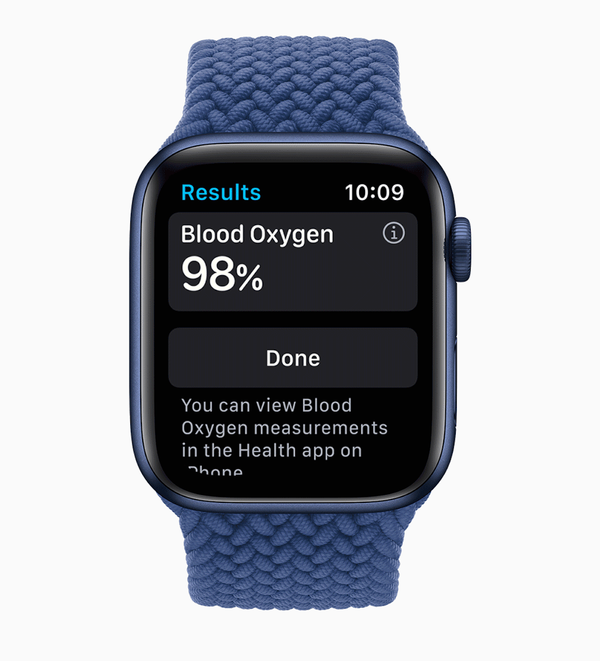
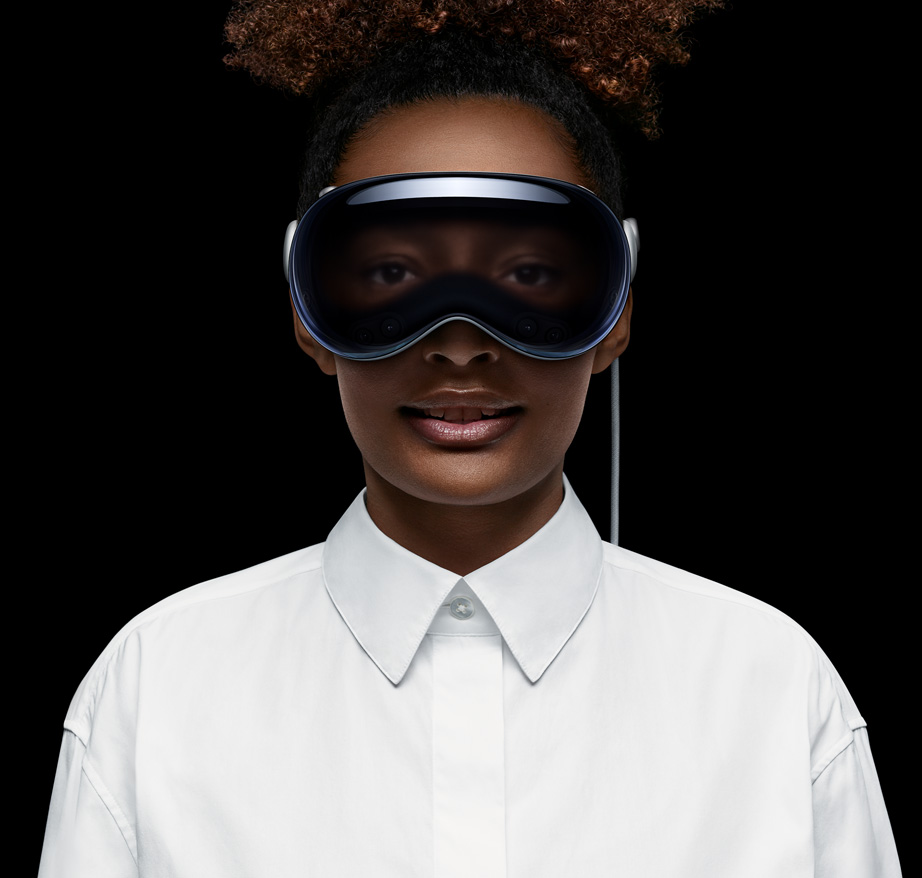

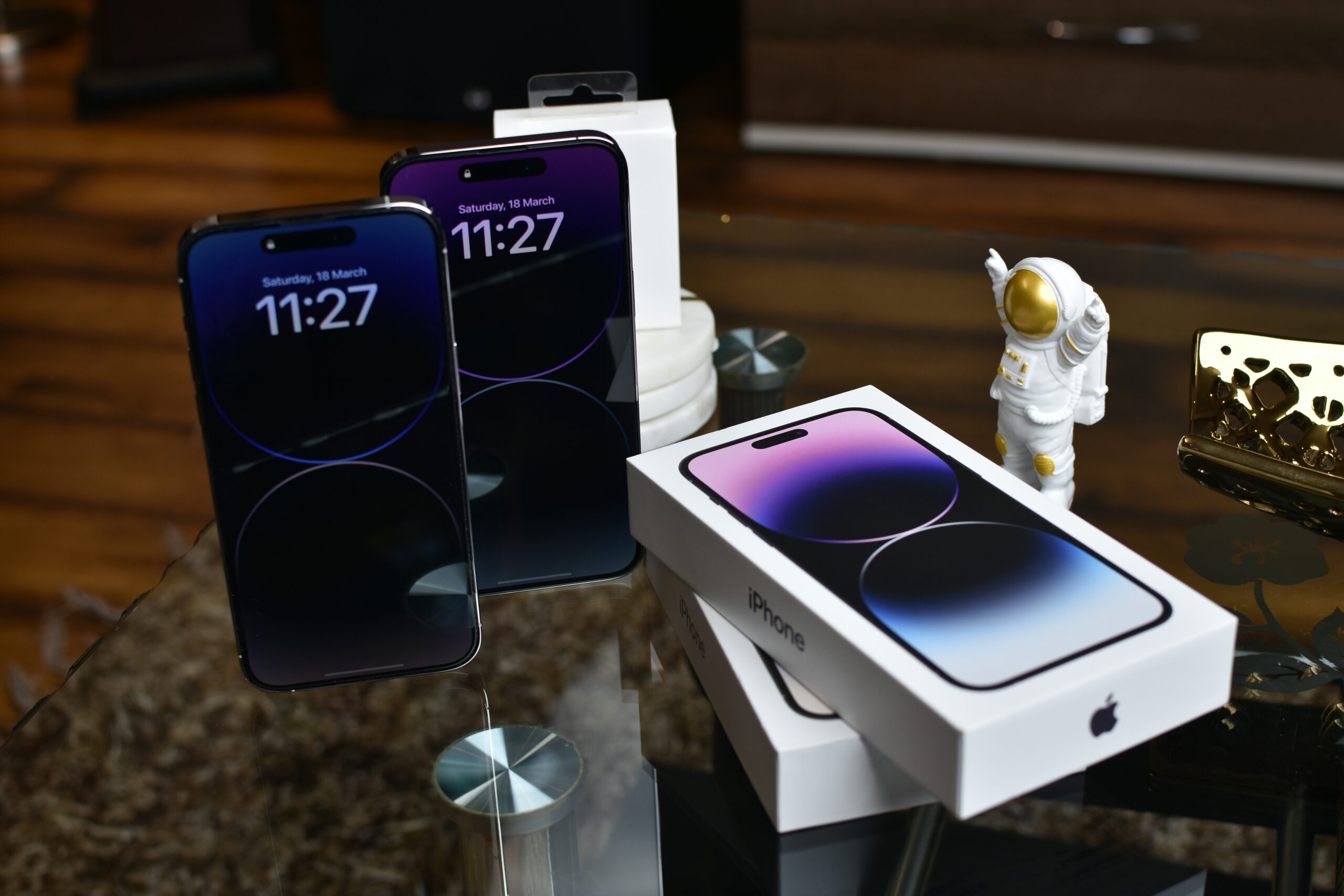
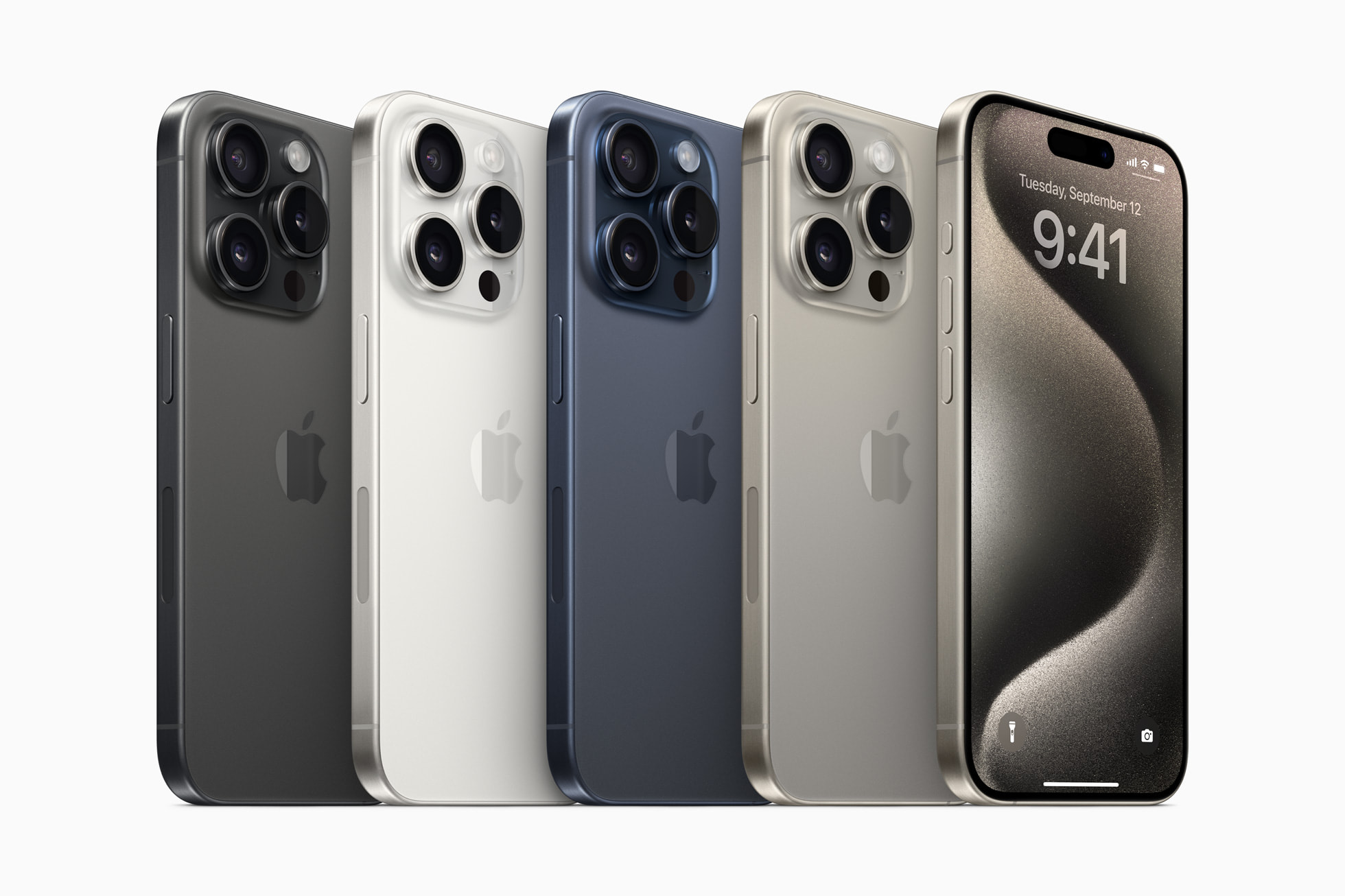
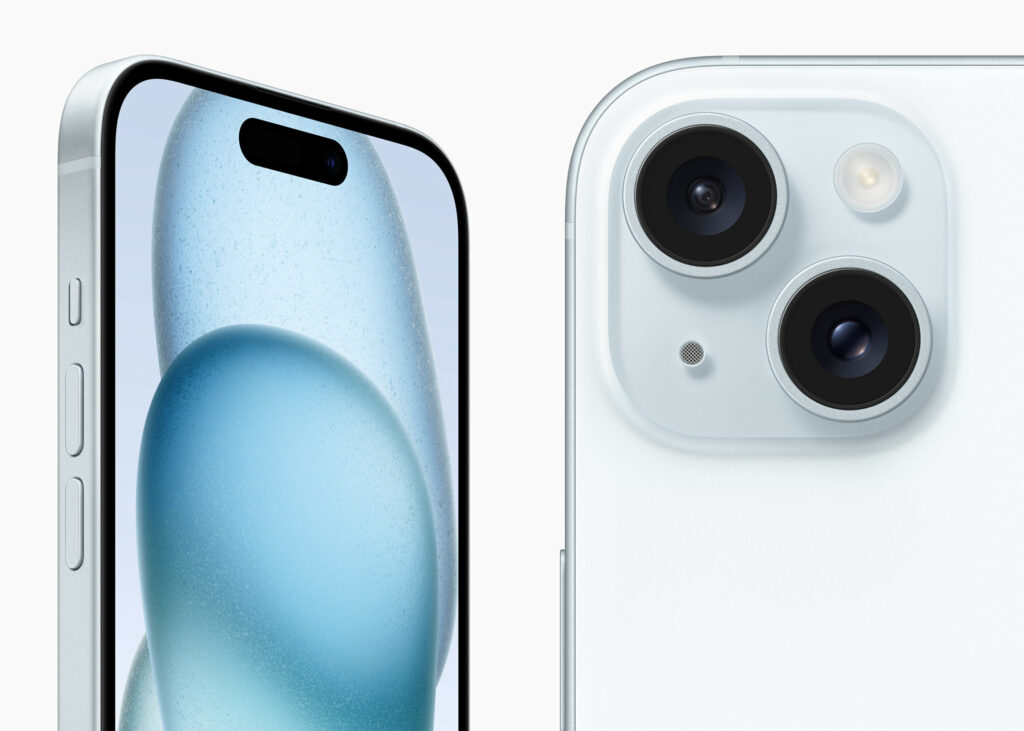
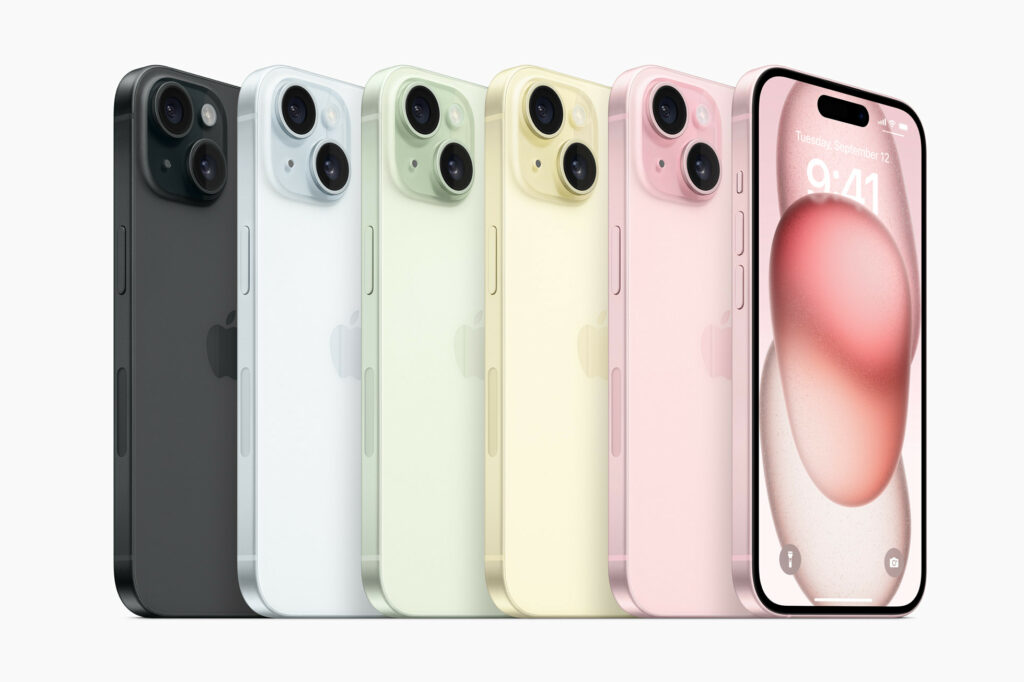
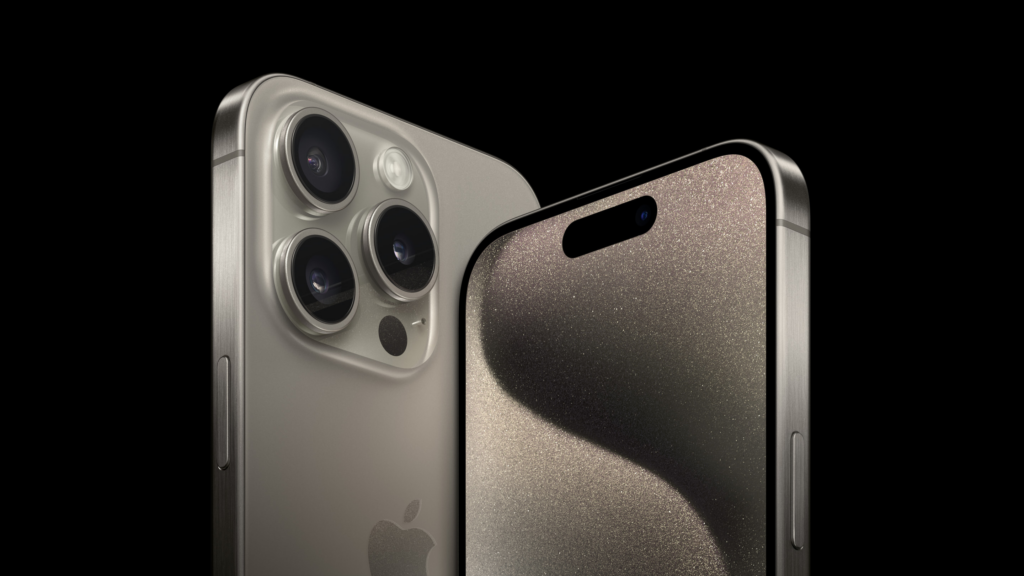
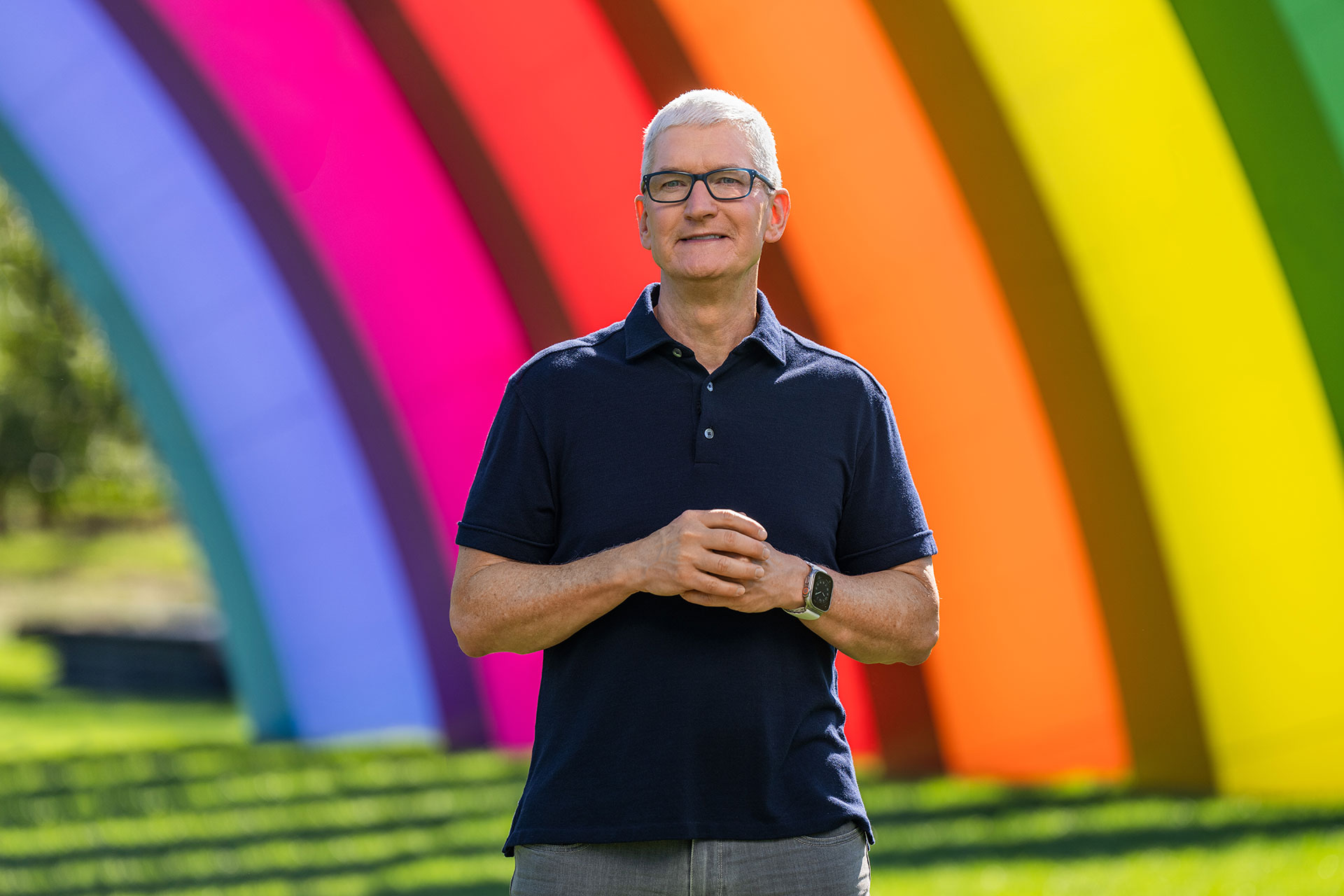

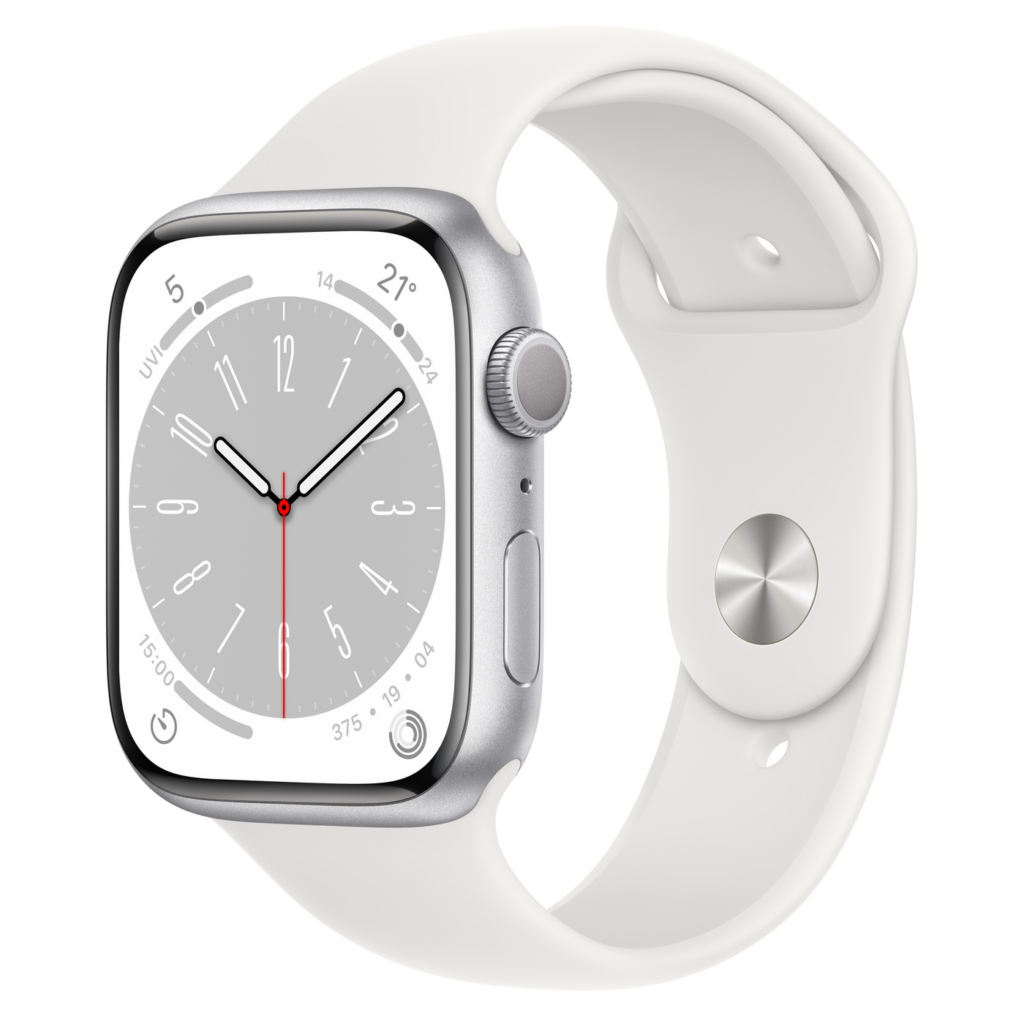
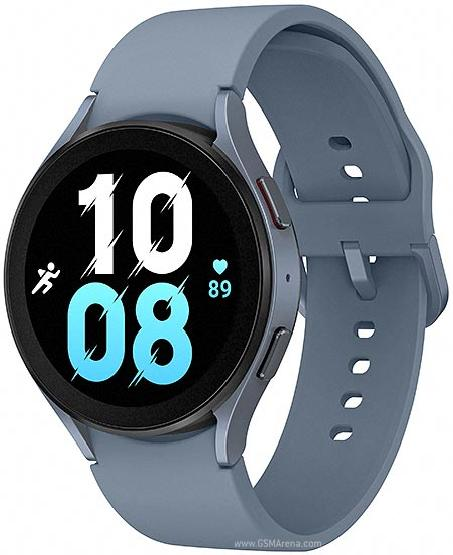
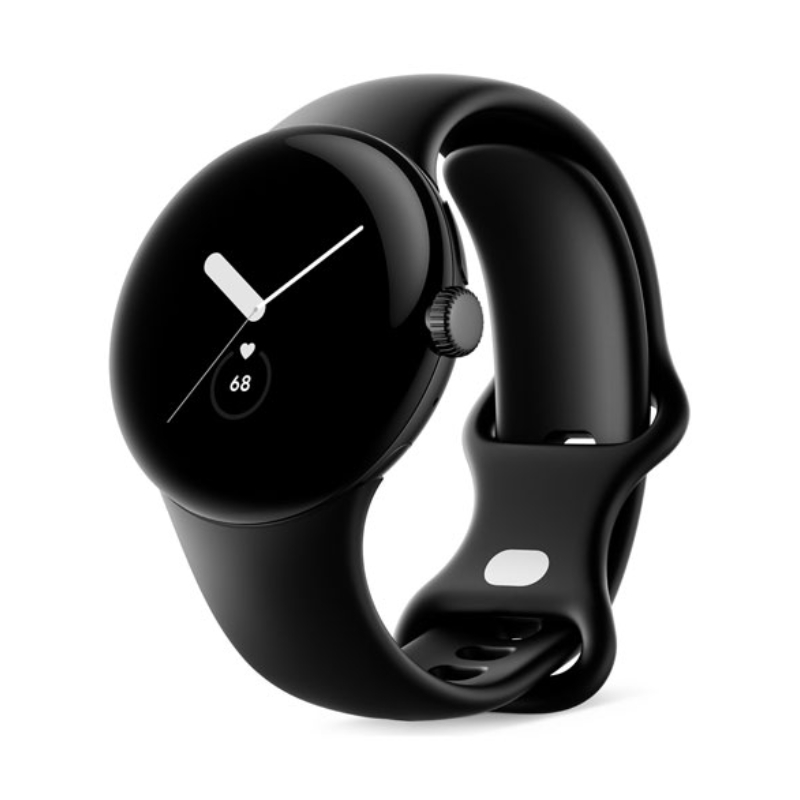
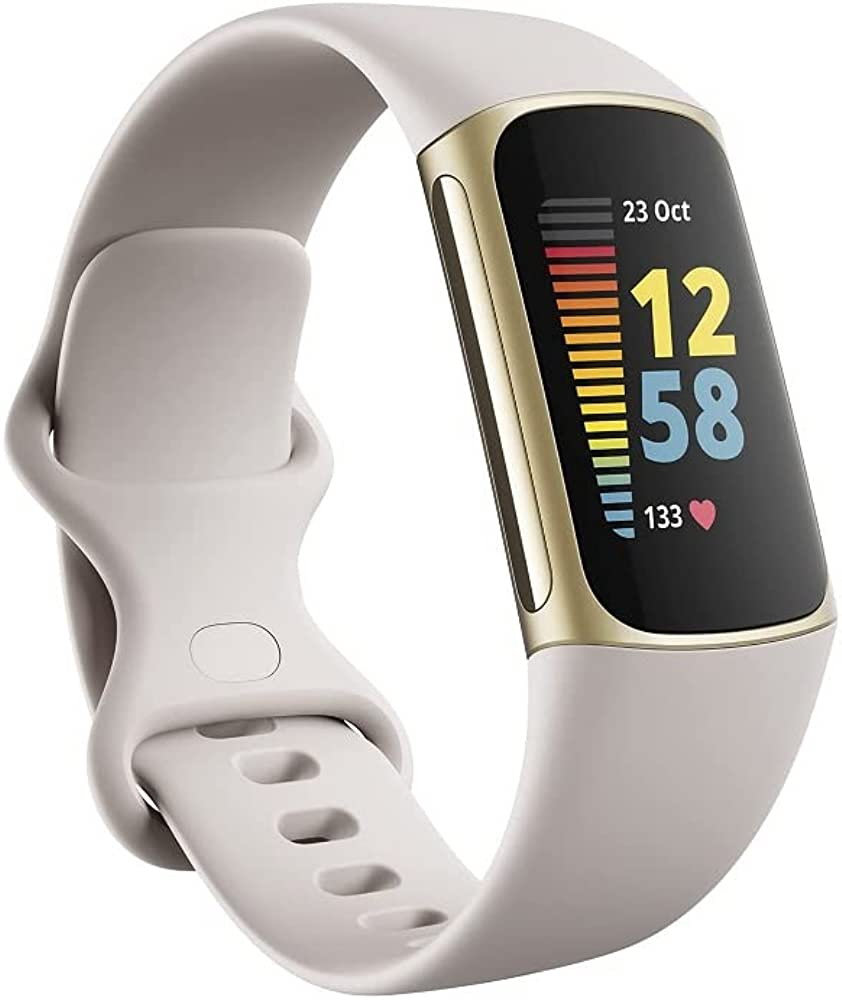
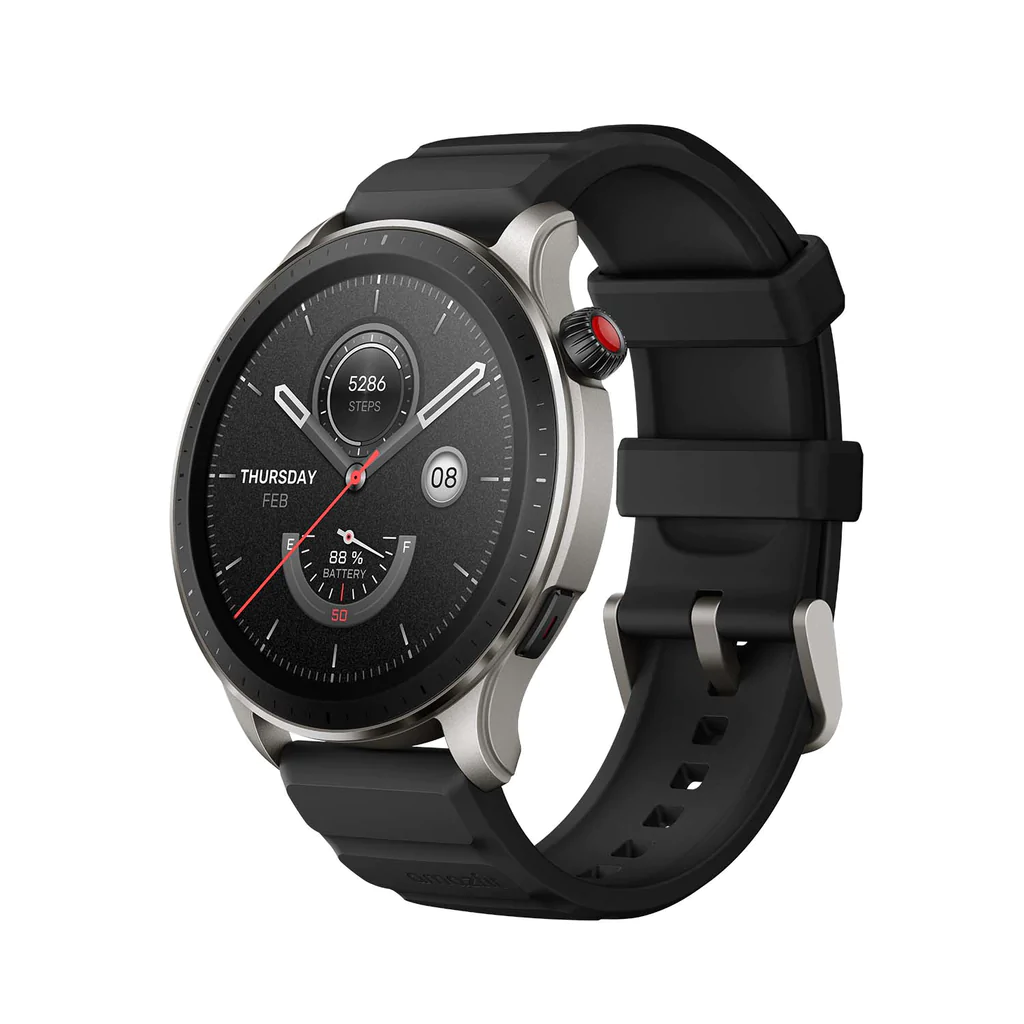
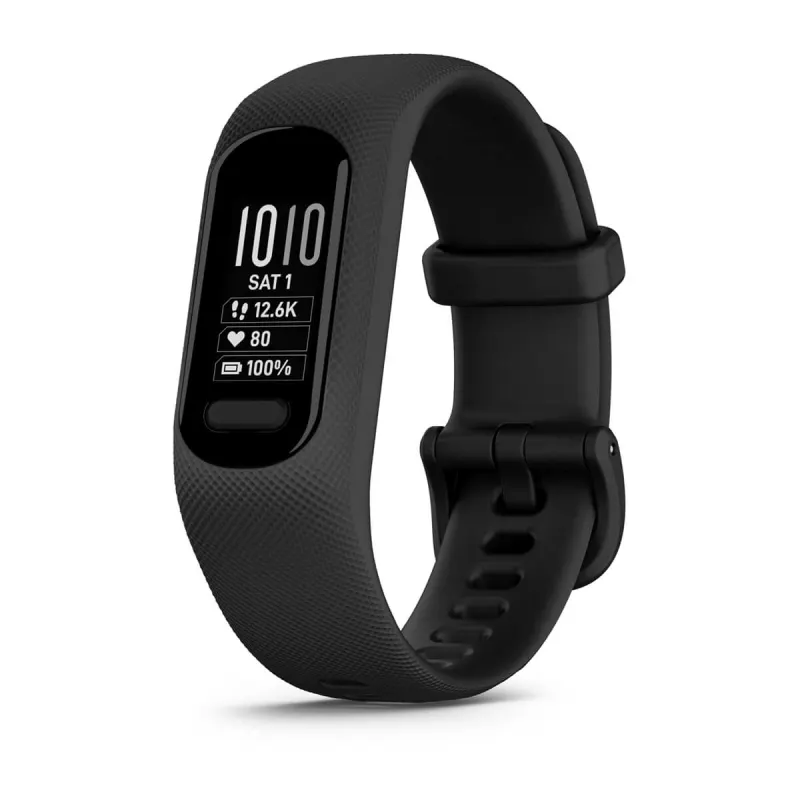
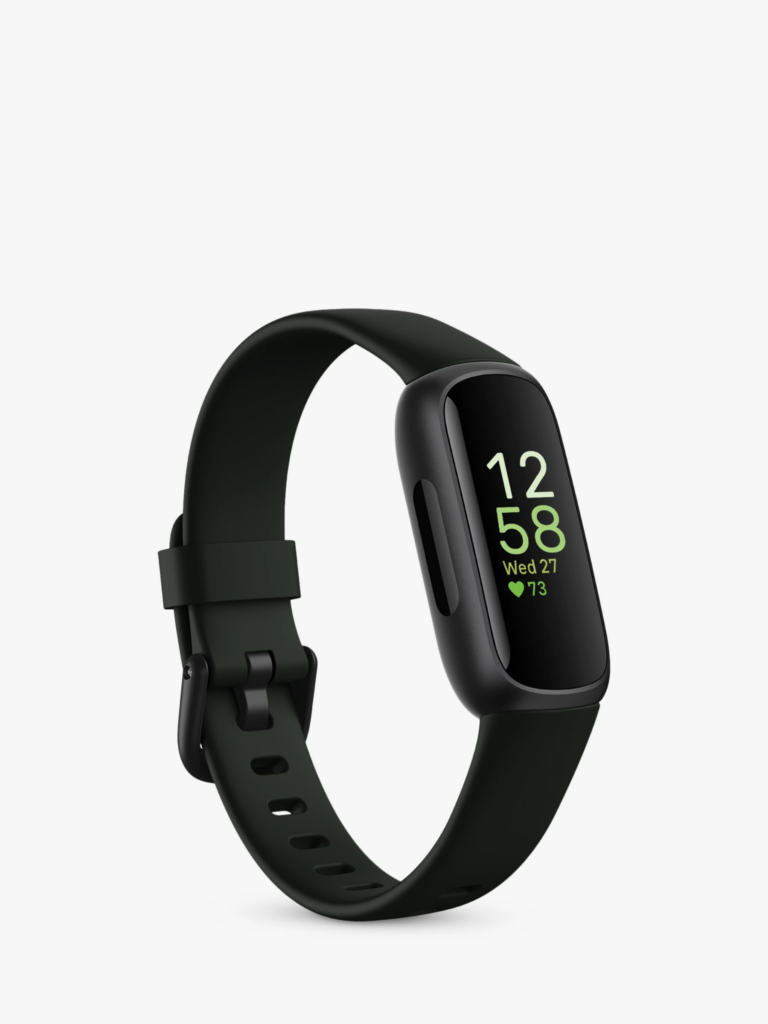
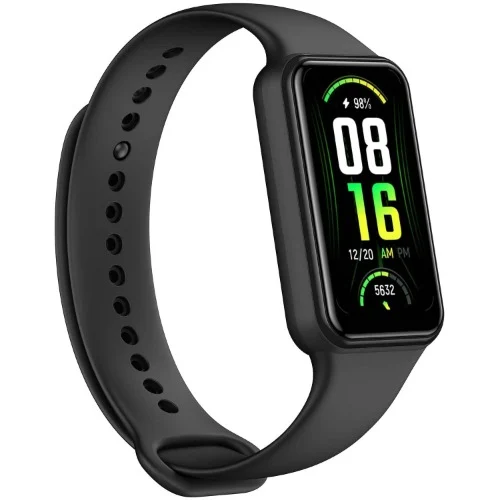
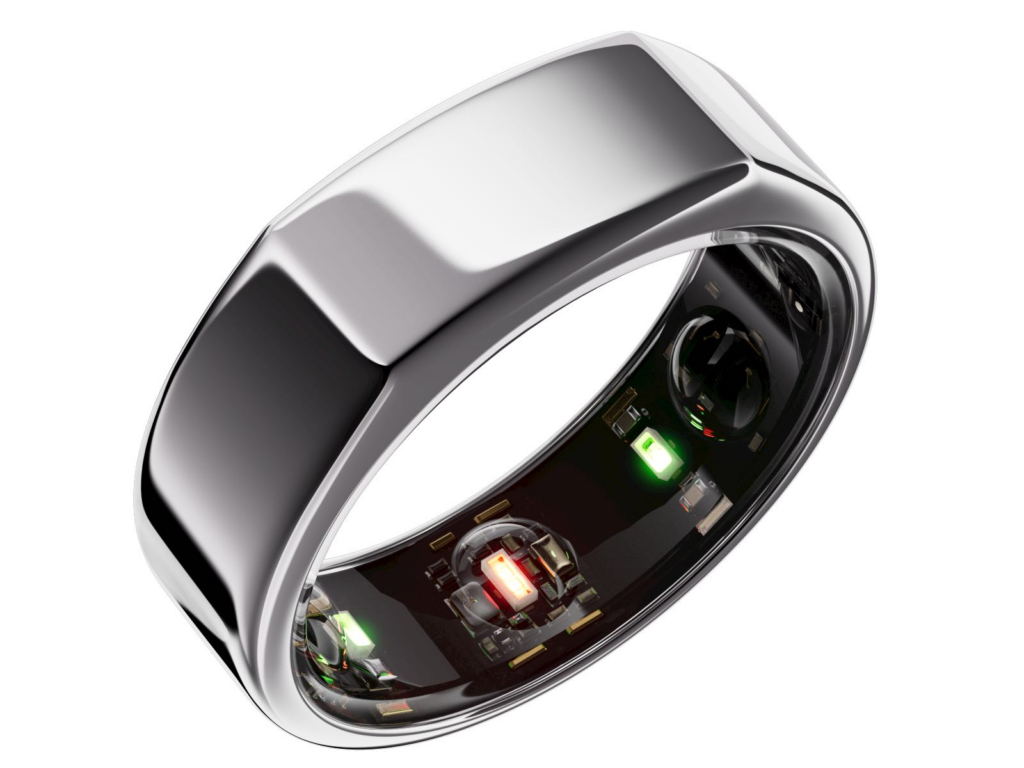
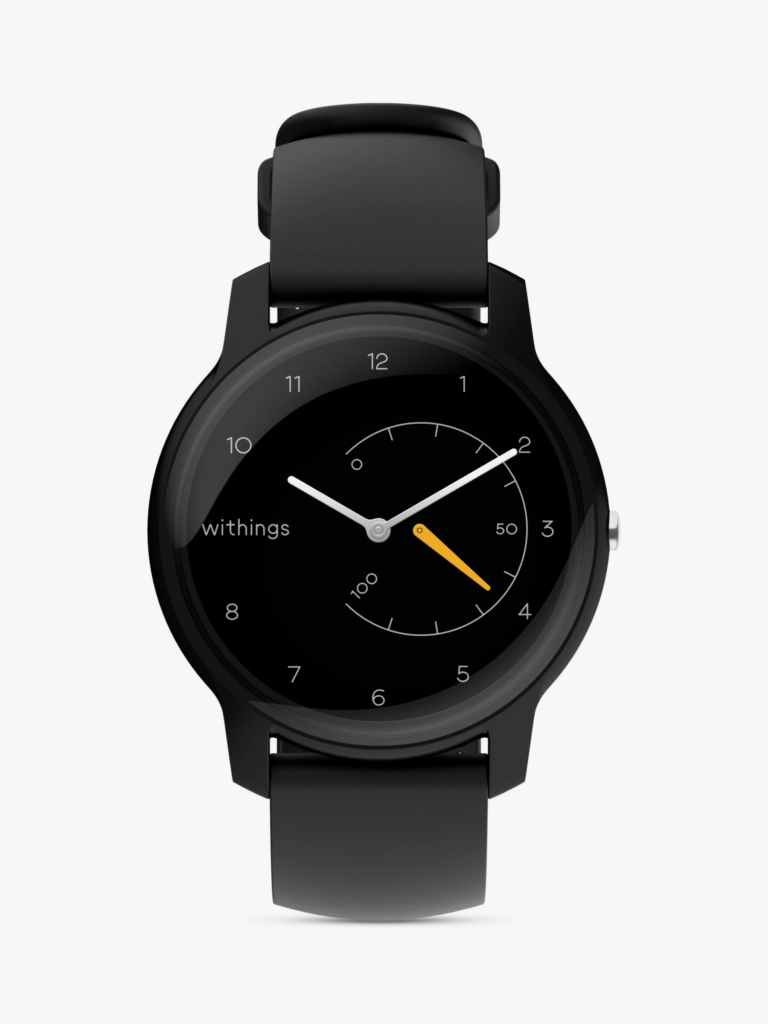
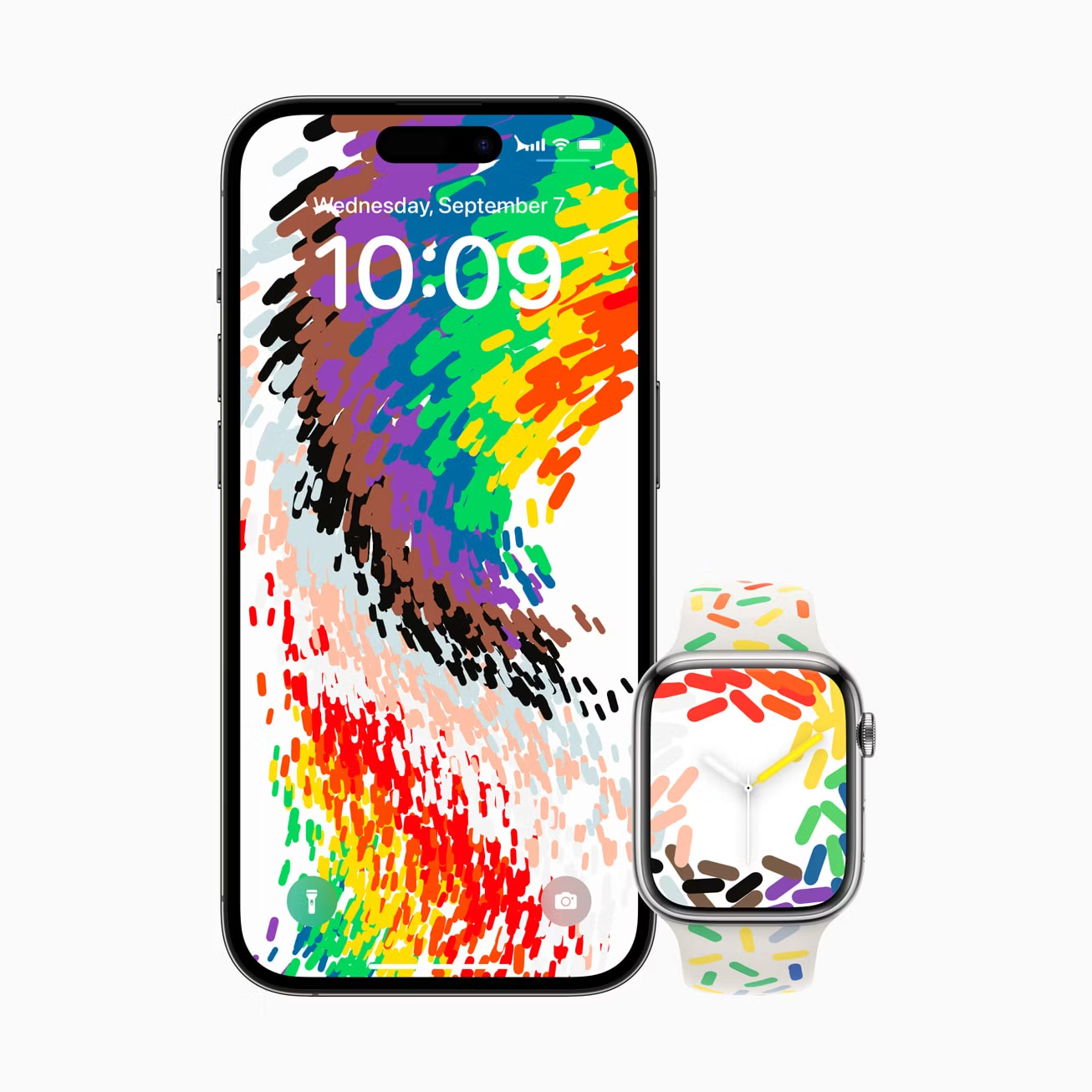
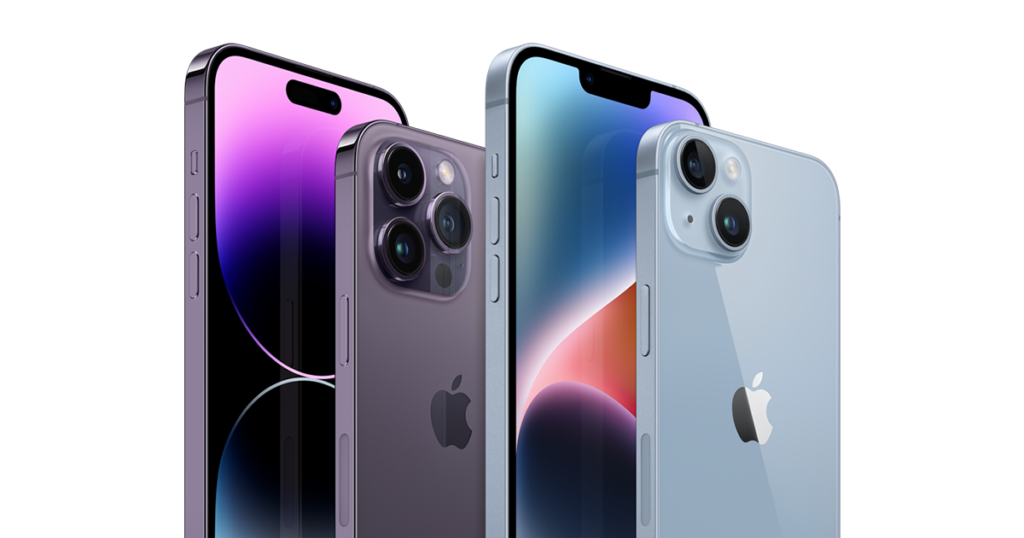
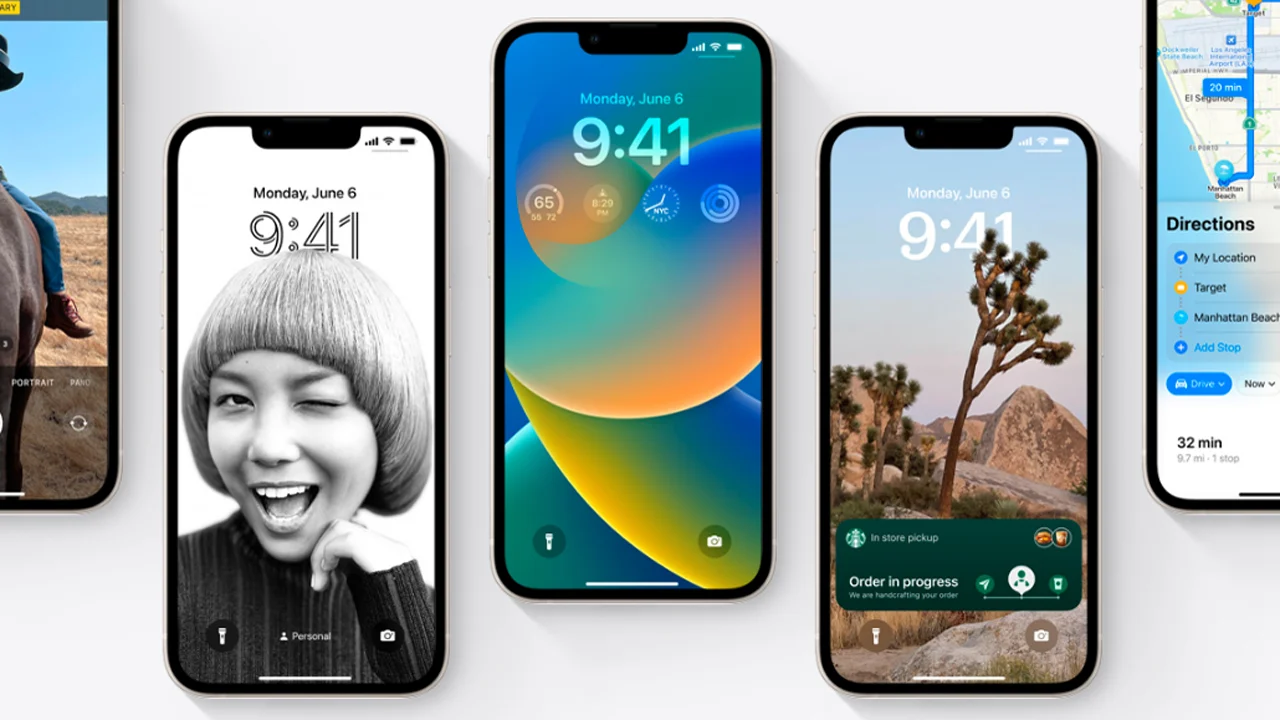
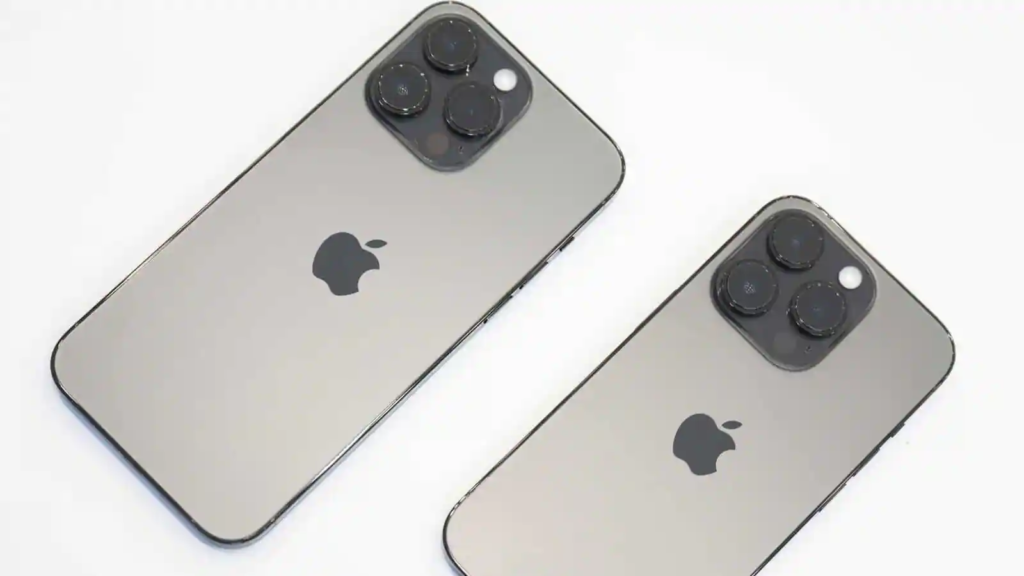
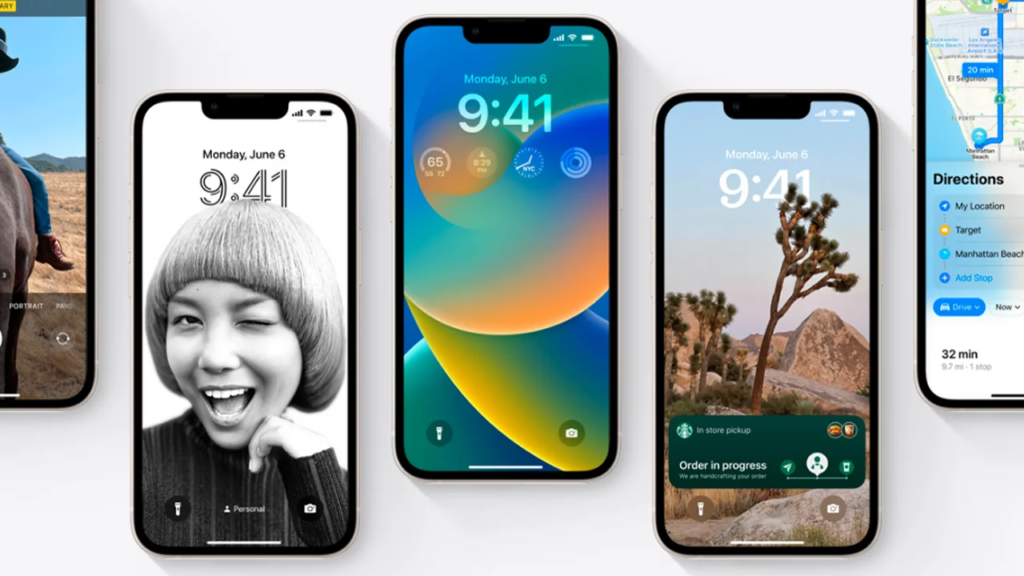


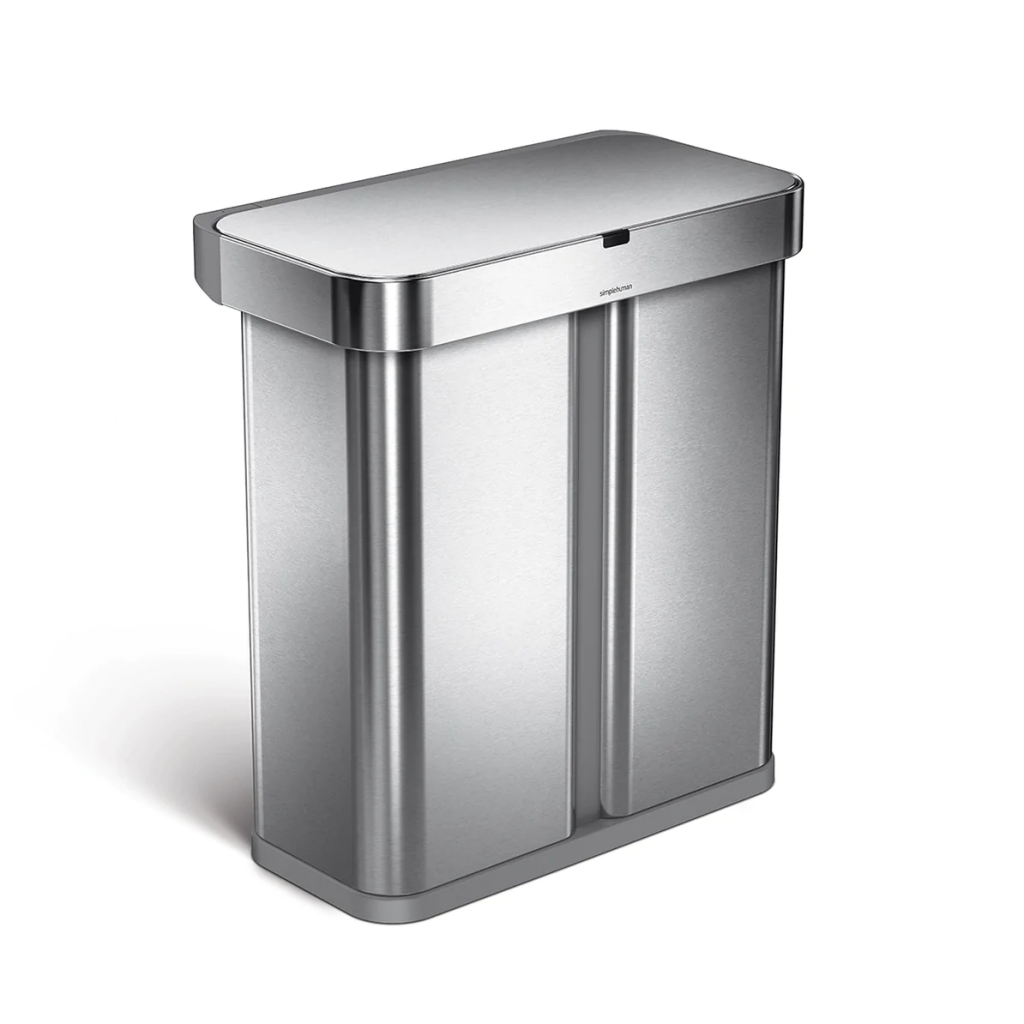

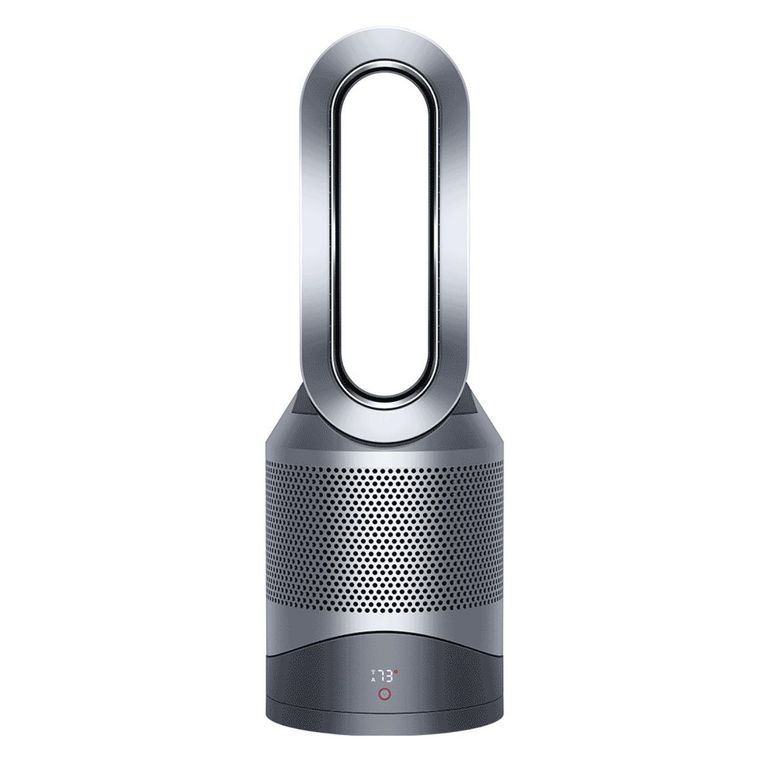

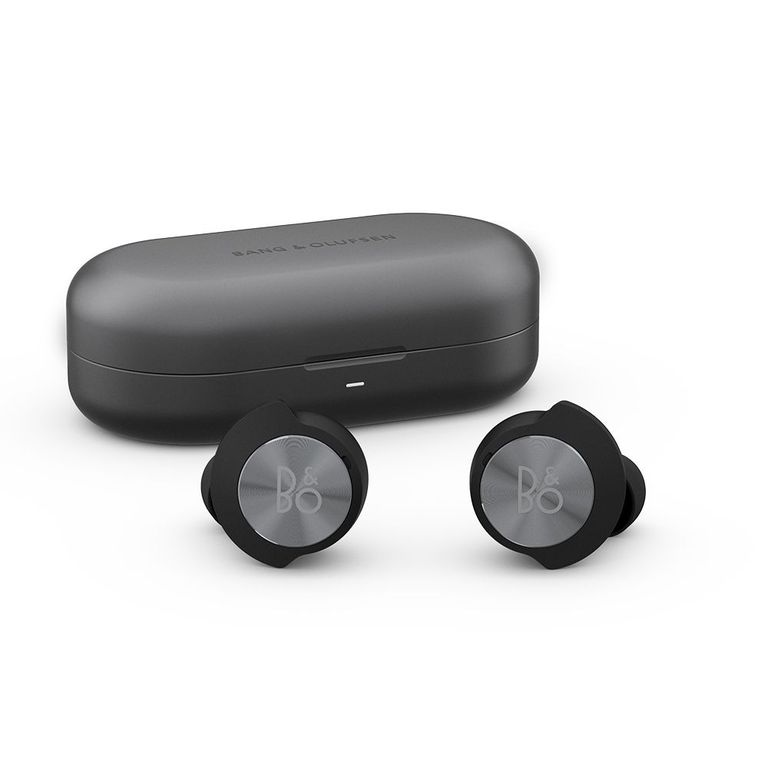

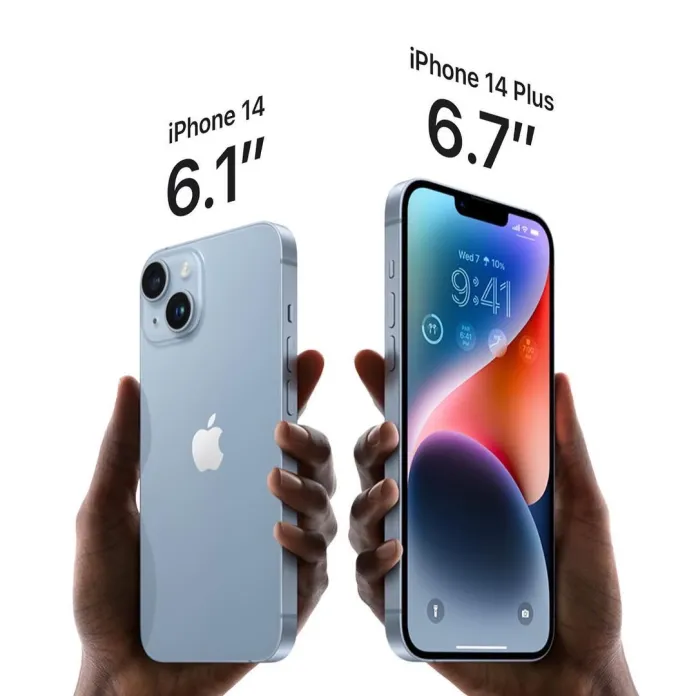

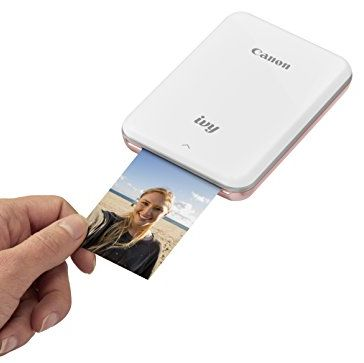
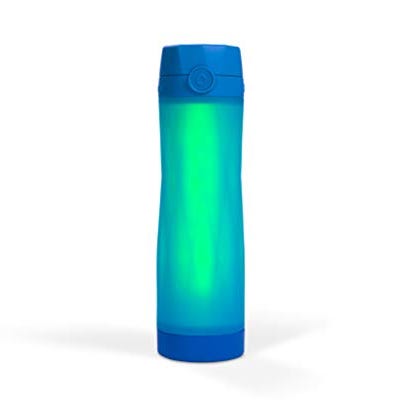




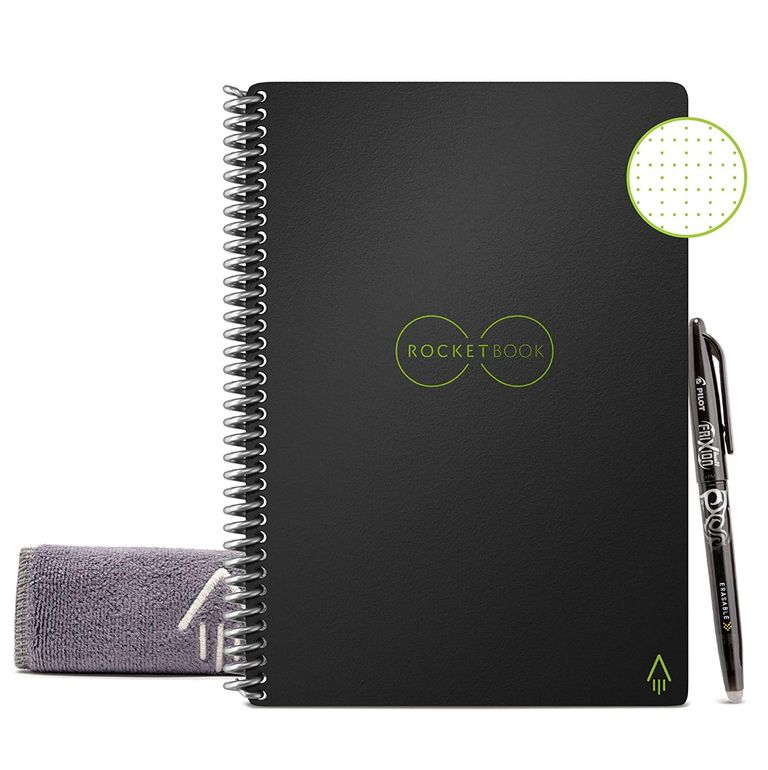

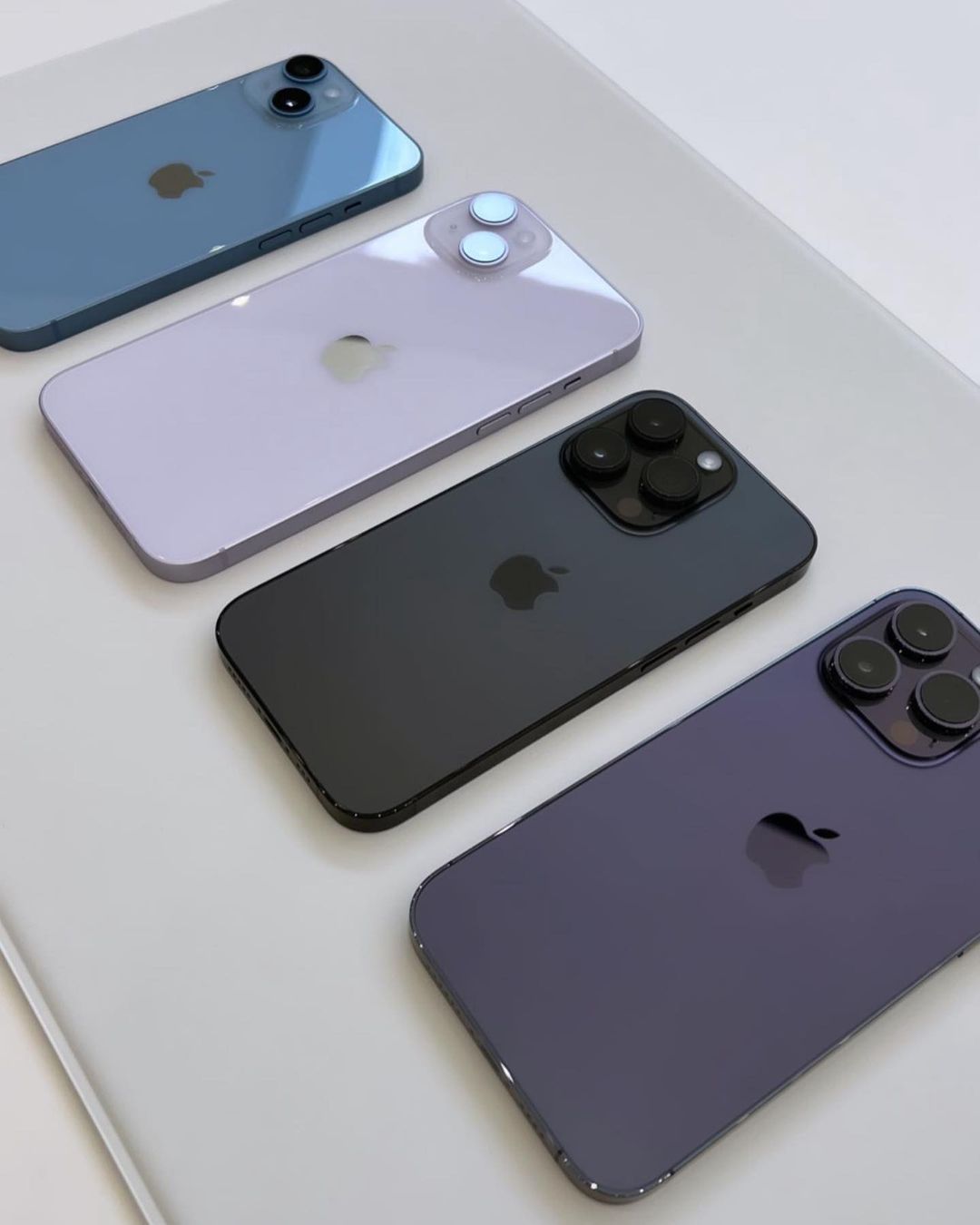
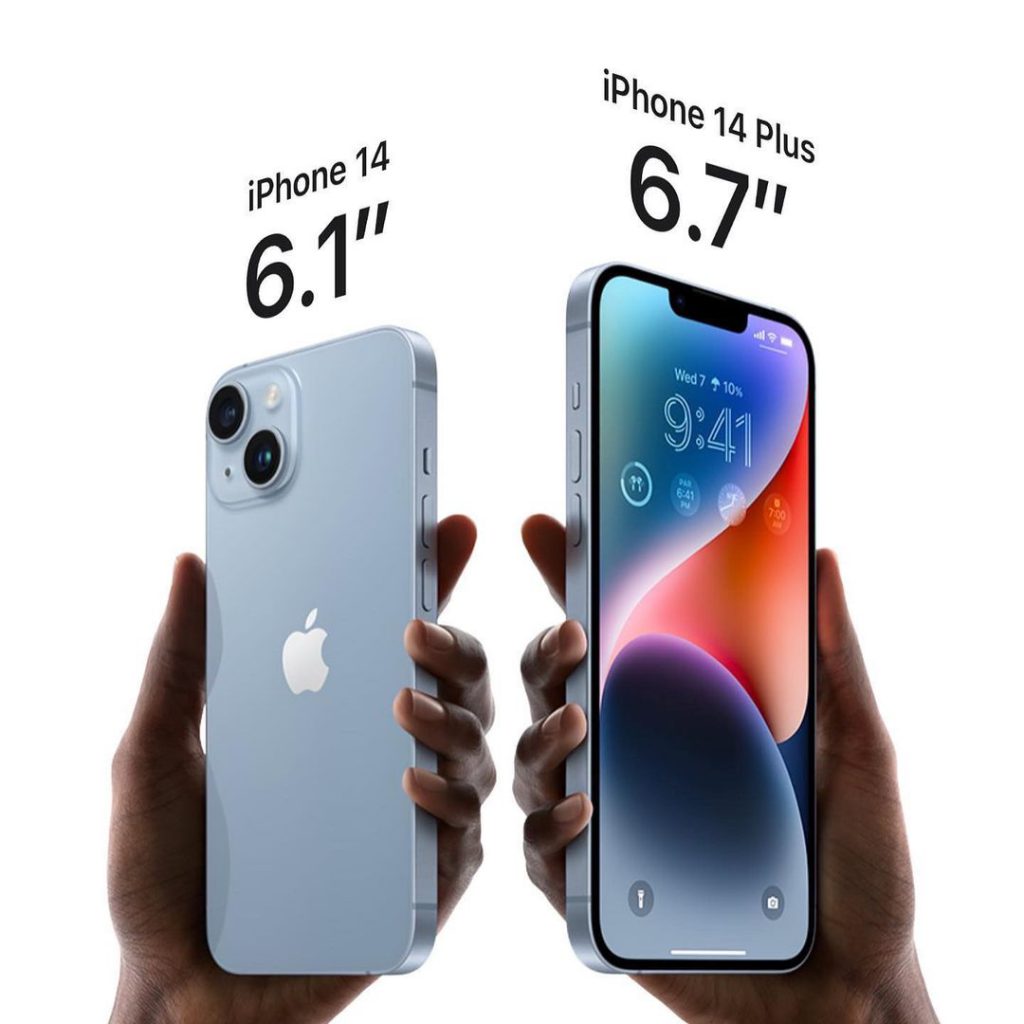
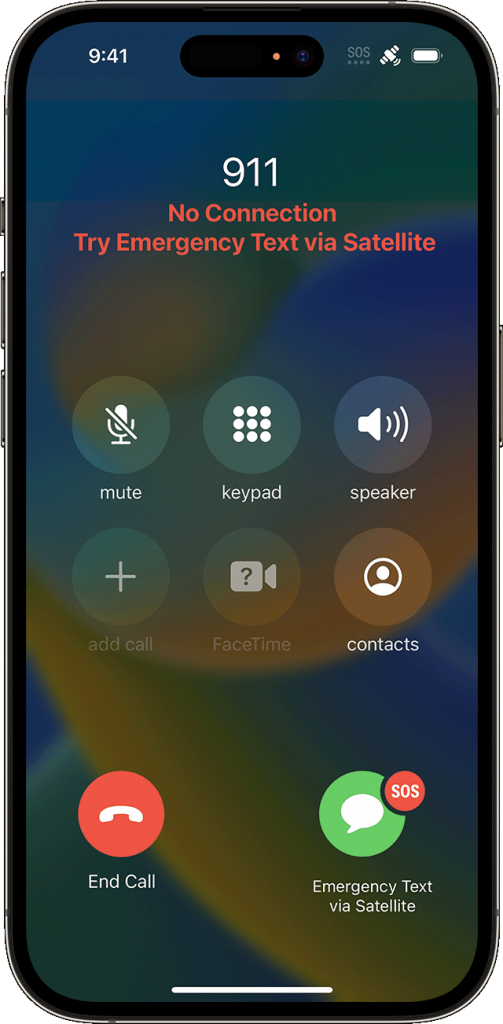
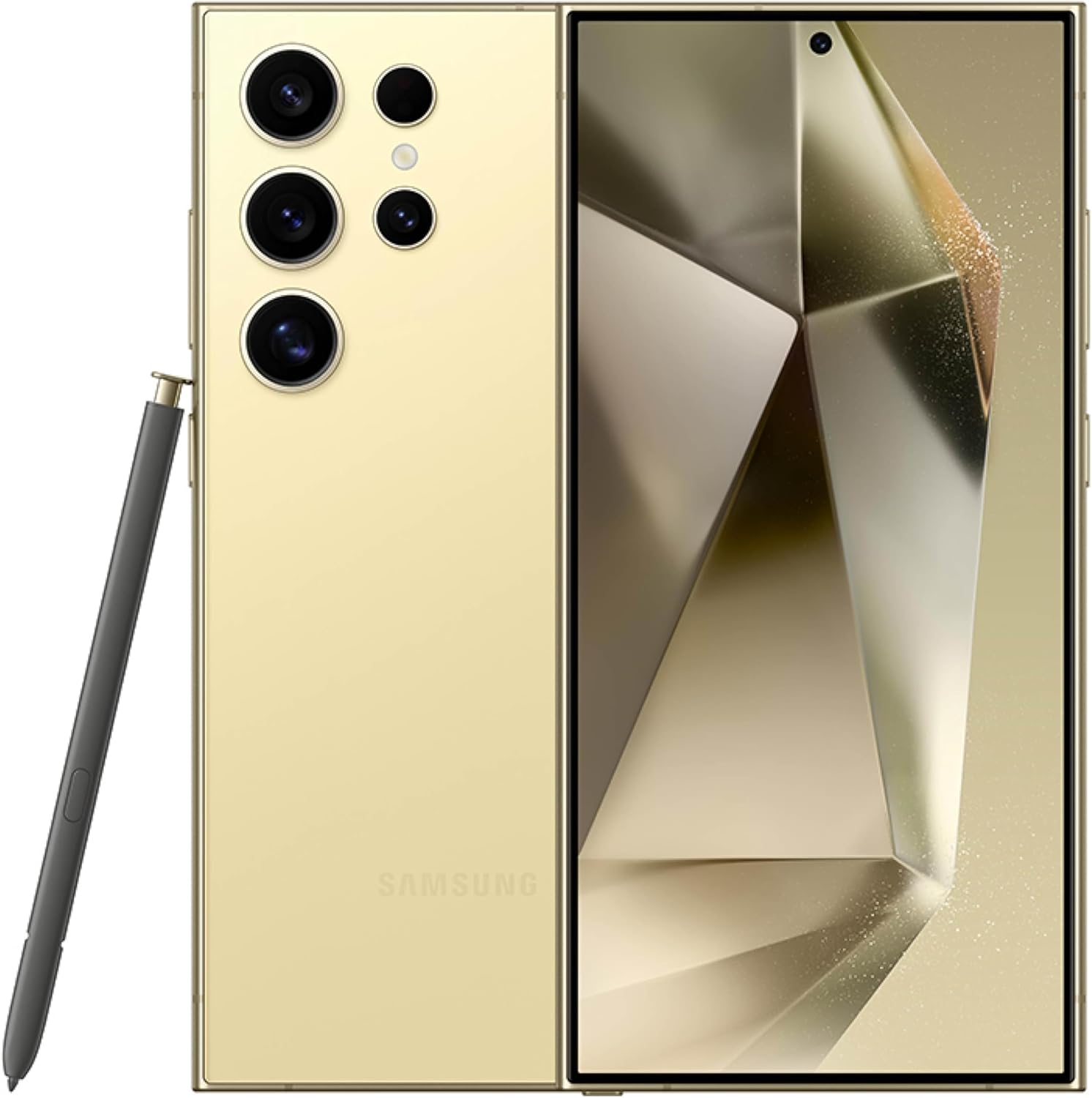
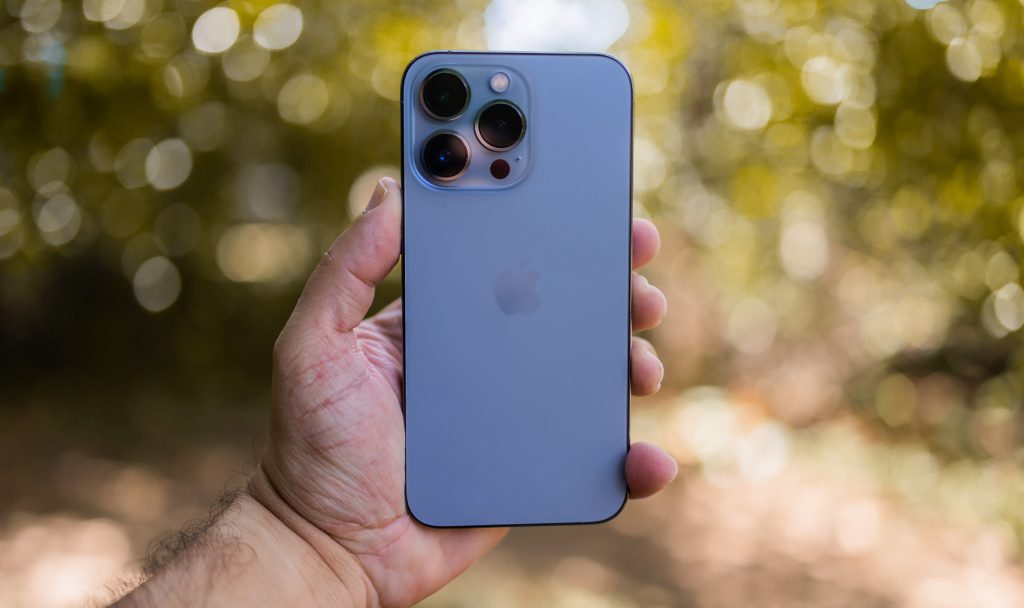
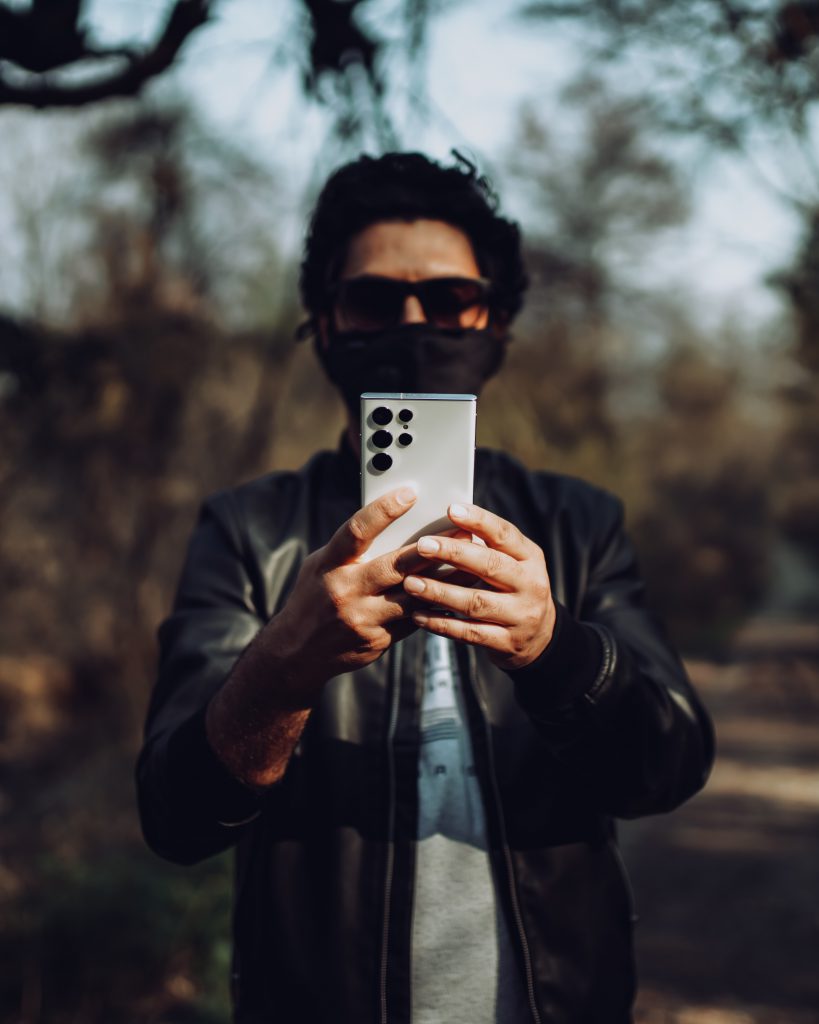
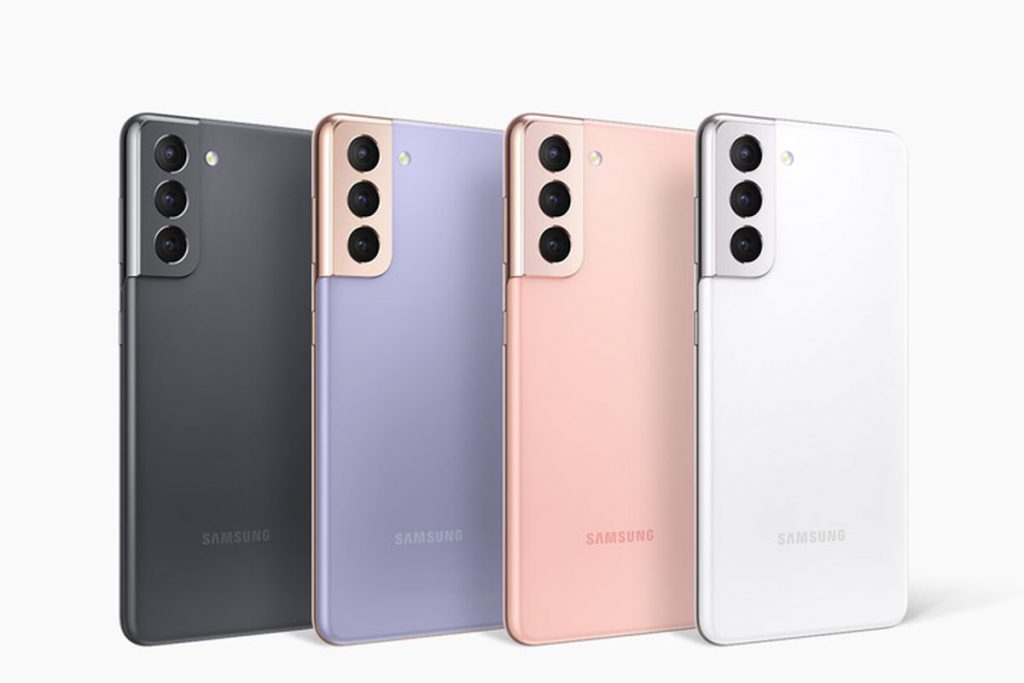
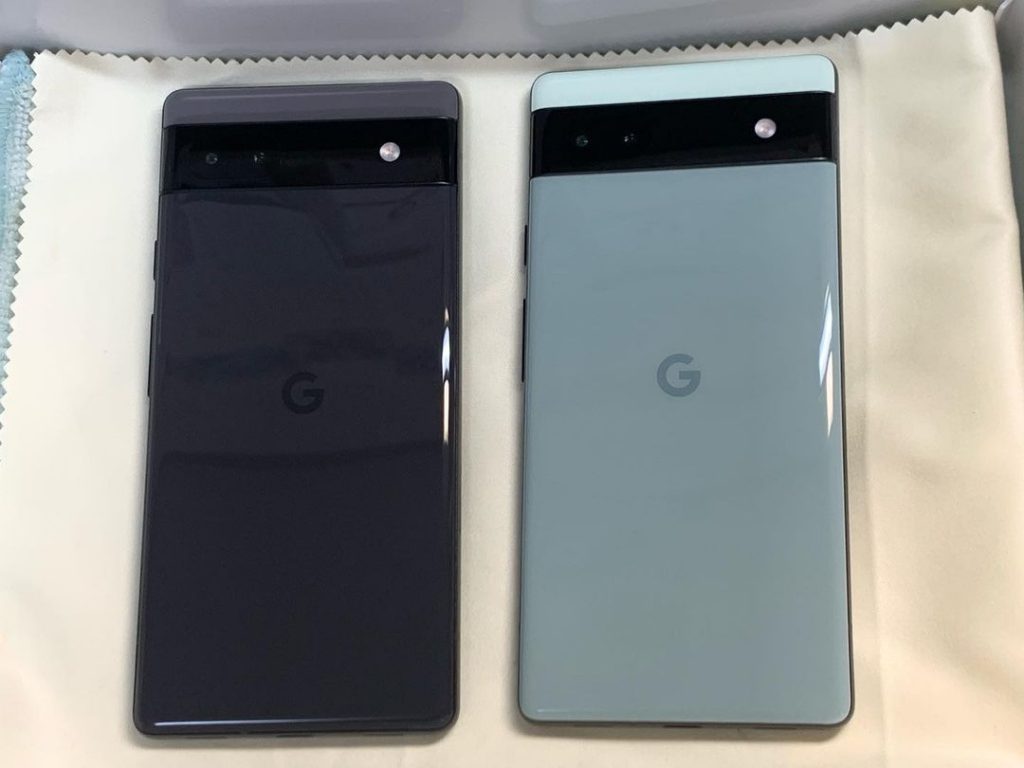
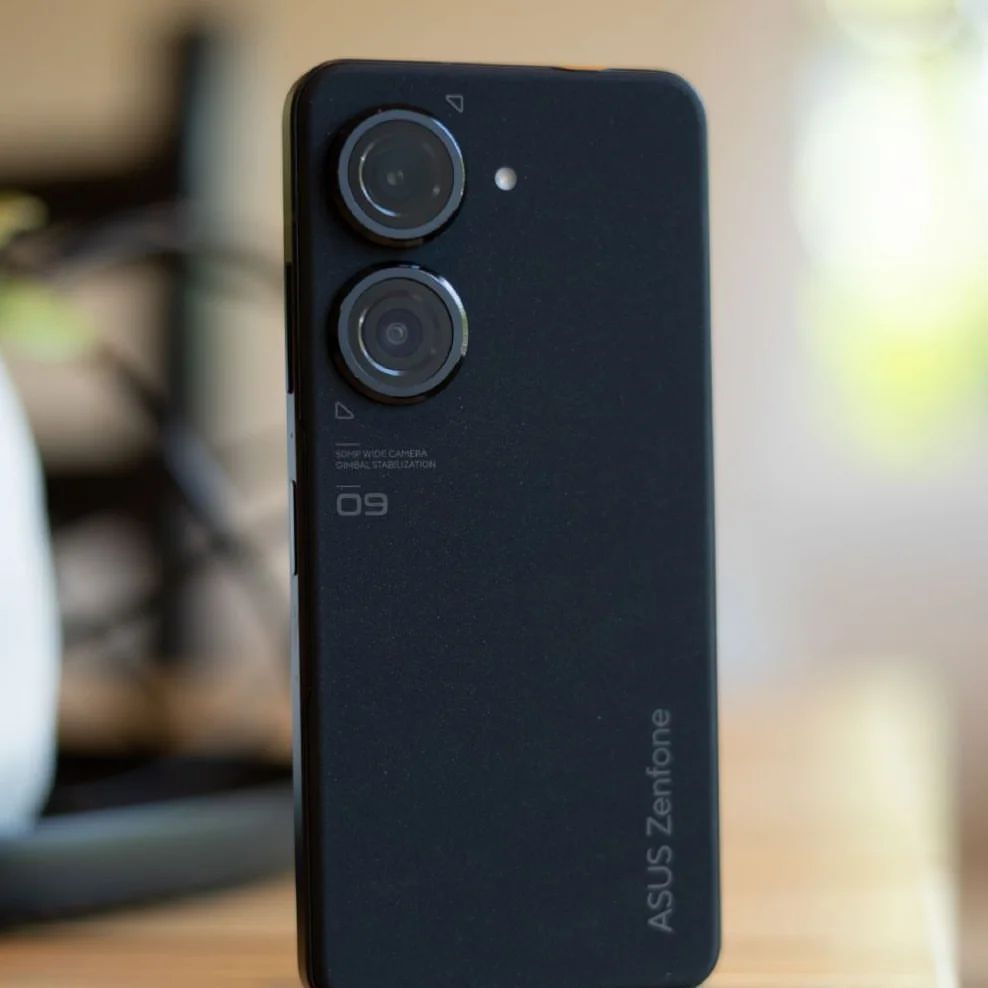
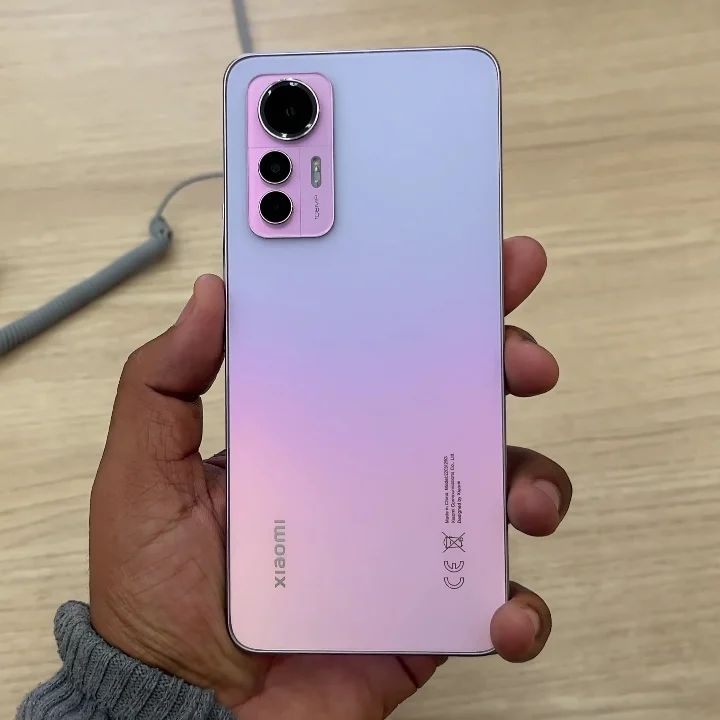
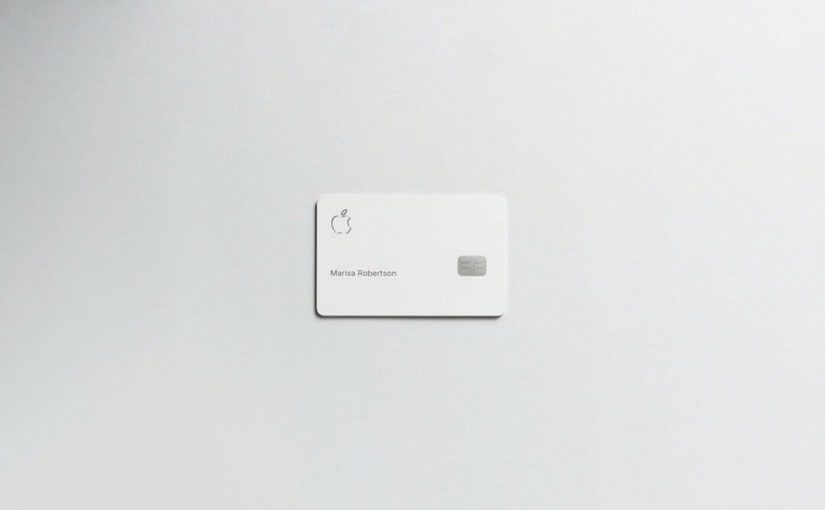
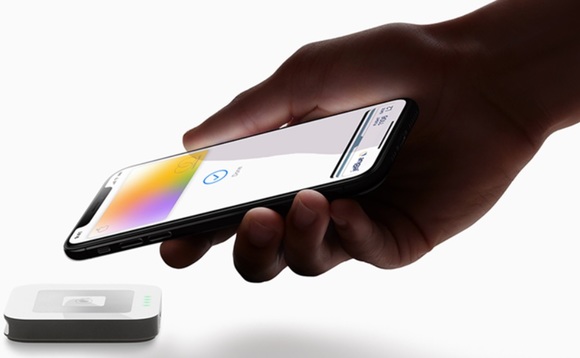
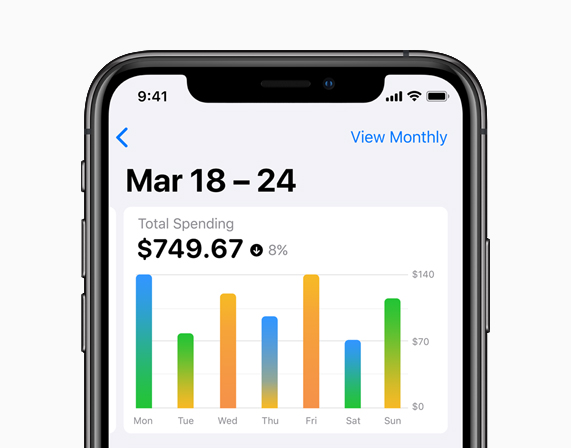
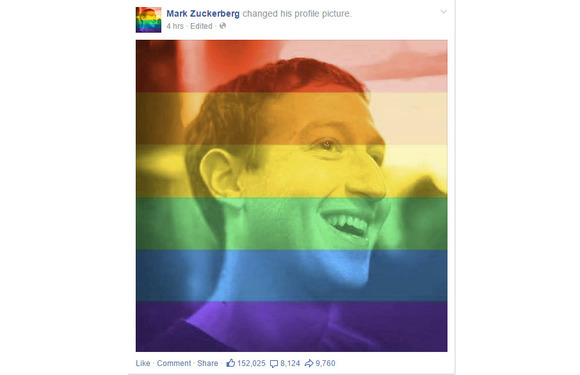


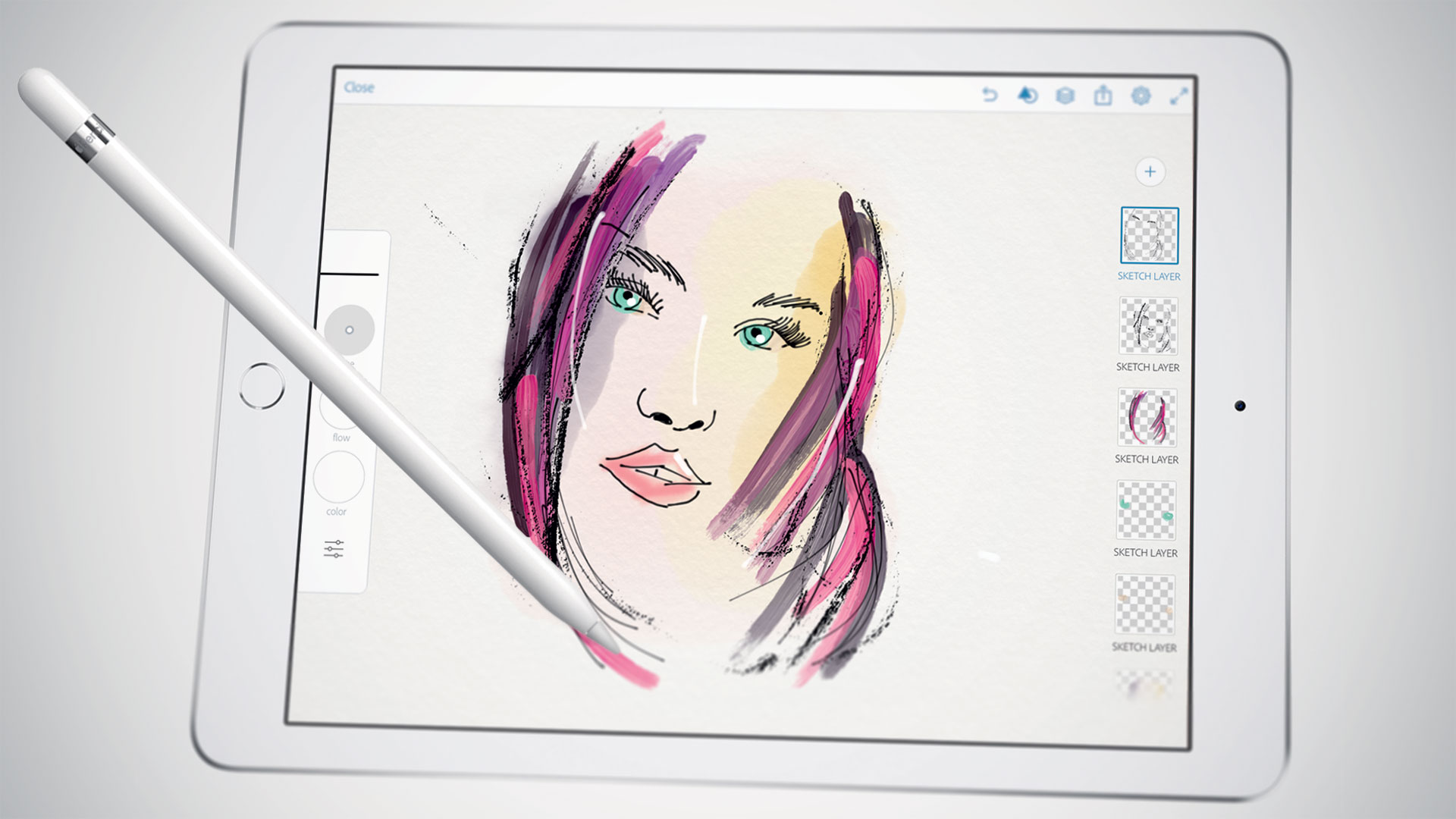


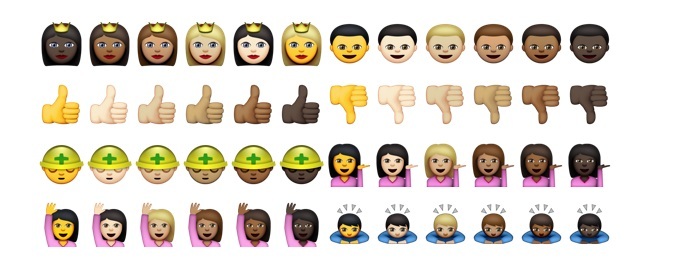
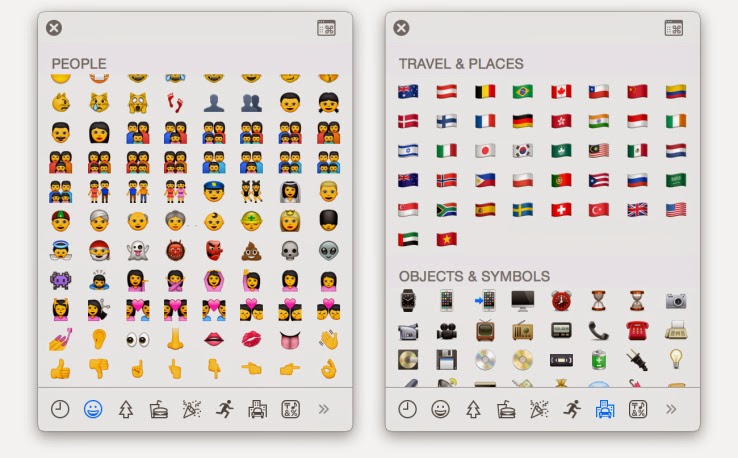



You must be logged in to post a comment.