As a high school boy in 2007, I always use Nimbuzz on my Nokia 8080 Java phone to keep in touch with my classmates. It was quite handy as it was the only reliable way to have a live chat with my friends & contacts on Facebook—yes, back in the days, you have to refresh Facebook mobile for new new messages—and Gtalk, send instant messages to my phonebook contacts and update my twitter status from my mobile phone.
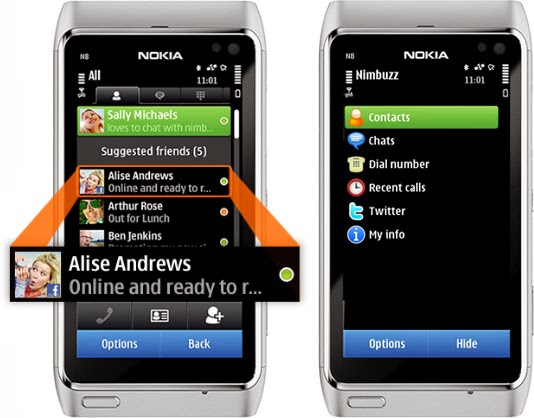
Nimbuzz was an all-round app that does everything. You can connect your accounts on various Instant messengers (IM) such as Gtalk, Yahoo! Messenger, AOL, Skype, Facebook IM and Twitting live updates. In fact, I made my very first VOIP (voice over internet protocol) call on mobile phone with Nimbuzz in 2012—it was a 3G phone, a Nokia Symbian phone, even.
However, these days, Nimbuzz has been ‘reduced’ to less than a shadow of its former self. At best, it will serve as free mobile application that lets you connect and exchange instant messages with your phonebook contacts within app.
Nimbuzz, WhatsApp & BBM Battle
Even in the days of Nokia Sybiam series, Nimbuzz was at its climax, introducing voice call over 3G, file sharing and other exciting features. For an application that got downloaded by over 10 million users on GetJar app store in 2009, Nimbuzz seems to have depreciated from gloss to gross, prompting us to wonder what really happened to place such a glowing candle under the bushel.
I will tell you what, smartphones happened. Facebook and Twitter now have their own apps for messaging and posting update. BBM and WhatsApp has dominated the mobile IM industry.
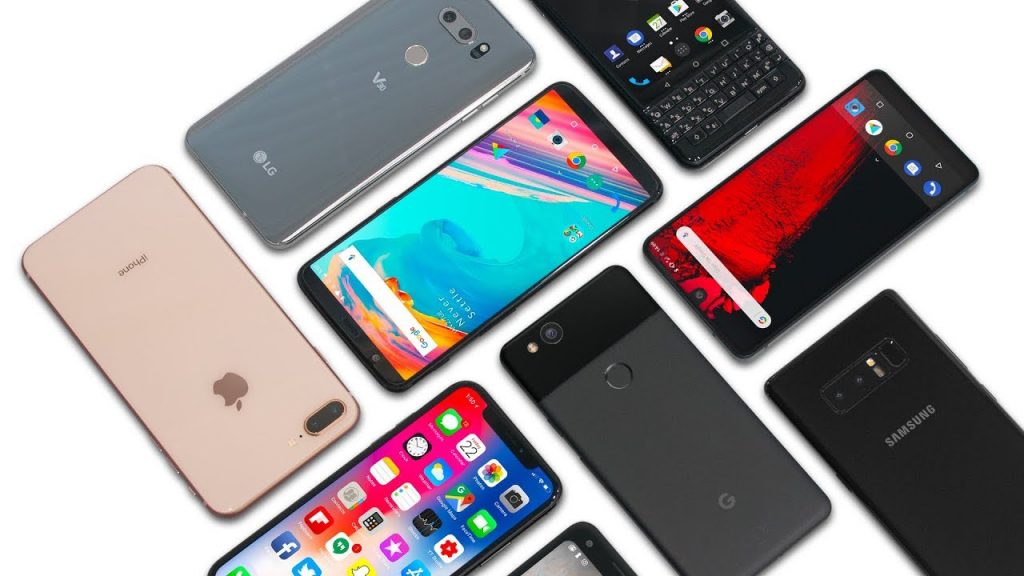
The BBM idea was working quite perfectly in 2010/2011. Despite its single platform limitation at the time, people find it very convenient and easy to exchange instant message through a pre-installed app on their BlackBerry device rather than downloading a third party application.
While Nimbuzz battles with voice call over 3G, Whastsapp will go on to seize an opportunity to explore other platforms that BBM could not cover. With the introduction of file sharing and voice messenger, WhatsApp became the favorite messaging app for Android and iOS users, pulling some users from Blackberry as well. The application has over 9 million downloads on the Android platform alone and almost a double figure across other platforms.
The major reason behind the success of Whatsapp was its cross-platform availability and easy to use interface. This feature was not available on Nimbuzz untill recently. On the other hand BBM was integrated into Blackberry, with over 15 Million phones sold out by RIM in 2011, Nimbuzz unsurprisingly, was crushed under the weight of this IM giants.
What is Nimbuzz doing these days?
With the fall from grace in the IM industry, Nimbuzz seems to be throwing their weight behind their new Nimbuzz Social. In their own words:
Nimbuzz Social is the new content destination for you. With Nimbuzz social get local news and content across world, real time.
You must be logged in to post a comment.