
Tag: New feature

  • Google Adds Site-Filtering Feature to Search  Google Search: Block Sites

    Google Adds Site-Filtering Feature to Search Google Search: Block Sites

    Google Search: Block Sites

    Ever wish you could keep certain sites from showing up in your Google search results? Thanks to a new feature being rolled out right now, you can. Google announced the debut of a site-blocking search tool via its official company blog on Thursday. The tool is simple to use: When you click on a site in a Google search and then go back to Google — presumably because you weren’t satisfied with what you found — you’ll see a new option on the results page to block the site from future searches. All you have to do is click it, and the site will never show up for you again.
    Your search site-blocking preferences are saved in your Google account, so you’ll have to be logged in for the feature to work.

    Google Search Results: Block Sites
    And don’t worry: Your search-blocking changes aren’t set in stone. Anytime a site is omitted from a search because of your blocking, Google will display a small message letting you know something’s been removed. You’ll have an option to unmask the hidden results, if you’re so inclined. You can also manage your virtual blacklist via your Google search settings.
    The Google search-blocking feature will become available to everyone over the next few days. As of now, it’ll function only in English and only for users on Chrome 9 or higher, Internet Explorer 8 or higher, and Firefox 3.5 or higher.

    Google Search Filtering: The Bigger Picture

    If this whole thing has you feeling a sense of déjà vu, don’t worry: You aren’t losing your mind. Google announced a similar search-filtering feature about a month ago in the form of an extension for the Chrome browser. The extension did almost the same exact thing as this new feature, except for the fact that it worked on the browser-level instead of on Google’s own servers.
    It’s all part of Google’s steady efforts to combat the presence of search spam — a fancy term for low-quality entries that show up in search results. Google has increasingly come under fire for search spam in recent weeks, with some bloggers and pundits saying the company’s level of search-result junk is spiraling out of control. The concerns revolve largely around so-called “content farms,” or sites that generate lots of pages with little real value. Many of these sites monitor popular search queries and create pages for the sole purpose of attracting traffic, even though they have no original or relevant content to offer.
    Google also recently adjusted its search algorithm to try to keep those sites from cluttering up results. The change, announced in late February, is designed to reduce rankings for low-quality sites and give higher rankings to sites with more original and in-depth material.
  • Hands on with Google Handwrite, Google’s new search feature

    Hands on with Google Handwrite, Google’s new search feature

    Newton fans, rejoice: If you like writing your queries on a screen rather than typing them on a virtual keyboard, Google’s new project, Handwrite, should awe and delight.

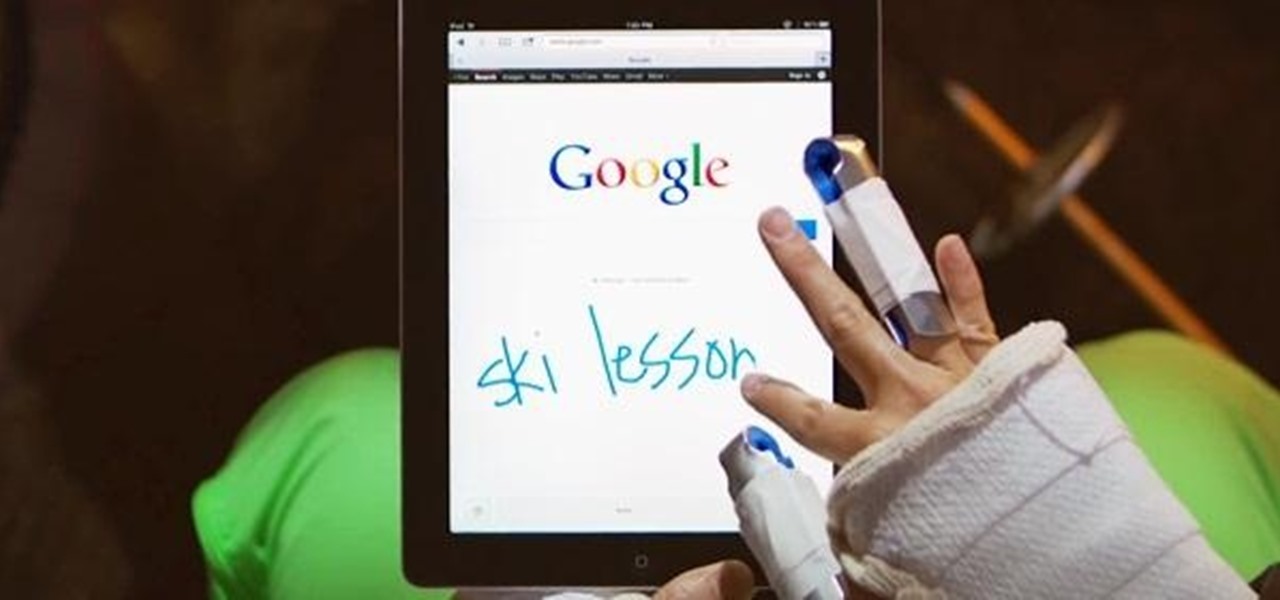
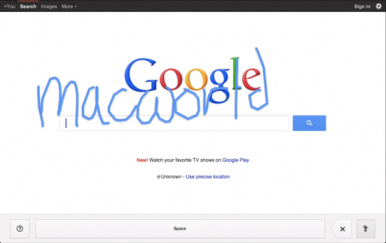
    Announced on Google’s blog Thursday morning, the company’s new beta project aims to make it easier to search, no matter where you are or what you’re doing. Handwrite allows you to block print or handwrite letters, words, and punctuation on the screen, where it will be instantly analyzed and converted into a search term.
    The feature is pretty simple to turn on: On an iPhone, scroll down to the Settings link on Google.com (on an iPad, click Search Settings from the Gear icon), enable Handwrite mode, then return to Google.com. Tap the new button in the lower right corner—it resembles a cursive lower-case g—to turn Handwrite on, and just start scribbling.

    On an iPhone or iPod touch, I found Handwrite a little finicky due to the small screen. (See my hands-on video, below.) The service will intelligently try to guess at your letters and words, though, so if you only write “dowag” before you run out of room, you can continue with “er” and it will put the letters together to make “dowager”—and suggest you might be looking for the Dowager Countess from Downton Abbey, at that.http://www.youtube.com/embed/iwZOhhul0YU?feature=player_embedded
    On an iPad, using Handwrite is a dream, especially if you use a stylus. There’s no worry of real estate crunch, and you have much more freedom in forming your letters.
    Unfortunately, I found that Google’s recognition engine was much poorer at analyzing cursive lettering than it was at block printing. I’m not sure whether that has to do with my own messy style of cursive or the engine itself, but I often found it dropping letters (it didn’t know what to do with a lower-case s or r) or misunderstanding words entirely. Luckily, Google’s search engine is good enough to more or less pick up the slack (turning “teasures” to “treasures,” for example), but it’s still a little annoying.
    For a beta feature, though, Handwrite is great fun, and something I could actually see myself using pretty often. My handwriting’s slow—but not as slow as my virtual keyboard touch-typing.
    Post Credit:
    For more Macintosh computing news, visit Macworld. Story copyright © 2011 Mac Publishing LLC. All rights reserved.