Tag: password

  • How to Reset Your Windows Password

    How to Reset Your Windows Password

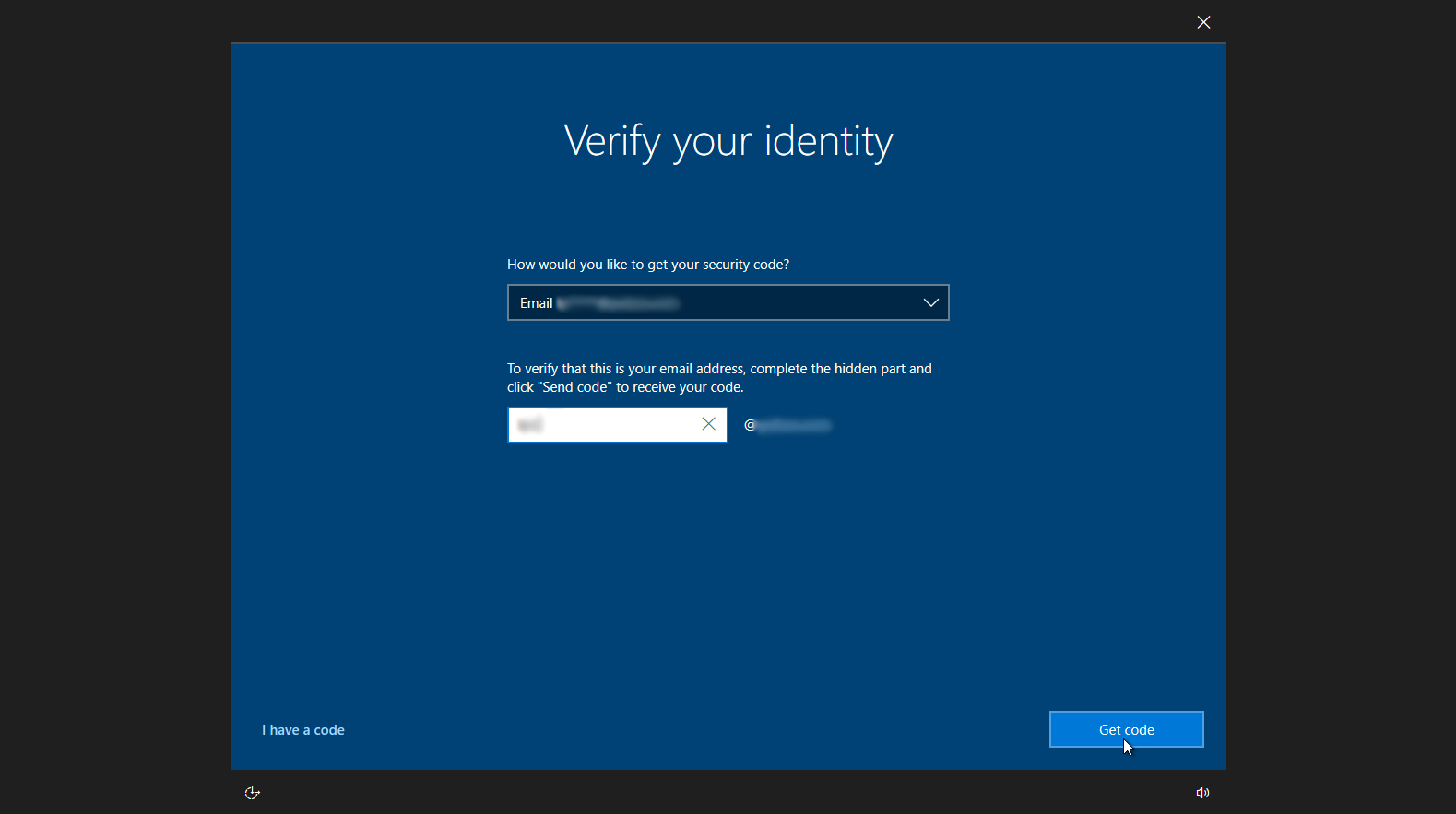
    Here’s our guide to resetting your Windows password if you don’t have access to a previously created password-reset disk.

    The easiest way to reset a forgotten Windows password is to use a previously created password-reset disk. You can create such a disk (on USB removable media or a floppy) within the Windows User Accounts menu by opening the Windows Control Panel, selecting User Accounts, and clicking Create a password reset disk in the left pane. You should take this step with a new PC; once you have the disk, you can insert it when starting the PC to cause Windows to display the ‘Reset password’ option at the login screen, allowing you to regain access to your system.

    However, if you don’t have a password-reset disk and you need to reset your Windows password, I suggest using the following Sticky Keys trick.

    Reset Your Windows Password Using the Command Prompt

    1. Boot your computer using your Windows installation disc.
    2. Wait for the setup files to load, and select your language. Click Next.
    3. Click the Repair your computer link on the Install Windows screen.
    4. Select the operating system to repair, and note the drive letter on which the OS is installed (it is probably C: or D:). Click Next.
    5. Click Command Prompt at the bottom of the list of recovery tools.
    Now you need to overwrite the Sticky Keys executable with the Command Prompt executable. Sticky Keys is an accessibility feature that allows a user to tap the Shift, Ctrl, Alt, or Windows key once to achieve the same effect as holding the key down. Ordinarily, tapping Shift five times activates Sticky Keys–but with this trick, you are going to make tapping Shift five times activate the Windows Command Prompt instead.
    The instructions below use drive letter C: as an example. If your operating system is installed on another drive, replace C: with the appropriate drive letter.
    1. In the Command Prompt window, type copy c:windowssystem32sethc.exe c: and press Enter.
    2. Type copy /y c:windowssystem32cmd.exe c:windowssystem32sethc.exe and press Enter.
    3. Exit the Command Prompt and reboot the computer. At the login screen, tap Shift five times. The Command Prompt will pop up.
    4. Type net user username password, replacing username with your username and password with a new password.
    5. Exit the Command Prompt, and log in using your new password.
    To prevent another user from exploiting the same trick to reset your password, you can restore Sticky Keys as follows:
    1. Step through the instructions above to boot the PC using your Windows installation disc, open the recovery tools, and launch the Command Prompt.
    2. Type copy /y c:sethc.exe c:windowssystem32sethc.exe and press Enter.
    3. Exit the Command Prompt and reboot the computer. Pressing Shift five times will now activate Sticky Keys instead of the Command Prompt. Store your Windows installation disc in a secure location.
    Caution: Resetting a password using the Sticky Keys trick means you will lose access to encrypted files, encrypted email messages, and stored passwords for Internet Explorer and network resources. Remember to back up your important data regularly.

  • How Quickly Can Your Password be Cracked?

    How Quickly Can Your Password be Cracked?

    Analysis: “Strong” isn’t a detailed password rating; go for a quintillion possible combos and add a symbol.

    Security breaches of mind-numbing size like those at LinkedIn and eHarmony.com set crypto– and security geeks to chattering about weak passwords and lazy users and the importance of non-alphanumeric characters to security.
    And insisting on a particular number of characters in a password is pointless security-fetish control freakishness.
    Nope. The number and type of characters make a big difference.
    How big? Adding a symbol eliminates the possibility of a straight dictionary attack (using, literally, words from a dictionary). Adding a symbol, especially an unusual one, makes it much harder to crack, even using
    rainbow tables (collections of alphanumeric combinations, only some of which include symbols).


    How big is the difference in length and character?


    Look below and pick which password-cracking jobs you’d want to take on if you were a computer. The examples come from the Interactive Brute Force Password Search Space Calculator: at GRC.com, the love child of from former InfoWorld columnist and freeware contributor Steve Gibson
    How long would it take to crack my password: (Includes letters and numbers, no upper- or lower-case and no symbols)

    Six Characters: 2.25 Billion Possible Combinations

    • They were cracking online using a web app and hitting a target site with one thousand guesses per second—3.7 weeks.
    • Cracking offline using high-powered servers or desktops (one hundred billion guesses/second): 0.0224 seconds
    • Cracking offline, using massively parallel multiprocessing clusters or grids (one hundred trillion guesses per second: 0.0000224 seconds)

    Ten Characters: 3.76 Quadrillion Possible Combinations

    • Cracking online using a web app and hitting a target site with one thousand guesses per second: 3.7 weeks.
    • Cracking offline using high-powered servers or desktops (one hundred billion guesses/second): 10.45 hours
    • Cracking offline, using massively parallel multiprocessing clusters or grid (one hundred trillion guesses per second: 37.61 seconds.

    Add a symbol, make the crack several orders of magnitude more difficult:

    Six Characters: 7.6 trillion Possible Combinations

    • Cracking online using web app hitting a target site with one thousand guesses per second: 2.4 centuries.
    • Cracking offline using high-powered servers or desktops (one hundred billion guesses/second): 1.26 minutes
    • Cracking offline, using massively parallel multiprocessing clusters or grid (one hundred trillion guesses per second: 0.0756 seconds

    Ten Characters: Possible Combinations: 171.3 Xextillion (171,269,557,687,901,638,419; 1.71 x 10²⁰)

    • Cracking online using web app hitting a target site with one thousand guesses per second: 54.46 million centuries.
    • Cracking offline using high-powered servers or desktops (one hundred billion guesses/second) 54.46 years
    • Cracking offline, using massively parallel multiprocessing clusters or grid (one hundred trillion guesses per second: 2.83 weeks.

    Take Steve’s advice: go for ten characters, then add a symbol.