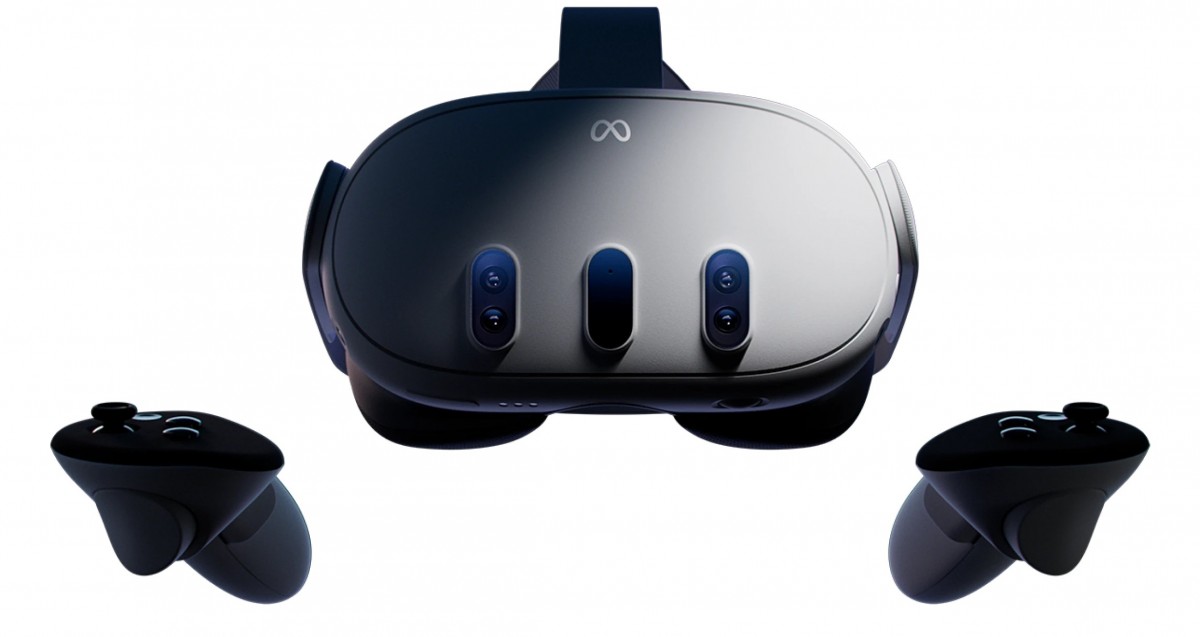
Just like was hinted at in Meta Quest 3 Most Anticipated Games for 2024, Meta Quest 3 has the potential to be a highly sought-after and powerful VR headset to buy in 2024, similar to its predecessor, the Quest 2. Compared to the Meta Quest 2, it boasts a better display with higher resolution, a faster processor, and even more advanced passthrough capabilities. However, it comes with a higher price tag.
The base model with 128GB storage is priced at $500, while the 512GB version is priced at $649. Additionally, there are bundles available for the Quest, such as the comfort bundle which includes an advanced head strap, and the “Power” bundle featuring an elite strap with an extra battery.
What is Meta Quest 3?
Imagine wearing a set of glasses and suddenly finding yourself immersed in a digital world, whether it’s exploring the depths of the ocean, battling on the front lines of a war, diving into action-packed adventures, or even engaging in fitness activities. Virtual Reality VR headsets make you feel like you’re there. The Quest 3, as the successor to the widely acclaimed Meta Quest 2, takes this experience to the next level with improved features. A standalone VR headset, meaning you don’t need any cables or a high-powered computer to use it. Think of it as a gateway to extraordinary virtual adventures, all from the comfort of your own home.
The Meta Quest 3 has high-resolution screens that show you amazing pictures, making it feel like you’re really there. It also has cameras that track your movements, so when you move your head or hands in real life, your avatar (your character) in VR moves too! You also get two wireless controllers that act like your hands in the virtual world, letting you interact with everything you see.
Getting Started with Your Meta headset
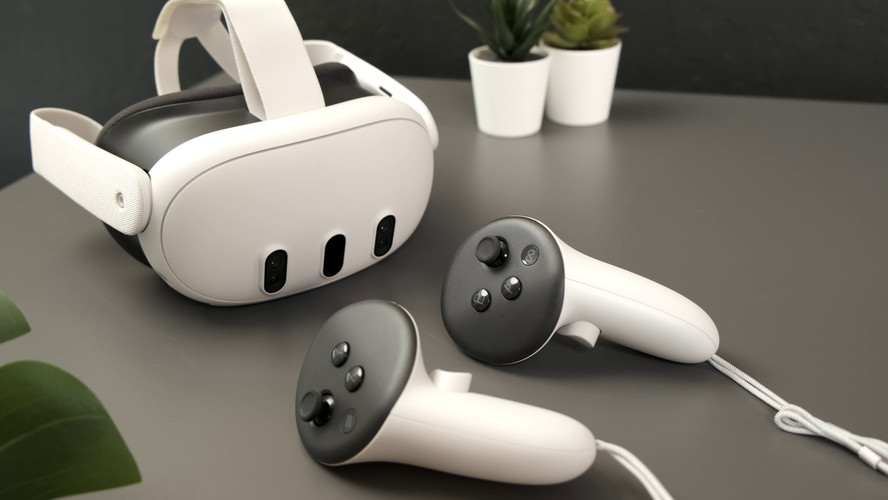
Setting up your Meta Quest 3 is super easy. Here’s what you need to do:
- Download the Meta app: This app is available for free on both Android and iOS phones and will be your control center for the Quest
Setting up your headset and controllers
- Turn on your Quest 3:
- To start using your Meta Quest 3 headset and controllers, follow these steps:
- Take everything out of the box.
- Charge your headset with the charger and cable provided until it’s fully charged.
- Once charged, do the following:
- Take off the protective paper from the headset strap and lens.
- Hold down the power button on the left side of the headset until you hear a sound and see the Meta symbol.
- Remove the battery blockers from the controllers.
- Put the controllers on your wrists using the straps.
- Turn on each controller by pressing and holding the buttons on them.
- After a few seconds, you should see a blinking light and feel a vibration, showing that the controllers are ready.
- Follow the instructions on the screen in your headset to set up language and Wi-Fi.
- After that, you can adjust the headset’s fit.
However, Before you update any software, be sure to plug your headset into a charger.
How to Download Meta app
To download the Meta Quest mobile app, you can go to the Google Play Store or the Apple App Store. Search for “Meta Quest” and you should find the app. Then, just follow the prompts to download and install it on your device.
However, to use the Meta Quest mobile app for setting up your Meta Quest Pro, Meta Quest 2, or Meta Quest, make sure your phone is connected to Wi-Fi and has Bluetooth turned on. If you install the app on a device it doesn’t support, you might have trouble setting up your headset.
Once you’ve activated your headset with the app, you can complete the setup process in virtual reality.
Pair your Headset With the Meta Quest Mobile App
The Meta Quest mobile app works with your Meta Quest 3 headset. It helps you do things like shop in the Store, buy and download apps, adjust settings, and share what you’re seeing with your phone or a Chromecast device.
You don’t have to use the Meta Quest mobile app every time you use your headset, but you’ll need it when you first set up and pair your headset.
Here’s how to pair your headset with the app:
- Get the Meta Quest mobile app from the Google Play or Apple App store.
- Open the app and sign in or make a new account.
- Tap Menu, then Devices.
- Your headset and controllers should pair automatically. If not:
- Put on your headset and look for a 5-digit code.
- In the Meta Quest mobile app, enter the 5-digit code from your headset.
- Once the code is entered, your headset should start pairing with the app.
Make sure your app is updated. If you can’t find the option to add a Quest headset, update and restart the app. You need Bluetooth and sharing with nearby devices turned on to connect your phone and headset. Once your Meta Quest 3 is set up with the app, you can connect it to your PC using Quest Link or Air Link.
That said, If you’re still stuck, contact Meta Store Support.
How to set Set your play area:
Hover over the clock on the left side of the universal menu. When Quick Settings appears, select it to open the Quick Settings panel. Select Boundary.
When you’re setting up your boundary, you can pick from these modes:
- Stationary: This is for when you’re using your headset while sitting or standing still. It sets up a default boundary area of 3 feet by 3 feet (1 meter by 1 meter) centered on where you are.
- Roomscale: This mode is for when you want to move around in your play area. With Roomscale, you can use your Touch controller to draw the boundaries in your physical space. It’s best to have a safe and clear area that’s at least 6.5 feet by 6.5 feet (2 meters by 2 meters).

- Explore the Meta Quest App Store: This is an online store full of VR games, apps, and experiences. You can browse by category, search for specific things, and download whatever you want.
Tips To Finding The Best Apps and Games on Meta Quest 3
Meta Quest 3 has a huge library of VR games and apps for everyone. No matter what you like, there’s something for you! Here are some tips to find the best ones:
- Think about what you enjoy: Do you like action-packed adventures, challenging puzzles, or hanging out with friends? Knowing what types of games you usually play can help you narrow down your search.
- Read reviews and watch videos: There are websites and videos online that review VR games and apps. This can help you see what other people think and decide if something is worth your time.
- Check out user ratings and recommendations: Other VR users can leave reviews and recommend games they like. This is a great way to find hidden gems and see what other people are enjoying.
- Start with free experiences: There are several free VR games and apps available. Press / on your right controller to pull up your toolbar menu.
Navigate Store .
select what you want to download.
choose the price to buy it, or tap Free if it’s a free download.
Trying these out can be a good way to get used to VR and see what types of experiences you like.
Here are Some Popular Meta Quest 3 Games

Games: There are several types of games on meta quest 3 here are some
- Assassin’s Creed Nexus. …
- Pistol Whip. …
- Walkabout Mini Golf. …
- Eye of the Temple
- The Walking Dead: Saints & Sinners,
- Arizona Sunshine,
- Dungeons of Eternity, exploring more
Social experiences: Want to hang out with friends in VR? There are apps where you can chat, play games together, or even watch movies in virtual spaces.
Educational experiences: meta quest 3 can also be a powerful tool for learning. Here are some examples:
- Visiting historical sites
- Taking a virtual tour of the human body
- Visiting the bottom of the ocean
- Learn to play the piano without needing to buy an actual piano.
- Meditate without any distractions to find inner peace.
- Enjoy concerts from your favourite artists without leaving your living room.
- Work together smoothly with your colleagues in a virtual environment.
How to use your Quest 3 for work and productivity
Meta Quest 3 isn’t just for entertainment. Businesses are starting to use VR in creative ways to enhance communication, training, and even design processes. Here are some ways your work might benefit from VR:
- Remote collaboration and meetings: Imagine holding meetings with colleagues who appear virtually present in the same room, even if they’re miles apart. VR can facilitate collaboration and communication by offering a more immersive and engaging experience compared to traditional video conferencing.
- Training and simulations: VR allows companies to create realistic and safe training simulations. This can be especially beneficial for industries like healthcare, engineering, and manufacturing, where employees can practise procedures or learn new skills in a controlled virtual environment.
- Product design and prototyping: VR can be used to design and test products in a virtual space before actually manufacturing them. This can save companies time and money by allowing them to identify and address any design flaws before production begins.
- Brainstorming and creative thinking: VR can provide a unique and inspiring environment for brainstorming sessions and creative problem-solving. The immersive nature of VR can help teams think outside the box and come up with innovative ideas.
Meta Quest 3 for work
While VR technology is still evolving, it holds immense potential for various industries. If you’re curious about leveraging the Meta Quest 3 for work, here are some resources to get you started:
- Meta Workplace: This platform allows businesses to create virtual workspaces where employees can collaborate, meet, and socialise in VR.
- VR training platforms: Several companies offer VR training solutions for various industries. Explore these platforms to see if one aligns with your company’s needs.
- VR design software: There are software tools specifically designed for creating and prototyping products in VR. These tools can be a valuable asset for companies looking to explore the benefits of VR design.
Troubleshooting Common Meta Quest 3 Issues
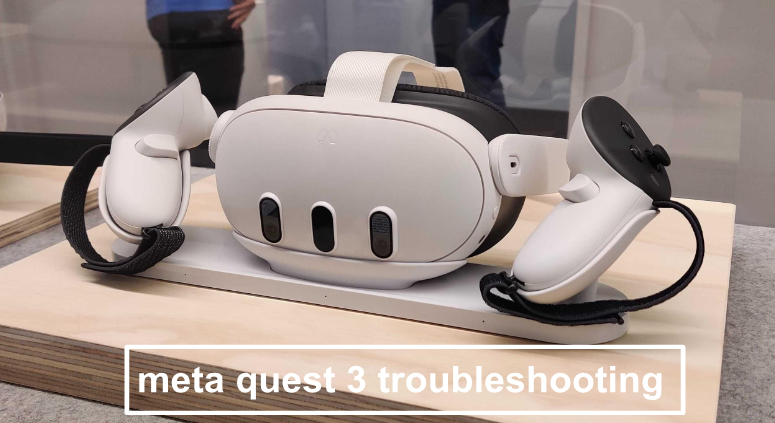
As with any technology, you might encounter occasional issues with your Meta Quest 3. Here are some common problems and their potential solutions:
- Connection problems: Ensure your Wi-Fi connection is stable and that your headset is properly paired with your smartphone. If issues persist, try restarting your devices or resetting the network connection.
- Tracking problems: Make sure your play area is well-lit and free of obstructions. If tracking issues persist, consult the official Meta Quest 3 troubleshooting guide for further steps.
- Battery issues: The Quest 3 offers 2-3 hours of playtime on a single charge. If you plan on longer VR sessions, consider investing in an external battery pack.
- App crashes: Close any unnecessary apps running in the background and ensure your Quest 3 software is up to date. If the issue persists, try reinstalling the problematic app.
The best guide for augmented reality apps, is just a small peek into what the Meta Quest 3 can do. With the Quest 3, you can do many amazing things, like visiting stunning virtual places or working with others in exciting new worlds. Feel free to try new things, discover, and let your imagination run wild.



You must be logged in to post a comment.