Android OS is gradually taking it’s place as the mobile king: every tom, dick and harry now own one. This insane increase in consumers has lead to the development of many third-party ‘useful’ Android application.
As a measure intended to shield your Android device from malwares synonymous with most third-party applications, the OS does not accept application unapproved by Google (unapproved applications may be installed but will not work correctly on non-rooted Android devices).
Rooting (or jailbreaking) your Android device gives you unimaginable control over your device, letting you have master control on how your device functions; update the OS, replace the firmware, overclock (or underclock) the processor, customize just about anything.
In the past rooting might be an easy “nut to crack” for Mr. tom Mr. dick, but certainly not for Mr. harry. The process was generally complicated and you might just end up in the ‘bricked’ zone with one miscalculated move. In this tutorial, I’m going to show you how to root/jailbreak any Android phone with just 1 click (or maybe 2).
Requirements:
– A healthy Windows PC (Windows XP, 7, 8 or higher).
– You must have Kingo Android Root software installed in your PC. If you don’t have the software, you can download a copy here.
– Your device must be properly charged.
Compatibility Check Up
To begin the rooting process, make sure you have downloaded and installed Kingo Android Root software on your PC: The application will root any (or at least 95%) android device with 1 click but to remain on the safer side, check if your device is compatible with the software.
Enable USB Debugging
If your device is among the compatible devices, proceed to your device settings and enable USB debugging. If it’s running Android 4.0 or 4.1 follow this steps to enable USB debugging:
GOTO Settings.
Navigate to Developer Options
Tick the box just beside “USB debugging.” (You may need to switch “Developer options” to On before you can do so.)
Follow this steps if your device is running on Android 4.2 and later:
GOTO Settings
Navigate to About Phone
Enter Developer Options
Tick the box next to “USB debugging“.
Then Click OK to save your changes.
Run Kingo Android Root Software
After enabling USB debugging on your device, locate Kingo Android Root icon on your start menu or desktop. Run the application by double clicking on it and connect your device via its USB sync cable. If your device is connected successfully, you should see an indication at the bottom-left corner of the software interface.
1 Click Rooting
Once your device is connected; you are just 1 click away from being the master of your Android phone/tablet. Click ROOT, grab a cup of coffee and watch Kingo Android Root do the rest for you. The whole process is automated and should take up to 2 mins; your device maybe rebooted a couple of times.
Beware: Rooting your Android device will make it open to malware attack, to remain on the safer side; only install applications from trusted sources and websites.
Un-Root your Android
If you decided rooting is just ‘what it is’ you can always sign off by running the Kingo Android Root software on your PC, reconnect your device via USB sync cable and click UNROOT when your device is set.
You can also opt for any of these popular Android UNroot methods instead. They’re best for mostly MTK-powered devices.
One of the fundamental aspect of a good website is it’s layout: The design of your website might give you an edge over your competitors, as websites with attractive designs are often viewed as more credible to those with less attractive layouts.
There are loads of WordPress themes out there but we are focusing on the ones with responsive layout and easily customizeable. If you are wondering how a responsive site works, I’m going to give you an insight on how the browser renders responsive themes.
As mobile computing goes viral, the need for mobilized layout becomes piratically essential. Different users access your website via various devices and screen sizes: Some from small screen devices like Blackberry, iPhone, others from larger screen sizes like the iPad, Kindle or Netbook. Now, you cannot base your website layout on one device or screen size, as that will limit the access of users from other devices.
Responsive Web design prompts your design and development to respond to the user’s behavior and environment based on screen size, platform and orientation. The practice consists of a mix of flexible grids and layouts, images and an intelligent use of CSS media queries. As the user switches from their laptop to iPad, the website should automatically switch to accommodate for resolution, image size and scripting abilities. In other words, the website should have the technology to automatically respond to the user’s preferences. This would eliminate the need for a different design and development phase for each new gadget on the market. In this post we shall be looking at 70 of such themes you can use on your WordPress self-hosted website.
1. The Wetro
The Wetro is Windows 8 Metro layout inspired HTML5 & CSS3 theme. With it’s powerful wordpress substructure you can manage everything. Most of the pages are built with drag and drop. It is so easy to manage pages with drag and drop content. It has 20 page elements which you can put where ever you want with just drag and drop. The Wetro comes with 2 menu options. Default one is left side menu. The other one is top menu with completely different layout. You can easily switch between them with just a click. Also, You can use our colorpicker tool to change color of The Wetro. You can either do it from admin panel or use WordPress’ theme customizer to see it live.
2. Second Touch
Second Touch is clean, light-weight, retina ready, fully responsive metro style WordPress theme. Its powerful customization capabilities enable you to create your outstanding website easy and fast.
3. Argo – Modern OnePage Metro UI WordPress Theme
ARGO is a unique and creative WordPress Theme with clean and modern design. It is perfect choice foryour corporate agency, creative studio or for portfolio. It can be customized easily to suit your wishes.
4. TechDesk
Clean and intuitive design with a tons of features & options: live search, widgetized areas, faq post format, shortcodes and much more. This theme can easily be used to build a FAQ site.
5. Metro – Responsive WordPress Theme
An elegant theme with cute layers. It gives your website a decent appearance.
6. Metrolium
Metrolium is a modern, metro inspired, multi-purpose, Retina Ready responsive WordPress theme. Beautifully designed, lovingly coded and absolutely bursting with functionality.
7. MetroVibes Responsive theme
MetroVibes Responsive theme is a modern and responsive metro WordPress theme perfect for a creative agency or a portfolio showcase website and is bound to turn some heads. The elegant and minimalistic look will definitely give a modern vibe to your website and will impress each and every one of your visitors.
8. Metpo
Metpo is a Responsive and HTML5 Ready Magazine Theme
9. Platinum Responsive Magazine Theme
Platinum Responsive Magazine Theme is a magazine based design or as what commonly called blogging theme its design is based and inspired by the popular Windows 8 OS.
10. Rocket Board
Rocket Board is a super awesome portfolio WordPress Theme with METRO style. You can set each thumbnail size as 1×1, 1×2, 2×1 or 2×2 easily. This theme also allow user to set specific colour on each metro box or just use the default colour from admin panel. You can also set the first state of metro box to show as colour box or show as feature image.
Fortis7 is a responsive bbPress-compatible WordPress Theme, suited for business websites and users who want to showcase their work on a neat portfolio site.
Brandon WordPress theme is a great, modern, responsive and easy to use theme for your business. The themes comes with an easy to use Muffin Builder which let you create any page you want without any knowledge in html, php or css.
13. Time
Time WordPress theme is suitable for a variety of site types: crative portfolio, big corporate site, personal blog, product-oriented site, video gallery & photo album – you name it. It is what you will call ‘a multipurpose’ theme.
14. Daisho
Daisho WordPress theme brings awesomeness to reality, giving your website an amazing clean layout that will surely keep your visitors comfortable.
If you are looking for a light weight theme with clean layouts; Revonge WordPress theme might be just the ideal theme.
16. Underground
Underground is a 2 in 1 (Onepage and Multipage) Responsive WordPress Theme. It is a multipurpose theme: Suitable for personal onepage or multipage websites/blogs, business websites, shop websites, users who want a very nice portfolio website where they can showcase their work, or for any other purpose website.
17. Stack
Stack is a clean, flexible, responsive on both layout & image and fully support retina display.
18. Sentinel
Sentinel WordPress theme is one of the most recent theme added to the already long list of WordPress theme. However, what makes this theme stand out among the rest is it’s highly SEO optimized structure. The theme also has elegant responsive layout with retina ready display.
19. Amzola WordPress Theme
Amzola WordPress Theme is specially designed for magazine websites. It is responsive, clean as well as beautiful.
20. Metro Rox HTML5 WordPress Multipurpose Theme
Metro Rox is a HTML5 WordPress Multipurpose Theme inspired by Windows 8 Metro UI
21. Smart7
Smart7 is a multipurpose WordPress theme with decent layout.
22. Safarica
Though, cannot be classified as a multipurpose theme; Safarica can be used on personal blogs as well as business blogs.
23. Built it yourself Responsive Theme
This theme is self explainable: It is totally customizeable, meaning that you can mold it to suite your taste without much knowledge on CSS, PHP or coding.
24. Black Pearl – Responsive WordPress Theme
Black Pearl responsive WordPress theme is work inspired by metro style design. It is multipurpose theme suitable for any kind of website.
25. Pacific
Pacific is a responsive & retina ready all in one theme, with good SEO optimization.
26. Ventus
High quality WordPress theme suitable for portfolio sites.
27. Sensica
Sensica is a responsive WordPress theme to easily show off your portfolio.
28. Venix
Venix is a very clean multipurpose wordpress theme based on responsive HTML5 & CSS3. The design is a new trend, it aim to highlight your work and services leaving away others graphic elements. This theme has been developed to to serve at all your needs, it comes with a wide range of options that will allow you to doing almost everything you want with the theme.
29. FacePress – Community Content Sharing
FacePress is a flexible well designed WordPress theme that allows you to make your site fully controllable. It’s elegant layout adds a decent feel to your website.
30. Express
This is a well designed multi-layout WordPress theme designed specially for portfolio websites. It can also be used on business blogs but not on personal blogs.
31. Increase – Premium Business WordPress Theme
32. Syncro | Grid Powered WordPress
33. NEWS24 | 4 in 1 News/Magazine WordPress Theme
34. Nemo
35. MetroStyle Responsive All Purpose WordPress Theme
36. Themify Metro WordPress Theme
37. Metrika
38. Everest – Premium WordPress Theme
39. Metro Facebook Timeline WordPress Template
40. MetroPix
41. OneCommunity
42. Metro Mobile Premium WordPress Mobile Template
The 2go IM is currently on the Google Play Store but if for some reasons (probably best known to you) you don’t want to download it from the Store, then be my guest: I have uploaded it to this page and the application is all yours the moment you click the download button below this section.
Publisher Description
2go is a mobile social network where you can chat and share with friends and meet new people!
– Create your own profile and upload profile pictures
– Share files and photos
– Share contacts
– Chat to friends on Facebook, Google Chat and Mxit
What’s New on 2go?
The Facebook gateway is available. Chat to all your Facebook friends in 2go!
v1.0.16
– Emoticons now selected from text box for easier access.
– Preview gallery photos before sending.
– Improved keyboard behaviour.
– Improved online and offline notifications.
– Numerous bug fixes and improvements!
File Info
– Release Date: October 24, 2013
– Size: 2.3 MB
– Version: 1.0.16
– App Requirement: Android 2.2 and up
– Age Rating: 16+
For information on how to use Android 2go Application on PC or Mac click here, otherwise, click on the download button below to start your download.
It is often a hectic experience trying to find a new place to live (especially if you desire to move to the housing market hellholes that are New York City and San Francisco). It’s no surprise then that so many startups — Trulia, Zillow, Redfin, Apartment List, Rental Engine, Zumper, Nestio, the list goes on — are trying to make it all just a little bit easier.
Of these myriad startups, apartment-centric Lovely has been especially busy these past few months: it closed a (sadly undisclosed) Series A and snapped up automated rent payment startup Rentmatic to help prove its worth to property owners too. So what was next on their agenda? Getting a new Android app out the door, which the company finally did earlier today.
Lovely is hardly new to the mobile realm — it launched an iOS version of the app a little over a year ago, and anyone who’s mucked around with that should feel comfortable taking the Android version for a spin. That’s far from a bad thing when more than a few competing mobile real estate apps are happy to throw everything plus the kitchen sink into the mix. It’s not hard to see why: as stated, finding an apartment is hard and bombarding a user with fiddly options and controls makes them feel like they’re actually getting something done. Maybe they are, maybe they aren’t, but the illusion of control persists.
The Lovely approach is to strip out the cruft. When you fire up the app for the first time, color-coded listings appear in location-based groups that expand when tapped. From there it takes a but a few taps to directly contact the property owner, share the listing, or report obvious frauds. If you go on to create an account, even more doors open (I slay me) so you can set alerts when properties free up within specific areas and preload some personal and financial information to put potential renters at ease.
There’s little here that differentiates the Android app from its iOS cousin, but that’s hardly an issue — CEO Blake Pierson said he considers Lovely a mobile-first company that uses what it’s learned from fast iteration on the web to inform the mobile experience. All things considered, this new Android version of the app is a handsome one and I actually found a few interesting leads while I was writing this story (what can I say, I’ve grown a little weary of southern New Jersey).
“Some think of us as purely a search tool,” Pierson noted on the phone. “But our long term vision is to be the platform and THE marketplace for rentals.” What he means is that the Lovely vision ultimately encompasses the renting process from both ends: tools for renters and apartment hunters alike. The team has already starting moving down that path with its Rentmatic acquisition, but we’ll see if they can really balance both sides of that equation.DOWNLOAD LOVELY ANDROID APP
Although future generations of PCs are likely to be operated on Android OS with Lenovo’s latest invention, Windows PC and Mac users can still enjoy Android apps without installing Android OS.
Bluestacks is a free software that allows you to use your favorite Android apps on a Windows PC or Mac. You can download apps like Angry Birds Space, 2go, Whatsapp or BBM to Go directly into Bluestacks, or sync the apps from your phone using the Bluestacks Cloud Connect Android app.
Using Bluestacks is similar to using an Android tablet: It works a bit like a widget. When clicked, the BlueStacks App Player will display the ten apps that have already been pre-installed and application suggestions which can be installed using Google Play Store. You can install more application by clicking on More below the big + sign. Bluestacks can be viewed in minimized or full screen.
Download Bluestacks
To download Bluestacks, proceed to Bluestacks download page, click on the download button that fits your OS description. The Download Now link will download a small installer file to your desktop. Remain online and double-click the installer to proceed with the actual download.
Please note that Bluestacks is currently in beta stage: Beta or prerelease software is not intended for inexperienced users, as the software may contain bugs or may potentially damage your system. I strongly recommend that users exercise caution and save all mission-critical data before installing or using this software.
I have personally tried this software on Windows XP, Windows 7 & Windows 8, the performance is great and it is worth trying!
If you are searching for older versions of Connectify Hotspot PRO, I bet you have a good reason for that and if you are thinking what I am thinking, then, you are at the right place: This file contains the full version of Connectify Hotspot PRO in .iso format. After downloading, simply extract its content with winrar before running ConnectifyHotspotInstaller.exe.
What will Connectify do for me?
Connectify Hotspot PRO converts your PC into a hotspot. Allowing you to share internet from your PC to other devices and PCs through WIFI. Some of the features of this program include:
Custom Hotspot Name
Secured Hotspot
Sharing Mode
Firewall
You have full control over your wireless network all the time, so you will know exactly who is connected to your server. Among its advanced features, Connectify enables you to explore shared resources from the devices that are paired with your system. DOWNLOAD CONNECTFY
In the days of featured phones, Nimbuzz was the go-to guy when it comes to instant messaging. That was a long time ago, though. Smart phones has come to stay and WhatsApp and BBM for Android and iOs decides the rules in this new world. As you already know, the official Blackberry Messenger has long been available in the Google Play Store. A lot of BBM app (camouflage) has been uploaded to the Play Store ever since the smart phone company (Blackberry) was sold.
To save you the stress of going through a wasted day searching for the official BBM application in the Google Play Store, I have uploaded the official BBM Android app on this page.
BBM for Android
BlackBerry Messenger (BBM) is also now available in an iOS version so that you can communicate between BlackBerry, Android and iOS devices.
BBM for iPhones and iPads
BBM allows you to send free messages, photos, voice memos, to participate in group conversations and much more.
Description
It is no understatement to say that BBM ruled the world of mobile instant messaging for the longest period, but that was on BlackBerry devices. However, the official version of BBM for BlackBerry is now here for Android. Get the free BBM Android and iOS app and continue in the old habit of pinging with your friends and family.
Chat with friends on Android, BlackBerry and iPhone:
After getting your PIN code, i.e. your BlackBerry Messenger ID, the application will let you communicate with your friends without restriction.
Blackberry Messenger lets you send messages, voice memos, photos, and files. It also informs you as soon as your messages have been received and read by your contacts. The BBM application is permanently enabled and connected so that you don’t need to open the app to get notifications.
BBM is always on and always connected – no app to open
Know when messages have been delivered (D’s) and read (R’s)
Share photos, files, documents, voice notes and more
See when contacts are responding to your message
Emoticons for every mood and emotion let you express yourself
BBM lets you protect your privacy.
BBM for Android and iOS gives you absolute control on your privacy:
As a user, you chose how to share your information – BBM uses PINs instead of phone numbers or email addresses so that it’s more private and you always control who can contact you
You chose your contacts – 2-way opt-in means you have control over who is able to message you
BBM Android app allows you to Chat and Share with many at once:
With Blackberry Messenger groups, the messaging app lets you share images, lists, and meetings with members of a group (up to 30 individuals). As for multiple chat, it’s useful to get in touch with multiple friends at the same time, and you can make use of a whole range of emoticons to send in your conversations.
BBM also provides functionality for sending bulk messages. With the option to broadcast messages, you can easily send a message to several BBM contacts simultaneously.
Groups – BBM groups help you share pictures, lists and appointments with group members. You can even be in a group with people who aren’t part of your own BBM contact list.
Multi-person chats – Invite multiple contacts to have a chat together.
Broadcast messages – Send a message to multiple BBM contacts at one time.
Create your own BBM profile with BBM for Android and iOS
Finally, Blackberry Messenger lets you create your own profile using your avatar (picture or animated GIF) and gives you the ability to post statuses. You can change your profile by clicking on your avatar.
Post a profile picture using images, pictures or even animated pictures (GIFs).
Update your status to let people know what you’re up to or how you feel
A BlackBerry 10 interface
With Blackberry Messenger, BlackBerry seems to want to provide a similar experience on all platforms. The interface of the application is the same for all versions and imitates the BlackBerry 10 style and codes. On Android, the interface seems slightly out of place; for example, you’ll notice the presence of a “previous” button that duplicates the one offered on the screen of the Nexus or many other Android devices. BBM features are nevertheless easy to access, thanks to a list of tabs at the bottom of the interface.
Good news for Android as well as BlackBerry users
The arrival of Blackberry Messenger is good news for Android users but perhaps even more so for BlackBerry users. If the latter were only able to use the application with those friends who own a BlackBerry, they might not have had many contacts on their BBM list.
As for the application, Blackberry Messenger proves to be quite comprehensive, with a range of good features comparable to those found on competing applications like WhatsApp, LINE, and Viber. It only lacks VoIP and a more flexible interface.
Support for Android 2.3.x added
The most recent update of BlackBerry Messenger adds support for Android 2.3. At last users of the Gingerbread flavor of Android can chat via BBM on their device. This means that millions of people with lower-end devices will have access.
Changes
Support for Android 2.3.x added: The most recent update of BlackBerry Messenger adds support for Android 2.3. At last users of the Gingerbread flavor of Android can chat via BBM on their device. This means that millions of people with lower-end devices will have access.
Download BBM for Android and iOS
The official BBM iOS app may be installed directly from the Apple store. Initially, it was tricky to get the app on the play store but in recent times, the Android app has been made available. If somehow you managed to find yourself using a BlackBerry device, the app is still available on the BlackBerry App World.
The introduction of AdBlock Plus add-on has brought about some level of sanity to the nature at which most pages are being rendered. The popular browser add-on is set to extend it’s tentacles a little beyond the blocking of online ads (except for the whitelisted ones) to bringing sanity to popular social networks.
You Tube of late, has been really annoying; prompting ABP’s editorial pen to introduce YouTube Customizer site, a feature that helps you banish all the bits of the video site that annoy you, while keeping the ones you enjoy.
YouTube Customizer site allows you to control which youtube component you want your browser to render. If you’re generally annoyed with the current state of YouTube you can block everything but the video you’re watching. The list of banished items includes comments, suggested videos, featured and recommended videos in the end screen, the sharing tab in the description, in-video annotations, and channel recommendations.
Just for the record, that’s a breathtaking list of YouTube cruft and dumping it all may be a step too far for most of us. What good is YouTube, after all, if you can’t waste the afternoon following an endless stream of recommended videos.
Instead of blocking everything, ABP includes options to only block comments, or only suggestions and recommendations, or only the sharing tab and in-video annotations.
Getting Started
To get started, make sure you have AdBlock Plus installed on your browser. If you do not have the add-on installed on your browser, simply download it by clicking on your browser link below.
You could also block some mixture of the above—for example, blocking comments and annotations but leaving recommendations intact. If you have any YouTube pages open after you add AdBlock’s customizations you may have to refresh the page for your changes to take effect. And if you ever want to return YouTube to the data buffet it once was, check out ABP’s instructions on how to remove your customizations.
Note that your changes only work on the browser where you have AdBlock Plus installed and first added the YouTube filters.
Bill & Microsoft has made many structural changes by implementing Metro UI and Start Screen in Windows 8. But the PC side of Windows 8 has not seen any dramatic changes except the removal of Start Menu and Aero Glass Transparency feature. Windows 8 like Windows 7 and others before them, has a lot of customization features that helps you define an entirely new look for your Windows PC .
Sometimes, the quest for customizing the desktop look can consume a lot of time; so you don’t have to actually customize your windows 8 PC, rather you can download many custom windows 8 themes and use them on your windows 8 PC (Check out 25 best themes for Windows 7) .
Most of these windows 8 themes are the products of talented artists/developers who make these themes available as a free download for everyone . But like most windows programs , windows 8 themes download from un-trusted sites might contain malware in them . So it is always advisable to download windows 8 themes from reputed sources only .
As a tradition that has been laid by the predecessors, Windows 8 does not allow the installation of third-parties themes by default, hence, it is recommended you read How to Install Third-Party Windows 8 Themes before you proceed to the next section of this article.
In this article, we shall consider the top 25 most-outstanding Windows 8 themes you can apply on your desktop.
1) Space Blueberries 4.8
Theme Name: Space Blueberries 4.8 OS Version: Windows 8 Artist: Neiio
Description: Work is one of the best Windows 8 theme which has glowing dark interface. It gives you breathing space while working on multiple documents.
4) Snow Leopard glass
Theme Name: Snow Leopard glass OS Version: Windows 8 Artist: Sagorpbd
Description: Aer08Glow is a port of the default Windows 7 theme with a few modifications. This theme has glow on the caption buttons and 2 styles: one with square corners and one with rounded corners. To use this theme with rounded corners you have to enable Aero Glass Transparency in Windows 8.
10) Chromium
Theme Name: Chromium OS Version: Windows 8 Artist: Reymonvisual
Description: Be greeted by the sweetness of the rising sun every moment your PC is booted. Win Blue n Red Windows 8 theme is the perfect blend for ‘red’ in ‘blue’, with a perfect ‘black’ to see off the dark sides.
15) Different Touch 8
Theme Name: Different Touch 8 OS Version: Windows 8 Artist: Sagorpirbd
Description: Darkness has overshadowed light! The new ‘red’ brightens the appearance of your Windows 8 theme. Gray8 new red is an easy going theme with boundless customization.
19) Twentythirteen
Theme Name: Twentythirteen OS Version: Windows 8 Artist: sand-and-mercury
Description: Twentythirteen is a new Goddamn visual style for your bullshit Windows 8 RTM desktop.
20) Abisso
Theme Name: Abisso OS Version: Windows 8 Artist: Ezio DOWNLOADDescription: Abisso is one word for ‘true transparency’: The Windows 8 theme has a clean dark background with blue color scheme.
21) Elune
Theme Name: Elune OS Version: Windows 8 Artist: Neiio
Description: Gradually drift away from the original look of Windows 8. With Ourea windows 8 themes; the future is in your hands.
24) Alduin Windows 8 themes
Theme Name: Alduin Windows 8 themes OS Version: Windows 8 Artist: Charleston2378 DOWNLOADDescription: This list cannot be completed without the inclusion of the beautiful work of Charleston. Alduin is a Windows 8 minimalistic theme with deep dark background.
25) Nimbus
Theme Name: Nimbus OS Version: Windows 8 Artist: Neiio
Description: Closing our list of top 25 elegant Windows 8 themes today is: Nimbus. This theme has an extra-ordinary layout that allows you to choose from various color schemes and background.
Google’s Nexus phones have become irrelevant for all but the most ardent Android fanboys. Although the Nexus program was launched three years ago to show off the very best that Android has to offer, Google’s newly announced Nexus 5 doesn’t push the envelope as much as earlier Nexus phones.
Google is stuck between a rock and a hard place: Its hardware partners don’t want to innovate when building the company’s Nexus phones; they want to save all the cool stuff for their own brands. But Google can’t just use its Motorola division to build cutting-edge phones with exciting new features without burning bridges with Samsung, LG, Sony, and HTC. Those guys are already trying to build their own ecosystems and Google doesn’t want to push them even further over the edge.
More of the same
In terms of hardware alone, Nexus 5 doesn’t seem like a bad phone—its high-end specs ensure it will be relevant for at least a year. But it’s essentially identical to recent phones released by Samsung and LG. In some ways the Nexus 5 is an inferior product because LG, which built the handset for Google, released its own phone with all the same hardware but more software enhancements. Under the hood, the Nexus 5 is a stripped-down version of the LG G2, just like the Galaxy Nexus was a stripped-down version of the Samsung Galaxy S III.
Nexus 5 (left) and LG G2 (right)
The biggest draw of Nexus phones is that they get timely Android updates directly from Google, but the market has shown that most people don’t really care about that. Ever since Android 4.1 Jelly Bean, most of the updates to Android have been minor tweaks that don’t deliver much in the way of new, consumer-facing features. Instead, Google has slowly started spinning off key components of the OS to the Google Play Store as standalone apps. So, as long as you bought your Android phone in the last year or two, you’ll still have access to the latest version of Gmail, Maps, and Google Now.
Indeed, without any killer, exclusive features, you have very few reasons to buy a Nexus 5. Unless you’re a developer who needs constant access to the latest version of Android, or insist on buying an unlocked phone, the Nexus 5 is no better than any of the other high-end phones already released this year. In many ways it’s just another Android phone, and would fade into obscurity if it weren’t for the big, bold NEXUS on its back.
It’s becoming increasingly obvious that the companies Google partners with to make Nexus phones are reserving all the coolest features and innovations for their own branded handsets. Of course Google owns Motorola, but has held back on using its acquisition to build its Nexus devices for fear of upsetting its hardware partners. But maybe it’s time to start playing favorites.
Time to use Motorola
Motorola and Google collaborated on the Moto X, one of the most innovative phones available. Note that it’s not a “Nexus,” even though the OS bloatware and customizations are minimal—it’s rocking nearly stock Android. The kicker? You can get it on pretty much any carrier and there’s a developer version available for people who want it. The Moto X deserves the title of Nexus more than the Nexus 5, as it introduced a lot of the Nexus 5’s ostensible innovations first. (Take, for instance, touchless controls.)
The Moto X is one of the most innovative phones ever released.
In releasing Nexus devices via its Motorola arm, Google could more directly shape the Android experience. It could dictate all aspects of the phone, creating cutting-edge new hardware features to go hand in hand with new Android software features. KitKat introduces a lot of under-the-hood improvements that allow it to run better on low-end hardware, but manufacturers will continue to cram as many processing cores as they possibly can into their phones in an effort to win an imaginary specs war, making the optimizations almost meaningless. So Google could build a phone showing that you don’t need a quad-core processor and 2GB or RAM to run simple apps without lag. And your battery wouldn’t be eaten up due to poorly written radio drivers.
It would essentially be the Apple approach to making smartphones, an approach that’s proven to work and often leads to a better device. And if Google decided to compete directly with Samsung and others via Motorola, it would push the other Android manufacturers to make better phones and set the bar for Android devices—just like the Nexus One was originally intended to do. Microsoft is trying a similar tactic by purchasing the devices division of Nokia, while Google lets its $12 billion Motorola purchase go to waste.
We’re never going to see a truly revolutionary Nexus phone again until Google decides to take a stand against the other Android smartphone manufacturers. The more the company attempts to placate Samsung, HTC, LG, and Sony, the more meaningless the term “Nexus” becomes. It’s time for Google to drive Android forward with a more holistic hardware-and-software approach, and make Nexus mean something again.Adapted from PC WORLD
The speculation sourounding Android 4.4 KitKat can finally be put to rest. While users and developers are allowed to have their opinion, you need to base your criticism or appluas on a good ground and the contents below could prove an avenue for such ground.
While we weren’t expecting a hefty update, some of the features announced in KitKat—like the newly revamped interface and new messaging features in the Hangouts app—were on our wish list. Other features, like optimization updates to help KitKat run on low-end phones, simply remind us that Google is still battling all the issues that lead to device fragmentation.
Regardless, let’s walk through some of the key features of KitKat and what you can expect when you finally get your hands on the new OS (whenever that is, because as we know, Android updates can take a long time to roll out).
A better phone dialer
No more surprises: Google will provide info to let you know who is calling you.
You wouldn’t expect an overhaul of a dialer application to be a marquee feature, but Google has achieved the near impossible. When you’re in the dialer interface, now you can type just the first few letters of who or what you’re looking for—whether it’s a business or a friend—and the dialer will immediately bring it up. You won’t have to venture into Contacts for this essential information. If this search functionality sounds familiar, that’s because some manufacturers already offer this feature in their own version of the Android dialer. Samsung’s TouchWiz UI, for example, helps you find the name of the person you want to call by letting you key in the first few letters of his or her name on the number pad. So perhaps the bigger news isn’t that Google overhauled its dialer applications, but that it’s looking to what third-parties are doing to give consumers what they want. KitKat also provides a novel form of caller ID, fetching the location information of unknown numbers that call you to provide a better glimpse into who might be calling and where they’re located. This is an especially helpful addition when you consider the number of telemarketer calls that aren’t routed through an 800 number.
Fabulous interface makeover
That navigation bar will look translucent, which should prettify the slightly doldrum Android interface.
Stock Android doesn’t have to be plain and simple. As some developers posited in our Android retrospective, KitKat includes a slightly revamped interface design. You’ll see better use of screen real-estate in applications that utilize the new “immersive” full-screen abilities, like Google Music and Books. And the new navigation bar is now translucent, so your wallpaper won’t be cropped by a colored menu bar. KitKat also sports a new condensed font. Unfortunately, these interface changes won’t necessarily be exposed on non Nexus devices—meaning pretty much the entire universe of Android hardware. You’ll still be held hostage to whatever interface the manufacturer wants you to look at if you’re not using the developer edition of a phone. It’s unclear how these design changes could affect interfaces like HTC’s Sense or Samsung’s TouchWiz UI, but we’re not holding our breath for substantial KitKat additions to those UIs. Third-party manufacturers will likely continue to push interfaces that match their brand, and for companies like Samsung that means gaudy icons and blue everything.
Never carry cash again
As leaks suggested, Android 4.4. KitKat will enable Google Wallet right off the bat—without the need for your carrier’s approval. And because Android is actually storing your payment information within KitKat, you won’t have to rely on NFC security elements to make a transaction. But that’s not all: Not only will you be able to manage your credit card information from within the Settings panel and more easily pay for items anywhere NFC and Wallet is supported, but you’ll also be able to send money to friends without annoying transaction fees. Google enabled the payment settings from within the OS to help people on Verizon, T-Mobile, and AT&T take advantage of its Wallet offerings, as those three carriers have banded together to use Isis as the default NFC-payment platform. We won’t know more about how Wallet works in KitKat until we physically have an Android 4.4 device in our hands, but at first glance the update looks like a win.
Okay, Google Now
Launch Google Now any which way.
How you access Google Now varies from phone to phone. Do you hold down the home button? Do you swipe up from the bottom of the screen? Do you shake your phone vigorously while shouting at it? Hoping to simplify things a bit, Google has put Google Now front and center by adding it to the Home screen. Now, instead of entering in some variable command, you can just swipe from left to right to quickly access Google’s handy service. The new OS also supports launching Google Now by saying, “Ok Google” while on the homescreen. It should be a helpful feature if your hands are tied up, or you would rather dictate than type. It’s kind of like the Touchless Controls on the Moto X, but with a few more hoops to jump through. Unfortunately the functionality is currently limited to the Nexus 5, so your current phone probably won’t get the feature. (But your next phone might!)
Also, Google Now can now access apps when it exposes information in its search results. Let’s say you’re looking for a particular restaraunt. Not only will you get the usual Google results, you could also get an invitation to book a reservation via, say, the OpenTable app. This function has to be supported on the app level, but suggests an exciting new expansion of Google’s digital assistant. Indeed, by enabling easier access to Google Now, third-party manufacturers like Samsung won’t be able to hide it behind its own proprietary services. (Ever try to get to Google Now on a Galaxy S 4, only to be defaulted to S-Voice?) Google just wants you to stick with it for all of your queries.
Hangouts
You can chat with your friends through SMS in the Hangouts app.
Finally! A few days ago, Google updated its Hangouts app to let you send both SMS, MMS, and chat messages from one application. It’s the right idea, but Google is merely playing catch-up, since Apple released the all-encompassing Messages application in iOS 6 over a year ago. Google wrote in its official blog post that its intention for combining all the communication functionality into one was for added convenience.
Faster Android for aging phones
Okay, so maybe your hardware isn’t exactly top tier compared to the ones running quad-core Snapdragon processors and massive amounts of memory. Google understands your plight and has introduced a new way for manufacturers to take advantage of all the latest Android features without the typical slow downs that plague most aging hardware. It’s called Project Svelte and it’s designed to make KitKat run smoothly and efficiently even on low-end devices with as little as 512MB of RAM. As a result, Kit Kat uses 16 percent less memory than its predecessor, Jelly Bean, and there are additional features that allow developer to disable any features that use up more memory than needed. This may help developers make apps for low-end devices, but that doesn’t necessarily mean that all old hardware will be able to run KitKat. Not even the Galaxy Nexus will be eligible for an update, and that device is barely a year and a half old. However, the under-the-hood improvements should help the current generation of devices handle applications a bit better, like the now-aging Nexus 7 and Nexus 4. This means an overall smoother Android experience if you’re running those devices.
Under-the-hood enhancements
You may not reap the benefits of some of the other features just yet, but that’s because they’re intended for developers to embed into applications.
There’s some weird irony in the phrase “Stay fit with KitKat.”
If you walk to work everyday, you might appreciate that Google introduced a nifty new low-power step detector that enables you to track the number of steps you walk in a day without having to leave the screen on. Developers can also take advantage of system-wide captioning abilities that can display closed captions for various content, which is a nice enhancement for the hearing impaired—and when you want to watch a video but don’t headphones nearby. As for that printer collecting dust in the corner, if it’s Google Print-compatible you can now send documents directly to it with the built-in cloud print functionality. Android apps can print anything over Wi-Fi or from cloud-hosted services. You can also discover any available printers, change paper sizes, and choose specific pages to print. Article Credit: PC World
Change they said, is difficult to accept and twitter users are no exception to this true saying: An extract from Tech Hive has confirmed that Some Twitter users are complaining about a change that puts photo previews front and center in their streams, and offering advice to others on how to turn it off.
Apparently some users like viewing photos on Twitter but don’t want image previews appearing automatically in their stream, which is what happens with a change to the service rolled out Tuesday.
“I was perfectly happy with that one extra step of ‘show picture’ for the ability to see a picture that I want to see,” one user wrote on Twitter’s developer forum.
“I do not necessarily want to see every picture that every person I follow posts, right on my timeline,” the person wrote.
Another Twitter user wondered if he had “ticked something somewhere” without realizing it.
“Wow, Twitter is suddenly unscannable. What is this crap in the feed and how do I turn if off?” asked another.
The update means users no longer have to click a link to view the photos, so scrolling through Twitter can now mean scrolling past a lot of photos. It’s been activated on the desktop version of Twitter and is included with an update for the iOS and Android apps. It only works with images posted on Twitter itself, or videos posted on Twitter’s Vine service, however.
Twitter is apparently keen for users to see a lot more images in their Twitter streams. Photography is a key service for social networks, and Google updated its photo features on Google+ Tuesday as well.
Showing photos in Twitter without needing to click on them can have unintended consequences, though. A search for “twitter photo previews” on Twitter Tuesday revealed at least one explicit pornographic image.
It’s not uncommon for users to complain about changes to online services, as Facebook, Yahoo and others know too well.
One user suggested this is a fight Twitter can’t win. “Y’all complained when Twitter wasn’t visual. Today, y’all are complaining it has photos in your stream?”
For those of you who feel like ripping of twitter’s head, well, here are some Tech Hive solution that may help cool things down.
For some Twitter power users, the day of reckoning has come: On Tuesday, Twitter updated its mobile app and website to show inline previews of photos and videos in tweets instead of requiring you to click a link or expand the tweet. And lo, Twitter erupted with anger and, well, the obligatory snark.
If you view tweets using the Twitter website, you’re pretty much stuck with the inline image previews: As of this writing, there’s no way to turn them off through Twitter.com. But you do have a couple options at your disposal.
Just say no. No no no. Turning off Image Previews in Twitter’s mobile app is just a swipe away.
Disable inline images in Twitter’s mobile app
If you use Twitter’s official client app for iOS and Android, you can easily turn off the inline image previews. iOS, it’s represented by a toggle switch; on Android, it’s a checkbox).
Open the app, tap Me in the toolbar, then tap the gear icon. Tap it, then tap Settings from the menu that appears. Scroll down to Image Previews, and tap the toggle to turn it off (on
Once you do this, you should no longer see the inline image previews in Twitter’s app from the Home tab. Unfortunately, this setting only applies to the mobile app—if you go to Twitter’s website, you’ll still get the image previews in your timeline.
Use a third-party client
Countless Twitter clients exist for just about every major platform out there—Mac OS X, Windows, iOS, Android, Windows Phone—and they usually don’t show large inline image previews (though some may show small thumbnails). Do a search on your operating system’s app store for Twitter apps to get an idea of what’s out there.
Take a look at TweetDeck and Hootsuite for OS X and Windows. We also like Tweetbot, a fun, easy-to-use app for Mac OS X ($20) and iOS ($5).
If Twitter’s inline content still grinds you gears—even if you can’t see it—maybe it’s time to jump ship to another social network. We hear Google+ has some very nice features…
Tech Hive – Don’t be alarmed. Samsung’s leadership is launching a religious movement, but its goal isn’t to change everything you believe about good, evil or the meaning of life. It simply wants control of all your mobile platform needs.
It’s an ambitious plan, and Samsung needs true believers—an army of street soldiers who can evangelize the mission, and indoctrinate new converts. The company began assembling the ranks when it introduced Samsung Apps, its own Android app store, with the release of the Galaxy S4 Smartphone earlier this year. And to further increase its headcount, the company held its first annual Samsung Developers Conference this week in San Francisco to entice startups and indie developers to build apps specifically for Samsung devices.
The goal wasn’t just to evangelize and showcase what the company has accomplished with its partnerships, but also to demonstrate that Samsung is serious about building its own full-fledged app ecosystem—a marketplace it wants you to visit before you drop into Google Play.
The world has gone app store crazy, and Samsung would be damned if it has to play second fiddle to anyone. And it really doesn’t have to, since it already has a solid hardware foundation built on every imaginable phone and tablet screen size from the 4.3-inch Galaxy S4 Mini to the 6.3-inch Galaxy Mega to the 10.1-inch Galaxy Note 10.1. At this point, Samsung really only needs to increase its flock of developers.
Hence the recruiting drive at the Samsung Developers Conference. It’s the one true path to mobile salvation.
Enticing devs with carrots
Samsung launched its Mobile SDK to get developers to make apps specifically for its mobile devices.
In its conference keynote, Samsung hit developers with two compelling arguments in support of native app development: The company has tremendous reach around the world, including footholds in China, Southeast Asia, Japan, and Australia, and it’s also the number one Smartphone maker in most of those markets.
The message resonated with Matt Nutt, VP of Business Development and Operations of Cie Games, an independent mobile game company that was featured as a part of an introductory video during the keynote. “They do have many devices, but they’re doing a lot to reduce the fragmentation of devices in terms of share on the Android marketplace,” Nutt told TechHive. “[We can’t ignore] any opportunities to leverage the marketing prowess of somebody like Samsung.”
But before you can get developers to populate your app store, you have to give them something to work with. So during its keynote, Samsung introduced five new APIs. These include a multi-screen gaming API that puts mobile games on TV screens; a Smart TV SDK that helps share mobile device content with Samsung TVs; and an SDK that supports more S-Pen controls, better handwriting recognition, and an improved multi-window feature.
If developers take advantage of the SDKs, it means you’ll find more features and apps for your Samsung devices—along with more incentive for you, the consumer, to stick with Samsung hardware. And it’s all a blueprint for ecosystem propagation, where software boosts hardware sales, and hardware sales give life to more software downloads. Connect all the dots, and it begins to seem amazing that Samsung is only holding its first developer’s conference in 2013.
A leg up on Google with the little things
To help show would-be converts all the benefits of playing on Team Samsung, the company has been busy making native apps of its own. And some of them are ahead of native Android features, at least in terms of introducing new tricks to the mobile game.
Samsung Wallet has all the functionality that Google Wallet doesn’t.
Take Samsung’s ChatON messaging applications, which let users chat with one another across all mobile and desktop platforms, send group messages, and chat in other languages with an auto-translate function. While Google has added features like SMS messaging to its Hangouts app, Android is still behind in features when compared to iOS’s iMessage, and Hangouts is only usable between the web and Android devices.
Google Wallet must also play catch-up to match Samsung’s Wallet 2.0, which borrows much of its aesthetic and functionality from Apple’s Passbook. Samsung’s mobile payments app was released earlier this year on the Google Play store with features like the ability to store loyalty and gift cards (which Google just recently took out of its Wallet app). Samsung’s wallet app also enables geo-fencing for coupons to pop up when you’re near a store. Samsung’s app is also available to users overseas, while Google’s services are still limited to the United States, and only from specific carriers, like Sprint and US Cellular (which aren’t a part of the Isis mobile payment alliance formed by AT&T, Verizon, and T-Mobile).
While Samsung’s in-house app development team may not match Google’s in size, it can still get developers with great ideas to work on features that Google doesn’t offer. Case in point: Samsung has partnered with Rabbit, an online video platform that lets you not only video chat with friends, but also watch video with them on external services like Hulu—all in real-time from your computer and (in due time) mobile devices. The upshot is that Rabbit will be featured front-and-center on Samsung hardware, and its neat features might make you consider it over Google’s own video-chat services on Android. Rabbit also trumps Google Hangouts in group conversations by allowing up to 20 people to chat in a room.
And from ecosystem success flows… money
Samsung to devs: Stick with us and we’ll get your app far.
At the beginning of his Monday keynote, Gregory Lee, President of Samsung Telecommunications of America, was excited. “We never expected a big crowd,” he told the audience. “We expected a small one.”
According to Nicholas Reichenbach, co-founder and president of Rabbit, there’s a reason for the positive turnout. “Samsung’s marketshare had a lot to do with the attendance,” he said in a phone call. “Whatever Samsung is doing is very attractive to developers.”
And what can be more “attractive” to an up-and-coming app developers than sales revenue? As Smartphone users, we often scoff at the apps that device manufacturers load on our phones. And we often bristle when we’re asked to visit yet another app marketplace, when we already have Google Play. But Reichenbach says one of the key attractions of Samsung Apps is that developers are seeing better monetization through Samsung’s mobile products.
”It’s always been difficult to monetize [on the Android] platform,” he says, “but with Samsung devices, we’re starting to see the monetization equal to other platforms.” And since Samsung’s high unit sales means it has more marketshare, app developers have more chances to make more money. “It’s starting to grow—potentially even greater than other platforms that are leading the market,” Reichenbach says.
How much disruption makes sense?
With more than 1,300 attendees at this week’s conference, it’s obvious there are at least a few developers who are interested in building for Samsung’s ecosystem. Indeed, Samsung can offer small, independent developers something that Google can’t right now: Prominent positioning in an app store that’s a lot less crowded than Google Play. So one can see why so many lost souls are interested in joining the Samsung effort.
But where Samsung could really have a winning hand is not in courting small, independent developers, but in striking exclusive deals with big-name app powerhouses. It’s already teamed up with triple-A app developers like Twitter and Flipboard, and similar deals could compel you to buy the next Galaxy phone instead of a handset from HTC.
Samsung is clearly forging full-steam ahead in its effort to become more than a device manufacturer, but it needs to figure out how to do so without continually disrupting the current Android marketplace. It may be helping to reduce friction within its own device family, but by branching off into its own ecosystem, it will just make fragmentation worse for Android as a whole.
But maybe that’s the point. You can only have one religion—and Samsung wants to be yours.
PC WORLD – Recent headlines about shadowy government agencies, high-profile hack attacks, and your face in Google ads drive home a crucial point: Your online privacy is best protected when you keep an iron grip on the information you’re handing out. If your info is on a server somewhere, it’s not truly yours.
So many core aspects of our lives have shifted to the cloud, mostly to our great benefit: Gmail and Outlook.com maintain our email archives. Dropbox and SkyDrive make your files available anywhere, anytime. Windows 8.1 searches include Bing results by default. Google Now dishes out the information you need before you even know you need it.
But every gain in convenience comes with a loss of control, and that loss of control all too often comes bundled with privacy or security woes.
You can take some simple precautions to minimize the amount of personal information that you have online. But before we get started, remember that this data checkup is about what you’re comfortable with. You could follow all the tips in this post, tighten up on just a few of the practices mentioned below, or go even farther down the rabbit hole than the suggestions offered here. Digital privacy is not a zero-sum or a one-size-fits-all proposition. If nothing else, this article can help you make better decisions about the information you share with the services you love.
Giving Google the cold shoulder
When it comes to minimizing your digital footprint, we have to start with Google. Just imagine the dossier the company has on you: search history, sites you visit, Google Play purchases, location data from Android and Chrome and Maps, your Google Drive documents…it looks like a lot when it’s all spelled out like that, doesn’t it?
To its credit, Google takes data security seriously, receiving fairly good marks in the Electronic Frontier Foundation’s annual “Who has your back?” survey. But Google also makes heavy in-house use of your data, a point that touched a nerve with announcements of the company’s plans to use your real name and face in online advertising (not to mention Microsoft’s “Scroogled” campaign).
Divorcing Google isn’t a realistic option for most people, though, given its superior services and sheer ubiquity. Switching to Microsoft’s services still leaves your information in the cloud. So what can you do if you want to reduce the amount of data you’re sharing with either online monolith?
Firefox’s private browsing mode kills cookies dead.
To start, you can keep Google from collecting and sharing your data as much as possible. Using your browser’s private/incognito mode will erase tracking cookies, including Google’s, when you close it. You can also tell Google to stop trailing you in your account’s Web History page (at the expense of Google Now features) and take a minute to tweak your general Google privacy settings.
Another solution is to replace what Google services you can with more private alternatives. Do you use Google Docs but don’t really need its online capabilities? Try the open-source Libre Office suite. If you need only basic image-editing capabilities, skip Picasa and stick to Paint.net. What about Google Drive’s on-the-go docs? We’ll talk more about cloud storage later.
Google may have a wide reach, but when it comes to mapping your social connections, no company knows more than Facebook. And just like Google, Facebook is practically impossible to shut out of your life. You need it to sign in to your favorite services, play games, chat, and keep in touch with pals.
Tweaking your Facebook profile’s privacy settings can keep other people’s eyes at bay—but Facebook itself has a reputation for questionable user data decisions. How to give Zuck the cold shoulder without divorcing Facebook completely?
You don’t want to be among the first Graph Search results for “Males in New York that like Drugs and Marijuana” or anything similar. Mind those Likes, and those privacy preferences.
Easy: Stop hitting that “Like” button so much and consider removing past thumbs-ups. Don’t add extra information to your profile such as life events, places you’ve lived, and so on. (Below’s a video on deleting life events.)
Finally, decide whether you want to continue sharing your photo library online. Is anybody really looking at them, or are they just fodder for Facebook’s face-detection algorithms?
Facebook also tracks you as you travel from site to site, using the Like buttons embedded on each. Make sure you’re signed out of Facebook to prevent that from happening, or use your browser’s private mode.
You can delete your Facebook account if you’re able (and willing) to cut the socialite cord completely.
Cloud storage
If you slap your files in a cloud-storage locker for anytime, anywhere access, you probably don’t want to give up that convenience. You can, however, seize control of your cloud documents by encrypting them, which helps protect against the data breaches (such as two that happened to Dropbox and Apple) and government information requests faced by many cloud providers.
Note that while many services (such as Dropbox) encrypt your data on their servers, they control the encryption keys in most cases. That means you are not in control of when or for whom that encrypted data is unlocked, but it also makes using the service easier—just enter your login information and go!
A truly “zero-knowledge” cloud provider such as SpiderOak or Wuala, on the other hand, never has access to your encryption key, meaning that only you can unlock your data. (Don’t lose the key!) Alternatively, you could manually encrypt files bound for SkyDrive, Google Drive, Dropbox, SugarSync, or any other cloud service, using a tool like TrueCrypt or the cloud-focused BoxCryptor.
Western Digital’s My Cloud connected storage drive lets you build your own private cloud.
Or, if you want anytime, anywhere access to your files but don’t want to entrust your stuff to anyone else, you could use a Net-connected storage drive like Western Digital’s My Cloud to create your own personal cloud-storage solution.
All the rest
We’ve taken care of your major online accounts, but what about all those random accounts you have connected to your social networks? Go through the settings of your Facebook, Twitter, and Google+ accounts to see the list of apps and services connected to them. Then simply remove access permissions for the ones you no longer use.
Speaking of apps and services, part of good data hygiene is regularly deleting accounts you’ve left by the wayside. Go ahead: Close that MySpace profile and kill your Klout score if you’re not using them.
The tip of the iceberg
Now that you have at least some of your data under control, you could look at numerous other things, as well.
We briefly touched on restricting who can track your browsing while online. For a real eye-opener, try using Abine’s DoNotTrackMe add-on for a week and see how many tracking cookies the add-on blocks. You could also use a stand-alone email program configured using the POP3 protocol to save your email locally and wipe your messages from your provider’s servers. (Here’s the info you need to do just that with Outlook.com, Gmail, and Mozilla’s Thunderbird client.)
For an even more comprehensive look at the topic, check out Macworld’s seven-part series on protecting your online privacy—but note that some of the tips apply only to Apple’s ecosystem.
Going off-grid online is borderline impossible these days, but taking just a short time to tidy up your online footprint can pay big dividends for your security and your privacy. And remember: It’s up to you just how far down the rabbit hole you go. Happy deleting!
PCWORLD – A story posted on pcworld today has confirmed that we are likely to see a new generation of PC anytime soon. With microsoft paying more interest in the production of windows 8 smartphones, it is now clear to everyone that windows are likely to swap places with the android OS in the technology world.
Accidentally leaked user manuals from PC maker Lenovo show that the company is preparing a new laptop that runs Android instead of Windows.
Called the IdeaPad A10, the laptop has a 10.1 inch HD screen and is listed as an Android device, according to the manuals uploaded on Lenovo’s site.
The laptop’s 10-inch display also functions as a touchscreen. It can be opened up to 300 degrees, supporting the screen for reading or touching while the keyboard rests face down. In addition, the keyboard has signature Android buttons for “home screen”, “previous” and “apps screen”, found on the bottom of many phones and tablets running the Google OS.
Lenovo had planned on making an official announcement for the device, said Chris Millward, a spokesman for the company, on Thursday. But somehow, Lenovo unintentionally leaked the user manuals online, he added.
“The product has not been canceled. It will be going out to the market,” he said. Lenovo will later announce launch dates and pricing information.
The laptop’s specs show that it could be a budget product. It has an Arm quad-core 1.6GHz processor from Chinese firm Rockchip, 1GB or 2GB of RAM, and 16GB or 32GB of storage. There is also a 0.3 megapixel camera, a microSD card slot and an HDMI port.
Tech vendors are increasingly experimenting with Android at a time when demand for traditional Windows PCs has been waning. Earlier this year, Acer and Hewlett-Packard showed all-in-one desktops using the Google operating system. HP’s product, called the Slate 21, has a price of $399.
On the convertible PC side, Asus has shown a hybrid device that can run both Windows and Android. Called the Transformer Book Trio, the product operates as a stand-alone Android tablet, but when attached to its keyboard it can also boot up Windows.
Over the years doing some spare time job has been a very good way of financing your education or buying a cup of coffee for your troubles, exploring the web for business exposure has become a second nature to most of us, so the need of having an avenue for such exposure becomes a must. Discover the secret of how I scaled through my limitation as a student/passionate blogger and earn quite handsomely through freelancing.
As a student, I didn’t have so many options to earn online; most ‘part time’ job I came across online are a whole bunch of scam, so I decided to ride my luck, viz.. Monetize my skills.
Freelancing is the act of rendering a particular service to individuals or group of individuals as a ‘free man’ (not committed to any employer long term). This service may include article writing, web design, health solutions, graphic, SEO help or any skill you feel you can deliver online.
If you a free man just like me: Self employed (student) and not committed to any employer long term, looking for where to showcase your products and services or you are just an individual/organization looking for where to acquire the product/services of an expert . Whichever you are here is the list of the top 5 of such sites.
SeoClerks is probably the cheapest place to get any job done. Just recently, I purchased 1,000 US human visitors for just $2, the seller provided me with a google analytics url as a prove to confirm that they were real human. The delivery was quite on time and enjoy the level of interaction allowed between buyers and sellers on this site. The website functions are pretty much like fiverr’s but there is no limit for a range of prices charged for gigs. Sellers are either online, then you will get the work within 8 hours, or offline, then you will get the work in 48 hours. Release the cash and await the job. You are also given an option to place a guarantee on your gig and create discount coupon codes for gigs.
For the past few years fiverr gigs have represented an icon for freelancers. Though sites with more features has arisen, no-one has really surpassed the credibility and originality that fiverr has always boasted of. Dealings in fiverr are called gig i.e. 1gig = $5.
Task in onedollarr is called gig and is best for buyers who want to acquire services at a very cheap rate. Do not let the $1 fool you, as you can as well add extras to your gig without a specified amount.
Sell or purchase products/services rate between $5-$50
5. Fourerr
Is always nice to some do something different and that’s exactly what fourerr has done. They have got a very good track record over the past two years and seems pretty much like the next big thing. I really recommend every freelancer try out this site and give your testimonies.
Automatic, the renown owners of WordPress.com have taken a great step to improve blogging on WordPress.com by acquiring Cloudup.
Cloudup is a fast, dead-simple way to share and view files on any platform (Without The Folders). In today’s world of email, social networks, SMS, chat applications and cloud services, there are plenty of ways to share share a file, folder, photo or video. And as intelligent devices and cloud computing infrastructure proliferate, and processing power and capacity improve, we expect file transfer and sharing to be speedy — and simple. Everything is about “real time” and accessibility these days (not that we’re complaining, but thanks to Twitter). Yet, file-sharing still isn’t quite there. Even with all the options — whether it be the Skypes, Facebooks, Google Drives, WeTransfers and YouSendIts of the world or the Dropboxes, etc. — We’ve still got one eye out for a better way. (Here’s xkcd putting a fine point on it.) The file sharing service to end all file sharing services.
Dropbox has gotten the closest, gobbling up a ton of mindshare as a result, but its layout and presentation is more storage service than a simple sharing tool. In other words, you may store your photos there, but it’s probably not where you’ll go if you want to show them off. On the June 21st, 2013, CloudUp became the latest to join a younger group of services that are pushing the conversation forward when it comes to speed and simplicity — and nibbling at the heels of the incumbents.
What’s cool about CloudUp (and distinguishes it from most apps out there) is that it focuses on converting the design of file transfer from one that makes it clear that “THIS PRODUCT IS JUST A UTILITY” to one that’s elegant and minimalist, Jony Ive-style. But the minimalism isn’t there for the sake of itself (sorry hipsters), it’s meant to bring more of the focus to consumption — to make the content the focus, not the app itself.
“Today we’re delighted to announce we’re acquiring Cloudup, a company that’s as fanatical about these core experiences as we are. Cloudup‘s built some fantastic technology that we can’t wait for you to try out.”
Not only will this new service improve the quality of bloggers on WordPress.com, Automatic is set to spread their tentacles accross other services owned by the company. This means that you can as well use this service in your self-hosted wordpress blog (WordPress.org) as long as you are using the jetpack plugin.
Recently recognized as the 10th fastest growing company in the IT sector by Inc. Magazine, Arvixe has gradually made its name in the web development world.
Notably, the Arvixe Web Hosting Company has been the most recommended hosts, offering reliable but affordable hosting plan for Oxwall and WordPress hosting. It is therefore no surprise at the number of contacts I receive everyday asking for guides on how to setup their Arvixe hosting account.
Some Unique Features of Arvixe
Arvixe is largely popular with WordPress users partly because it fully adheres to all WordPress hosting system requirements (basically the same story with every other cms out there). Also the compatibility issues with Joomla 3.0 has been fixed as it is now fully compatible with Joomla 3.0!
The prices are quite affordable, here at EWT we have rounded up a few coupon codes that will enable you to purchase cheap hosting services from Arvixe (as low as $0.01 for the first month and 20% discount for every purchase) you may check it out at the Arvixe coupon page.
Less I forget, it is unlimited data transfer, 99% uptime, unlimited disk space, 1 free domain name for life, you know them right? Without wasting much time lets go down to the main business:
Getting Started
The moment you click here should take you to the Arvixe landing page. Kindly follow the steps below to setup your hosting account.
Domain Search: On the top-right hand side of your screen, you will see a box label ‘Domain Search’. This is where you look up domain names. Kindly type a domain name (e.g. www.yourwebsitereg) into the box and select a TLD (e.g. .com, .net, .org etc) from the dropdown just beside the input box. Now click on the ‘Check Availability’ button. Please Note that the same method is applicable for both new domain registration and domain name transfer. The next page contains a list of TLD available for registration in regards to your search. If a domain name is available for registration, a button is placed just under it, you can simply click on this button to register the domain name. A button is used to denote that a TLD is neither available for new registration or for domain transfer.
Domain Transfer: A button is placed below a TLD to signify that the domain name is not available for new registration but can be transferred to the Arvixe hosting account. You can also use this option if you are trying to transfer your domain name from a different domain name provider to Arvixe (Remember that Arvixe allows you to register 1 free domain name for life), so it’s quite a tempting offer for everyone.
Now when you are done by selecting the options that fits your motives, you can proceed to the billing center by clicking on the next button at the top-right of the screen.
Fill the required information on the billing form and click the next button.
Select your hosting plan, eg. Personal Class, Personal Class Pro etc.
From the drop down option choose a your model of payment e.g. 2years, 1year or payment on a monthly basis. Then click on Add to Cart to continue.
The next page that comes up is where you select the services your opting for. You can choose whether you want to register a new domain name, transfer a domain name to Arvixe or simply point your domain name to Arvixe hosting. To do that, simply select the radio button corresponding to what you want to do and fill in your login details. Check the auto renew box if you want your account to be automatically renewed after expiration. Finally, click on next.
Using Coupons: The coupon codes one way or the other minimize the cost of transaction for your hosting account. (Here at EWT we generate lots of coupon codes that offers you up to 20% discount for every purchase you make on Arvixe. You may check out this page for free Arvixe coupon codes). To use Promo/Coupon Code, paste your coupon code in the box at the top-right hand side of the screen and click use Note that to use a coupon code, you need to do this before the above step (before clicking next in the previous step).
Some Problems you are Likely to Encounter while Signing Up
“Good things” they said, “don’t come so easy”, as a young man I don’t think I’d totally agree with that saying but creating an Arvixe account doesn’t come on a silver platter. You are bound to get stuck on the way and that is why I’m writing this step to step guide.
You are a Fraud
If you have just completed the above step and receive a welcome message telling you that your account is a fraud. Well, don’t panic over this, as Arvixe tends to dislodge any registration from some countries outside the US. In this state your account status should be showing ‘Unverified’, all you have to do is to verify your account.
How to Verify your Arvixe Account
In Arvixe, you can verify your account regardless if you have purchased a plan already or not. This to ensures that there is no interruption of service most especially if you have already set up your website after receiving your Hosting Account Information via e-mail.
Arvixe Verification Process
There are two types of verification. The first one is Manual. Manual verification requires a customer to submit a scanned copy of one valid ID and a proof of payment.
Manual Verification For credit card payments, a scanned copy of the front side of the card showing the name and the last four-digits are required. The rest should be masked for security (recommended) If you paid using other payment methods such as PayPal, Skrill, or Google Checkout, you may chat with the billing support to ask the required documents for verification. They can help you verify your account quickly. Alternatively, you can verify your account over the phone. Phone verification is the easiest way to validate an account. The procedure is automated. You just need to provide a working phone number then Arvixe will call it. A unique verification code will be provided at the same time. Key-in the code within the allowed time to complete the verification.
Phone Verification To verify your account through the phone, go to Arvixe Verification page. This link will be provided to you via email after creating a billing account. If the code is correct, the automated voice prompt will confirm the account activation then ends the call immediately. If not, you can initiate phone verification again and a new code will be provided. The same phone number can be used. The code will appear in the top portion of the Arvixe Verification webpage so keep an eye on the page when you received the call. ‘That account is already verified.’ will show once verification is completed. Refresh the page to see the confirmation. Credit:starrguide.com
If you are signing up from Nigeria, just give them a scan copy of your Voter’s Card/National ID/Driving Licence and a scan copy of your Visa card. That should be all.
If you are transfering to Arvixe, the whole process should take less than 48hours to complete. New registrars can proceed to their cpanel (your cpanel details will be mailed to you) and initiate the awesome!
Thanks for reading and Happy Sharing! Remember to contact the arvixe support should you ecounter any problem (those guys are ever ready to help out), if you have any question, contribution or suggestion feel free to use the comment box below, Nice to have you in our blog today 🙂
Trends get a bad blow, mostly since they are frequently associated with fashions. However trends can be significant, particularly those long in the making. If a lot of clever individuals are ready to spend years of their lives and millions of dollars on an idea, there is perhaps something to it.
Currently, we are on the edge of a new digital paradigm, where the abilities of our machinery are beginning to outshine our own.
Computers are deciding which products to store on shelves, carrying out legal detection and even winning game shows. Very soon they will be driving our cars and making medical diagnoses. Here are 5 trends that are driving it all.
#1. No-Touch Interfaces:
We have become accustomed to the notion that computers are machines which we control with our hands. Just as the Generation X became contented with keyboards and mouse, today’s millennial peer group has learned to text at an extremely high speed. Every new restatement of technology has required new abilities to use it competently. That is why the new trend towards no-touch lines is so basically different. From Microsoft’s Kinect to Apples Siri to Google’s Project glass, people are beginning to expect the computers to get used to them instead of the other way round.
#2. Native Content:
Though over the past several years technology has become more indigenous, social and portable, the new digital combat zone will be fought in the sitting room with Netflix, Amazon, Microsoft, Google, Apple and the cable companies all competing to create a leading model for delivering customer entertainment. One developing approach is to develop unique programming so as to attract and uphold a subscriber base.
#3. Massively Online:
In the last decade, enormously multi-player online games for instance World of Warcraft became all the rage. Instead of simply playing against the computer, you could play with thousands of others in real time. It can be extremely interesting, though somewhat disturbing when you realize that the spiteful Philistine you have been prowling around with is in fact a 14 year-old girl. The massively online trend has even entered into politics, with President Obama recently reaching out to average voters through Google Hangouts and twitter.
#4. The Web of Things:
This is perhaps the most universal trend, where almost everything we interact with becomes a quantifiable unit. Our homes, cars and even items on the street will intermingle with our Smartphones and with each other, perfectly. What will drive the trend in the future are two corresponding technologies: Near Field Communication, which lets for reciprocal data communication with close devices and ultra-low power chips that can harvest energy in the environment, which will put quantifiable objects just about everywhere you can think of. Still, as computing stops to be something we do seated at a desk and becomes an ordinary, typical way of relating to our environment, you cannot tell what the effect will be.
5. Consumer Driven Supercomputing:
Everyone knows the frustration of calling a customer service line and having to cope with computerized interface. They work very well, though it takes some determination. There lies the next great challenge of computing. While we used to wait for our desktop computers to process our commands and then waited for what seemed like infinity for web pages to load, we now struggle with ordinary language boundaries that just can’t quite work like we would like them to.
In conclusion, technology companies are becoming more and more consumer-driven, capitalizing on things like native content in order to get us aboard their platform, from which we will sign onto enormously online services to amuse and educate ourselves. The future of technology is, paradoxically, all too human.
Andrea Jayson
Author Biography:
Andrea is a Blogger and Write from UK. She loves to write articles on various categories like Finance, Technology, Travel and Health. As If not she is doing a research work on ukba.
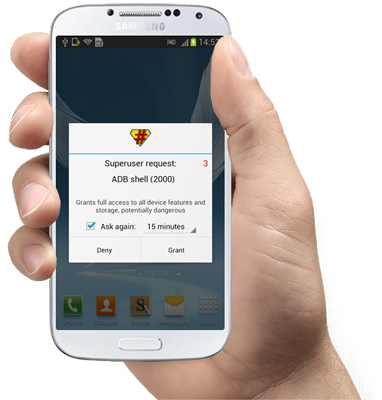
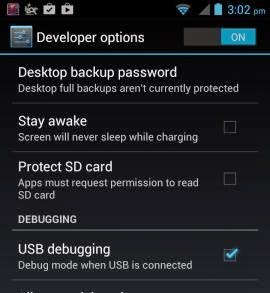
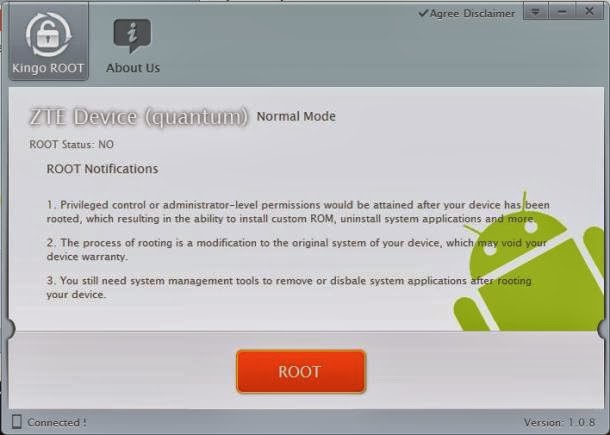

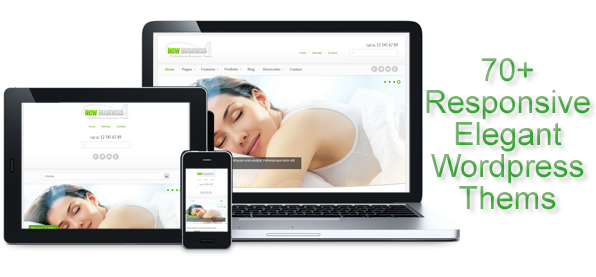
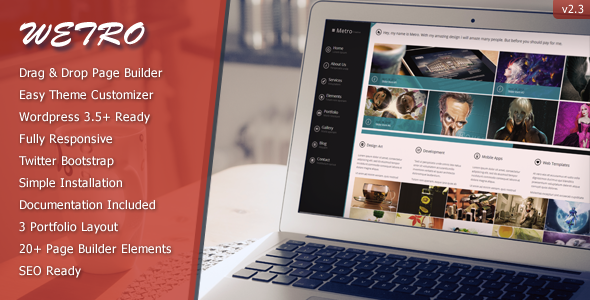
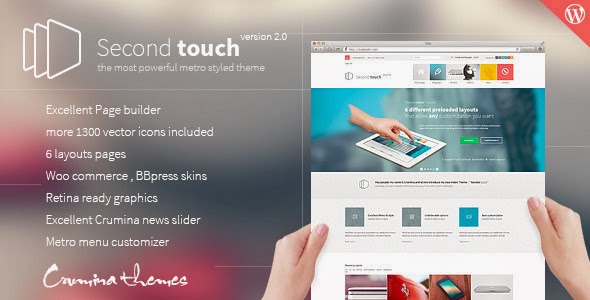
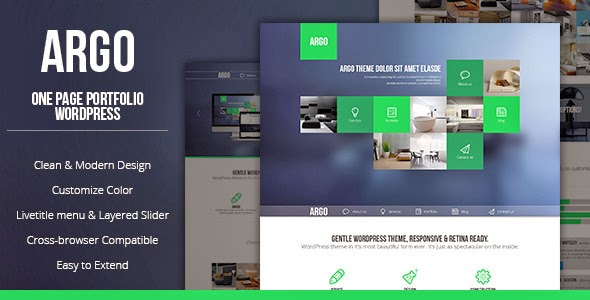
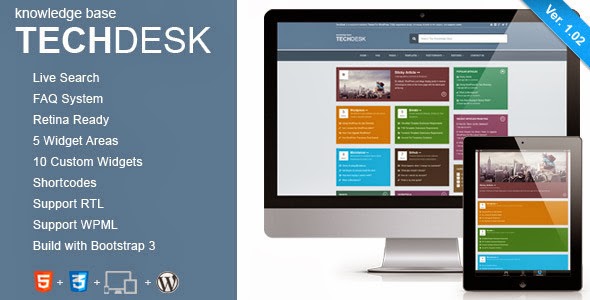

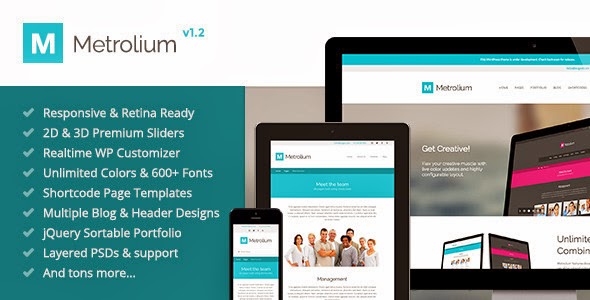
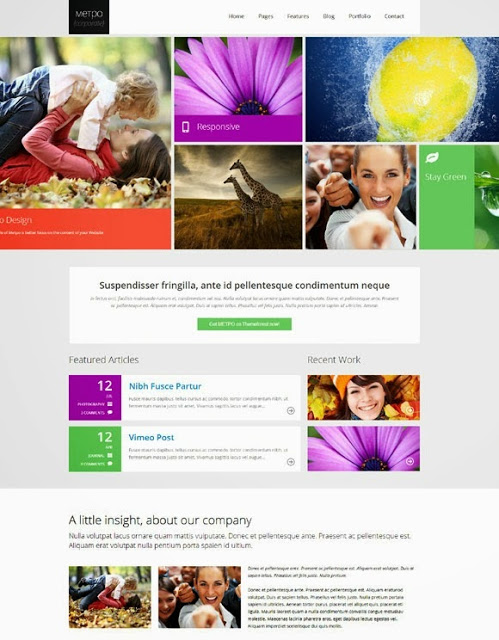
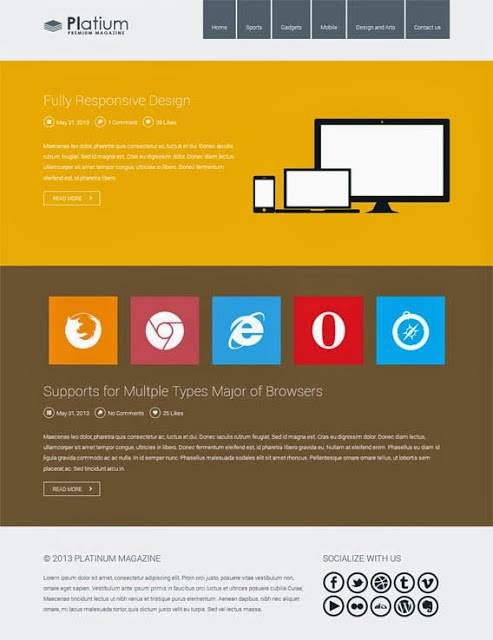
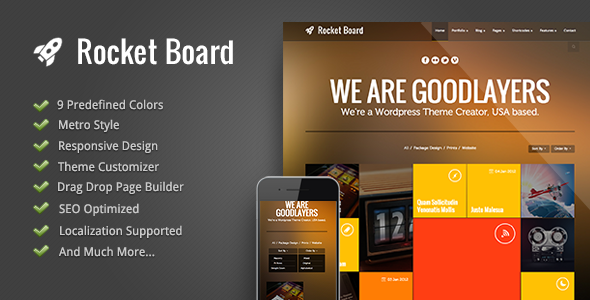
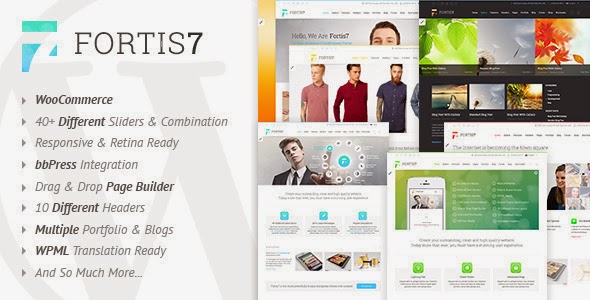
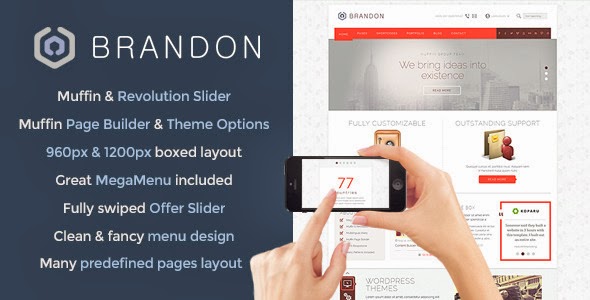
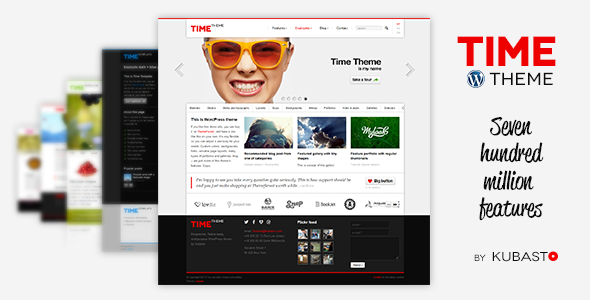
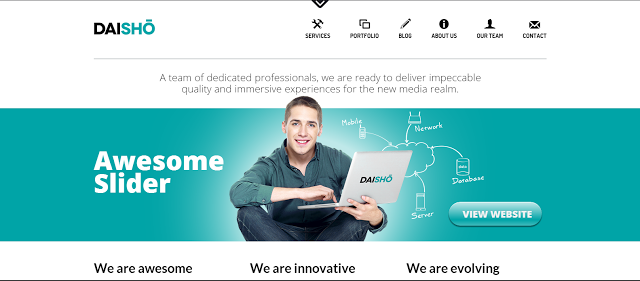
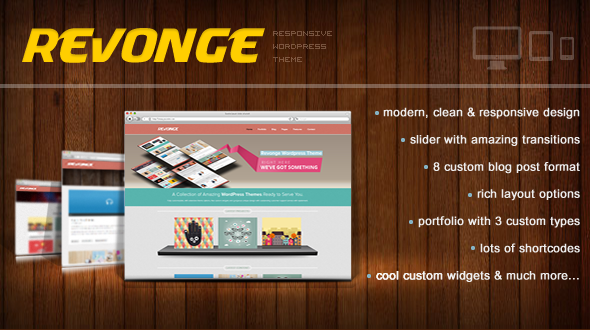

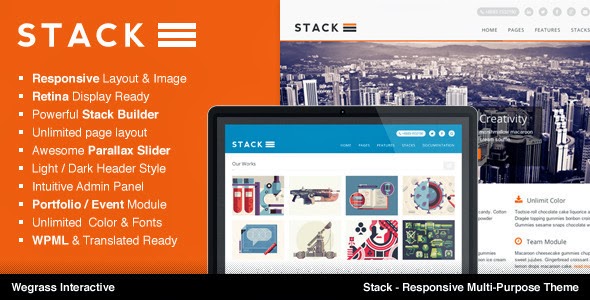
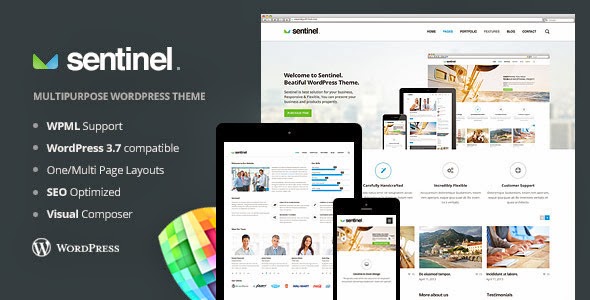
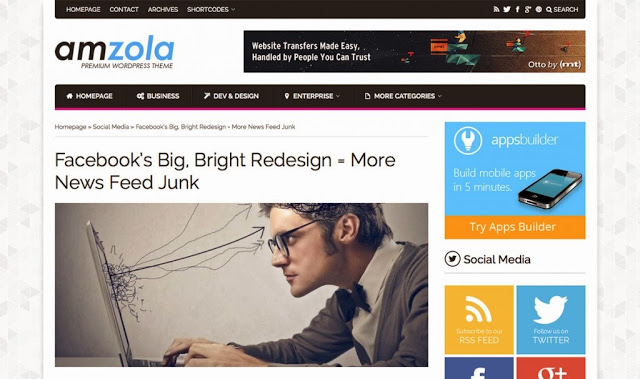
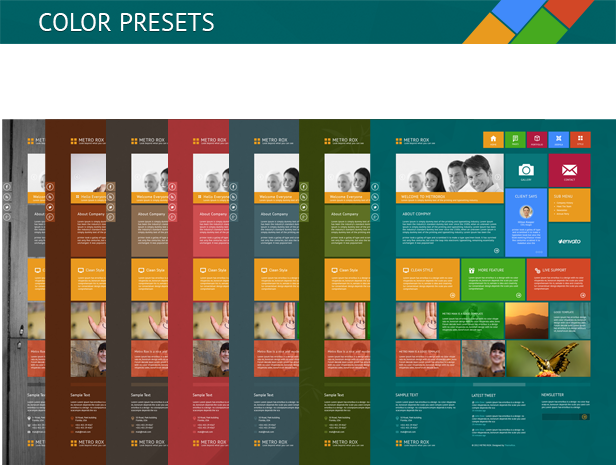
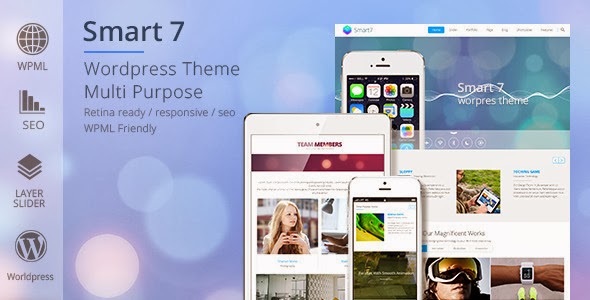

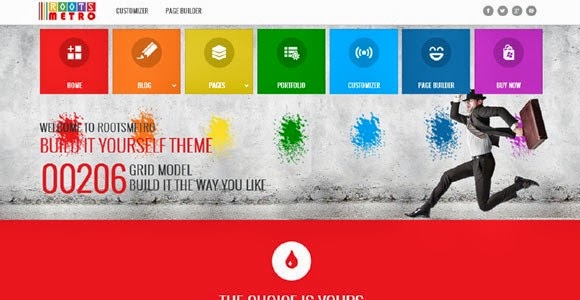
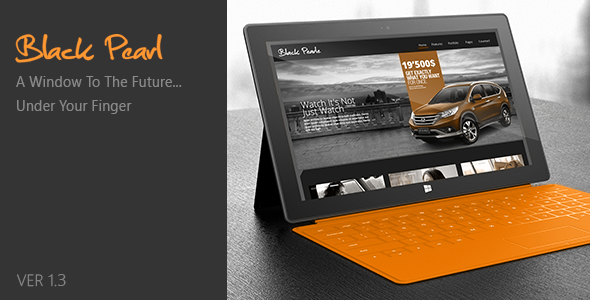
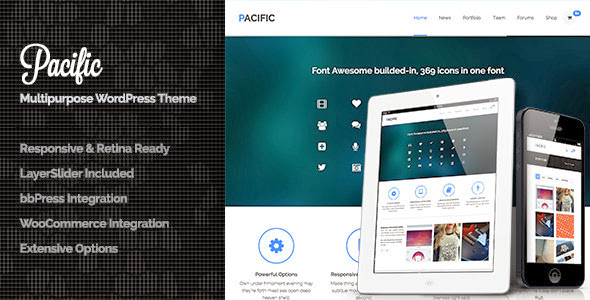
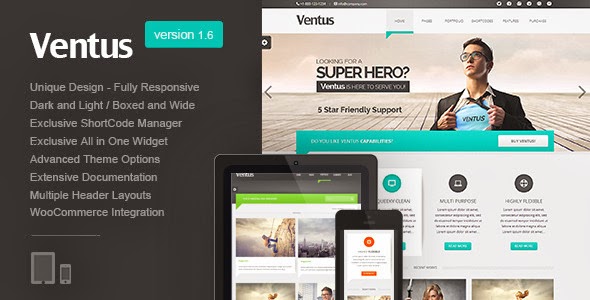

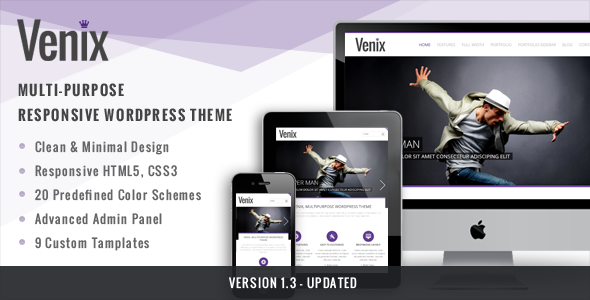

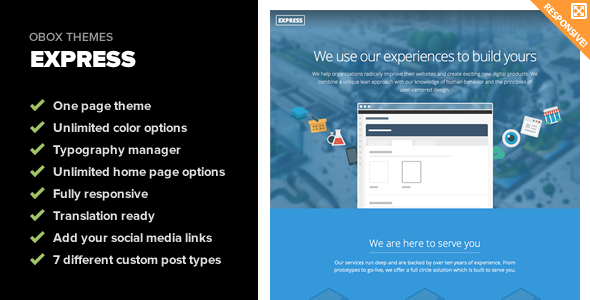
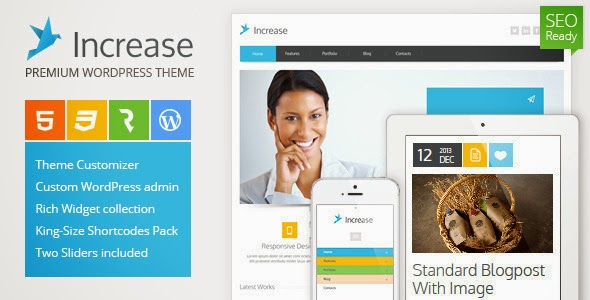
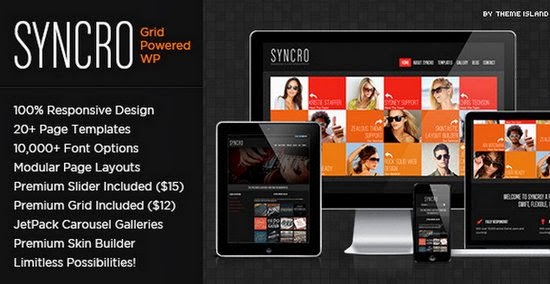
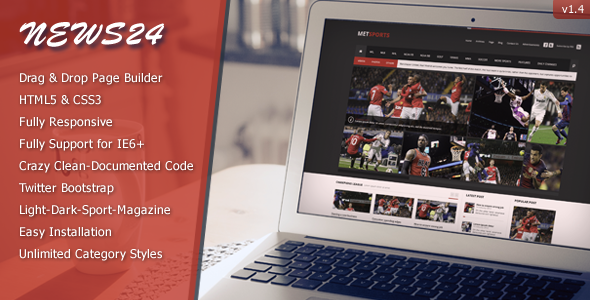
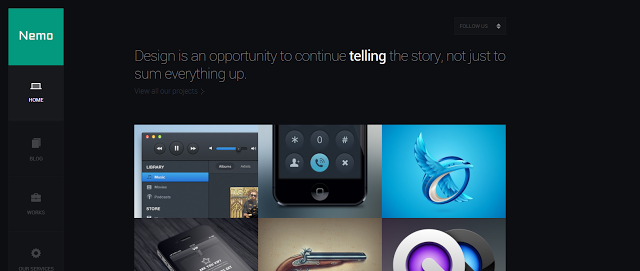
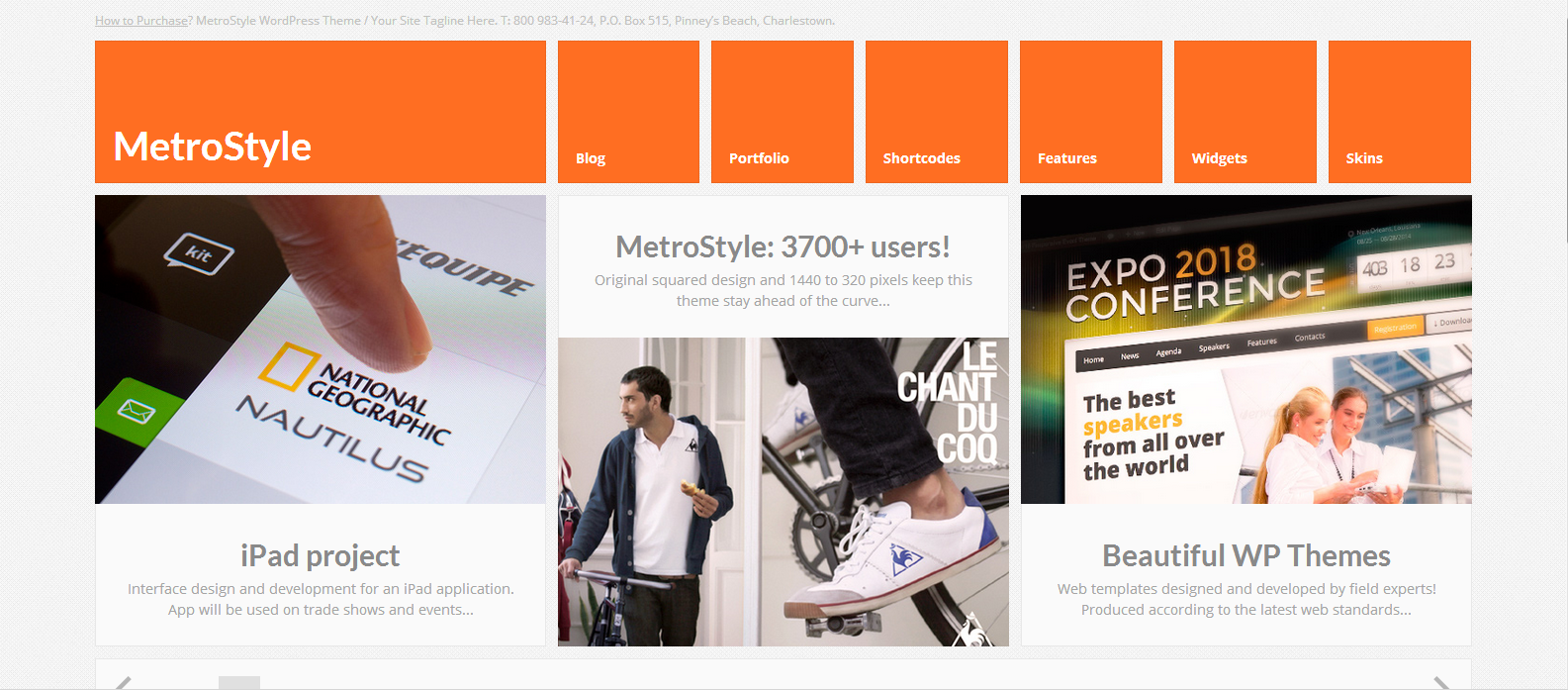
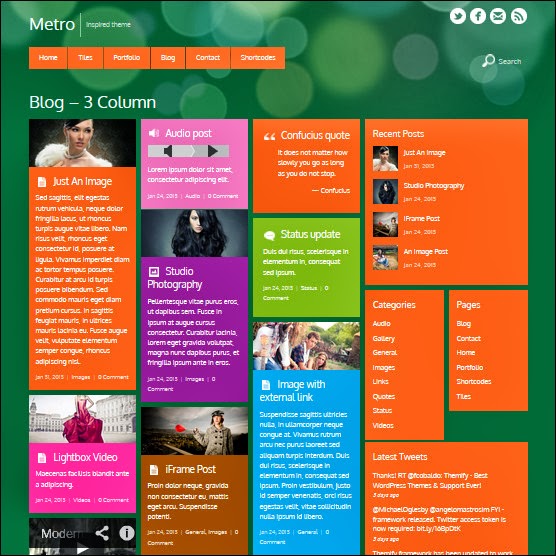
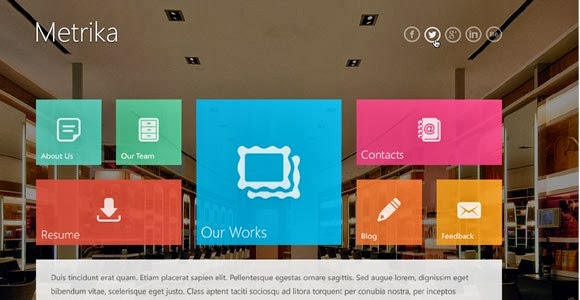
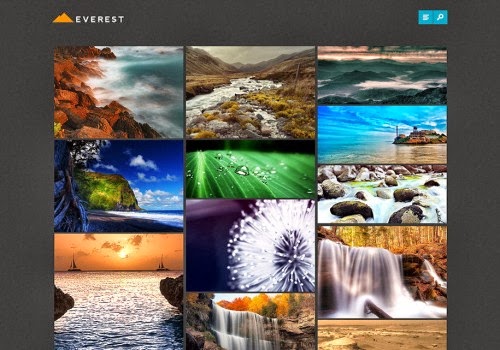
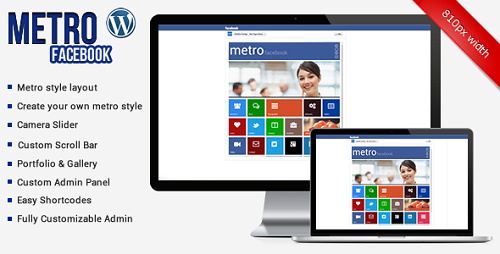
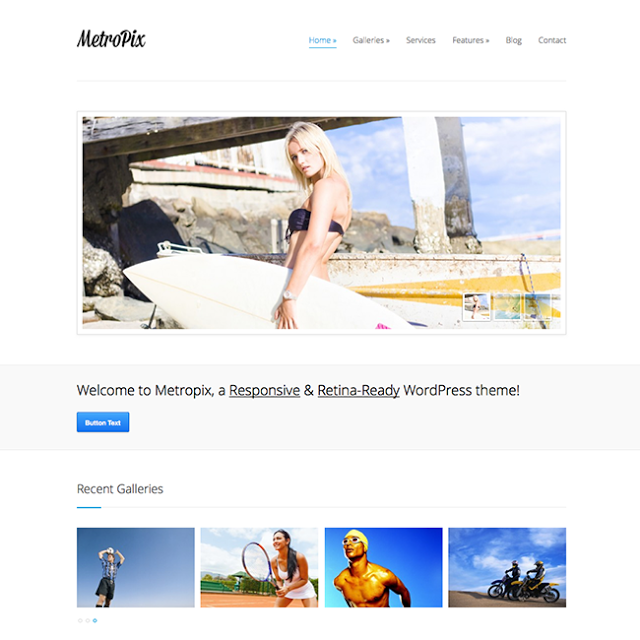
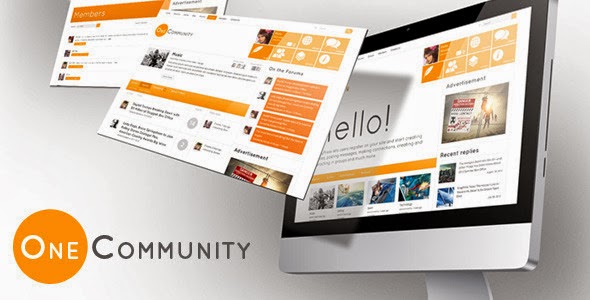
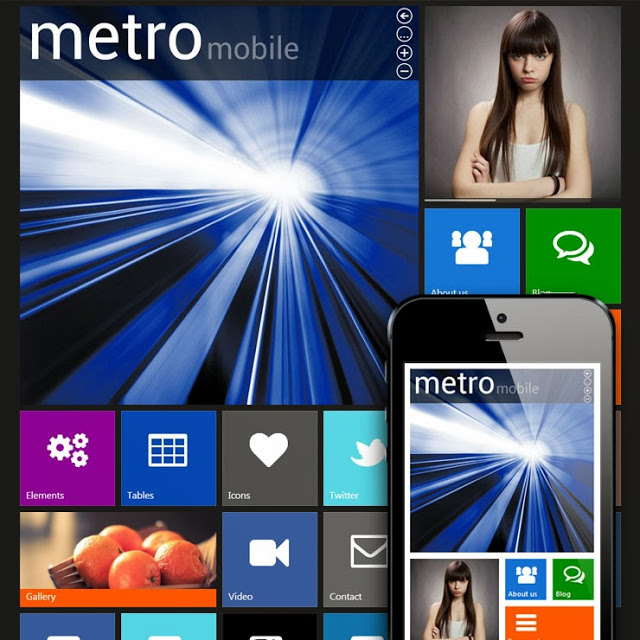
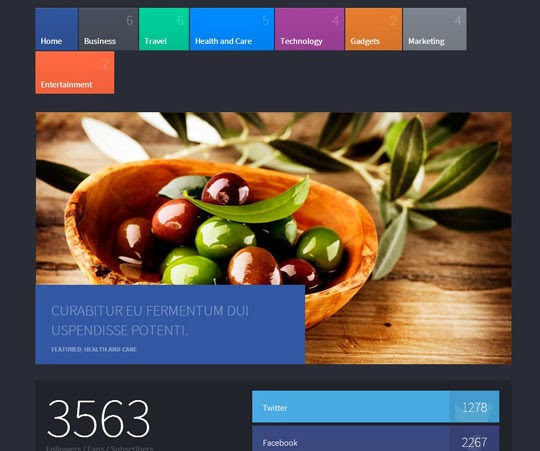
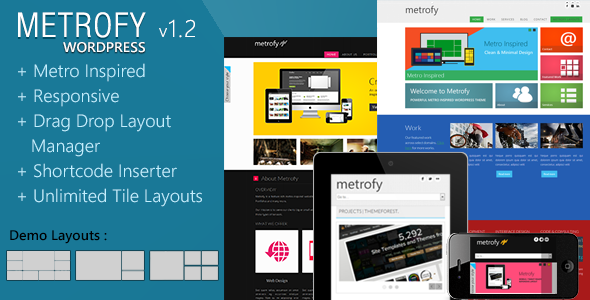

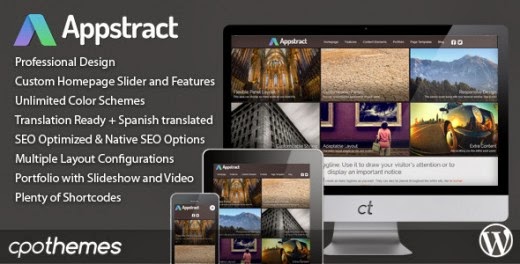
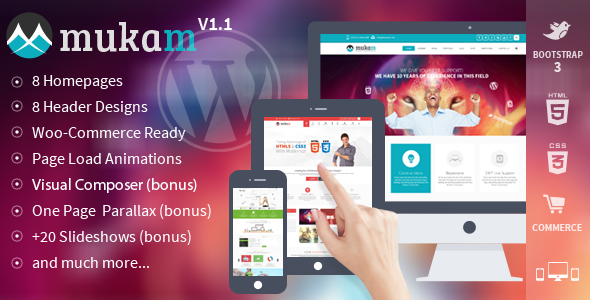
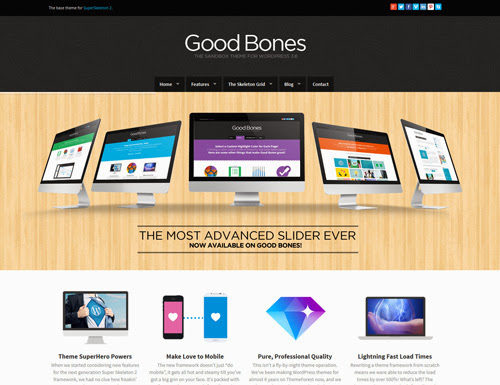

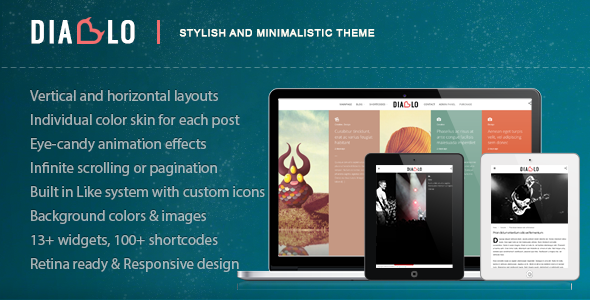
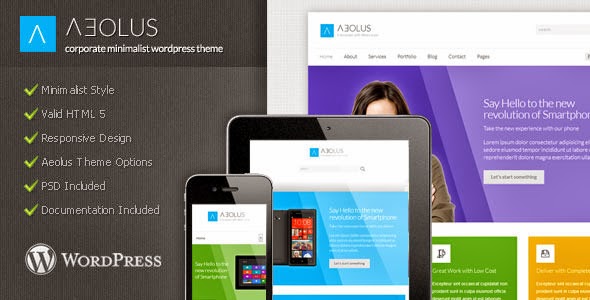
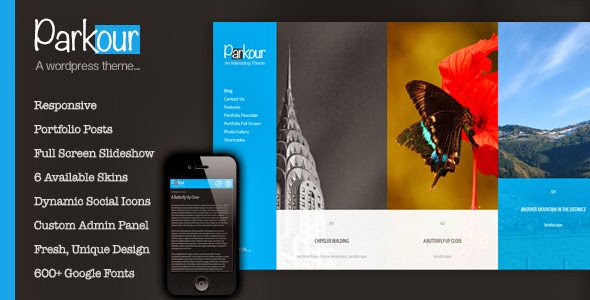
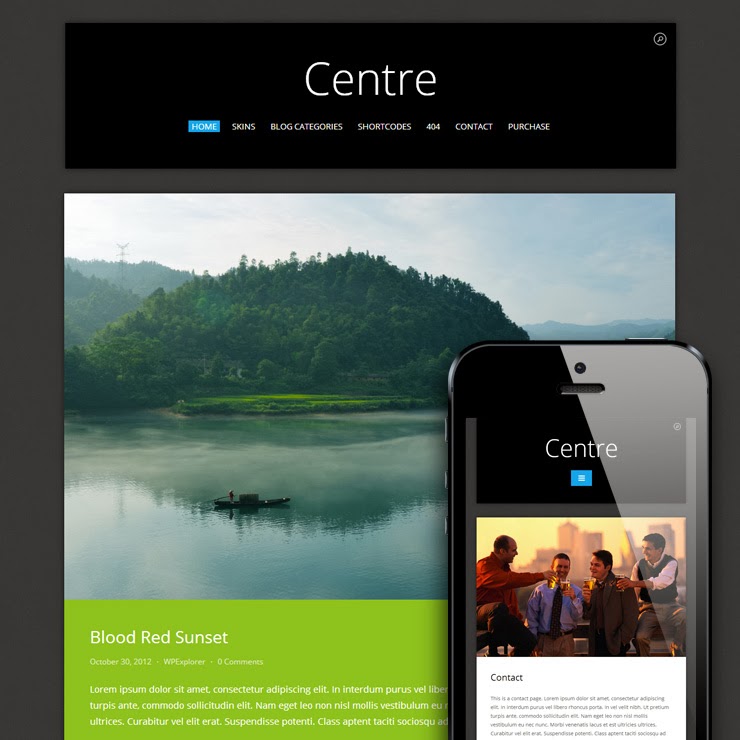
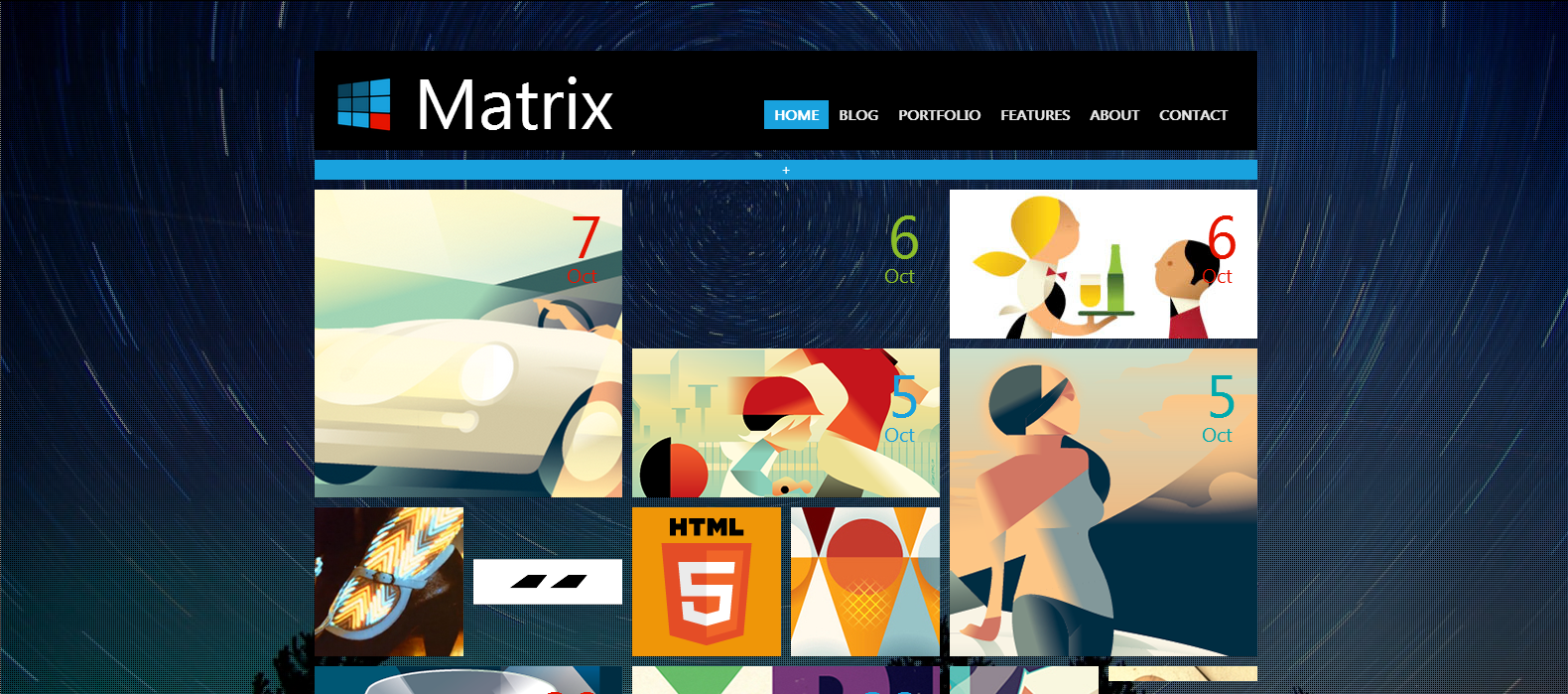
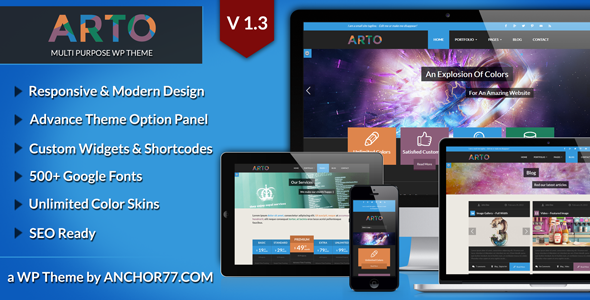
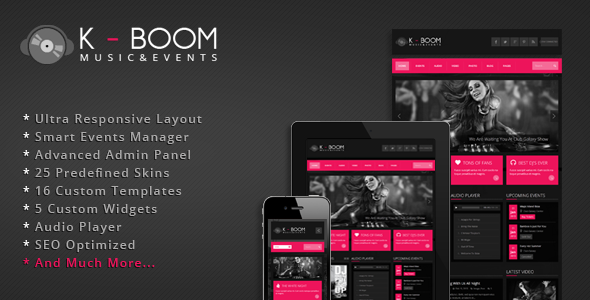
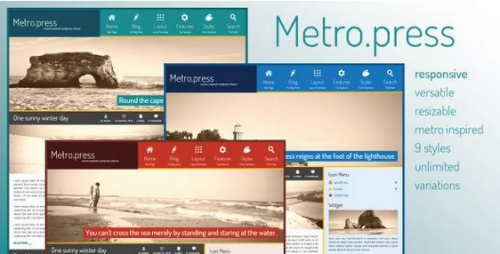
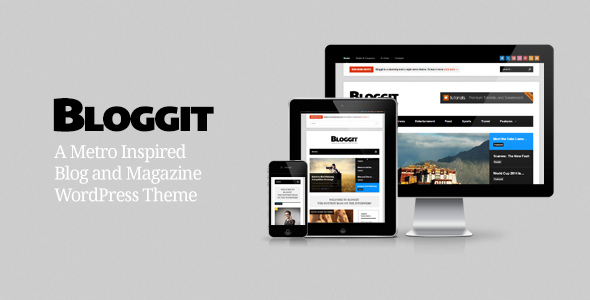
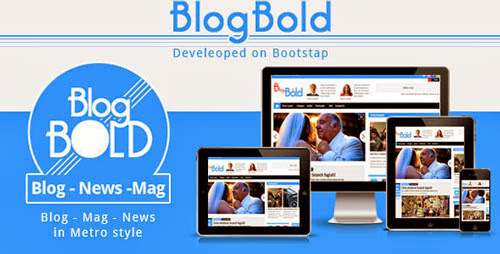
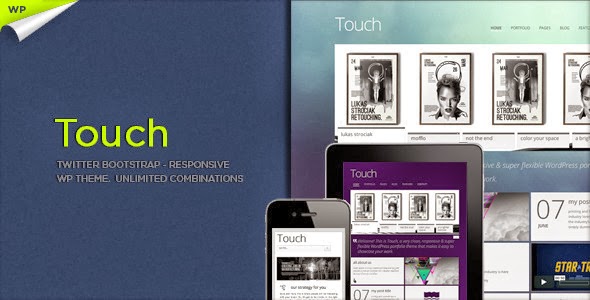
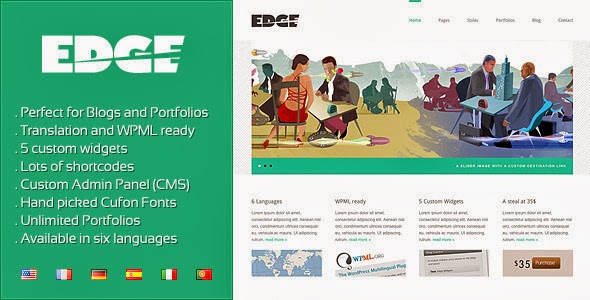
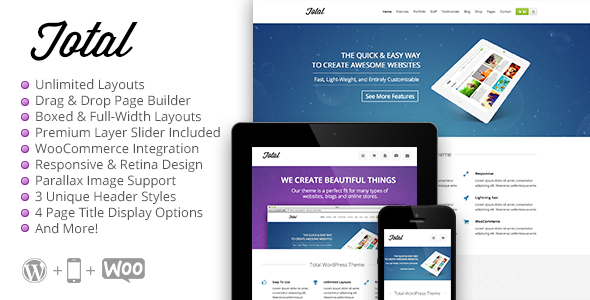
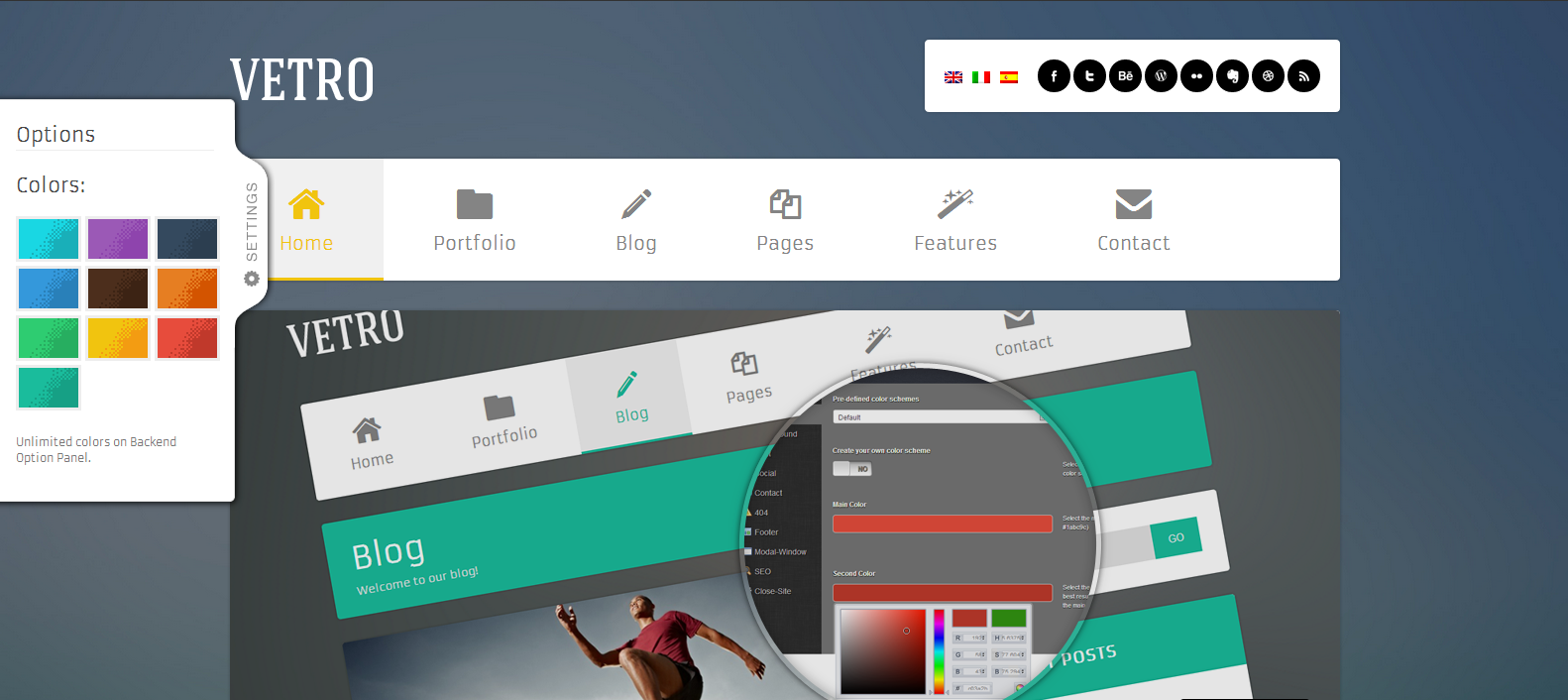
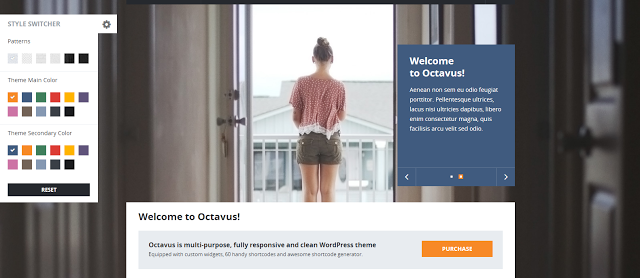
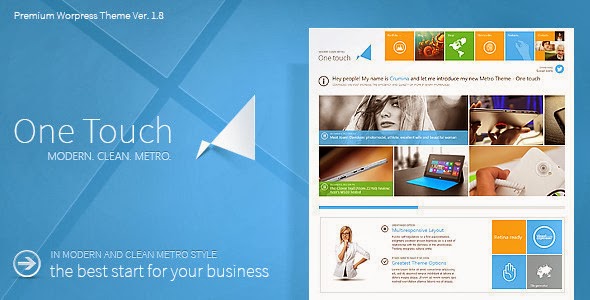
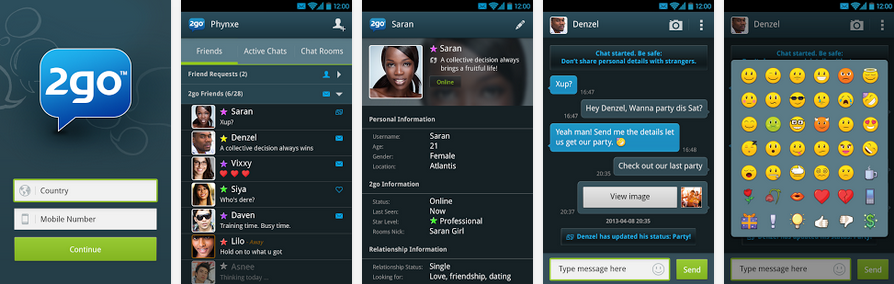
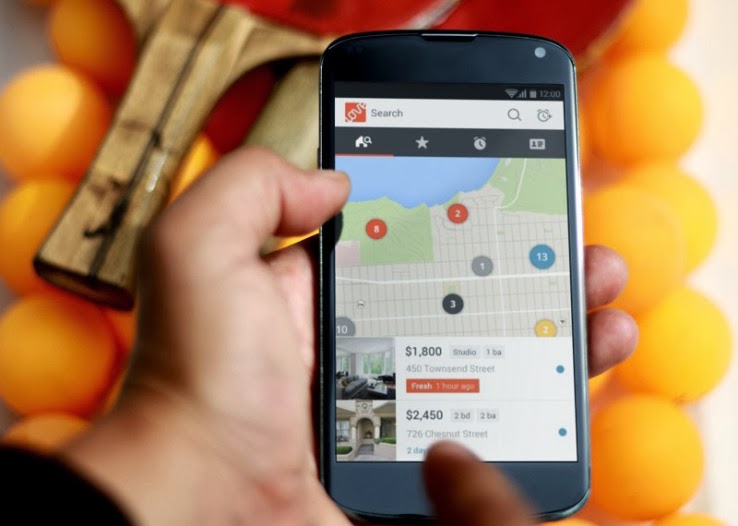
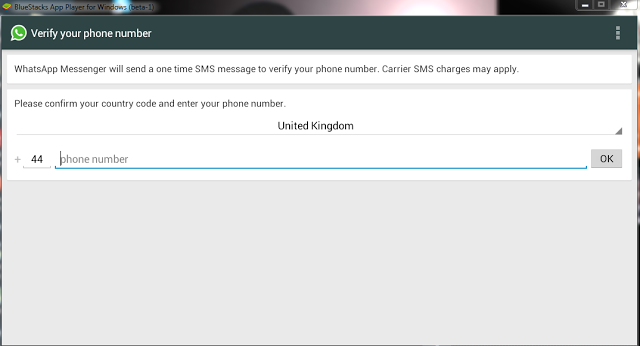

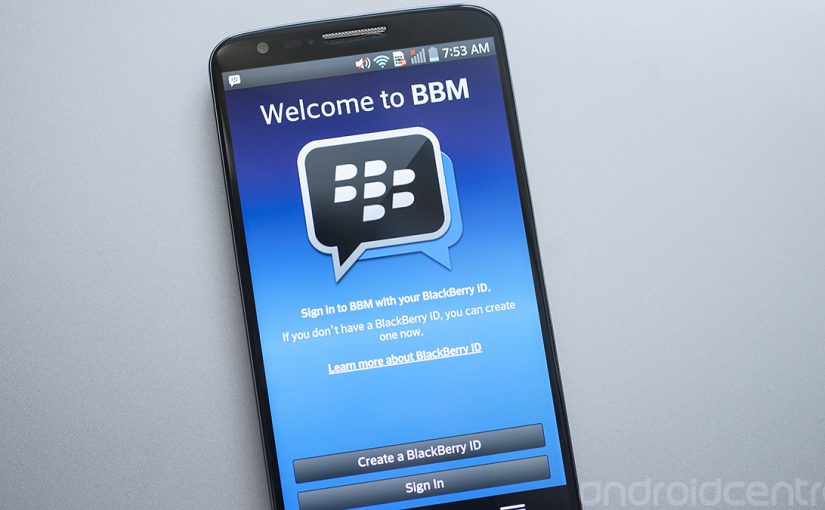
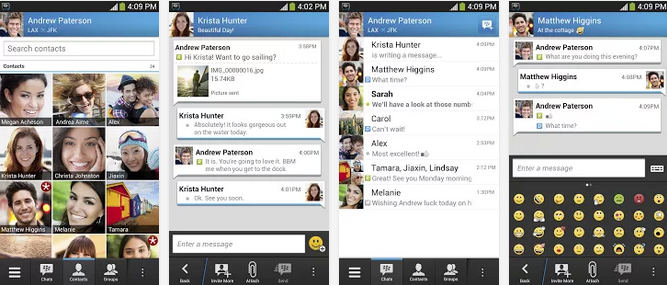
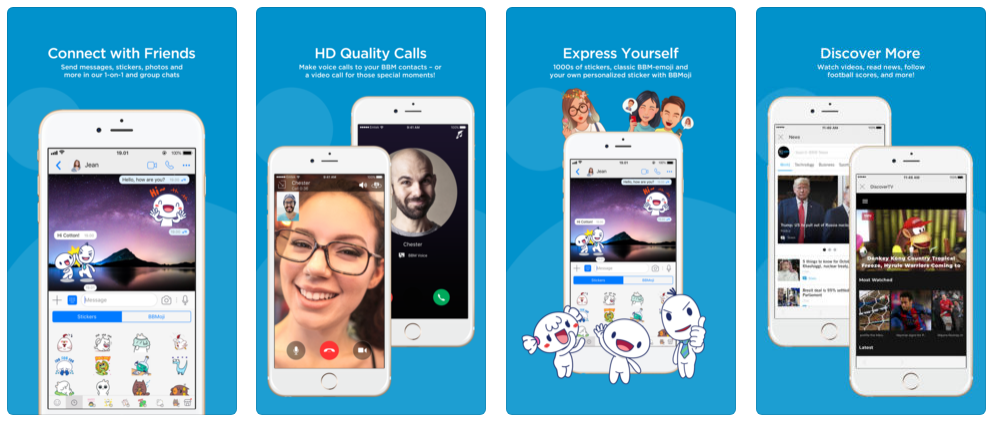
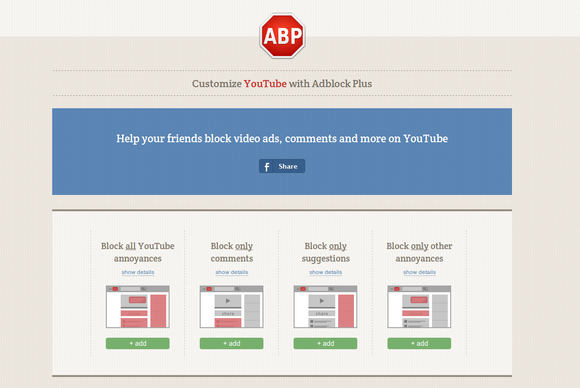
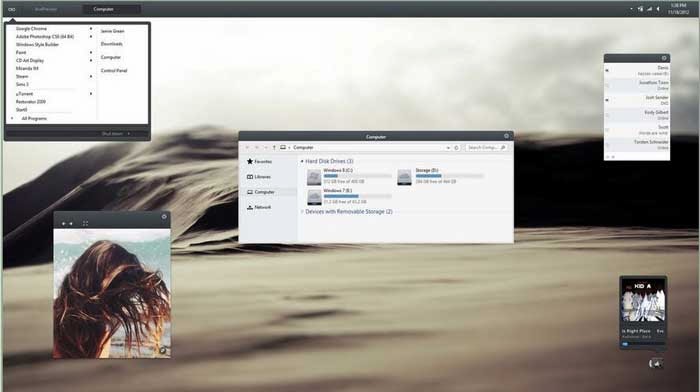
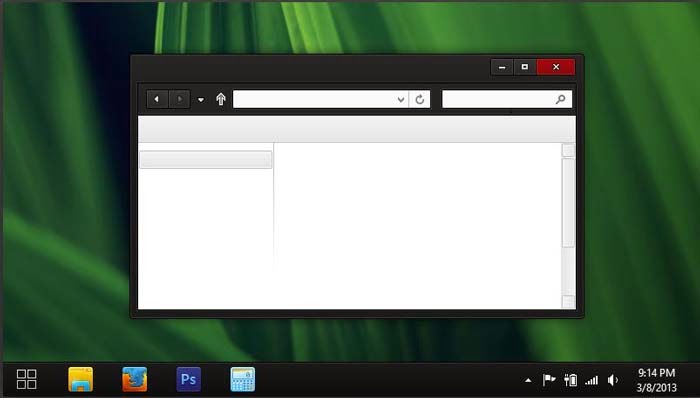
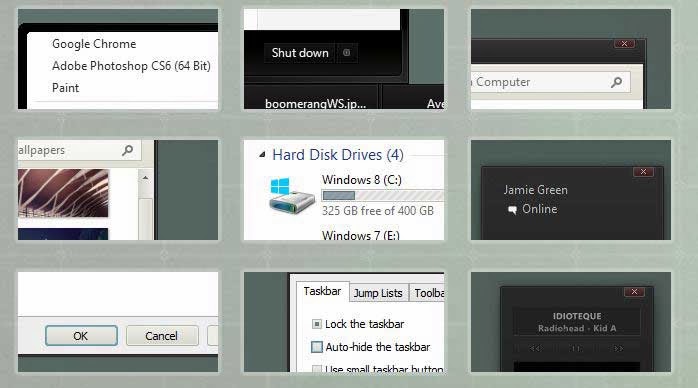
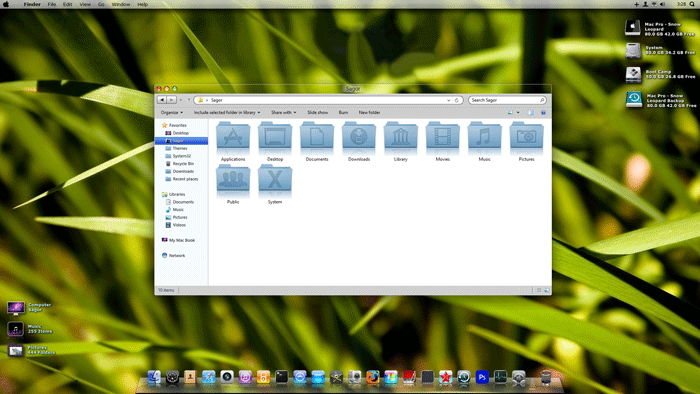
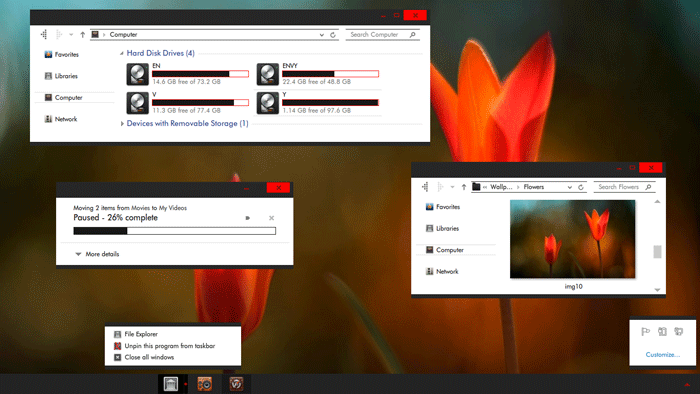
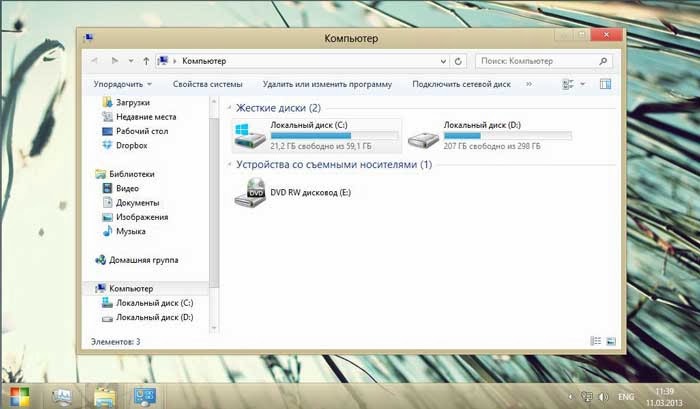
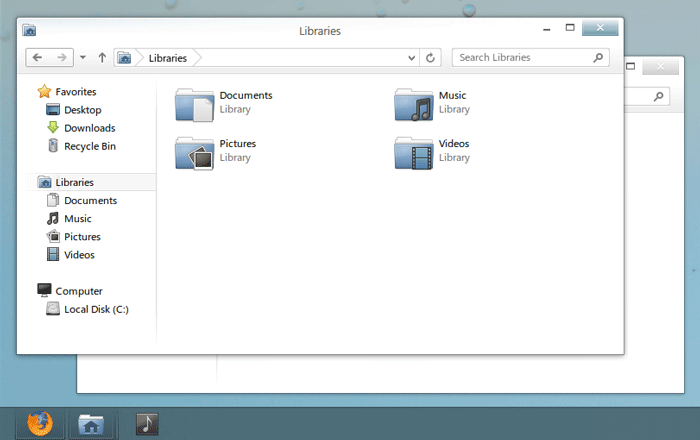

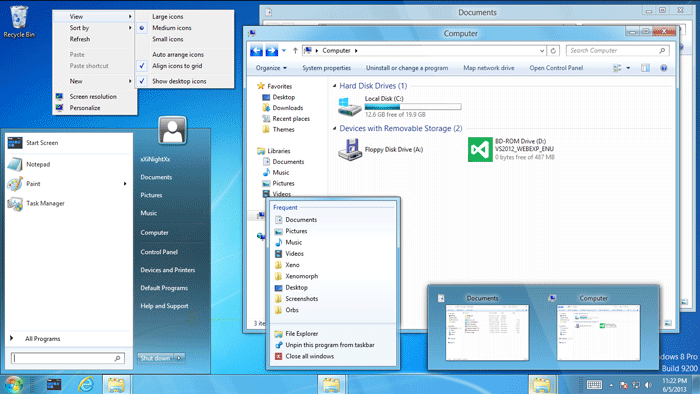
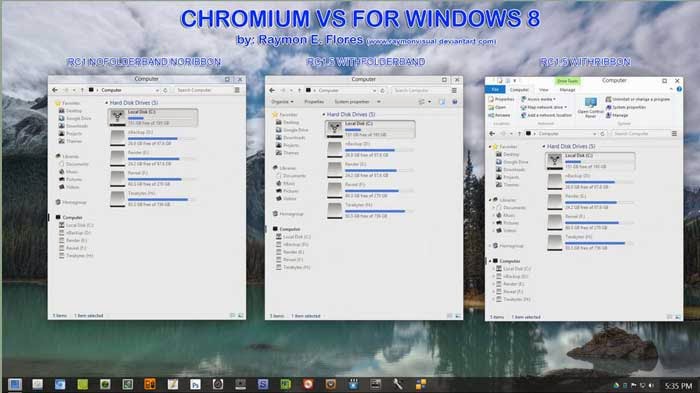
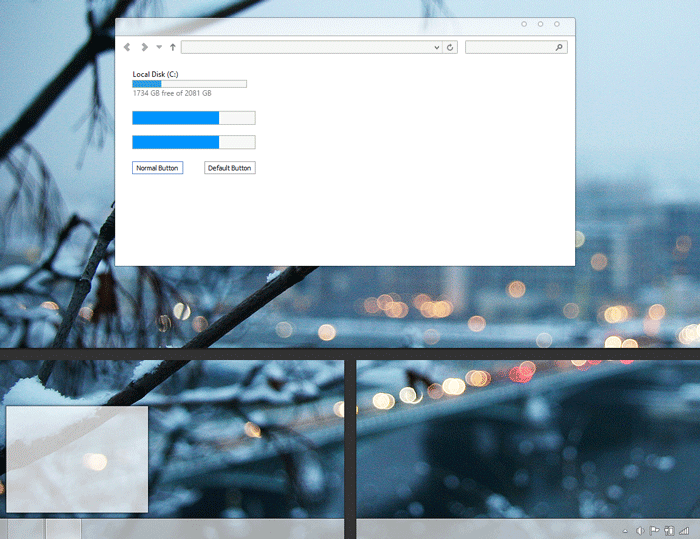
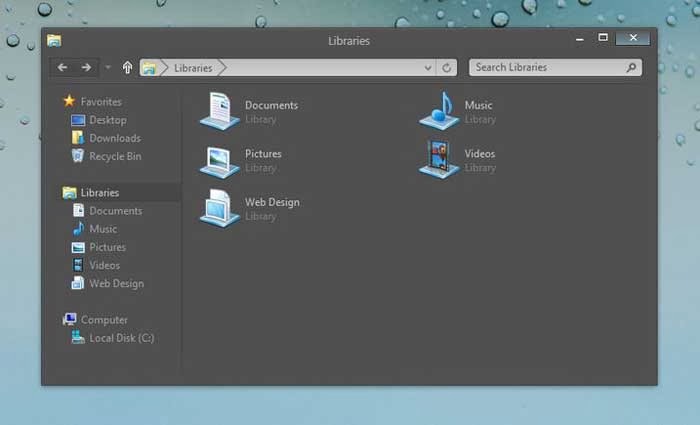
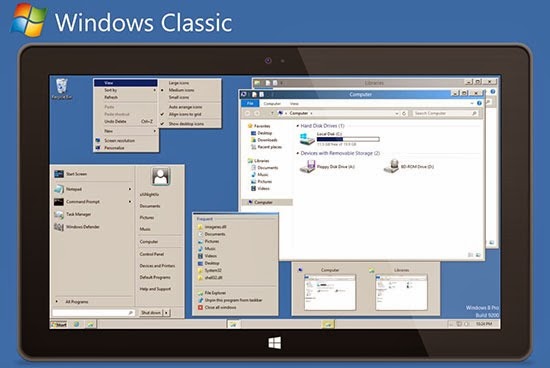
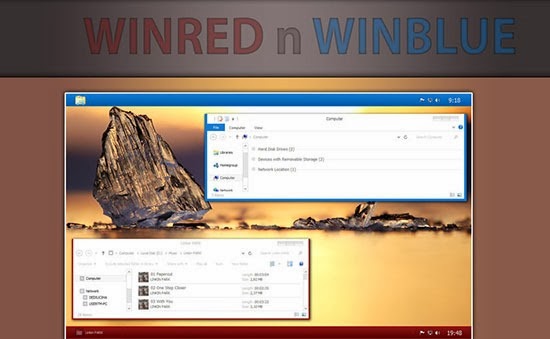
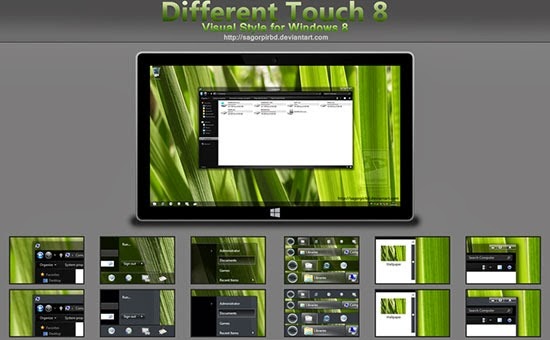
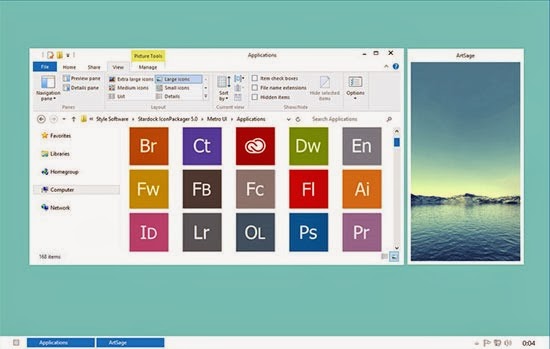
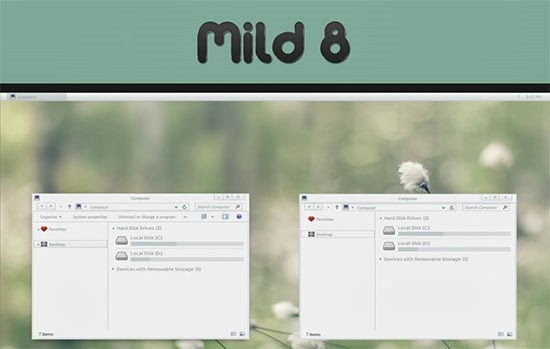
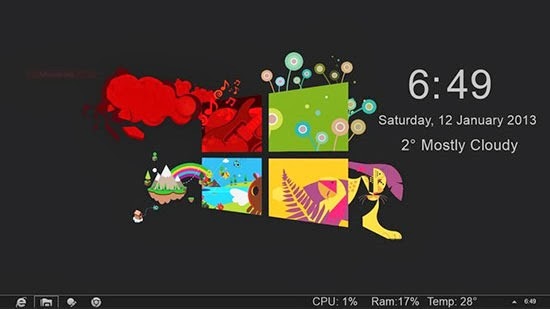
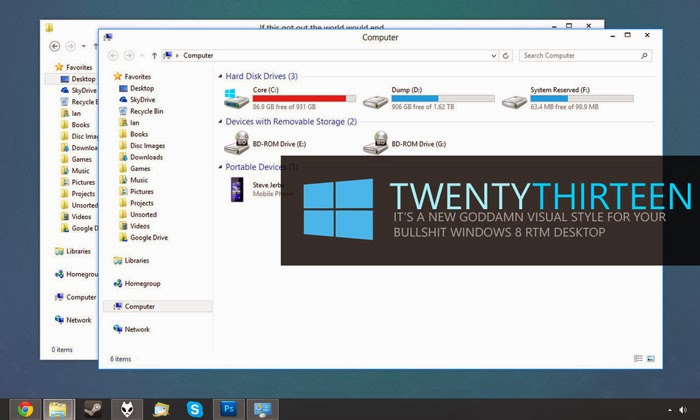
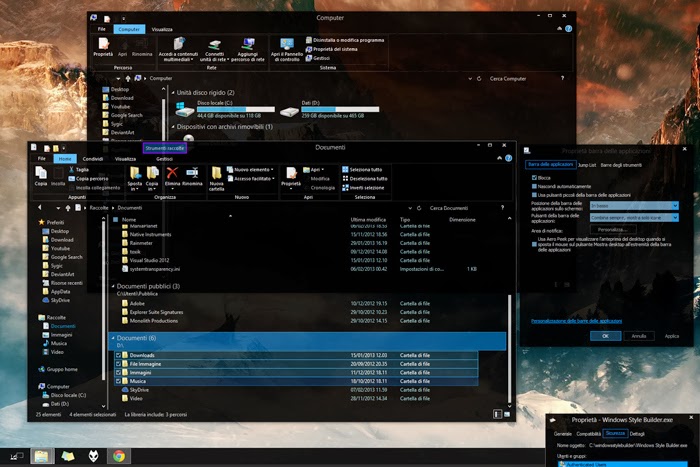
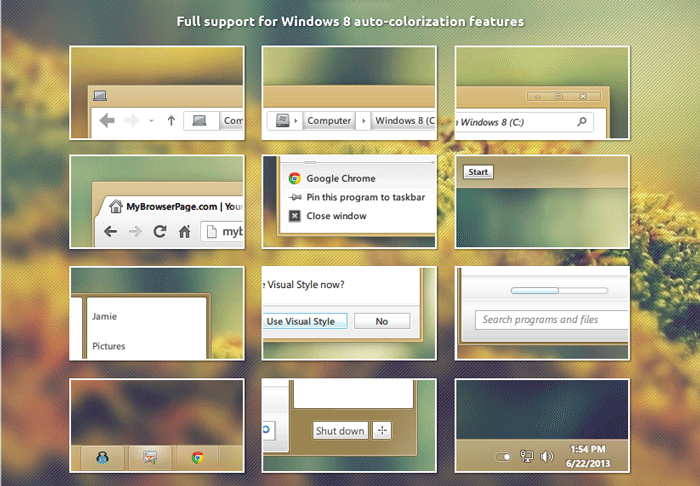
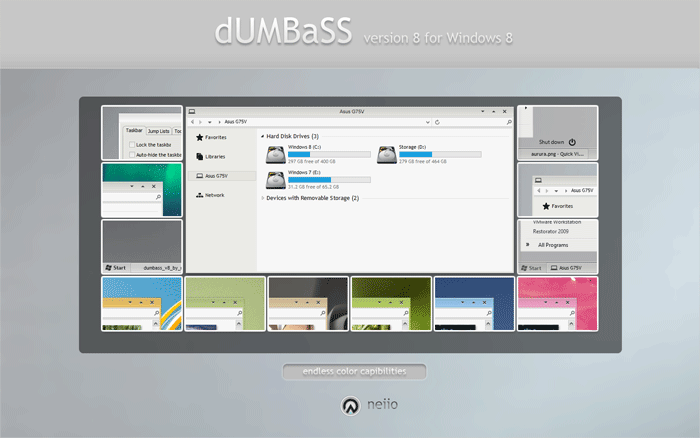
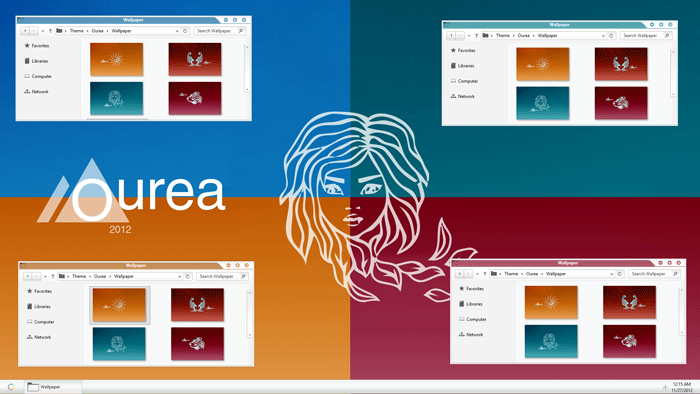
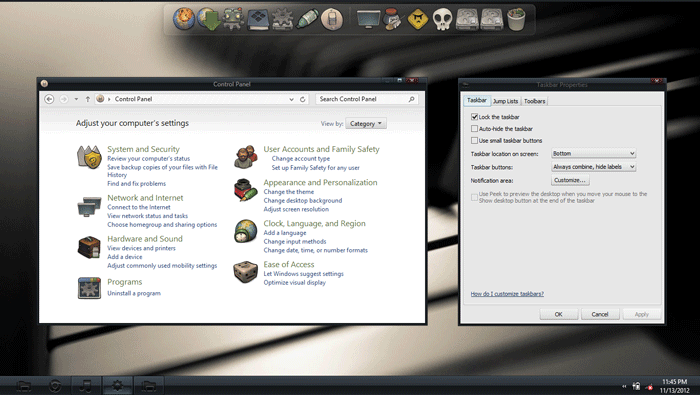
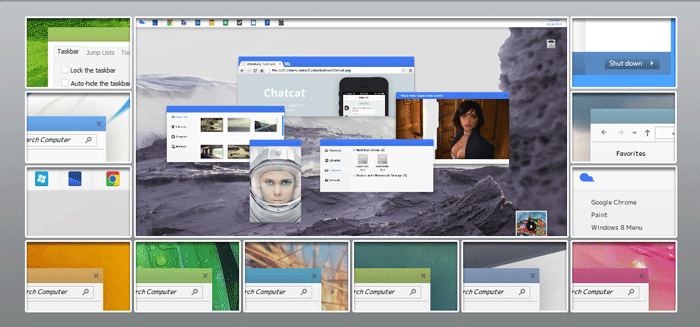

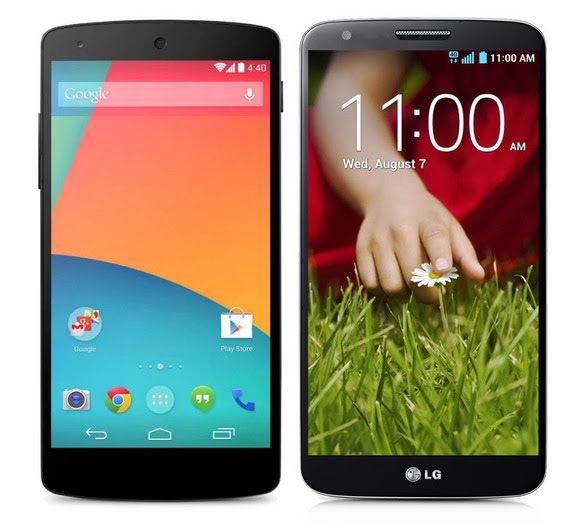
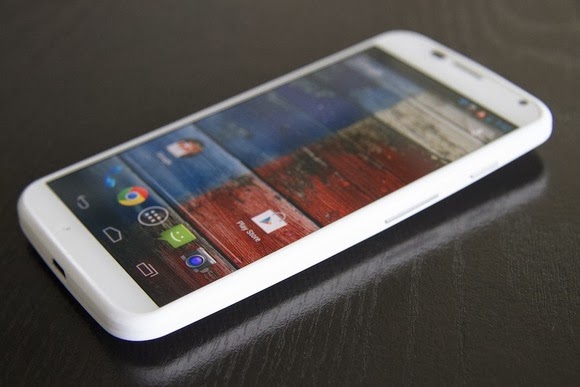

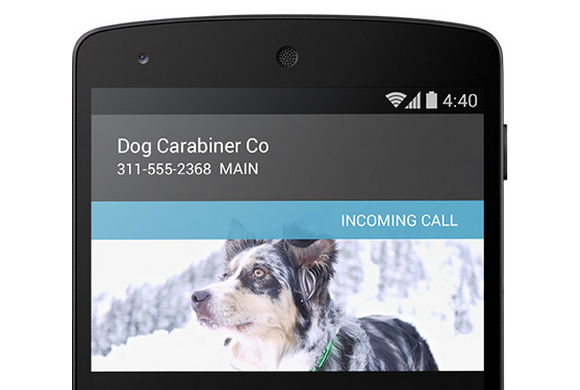
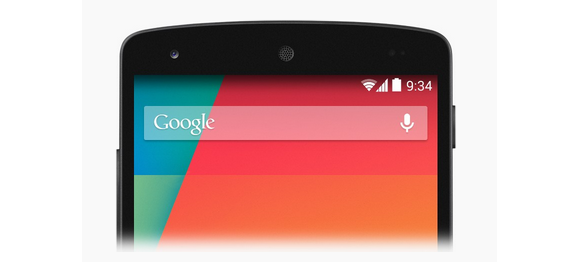
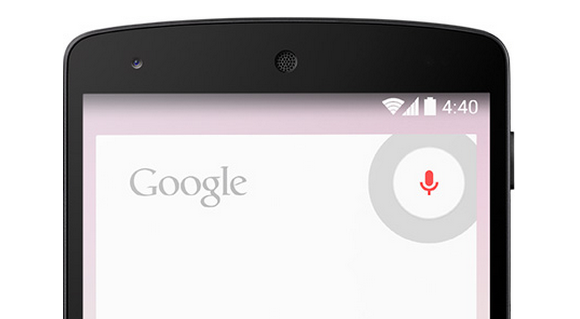
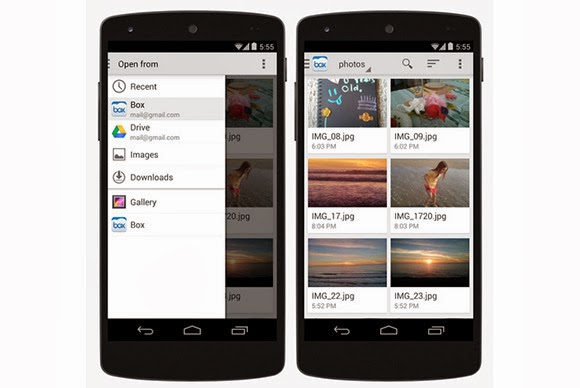
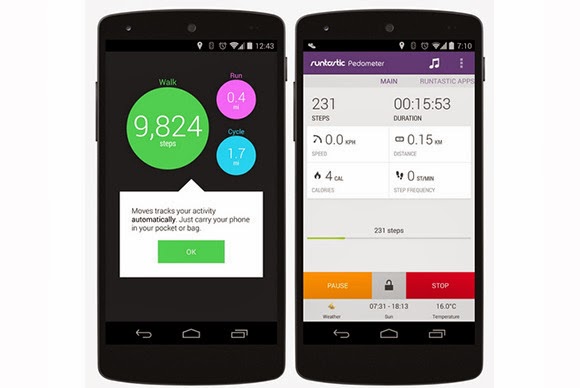

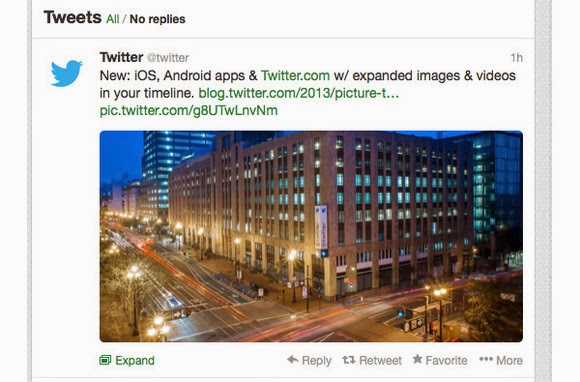

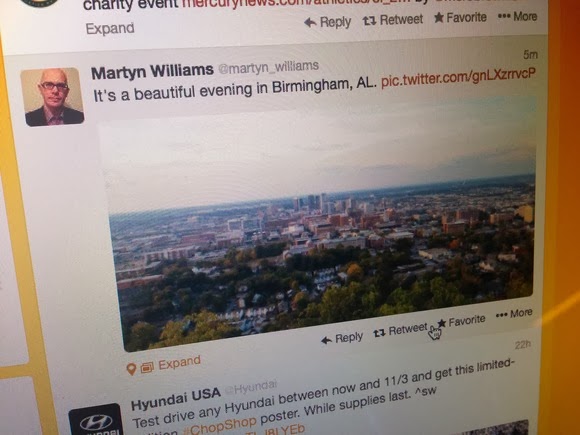
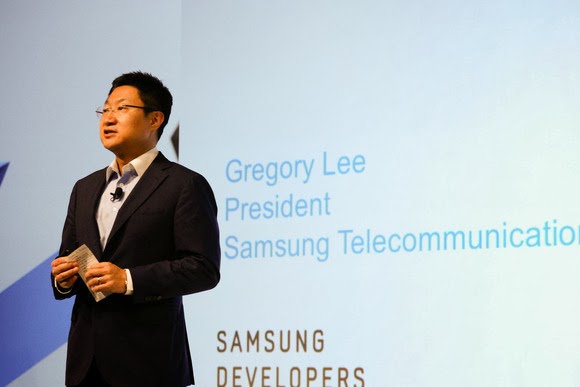
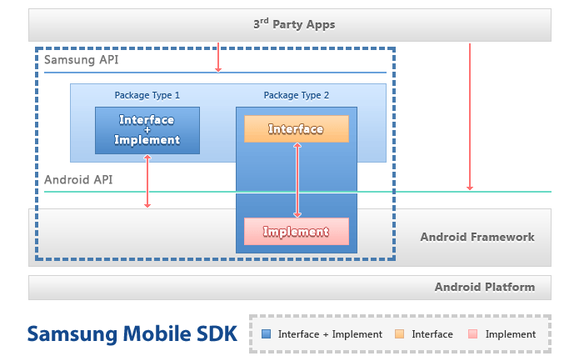
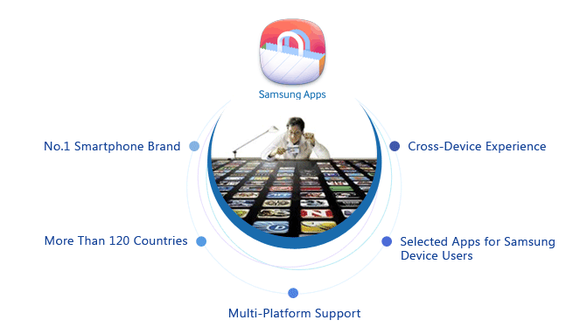


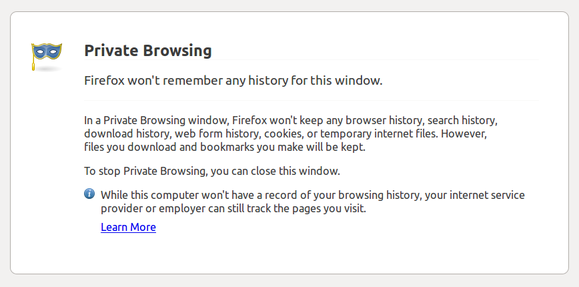

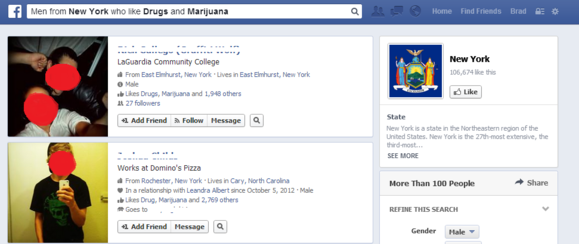

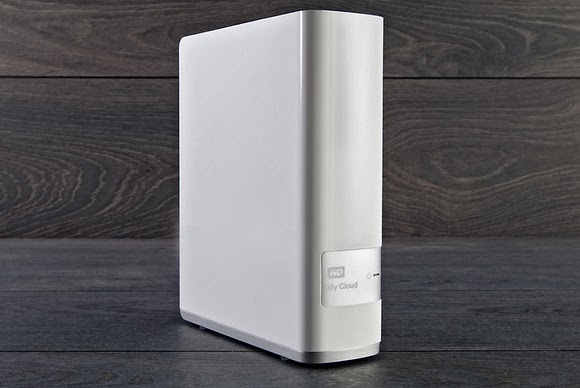


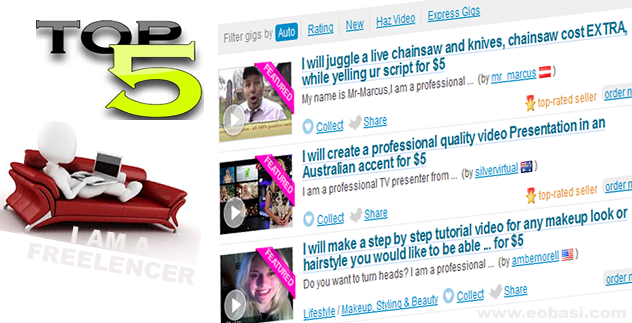
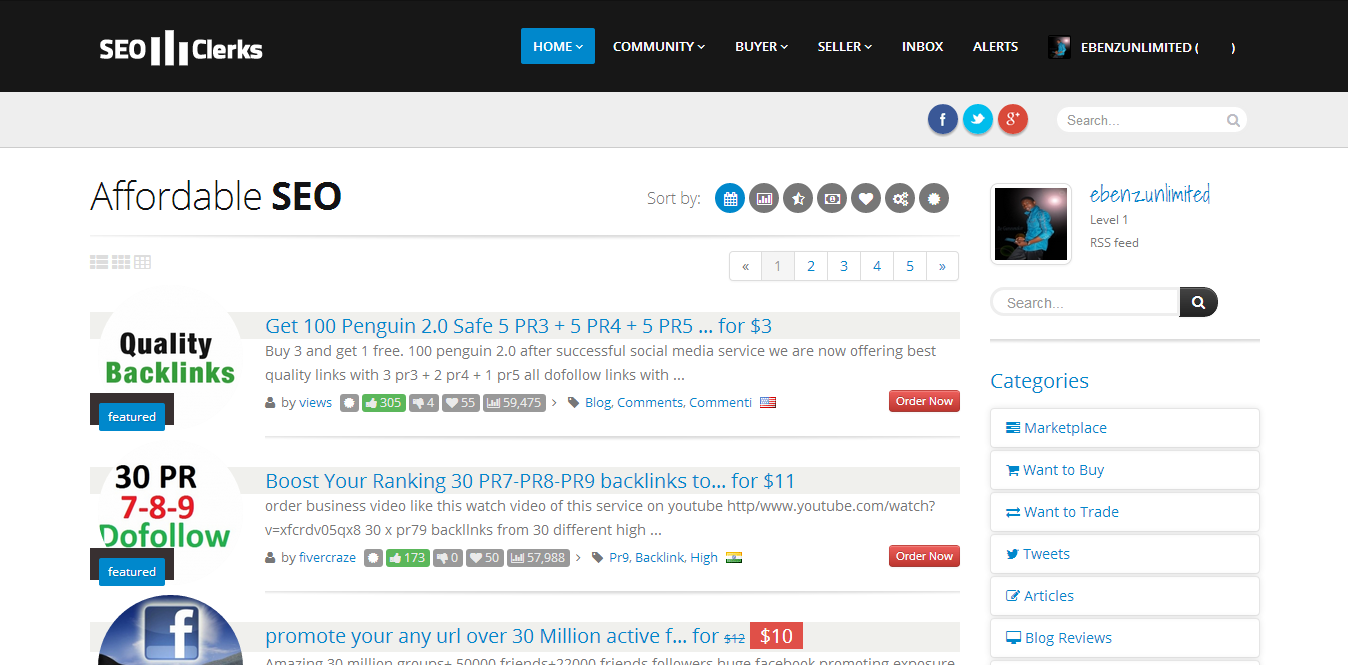
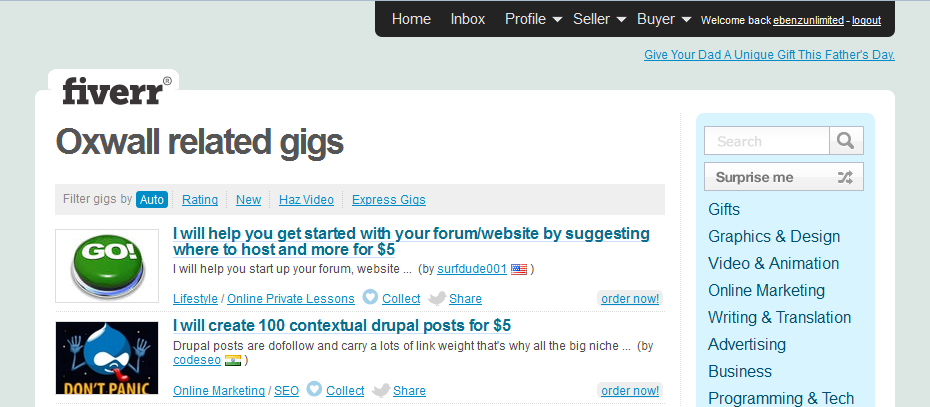

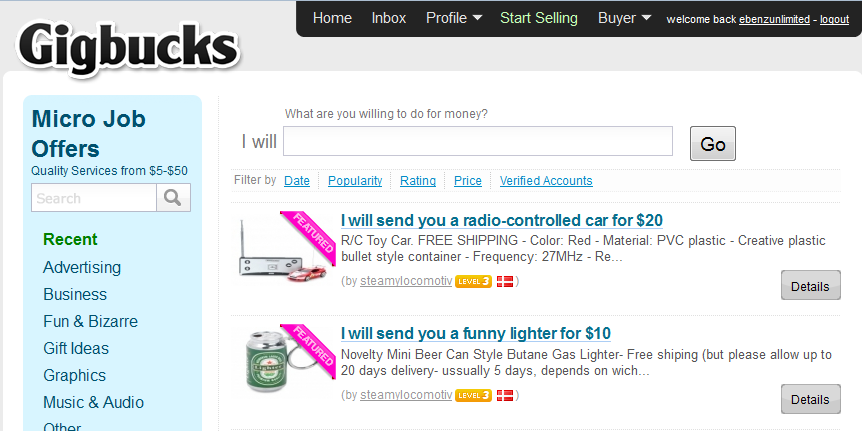






 button is placed just under it, you can simply click on this button to register the domain name. A
  button is used to denote that a TLD is neither available for new registration or for domain transfer.
 button is placed below a TLD to signify that the domain name is not available for new registration but can be transferred to the Arvixe hosting account. You can also use this option if you are trying to transfer your domain name from a different domain name provider to Arvixe (Remember that Arvixe allows you to register 1 free domain name for life), so it’s quite a tempting offer for everyone.
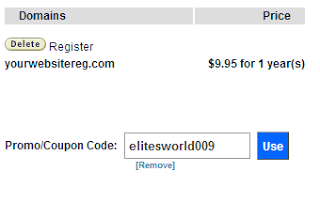 Note that to use a coupon code, you need to do this before the above step (before clicking next in the previous step).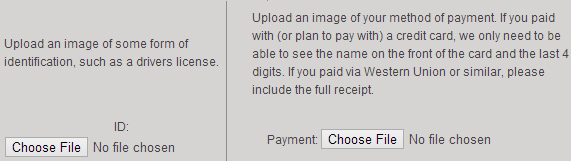
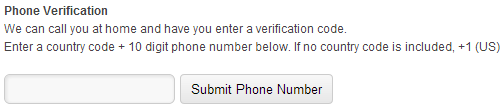

 Currently, we are on the edge of a new digital paradigm, where the abilities of our machinery are beginning to outshine our own.
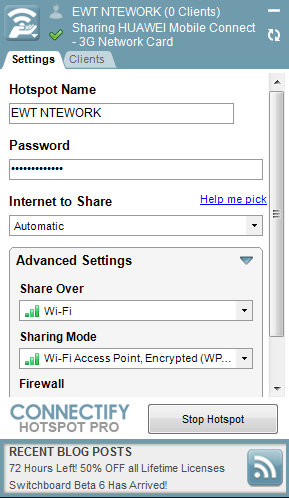
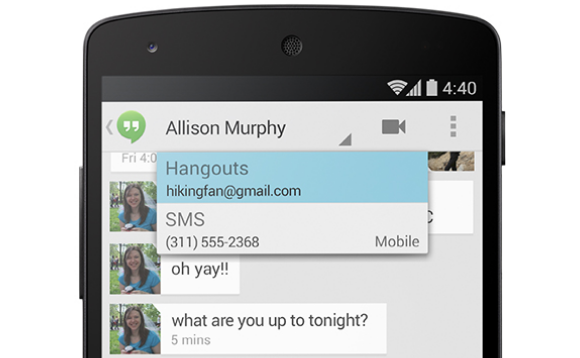

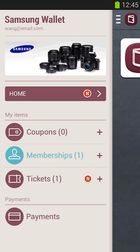
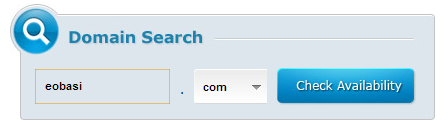
You must be logged in to post a comment.