Tag: Wordpress

  • Top 45+ Most Downloaded WordPress Plugins in 2013

    Top 45+ Most Downloaded WordPress Plugins in 2013

    As 2013 travels down the history book EWT analysts take a look at the top 45 most downloaded WordPress plugins in the past 12 months.

    Plugins are the fundamental ingredients that constitute a flowering website – If you are running your website on a WordPress self hosted platform you will understand what I mean by that term. Whether you are managing a cooperate/business or personal/commercial blog, we all help ourselves with one plugin or the other.

    Statistics has shown that more plugins was added to the WordPress data base in 2013 than in the preceding years. Likewise, more bloggers and webmasters (esp. in Africa & Asia) uses the WordPress self hosted platform making it the most popular CMS across the globe.

    The stats are quite incredible. Aren’t they? “What plugins did they use?” remains a question we need to tackle in the following section.

    45. The Events Calendar —Download

    Helps you create and mange events easily on your WordPress self hosted platform.  
    44. Share Buttons by AddToAny —Download

     A social sharing service provided by AddToAny that adds social sharing functionality to your website.  

    43. UpdraftPlus – WordPress Backup and Restoration —Download

    This Plugin helps you perform a complete backup or restoration of your self hosted WordPress site into a cloud service such as: Dropbox, Amazon S3, Google Drive, Rackspace, FTP, SFTP, email, DreamObjects, etc.
    42. WP e-Commerce —Download

     Convert your self hosted WordPress site into an e-Commerce site with this free plugin. Customers can buy products, services and digital downloads from your website.

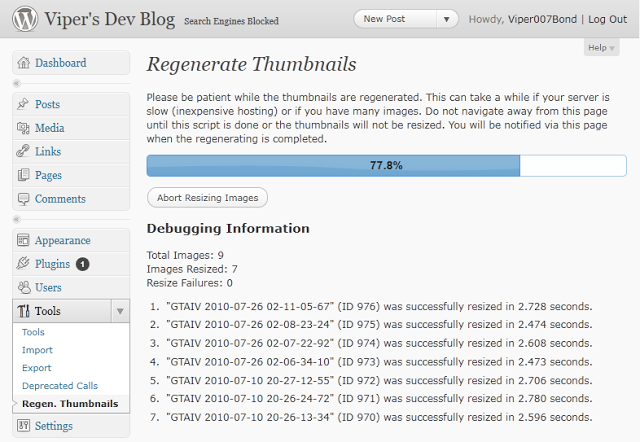
    41. Regenerate Thumbnails —Download

    Regenerate Thumbnails allows you to regenerate the thumbnails for your image attachments. This is very handy if you’ve changed any of your thumbnail dimensions (via Settings -> Media) after previously uploading images or have changed to a theme with different featured post image dimensions.
    40. Google Analytics for WordPress —Download

    Easily track and monitor your WordPress site stats using info provided by Google Analytics.

    39. Really Simple CAPTCHA —Download

    A dependent captcha module that can be called up by other plugins. Note: This plugin does not function on it’s own.

    38. Theme My Login —Download

    This plugin themes the WordPress login, registration and forgot password pages according to your current theme. It creates a page to use in place of wp-login.php, using a page template from your theme. Also includes a widget for sidebar login.

    37. Disable Comments —Download

    This plugin allows administrators to globally disable comments on any post type (posts, pages, attachments, etc.) so that these settings cannot be overridden for individual posts. It also removes all comment-related fields from edit and quick-edit screens. On multisite installations, it can be used to disable comments on the entire network.

    36. BuddyPress —Download

    Just stay where you are, you can have it all – BuddyPress adds a social networking functionality to WordPress site. Users can create profiles, post messages, make connection, create and interact in groups. In the part 1 and part 2 of ‘How to Create a Social Network with WordPress’ we covered the basics of setting up this plugin.

    35. WP-Statistics —Download

     Track visitors and visit statistics of your WordPress site.

    34. Advanced Custom Fields —Download

    Advanced Custom Fields is the perfect solution for any wordpress website which needs more flexible data like other Content Management Systems.
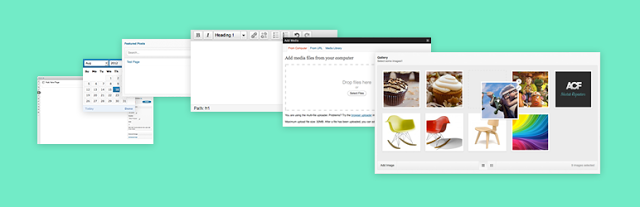
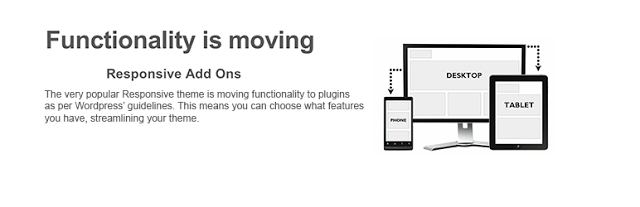
    33. Responsive Add Ons —Download

    In compliance with the recent WordPress theme guidelines, this plugin ensures that themes functionality is limited to design, layout and structure and that anything that falls outside of this is developed as a plugin.
    32. ShareThis: Share Buttons and Social Analytics —Download

    Adds the ShareThis share buttons to your website. Also allows you to monitor how often people share your contents.

    31. Yet Another Related Posts Plugin (YARPP) —Download

    Yet Another Related Posts Plugin (YARPP) displays pages, posts, and custom post types related to the current entry, introducing your readers to other relevant content on your site.

    30. Fast Secure Contact Form —Download

    Easily create and add forms to WordPress. Fields are easy to add, remove, and re-order. The contact form will let the user send emails to a site’s admin, and also send a meeting request to talk over phone or video.

    29. WP Multibyte Patch —Download

    Multibyte functionality enhancement for the WordPress Japanese package. 日本語の説明を読む

    28. WP-PageNavi —Download

    Replace ‘older’ and ‘newer’ links with numeric page navigation system.

    27. Comprehensive Google Map Plugin —Download

    A simple and intuitive, yet elegant and fully documented Google map plugin that installs as a widget and a short code.

    26. Wordfence Security —Download

    Wordfence Security is a free enterprise class security plugin that includes a firewall, virus scanning, real-time traffic with geolocation.

    25. Breadcrumb NavXT —Download

    This plugin generates locational breadcrumb trails for your WordPress powered blog or website. These breadcrumb trails are highly customizable to suit the needs of just about any website running WordPress.  

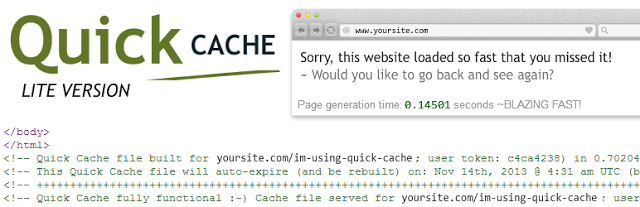
    24. Quick Cache (Speed Without Compromise) —Download

    Speed your website loading with this easy-to-use cache plugin.
    23. MailPoet Newsletters (formerly Wysija) —Download

    Send newsletters, post notifications or autoresponders easily from your WordPress site. 

    22. W3 Total Cache —Download

    Similar to Quick Access, W3 Total Cache plugin improve your site speed and delivers your contents faster.

    21. Meta Slider —Download

    Meta Slider is a flexible, easy to use slideshow administration plugin that lets you choose between 4 jQuery sliders.
    20. Broken Link Checker —Download

    This plugin will check your posts, comments and other content for broken links and missing images, and notify you if any are found.

    19. bbPress —Download

     A free plugin that will install forum functionality into your WordPress site.

    18. Better WP Security —Download

    This plugin helps you secure your WordPress site.

    17. Facebook

    Add Facebook social plugins and the ability to publish new posts to a Facebook Timeline or Facebook Page. Official Facebook plugin. 

    16. WP Super Cache —Download

    This plugin generates static html files from your dynamic WordPress blog. After a html file is generated your webserver will serve that file instead of processing the comparatively heavier and more expensive WordPress PHP scripts.

    15. Google Analyticator —Download

    Adds the necessary JavaScript code to enable Google Analytics in your WordPress Site.

    14. Contact Form —Download

    An easy to use plugin that let you implement contact form to any page or post in your blog.

    13. Captcha —Download

    This plugin allows you to implement super security captcha form into web forms.  

    12. BackWPup Free – WordPress Backup Plugin —Download

    Schedule complete automatic cloud backups of your WordPress site.  

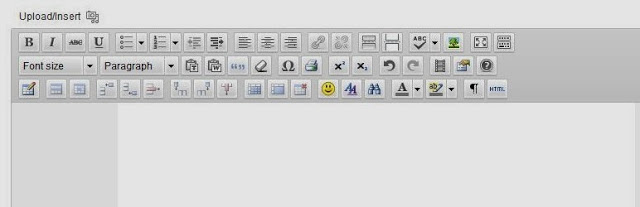
    11. TinyMCE Advanced —Download

     Beef up the WordPress TinyMCE content editor with a plethora of advanced options. 
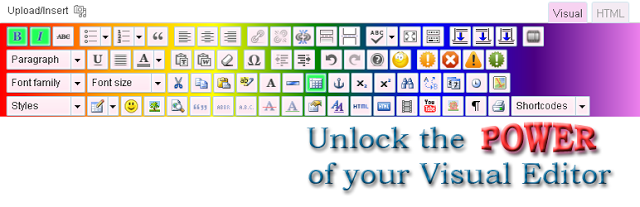
    10. Ultimate TinyMCE —Download

    Adds advance editing functions to the WordPress WYSIWYG editor.
    9. WooCommerce – excelling eCommerce —Download

    Convert your WordPress site into an online store with this simple plugin.

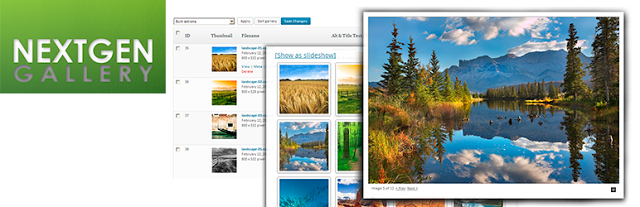
    8. NextGEN Gallery —Download

     Create decent galleries with this free plugin.
    7. WPtouch Mobile Plugin —Download

    Want to create a mobile site on WordPress? Here is your chance. WPtouch Mobile is a free plugin that helps you setup a mobile site on WordPress with 1,2,3 touches.

    6. Akismet —Download

    A war has long be declared between spammers and webmasters. This plugin helps you fight spam on your comment section.

    5. WordPress Importer —Download

    Import posts, pages, comments, custom fields, categories, tags and more from a WordPress export file. 

    4. Google XML Sitemaps —Download

     This plugin will generate a special XML sitemap which will help search engines such as Google, Bing, Yandex, etc crawl your site faster and more effectively.
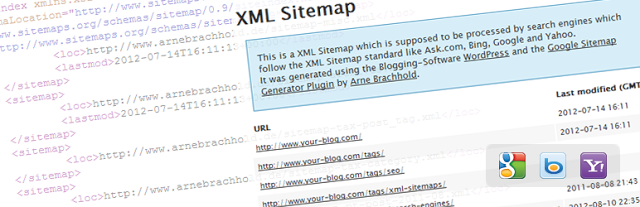
    3. Jetpack by WordPress.com —Download

    Supercharge your WordPress site with powerful features such as: Email subscription, CSS editor, Hovercard popups, etc previously only available to WordPress.com users.

    2. All in One SEO Pack —Download

    No SEO knowledge is required – All in One SEO Pack is a WordPress SEO plugin to automatically optimize your WordPress blog for Search Engines such as Google. Even as a total novice, you can use custom titles, custom url, advanced canonical URLs, fine tune page navigational Links on your blog posts. This plugin also helps you avoid duplicate articles submitted to you as a guest post.

    1. Contact Form 7 —Download

     Let your customers, clients or readers contact you from your WordPress site. Contact Form 7 is an Ajax contact form with easy to use interface. Can easily be embedded into any page.

    +1 WordPress SEO by Yoast —Download

    Sitting at the top of our list is ‘WordPress SEO by Yoast’ plugin. This plugin helps you improve your WordPress SEO: Write better content and have a fully optimized WordPress site. Though the functions are a bit similar to that of All in One SEO Pack, the premium supports offers more.

  • Top 70+ Responsive Corporate WordPress Themes

    Top 70+ Responsive Corporate WordPress Themes

    One of the fundamental aspect of a good website is it’s layout: The design of your website might give you an edge over your competitors, as websites with attractive designs are often viewed as more credible to those with less attractive layouts.

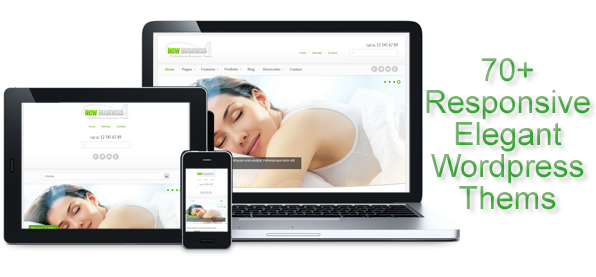
    There are loads of WordPress themes out there but we are focusing on the ones with responsive layout and easily customizeable. If you are wondering how a responsive site works, I’m going to give you an insight on how the browser renders responsive themes.

    As mobile computing goes viral, the need for mobilized layout becomes piratically essential. Different users access your website via various devices and screen sizes: Some from small screen devices like Blackberry, iPhone, others from larger screen sizes like the iPad, Kindle or Netbook. Now, you cannot base your website layout on one device or screen size, as that will limit the access of users from other devices.

    Responsive Web design prompts your design and development to respond to the user’s behavior and environment based on screen size, platform and orientation. The practice consists of a mix of flexible grids and layouts, images and an intelligent use of CSS media queries. As the user switches from their laptop to iPad, the website should automatically switch to accommodate for resolution, image size and scripting abilities. In other words, the website should have the technology to automatically respond to the user’s preferences. This would eliminate the need for a different design and development phase for each new gadget on the market.
    In this post we shall be looking at 70 of such themes you can use on your WordPress self-hosted website.

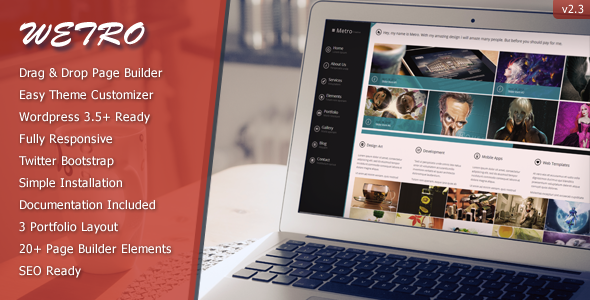
    1. The Wetro

    The Wetro is Windows 8 Metro layout inspired HTML5 & CSS3 theme. With it’s powerful wordpress substructure you can manage everything. Most of the pages are built with drag and drop.  It is so easy to manage pages with drag and drop content. It has 20 page elements which you can put where ever you want with just drag and drop.   The Wetro comes with 2 menu options. Default one is left side menu. The other one is top menu with completely different layout. You can easily switch between them with just a click.   Also, You can use our colorpicker tool to change color of The Wetro. You can either do it from admin panel or use WordPress’ theme customizer to see it live.

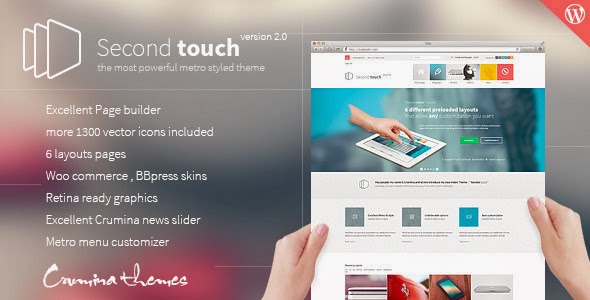
    2. Second Touch

    Second Touch is clean, light-weight, retina ready, fully responsive metro style WordPress theme. Its powerful customization capabilities enable you to create your outstanding website easy and fast.

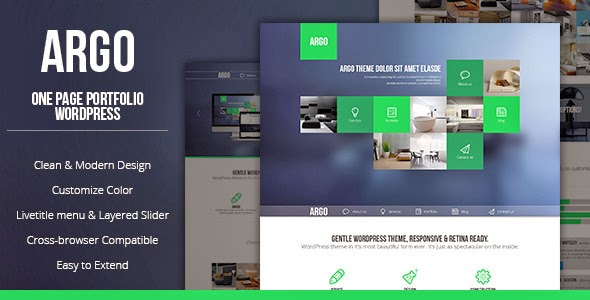
    3. Argo – Modern OnePage Metro UI WordPress Theme

      ARGO is a unique and creative WordPress Theme with clean and modern design. It is perfect choice foryour corporate agency, creative studio or for portfolio. It can be customized easily to suit your wishes.

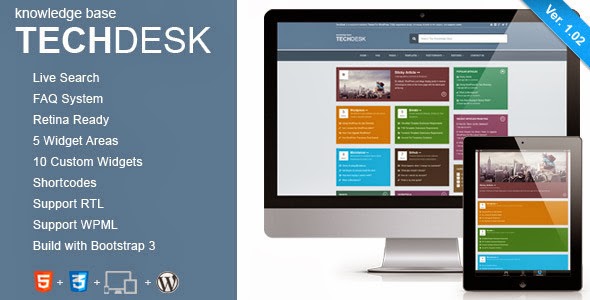
    4. TechDesk

    Clean and intuitive design with a tons of features & options: live search, widgetized areas, faq post format, shortcodes and much more. This theme can easily be used to build a FAQ site.
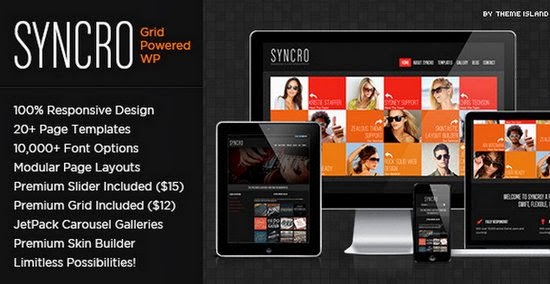
    5. Metro – Responsive WordPress Theme

    An elegant theme with cute layers. It gives your website a decent appearance.

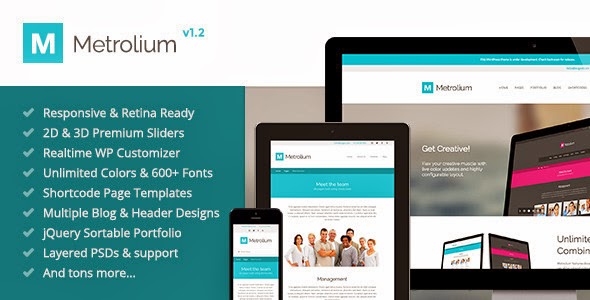
    6. Metrolium

    Metrolium is a modern, metro inspired, multi-purpose, Retina Ready responsive WordPress theme. Beautifully designed, lovingly coded and absolutely bursting with functionality.

    7. MetroVibes Responsive theme

    MetroVibes Responsive theme is a modern and responsive metro WordPress theme perfect for a creative agency or a portfolio showcase website and is bound to turn some heads. The elegant and minimalistic look will definitely give a modern vibe to your website and will impress each and every one of your visitors.

    8. Metpo

    Metpo is a Responsive and HTML5 Ready Magazine Theme

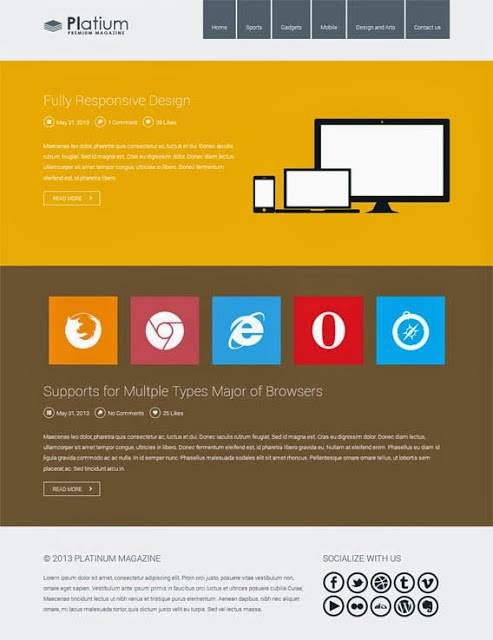
    9. Platinum Responsive Magazine Theme

    Platinum Responsive Magazine Theme is a magazine based design or as what commonly called blogging theme its design is based and inspired by the popular Windows 8 OS.

    10. Rocket Board

    Rocket Board is a super awesome portfolio WordPress Theme with METRO style. You can set each thumbnail size as 1×1, 1×2, 2×1 or 2×2 easily. This theme also allow user to set specific colour on each metro box or just use the default colour from admin panel. You can also set the first state of metro box to show as colour box or show as feature image. 

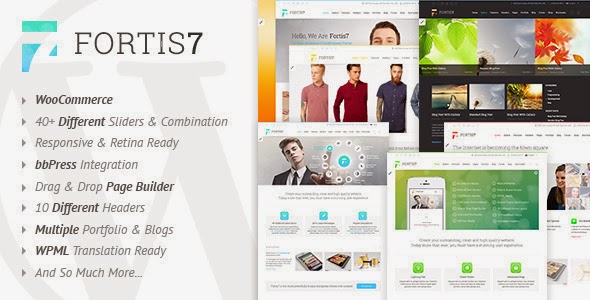
    11. Fortis7 – Responsive Multi-Purpose WordPress Theme

    Fortis7 is a responsive bbPress-compatible WordPress Theme, suited for business websites and users who want to showcase their work on a neat portfolio site. 

    12. Brandon – Responsive Multi-Purpose WordPress Theme

    Brandon WordPress theme is a great, modern, responsive and easy to use theme for your business. The themes comes with an easy to use Muffin Builder which let you create any page you want without any knowledge in html, php or css. 

    13. Time

    Time WordPress theme is suitable for a variety of site types: crative portfolio, big corporate site, personal blog, product-oriented site, video gallery & photo album – you name it. It is what you will call ‘a multipurpose’ theme.

    14. Daisho

    Daisho WordPress theme brings awesomeness to reality, giving your website an amazing clean layout that will surely keep your visitors comfortable.

    • Also Read:

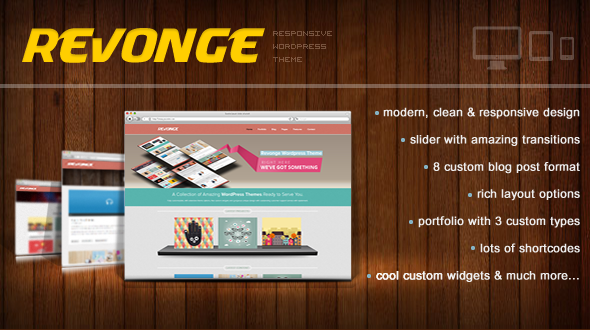
    15. Revonge

    REVONGE

      If you are looking for a light weight theme with clean layouts; Revonge WordPress theme might be just the ideal theme.

    16. Underground

    Underground is a 2 in 1 (Onepage and Multipage) Responsive WordPress Theme. It is a multipurpose theme: Suitable for personal onepage or multipage websites/blogs, business websites, shop websites, users who want a very nice portfolio website where they can showcase their work, or for any other purpose website.

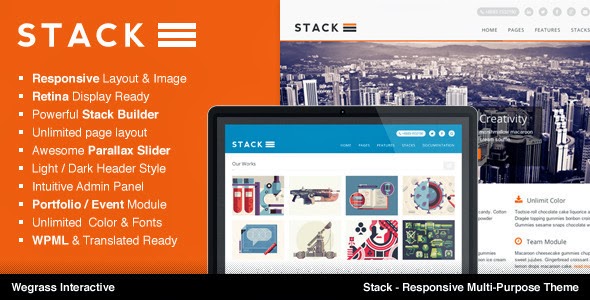
    17. Stack

    Stack is a clean, flexible, responsive on both layout & image and fully support retina display. 

    18. Sentinel

    Sentinel WordPress theme is one of the most recent theme added to the already long list of WordPress theme. However, what makes this theme stand out among the rest is it’s highly SEO optimized structure. The theme also has elegant responsive layout with retina ready display.

    19. Amzola WordPress Theme

    Amzola WordPress Theme

        Amzola WordPress Theme is specially designed for magazine websites. It is responsive, clean as well as beautiful.

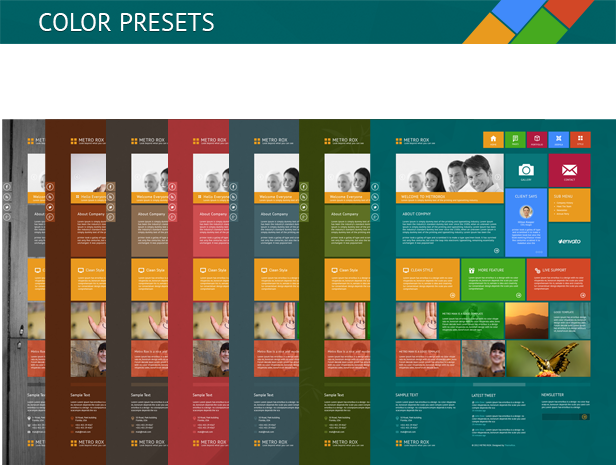
    20. Metro Rox HTML5 WordPress Multipurpose Theme

    Metro Rox HTML5 WordPress Multipurpose Theme

        Metro Rox is a HTML5 WordPress Multipurpose Theme inspired by Windows 8 Metro UI

    21. Smart7

      Smart7 is a multipurpose WordPress theme with decent layout.

    22.  Safarica

    Safarica

      Though, cannot be classified as a multipurpose theme; Safarica can be used on personal blogs as well as business blogs.

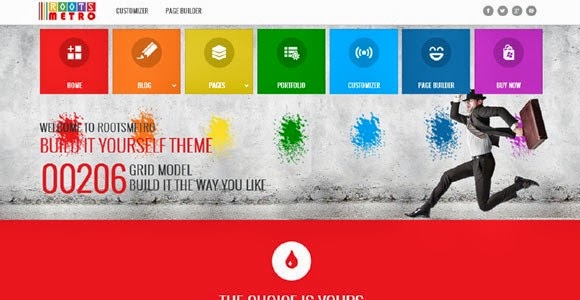
    23. Built it yourself Responsive Theme

    Built it yourself Responsive Theme

      This theme is self explainable: It is totally customizeable, meaning that you can mold it to suite your taste without much knowledge on CSS, PHP or coding.

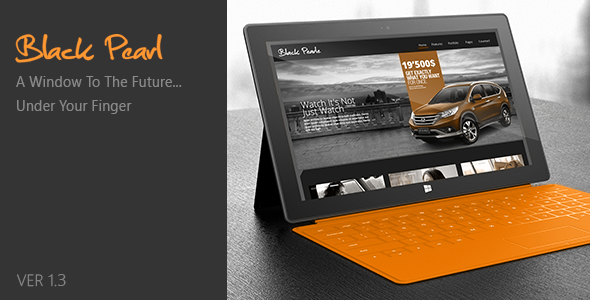
    24. Black Pearl – Responsive WordPress Theme

    Black Pearl – Responsive WordPress Theme

      Black Pearl responsive WordPress theme is work inspired by metro style design. It is multipurpose theme suitable for any kind of website.

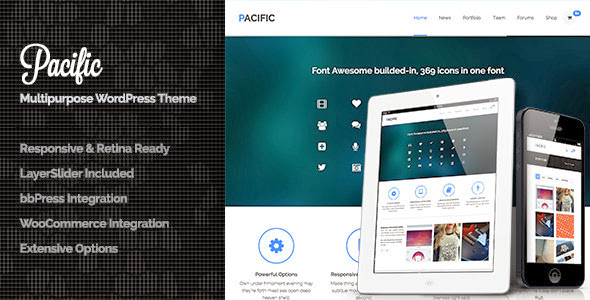
    25. Pacific

    Pacific is a responsive & retina ready all in one theme, with good SEO optimization.

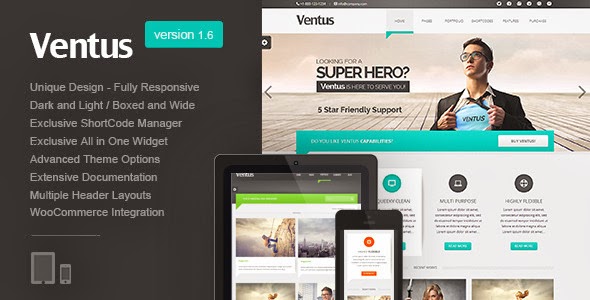
    26. Ventus

      High quality WordPress theme suitable for portfolio sites.

    27. Sensica

    Sensica is a responsive WordPress theme to easily show off your portfolio.

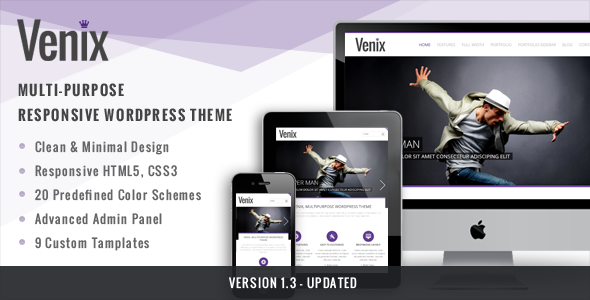
    28. Venix

    Venix is a very clean multipurpose wordpress theme based on responsive HTML5 & CSS3. The design is a new trend, it aim to highlight your work and services leaving away others graphic elements. This theme has been developed to to serve at all your needs, it comes with a wide range of options that will allow you to doing almost everything you want with the theme.

    29. FacePress – Community Content Sharing

    FacePress – Community Content Sharing

    FacePress is a flexible well designed WordPress theme that allows you to make your site fully controllable. It’s elegant layout adds a decent feel to your website.

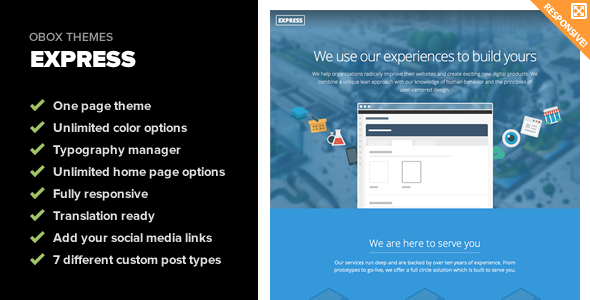
    30. Express

      This is a well designed multi-layout WordPress theme designed specially for portfolio websites. It can also be used on business blogs but not on personal blogs.

    31. Increase – Premium Business WordPress Theme

    Increase – Premium Business WordPress Theme

    32. Syncro | Grid Powered WordPress

    Syncro | Grid Powered WordPress

    33. NEWS24 | 4 in 1 News/Magazine WordPress Theme

    NEWS24 | 4 in 1 News/Magazine WordPress Theme

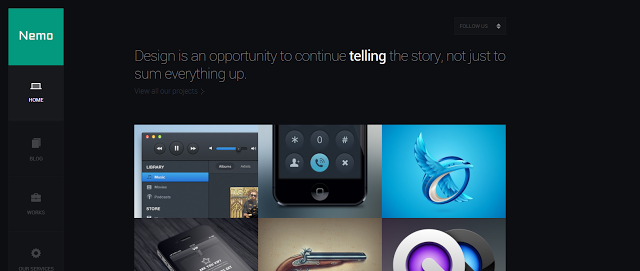
    34. Nemo

    Nemo

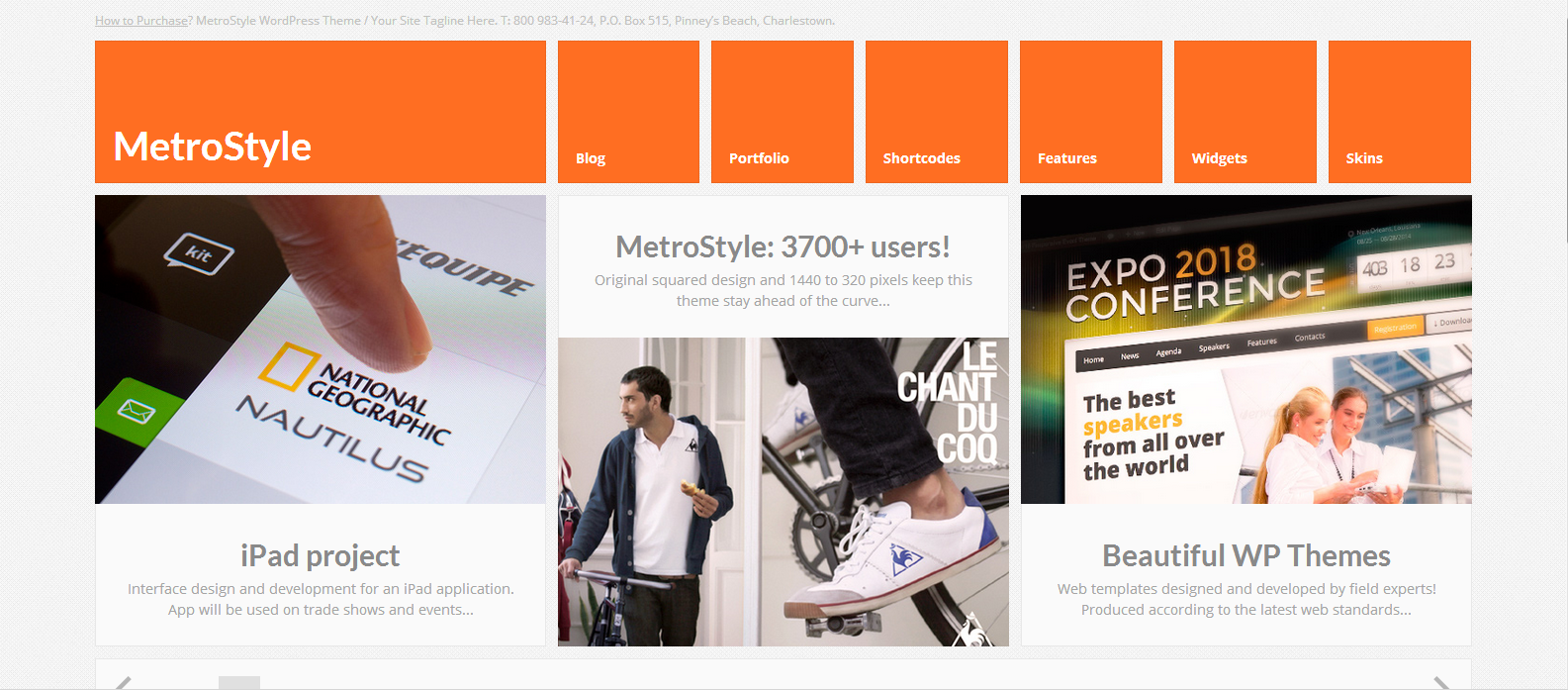
    35. MetroStyle Responsive All Purpose WordPress Theme

    MetroStyle Responsive All Purpose WordPress Theme

    36. Themify Metro WordPress Theme

    Themify Metro WordPress Theme

    37. Metrika

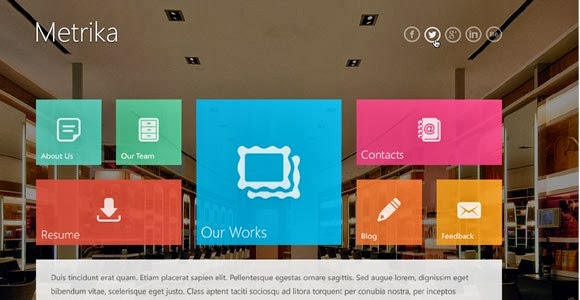
    Metrika

    38. Everest – Premium WordPress Theme

    Everest – Premium WordPress Theme

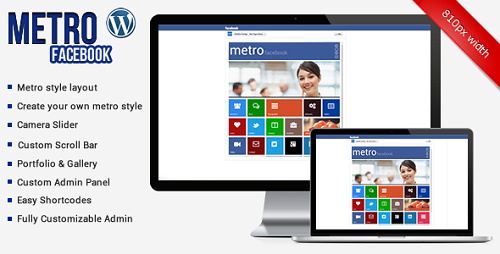
    39. Metro Facebook Timeline WordPress Template

    Metro Facebook Timeline WordPress Template

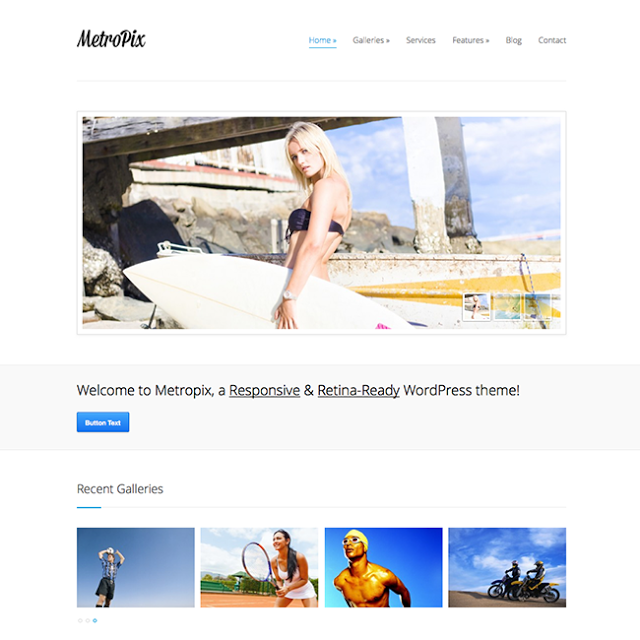
    40. MetroPix

    MetroPix

    41. OneCommunity

    OneCommunity

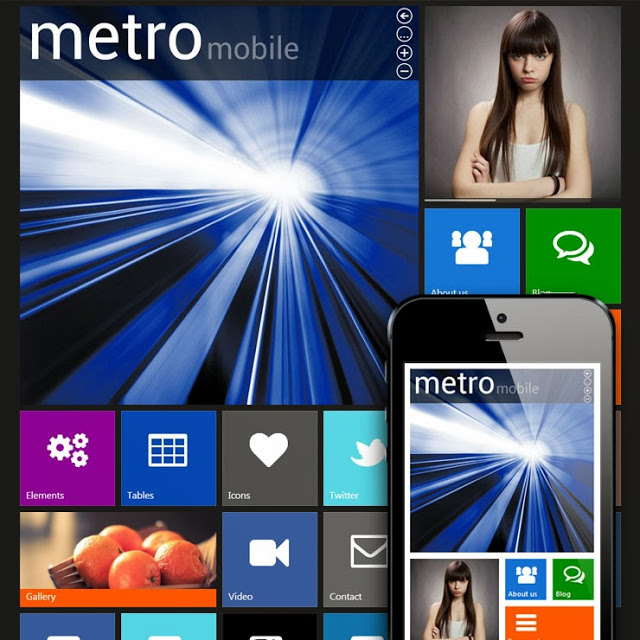
    42. Metro Mobile Premium WordPress Mobile Template

    Metro Mobile Premium WordPress Mobile Template

    43. Novelti

    Novelti

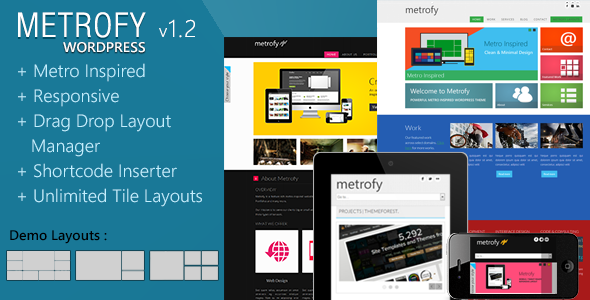
    44. Metrofy WP

    Metrofy WP

    45. Success – WordPress Bootstrap Theme

    Success – WordPress Bootstrap Theme
    • Also Read:

    46. Appstract

    Appstract

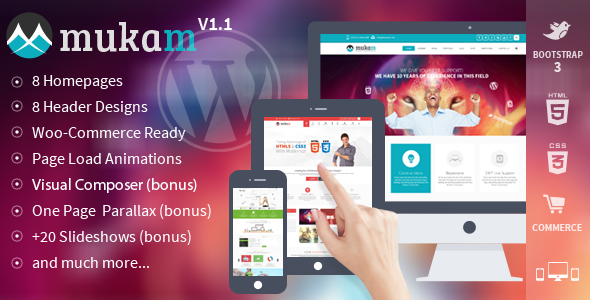
    47. Mukam

    48.  Good Bones: The WP SandBox Theme

    Good Bones: The WP SandBox Theme

    49. Acid – Unique Horizontal Blog and Portfolio Theme

    Acid – Unique Horizontal Blog and Portfolio Theme

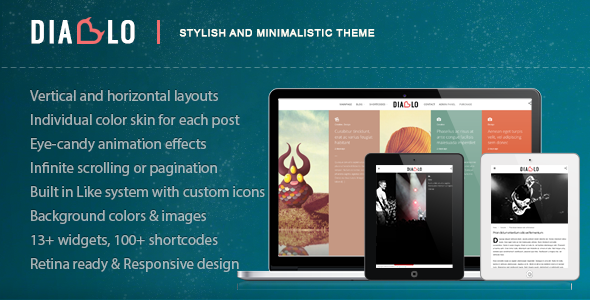
    50. Diablo – Eye-candy Minimal Responsive WP Theme

    Diablo – Eye-candy Minimal Responsive WP Theme

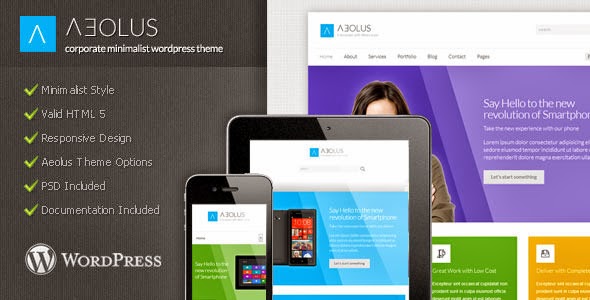
    51. Aeolus

    Aeolus

    52. Parkour | Unique Horizontal Layout With Options

    Parkour | Unique Horizontal Layout With Options

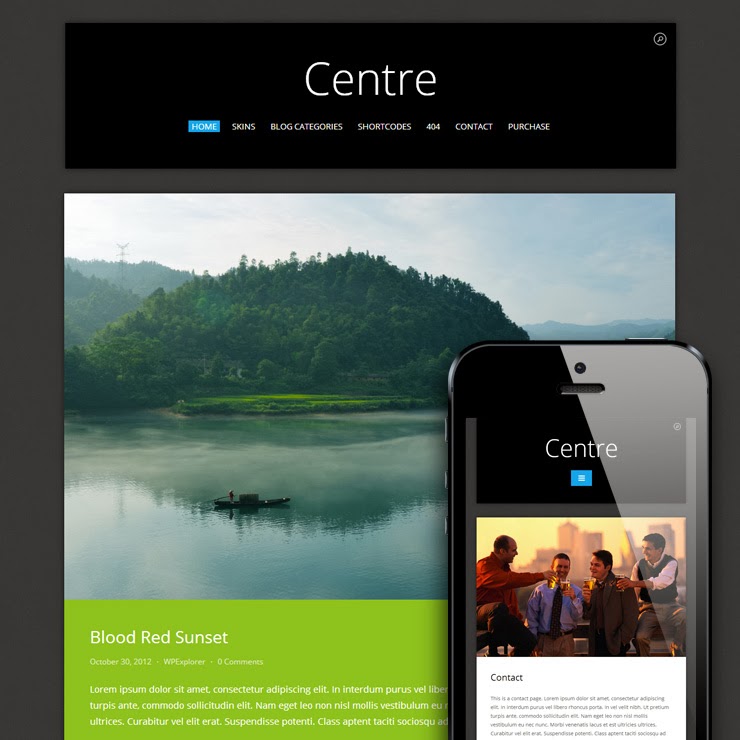
    53. Centre Responsive Metro WordPress Theme

    Centre Responsive Metro WordPress Theme

    54. Matrix

    Matrix

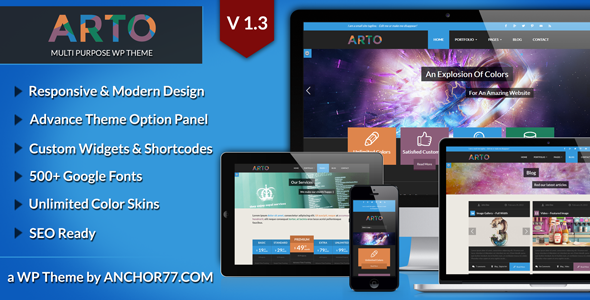
    55. Arto

    Arto

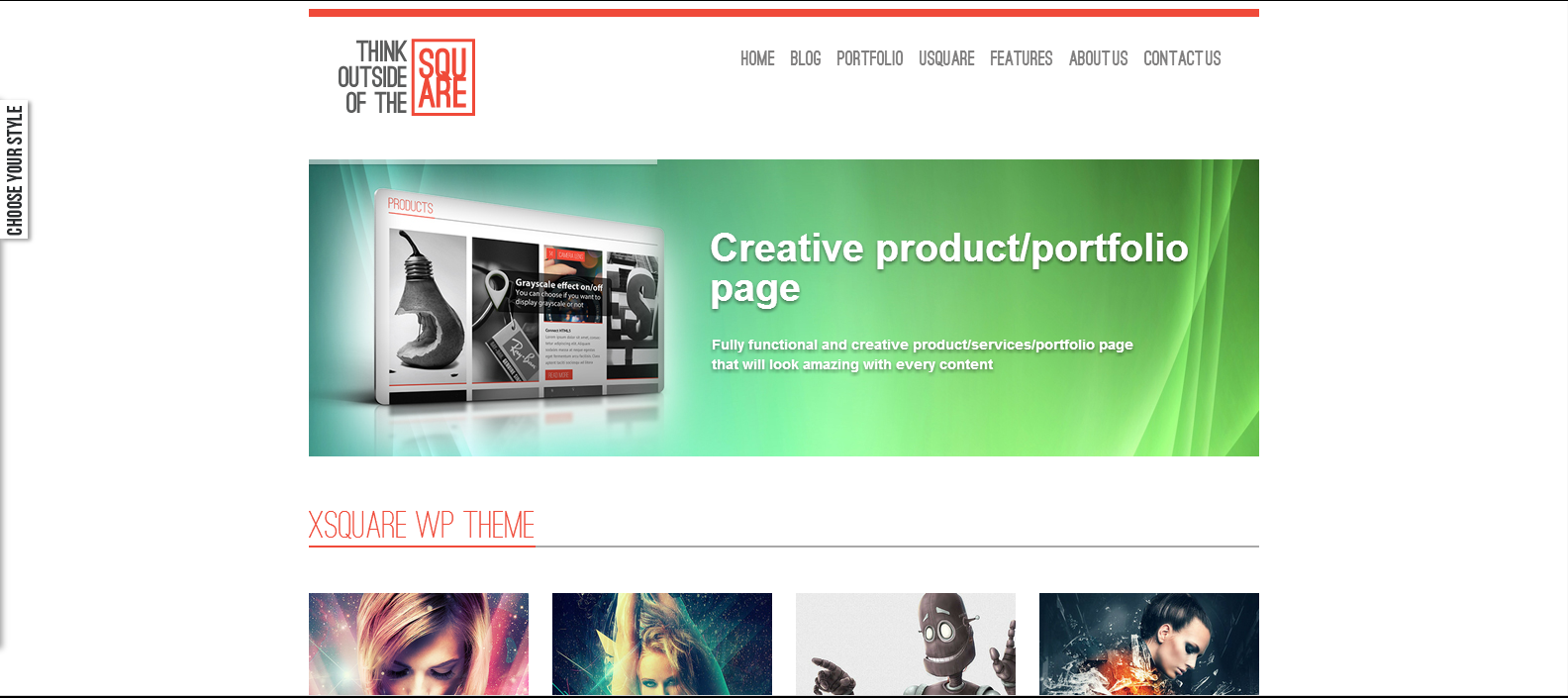
    56. xSquare

    xSquare

    57. K-BOOM – Events & Music Responsive WordPress Theme

    K-BOOM – Events & Music Responsive WordPress Theme

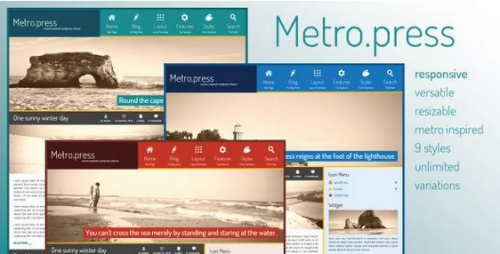
    58. Metro.press

    Metro.press

    59. Bloggit – Responsive WordPress Blog,Magazine,News

    Bloggit – Responsive WordPress Blog,Magazine,News

    60. Blogbold

    Blogbold

    61. Touch Responsive & Bootstrap WordPress Theme

    Touch Responsive & Bootstrap WordPress Theme

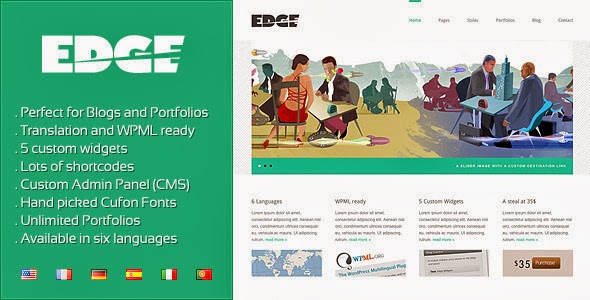
    62. Edge – Professional Corporate and Portfolio WP

    Edge – Professional Corporate and Portfolio WP

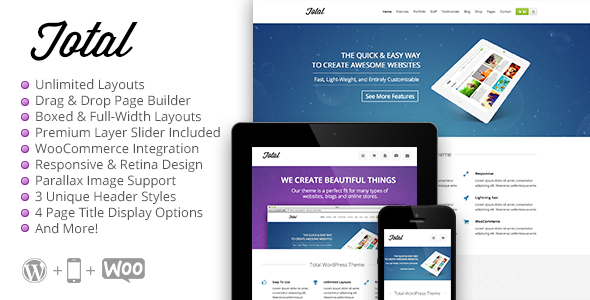
    63.Total – Responsive Multi-Purpose WordPress Theme

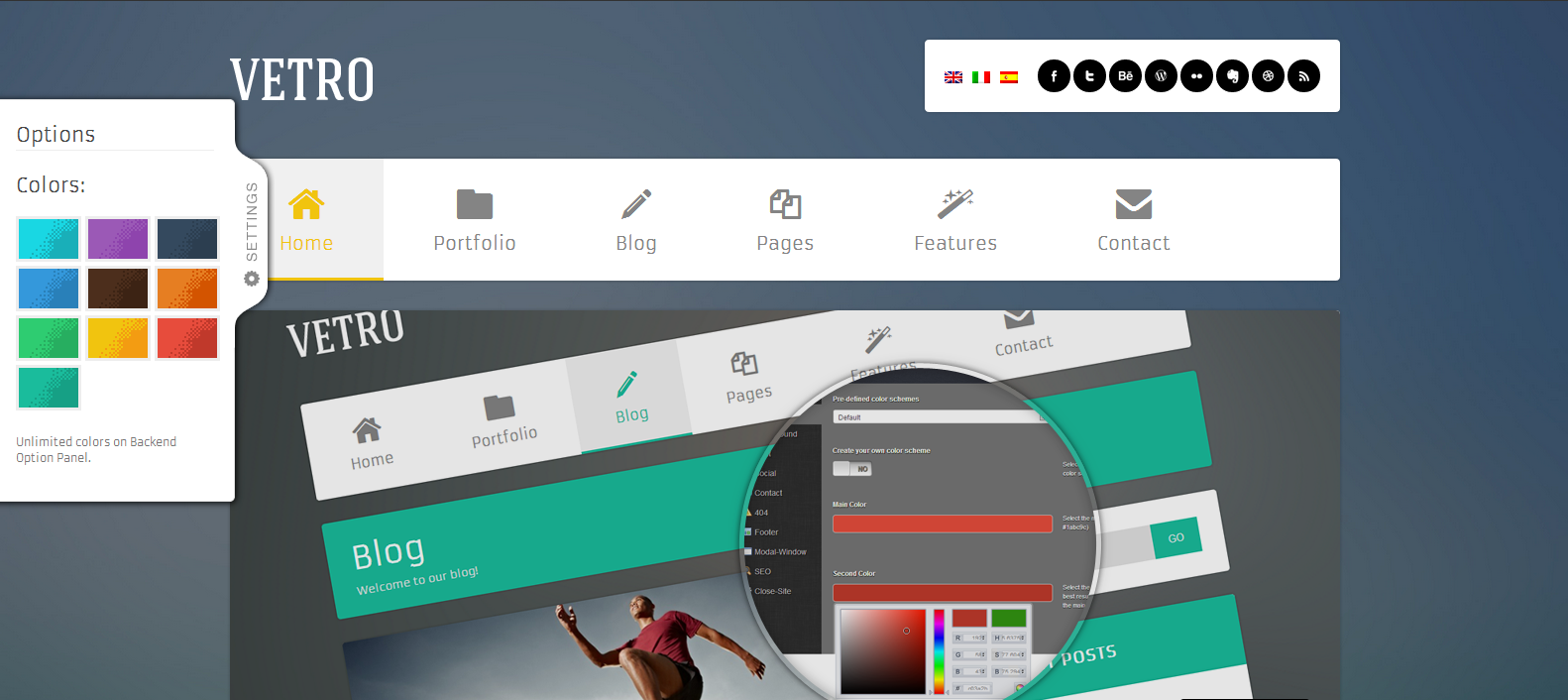
    64. Vetro

    Vetro
    • Also Read:

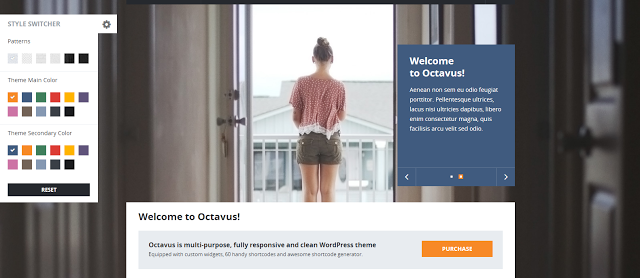
    65. Octavus Responsive Portfolio WP Theme

    Octavus Responsive Portfolio WP Theme

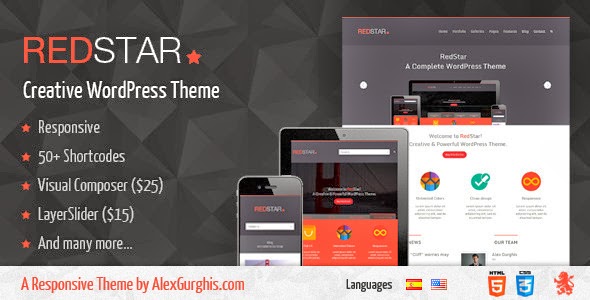
    66. RedStar

    RedStar

    67. One Touch

    One Touch

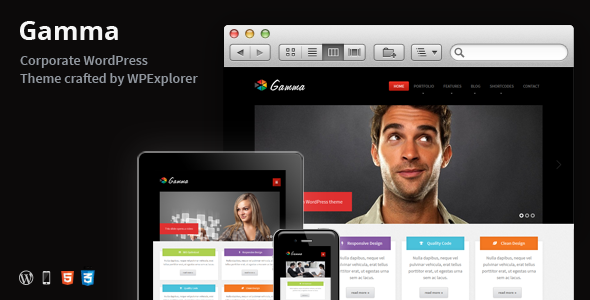
    68. Gamma – Responsive Multi-Purpose WordPress Theme

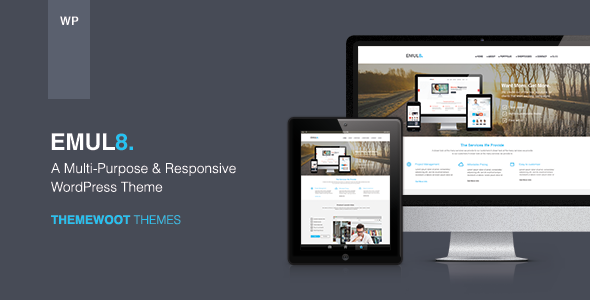
    69. Emulate

      Emulate is a clean, modern design multipurpose wordpress theme can be used for any type of website build professional and modern websites.

    70.BEE – Responsive & Retina Multi-Purpose WP Theme

  • Build A Social Network With WordPress (Part 2)

    Build A Social Network With WordPress (Part 2)

    Last time I wrote an article on Building A Social Network With WordPress (Part 1) today we are going to look at the top ten plugins you will need for your social network. This plugins combines well with the buddypress plugin to give make your website a user friendly community.

    Top 10 Plugins for Your WordPress Social Network

    ✔ BP Community Activity on Profile

    This is similar to the activities log on facebook.com; it plugin shows all the community activity on a user’s profile. It also include a menu  titled “All Activity” to user activity.

    Download Plugin

    ✔ BP Auto Login On Activation Plugin

    This plugin automatically login users after creating an account. Unlike the buddypress usual behaviour the Bp Auto Plugin On Activation Plugin redirects users to their profile after registration.

    Download Plugin

    ✔ Custom Admin Bar

    The Custom Admin Bar allows you to customize the admin bar and add your quick links, it also allows you to use a logo on the admin bar.
    This plugin is generally supported by any wordpress that has an admin bar.

    Download Plugin

     ✔ BP Custom Background For User Profile

    Some piece of twitter wonder? This plugin will let your users upload a custom background image to their profile like you do on twitter.

    Download Plugin

    ✔ BP Username Changer

    Lets your users change their usernames. This plugin runs an automatic search to see if a username is already in use before assigning it to a user.

    Download Plugin

    Must Read: https://ewtnet.com/2013/07/build-social-network-with-wordpress.html

    ✔  YD BuddyPress Feed Syndication

    This plugin lets you syndicate external RSS feeds into your site’s BuddyPress activity feed. It enables each BuddyPress user to select as many external RSS feeds as he wants. Those feeds will be aggregated (mixed) into their activity feed automatically, with a title, an excerpt and a link to the original post.

    Download Plugin

    ✔ BuddyPress Message Privacy Plugin

    BuddyPress Message Privacy Plugin allow your users to control who can message them. It includes basic features such as: a user can opt to receive messages from everyone, friends only or even specify a custom list of users from whom he want to receive messages. He can also create a custom list for other users who can send him a message, as well as a blacklist of users who will never be able to send him a message.

    Download Plugin

    ✔ BP Export Users

    Just recently buddypress included the development of this feature in their roadmap. While waiting for the official core release buddypress users can still make due of this plugin to export all user data from WordPress and BuddyPress to CSV.

    Download Plugin

    ✔  BuddyPress Group Suggest Widget

    This plugin suggest groups already created on your social network to other users based on their friend’s group.

    Download Plugin

    ✔ BuddyPress Simple Google Map

    The BuddyPress Simple Google Map plugin uses the static Google map API to add the maps to groups. It also includes a widget to showcase the map in the sidebar.

    Download Plugin

  • Build A Social Network With WordPress (Part 1)

    Build A Social Network With WordPress (Part 1)

    The worst and the most mysterious attribute that is placed in every human by whoever made it, is probably the lack of satisfaction that is been found in every human being. Let’s take this for example: All you desired to have was a blog to share your ideas; and that is why you chose wordpress, now you have a lots of audience, more blog post, want your audience to be contributing effectively and that’s why you are searching for a social network 🙂 If you found yourself in this condition, do not feel sad because you are not alone.   What’s more?“The horn can never be too heavy for the head that must carry it” Normally in a situation like this ideas like moving to a different cms often pop into your head but I can assure you that there will be no need for that. You can actually integrate social network into your wordpress blog.

    How does it work? I don’t expect this information to be new to everyone, as a matter of fact if you are coming from a search engine, get ready to burst for excitement for this awesome wordpress plugin. BuddyPress is social networking, the wordPress way. Easily create a fully featured social network inside your wordpress.org powered site. Why BuddyPress? Not like I know another
    alternative but whether an alternative exits or not buddypress combines pretty well with some cute wordpress plugins to give you a dream social network sooner than you expected. BuddyPress allows users
    sign-up and creating profiles, posting messages, making connections, creating and interacting in groups, and much more. A social network in a box, BuddyPress lets you easily build a community for your company, school, sports team, or other niche community.

    Getting Started with BuddyPress?
    Starting is breeze, first you need to download and install  the buddypress plugin also try the following buddypress compatible plugins:

    Top 10 Plugins for YourWordPress Social Network

  • Create a contact Form for Websites, Worpress, Blogger With File Upload Option

    Create a contact Form for Websites, Worpress, Blogger With File Upload Option

    Email contact-form

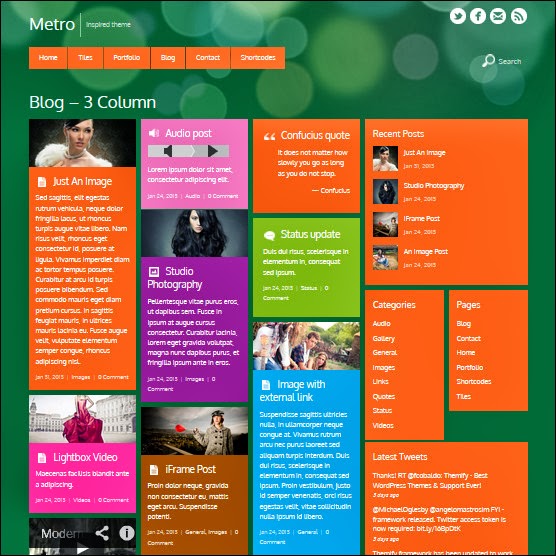
    Create a simple contact form with no company Ads and along with an upload option that will allow your visitors to send you files straight from your website. The files can be a text file, video, audio, pdf, gif, png, anything. Follow these steps:
    Live Demo

    Create a Free Web Contact Form

    Sign up for a free account at emailmeform
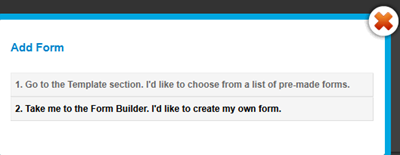
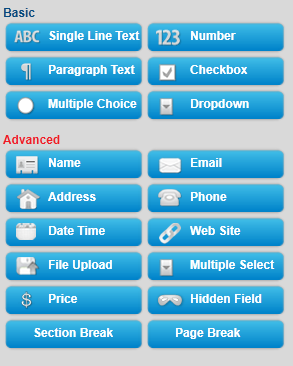
    Once you are registered click the “Add a Form” button and choose the form builder option.
    add form
    Keep your form simple with some important fields only like Name, Website URL, Email, Age, Country, Subject and Message. The form builder looks like this,
    form builder
    The form builder has blue buttons at left and display at right. When you click a button on left the effect is displayed on right. Now kindly follow as I instruct for keeping things simple and for creating a simple but informative contact form.
    Follow this order:

    1. Click the Name button in advance section
    2. Next click Web site
    3. Next Email
    4. Next Hidden Field. Now click the hidden field section on the right and rename it as Age
    5. Next click Hidden Filed again and rename it as Country
    6. Next click File Upload  (Optional you can leave this option if you don’t want users to send you files via email)
    7. Now From the Basic section click Paragraph Text & click it to rename it as Message
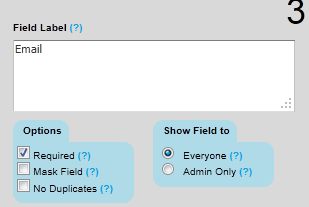
    8. To make a specific form option a must to fill then simply click that row and select required as shown below
    edit form fileds

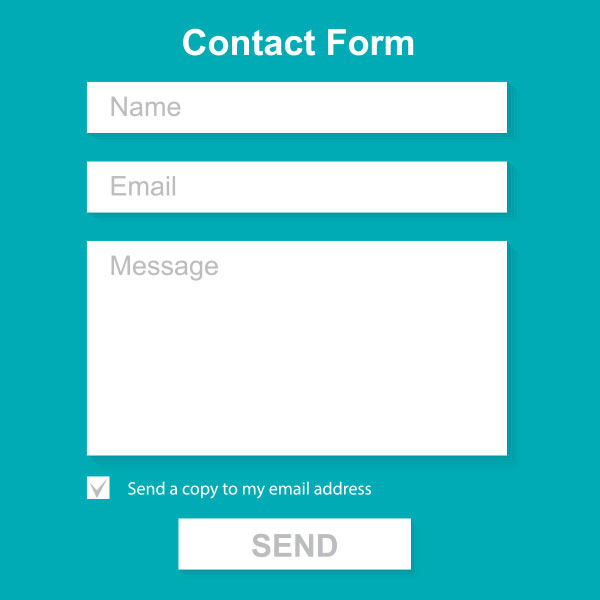
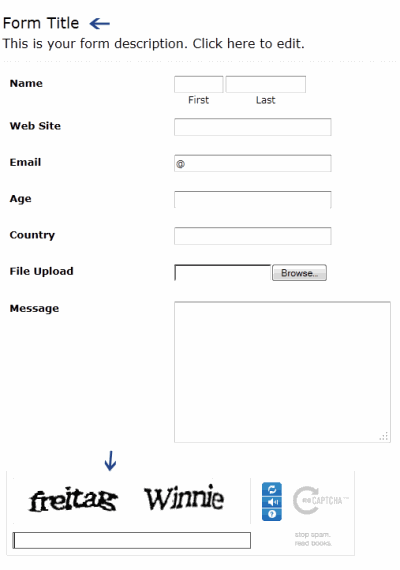
    Your contact form now must look something like this:
    contact-form
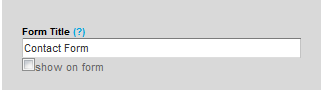
         9.   Click the Form Title and add some message there for your visitors. For example you can write :

    We Love To Hear From You
    Feel free to ask for any help. We will catch you back as soon as time allows

    If you wish you can remove the form title by unchecking the box and deleting the description text. See below

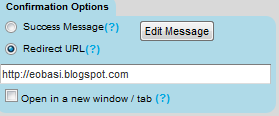
         10.    Now on the form settings choose Redirect URL and insert the page link of your thank you page. A thank you page is something like this

    You may create a separate post for this by giving it an old publishing date. Blogger users can create a Page instead of Post.    
    11.  Now replace send Email by submit and align it to right as shown below:
    submit button
      12.  Next click the Captcha Code at the bottom and select the none option from the left section as shown below:
    remove captcha-code
    This security code is often added to prevent spam but I have never used this security code and I honestly have received not even a single spam till today. Just remove it to make the contact form even more neater.
    13.   Finally hit the Save Form Button and a window will appear as shown below:
    save form
    14.   Choose the second option and add a recipient email ID. Choose an ID that you often use so that whenever someone leave a message you may receive it straight in your inbox. You can also add more than one recipients. See below:

    Leave other options as default. Hit Save! Now choose the third option.
    save contact form
    15.   In Form manager Click Code

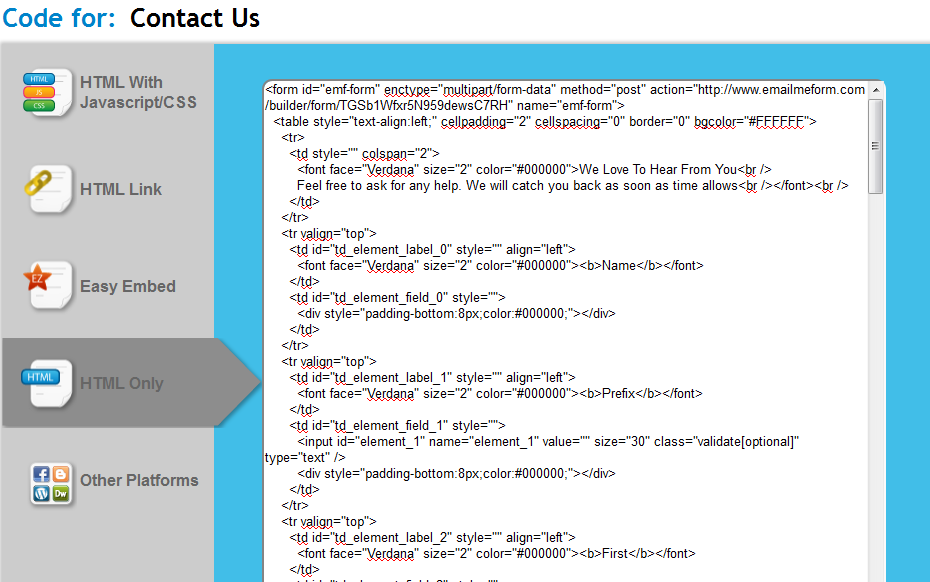
    16.  Choose the HTML Only option and copy the code.

    Now simply copy the code and paste it in your contact page. To delete the emailmeform logo from the contact form find and delete a similar code like the one below from the code you just copied.

    </p> <div>Powered by<span style=”position: relative; padding-left: 3px; bottom: -5px;”><img src=”https://ewtnet.com/wp-content/uploads/2012/06/footer-logo.png” /></span>EMF <a style=”text-decoration:none;” href=”http://www.emailmeform.com/” target=”_blank” rel=”noopener noreferrer”>Forms Online</a> </div> <p><a style=”line-height:20px;font-size:70%;text-decoration:none;” href=”http://www.emailmeform.com/report-abuse.html?http://www.emailmeform.com/builder/form/r99G329aiV6k6″ target=”_blank” rel=”noopener noreferrer”>Report Abuse</a>

    Note: Paste the Contact Form code in Edit HTML mode only and hit the publish button on blogger Post Editor. Do not toggle to compose mode because this will collapse the form.

  • Submit your Websites to Search Engines for Free (Oxwall, WordPress, Joomla, Etc)

    Submit your Websites to Search Engines for Free (Oxwall, WordPress, Joomla, Etc)

    The inrtoduction of internet to the modern age has really made this age a real “information and technology age”. An age where someone can simply find answers to most problem without lifting a foot.

    Since answers do not show up without being asked search engines plays major role in every person who is searching for answers on the internet hence putting webmasters and bloggers alike in good position to provide those answers.

    Fortunately for this generation, hundreds of websites are been added to the web everyday, making it difficult for search engines to locate and index all this pages in a short period of time. However, you can help the three major search engines locate and index your website quicker by following the links below.

    Google

    Yahoo!

    Bing/MSN