Sketching on your iPad made easy by Forge

Share This Post

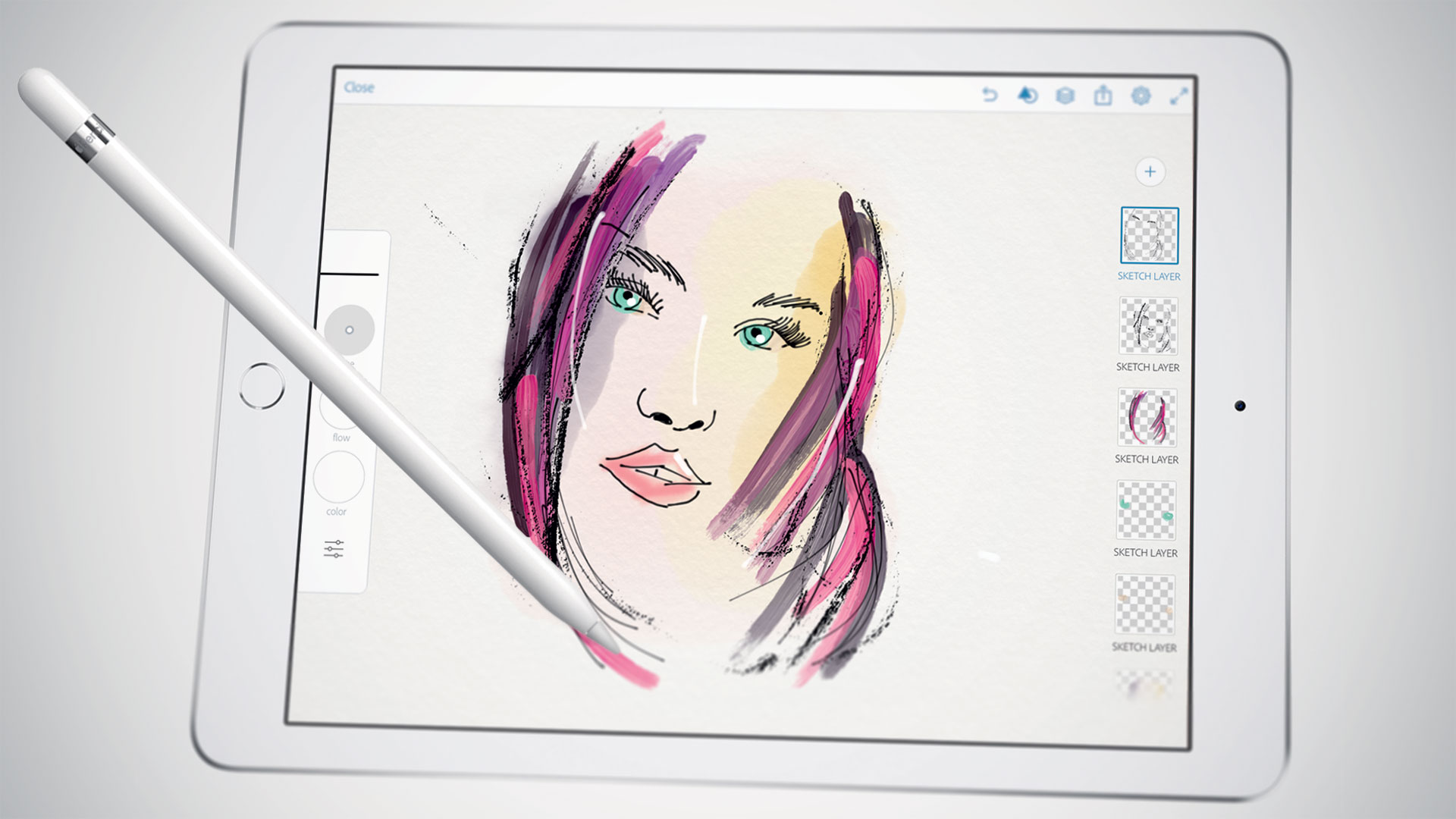
iPad is a great tool for sketching out ideas on the go, and Forge is a digital work space for visual thinking or is an app that makes sketching process a little easier by working less like a drawing app and more like a brainstorming tool.

Forge puts more of a concentration on brainstorming than drawing. You can save multiple drafts of drawings so you can iterate on ideas quickly and then see all those drawings on a big project board. That said, it still comes packed with a ton of adjustable brush sizes and color palettes. The app’s also free to check out, then $3.99 if you end up needing more projects.

Stay Ahead: Join the EwtNet Insider Email Club!

Stay informed and up-to-date with EwtNet's email subscription. Join our exclusive community and receive curated news, updates, and insights tailored to your interests.

Related Posts

Roughly 1000 Transactions Made with Apple Pay Were Logged Twice in Customer Accounts

Roughly 1000 transactions were made with Apple. Some Bank...

Use 2go, BBM & Whatsapp on your Windows PC or Mac

Although future generations of PCs are likely to be...

Screencast Pro – Make Quality Videos with your Android Phone

This application works with rooted Android phones only. It...

Apple Pay’s Could Emulate Bluetooth File Share and Enable Phone-to-Phone Payments

The launch of Apple Pay this week is giving many people...

How to Fix an iPhone Stuck on the Apple Logo (2025 Guide)

If your iPhone is frozen on the Apple logo, don’t panic—it’s a common issue often caused by software glitches or interrupted updates. Start with a force restart, then try recovery mode or DFU mode if needed.
- Advertisement -

Discover more from EwtNet

Subscribe now to keep reading and get access to the full archive.

Continue reading